Just a quick update for anyone running Wappler on Ubuntu 24.04 on remote linux servers.
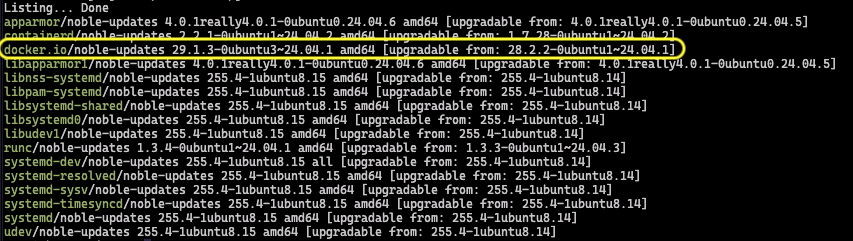
Regular Ubuntu updates have now started including Docker v29.1.3 in their general release cycle. Since the earlier Docker 29.x releases introduced several breaking changes, especially around DNS resolution, Traefik routing, and inter‑container networking, many of us have stayed on older Docker versions like 28.x.x to avoid issues.
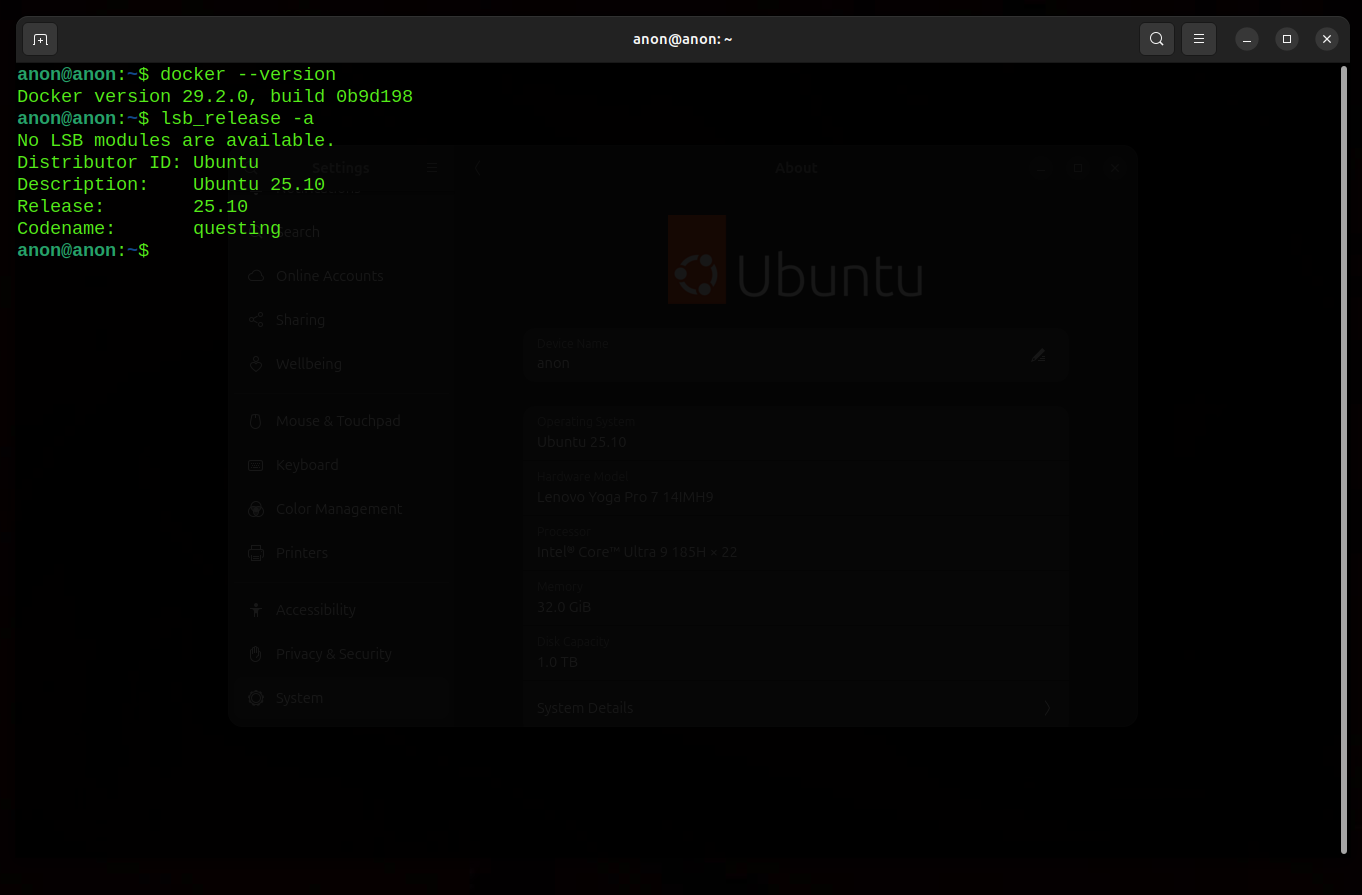
All working fine locally (29.2.0 on 25.10) but I am still very reluctant to update my production servers. I updated one of them a few months back and had to make a whole host of changes to Docker to get Traefik to respond (as Traefik does not run locally this is not an issue obviously).
Further. You can run sudo apt-mark hold docker.io which should maintain your current Docker version. I'm sure this is what I did but I've deleted my bash history since so can't find the exact command I used but am pretty sure this is it...
I'm also reluctant to update my production servers to docker v29.x.x after experiencing DNS and networking issues.
Thank you for providing a way to hold a specific package from updating. The command you have posted here is correct. I have marked the docker.io on hold and updated other Linux packages on the server.
I still believe these are temporary fixes. An update from Wappler Team on the status of this issue would be really helpful for all Docker users, considering how Docker v29.x.x is now being included in the ubuntu general release cycles.
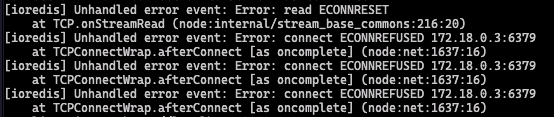
So, one of my production apps crashed because the Docker version on the server automatically upgraded to v29.x.x, which caused ioredis DNS errors. Somehow, I missed holding off upgrading of the docker.io package on this server.
Since Ubuntu’s docker.io package doesn’t include v28.2.2, I had to downgrade the Docker version to 5:28.2.2 using Docker’s official docker-ce package repository to get the app back up and running.
Would it be possible to find a permanent fix for this? Even though I’m now keeping the docker-ce versions from upgrading, this issue needs to be resolved to prevent any future problems with docker apps.
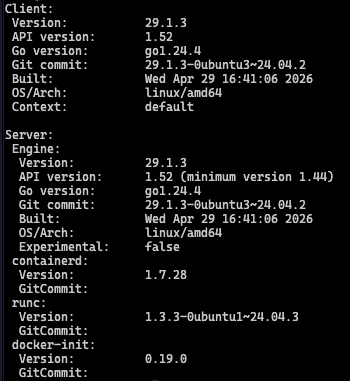
Help! I have a server, deployed using Resource Manager to Hetzner in Wappler and all the projects now just show 404 errors for every page, including the traefik and portainer consoles. It is ubuntu 24.04.4 LTS and Docker now shows 29.1.3 for docker –-version
I did not attempt to redeploy the Docker app. Based on my previous attempts to fix this problem on other servers, redeployments with Docker v29.x.x. did not work.
To get the server back up and running for the client, I downgraded the Docker to v5:28.2.2, which I know has not had any issues with ioredis DNS.
Thanks, Ben, for sharing the steps to downgrade Docker to fix the incompatibility between Docker v29.x.x and ioredis. These steps will be a great help for other Docker users.
I also went through the same process yesterday and downgraded to Docker v5:28.2.2 to resolve the issue.
This issue really needs a permanent fix instead of relying on an almost year-old Docker version that has been replaced by Docker Engine 29.x.x.
Just wanted to share a couple of things about this issue and how v29.x.x has started affecting the use of Docker as a method for deploying web apps in Wappler.
When I tried to redeploy a web app on a server with Docker v29.1.3, the web app is still not reachable and shows a 404 error.
I’ve set up a new Remote Linux server. When I ran a System Check under Resources Manager on this new instance, it installed Docker v29.1.3. This means that any web deployment will just fail until I downgrade Docker to v28.x.x.
Just a note the above is not the solution this is still a bug that really needs fixing. It has been a bug Since December 2025.
As Ben points out this is 'A quick fix' (a work-around). Users should not have to edit compose files to fix a bug! Yes it will work but no it is not the Solution so should not be marked as such.
I outlined the fix in my post when I first mentioned this issue. This is why I created my deployment tool. The above is a 'hack' which will be overwritten. I have no idea if it works as I am not prepared to use it on Client deployments as would have to explain this to them which would be incredibly unprofessional.
I must emphasize it is not a problem I had (solely). It is a problem dozens are experiencing and it is inherent in Wappler not the host level. Wappler can't deploy a working application under these conditions, not just me. Sorry to be so blunt about it but I documented it quite extensively in my initial post. I really don't feel like going through all that again. The details are there:
Well I don’t think the problem is that large and i wasn’t even able to reproduce it. Created numoof new servers on Hetzner with latest docker and deployed all fine to them.
But if you feel like it is a big problem and have already the fix for it, there is no need to make a whole tool for it just tell us exactly what needs to be fixed and we will include it in the next update.
Is it just a Traefik update? We plan to include option for selecting the traeoversion as well