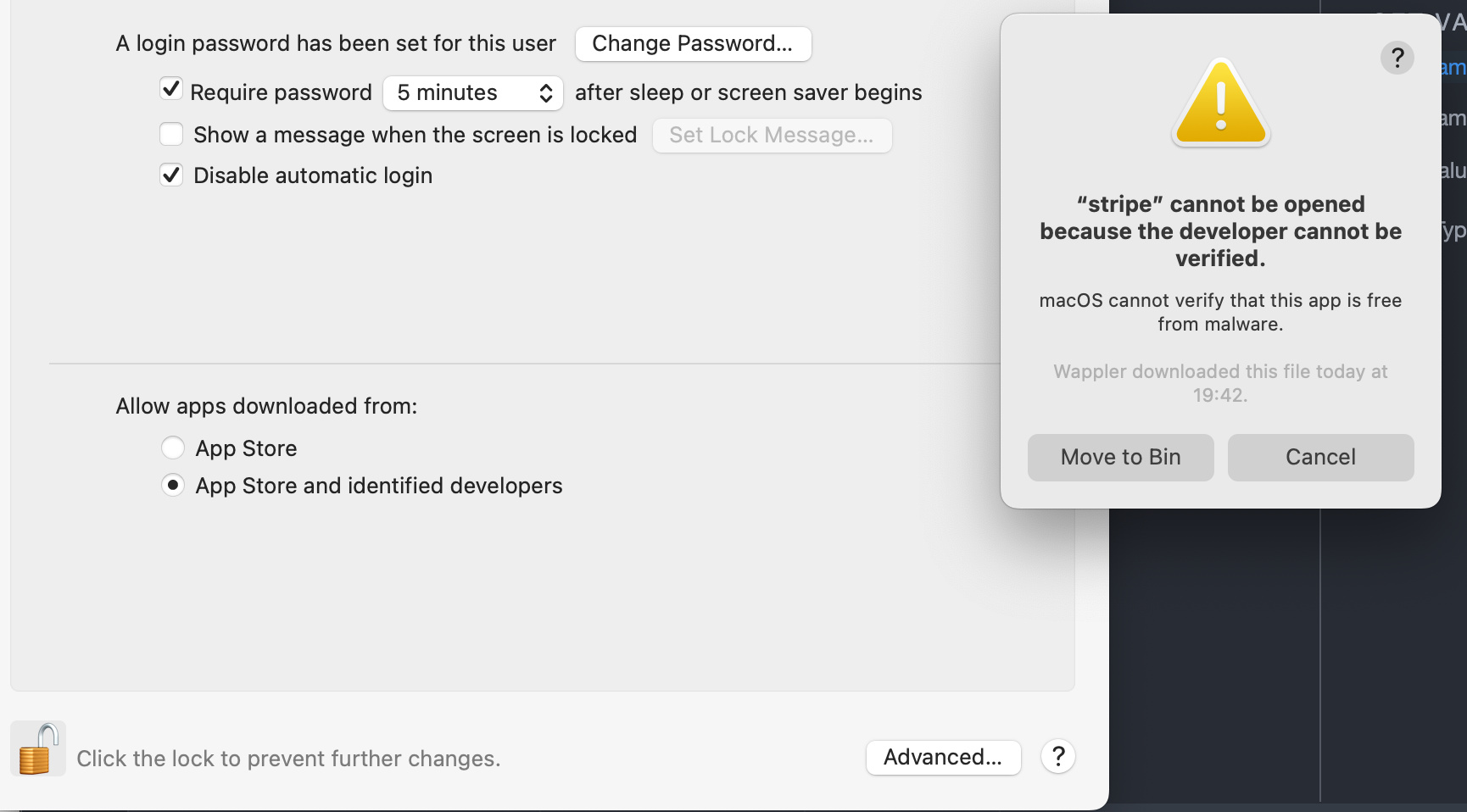
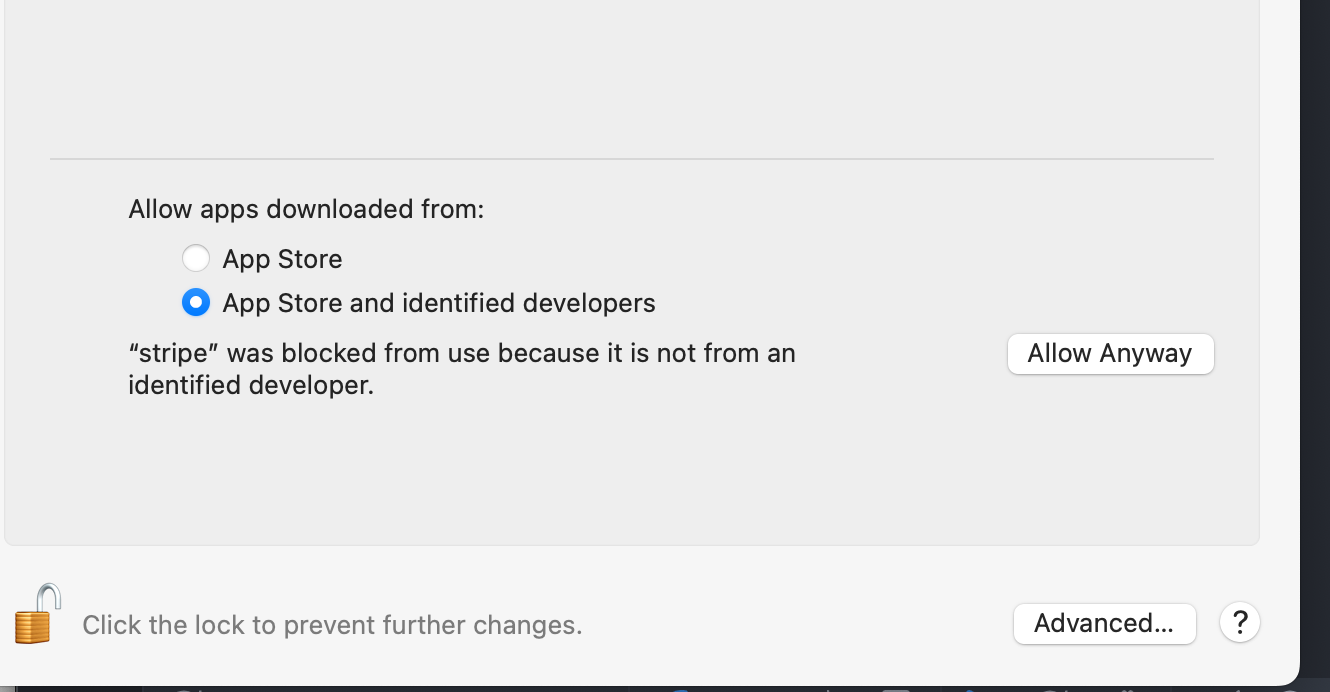
I am trying for hours how to get the Stripe CLI installed on my Mac.
In Wappler I switch to the Strip Webhook tab and automatically the Stripe CLI installation starts.
But it gets halted by Mac OS security.
Only when I press cancel in the popup, the allow anyway button appears.
Running the installer again, same thing happens
well the --no-quarantine flag on homebrew should be doing the xattr for us.
With node npm there is a different story - there indeed we might do it ourselves but happily we don’t install many binary modules there. And now that we deliver those few binaries within wappler with the build in wappler node sevrer - it is no longer really necessary.
@Mennovandijk are you using the latest Wappler?
Maybe try to update homebrew first.
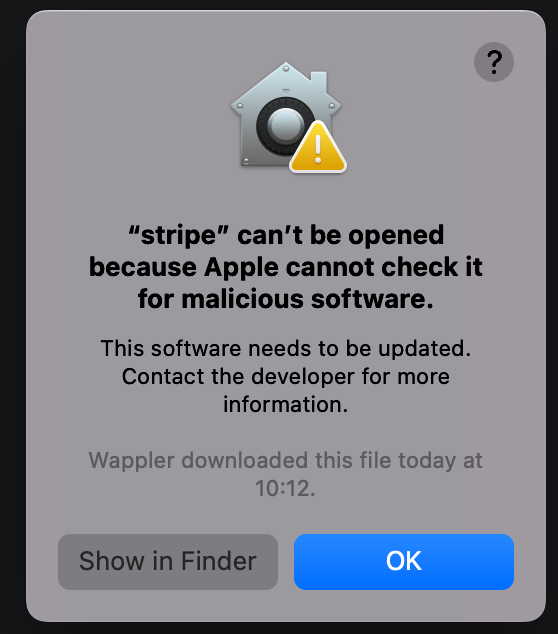
Choosing Show in Finder briefly shows the file but it seems to be automatically deleted as the Wappler/Homebrew process continues.
The only way of getting around it now is to
Have it run
Choose Open In Finder
Keep the Finder window open while it is run again (DON’T CLICK EITHER OPTION IN THE ABOVE DIALOGUE)
From the finder window that you opened earlier, find the Stripe folder and open the subfolders until you get to the executable file and copy it to your desktop
Now click the OK button in the dialogue
Open the stripe executable from your desktop
Now you should be able to run the Webhooks terminal in Wappler
Well we execute the same command so I was wondering if it was a permission issue because it is done from within Wappler or is it always the case even if executed from a terminal outside?
If it works from outside - then we will remove the automatic installation and provide manual instructions.
The Mac quarantine. Don’t worry, thinking about it, that wouldn’t work…
It’s just when you click the Show In Finder button on the prompt, Homebrew continues and because it has ‘failed’ and deletes the executable - I just thought there might be a way of interrupting that deletion but I can’t think of how you could do it
Till this problem is solved I suggest Wappler to disable automatic installation of stuff
Last time I had a really bad experience with NodeJS installation, and from the looks of it not many people complain because of the built-in NodeJS server doesn’t require NodeJS installed
I’m happy to report that after a lot of investigating and cooperation with the homebrew team, we found the right way to officially and secure install the needed components.
So starting from the next update, there will be no warnings that Apple cannot check this software and everything will install just fine.