Wappler Pro 5.4.1 Windows 10 Pro PHP 8.xx, Mysql 8.xx
Hello,
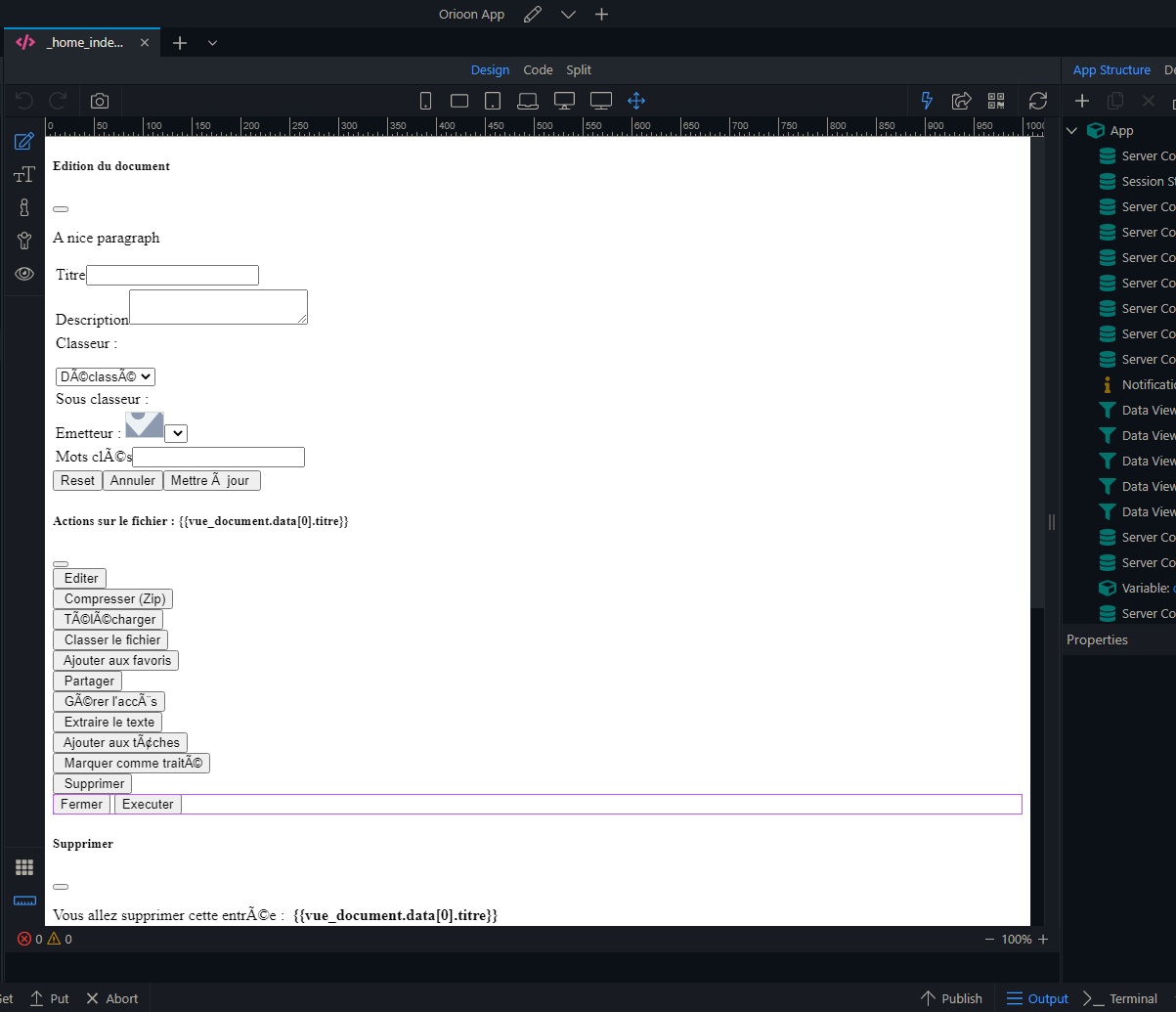
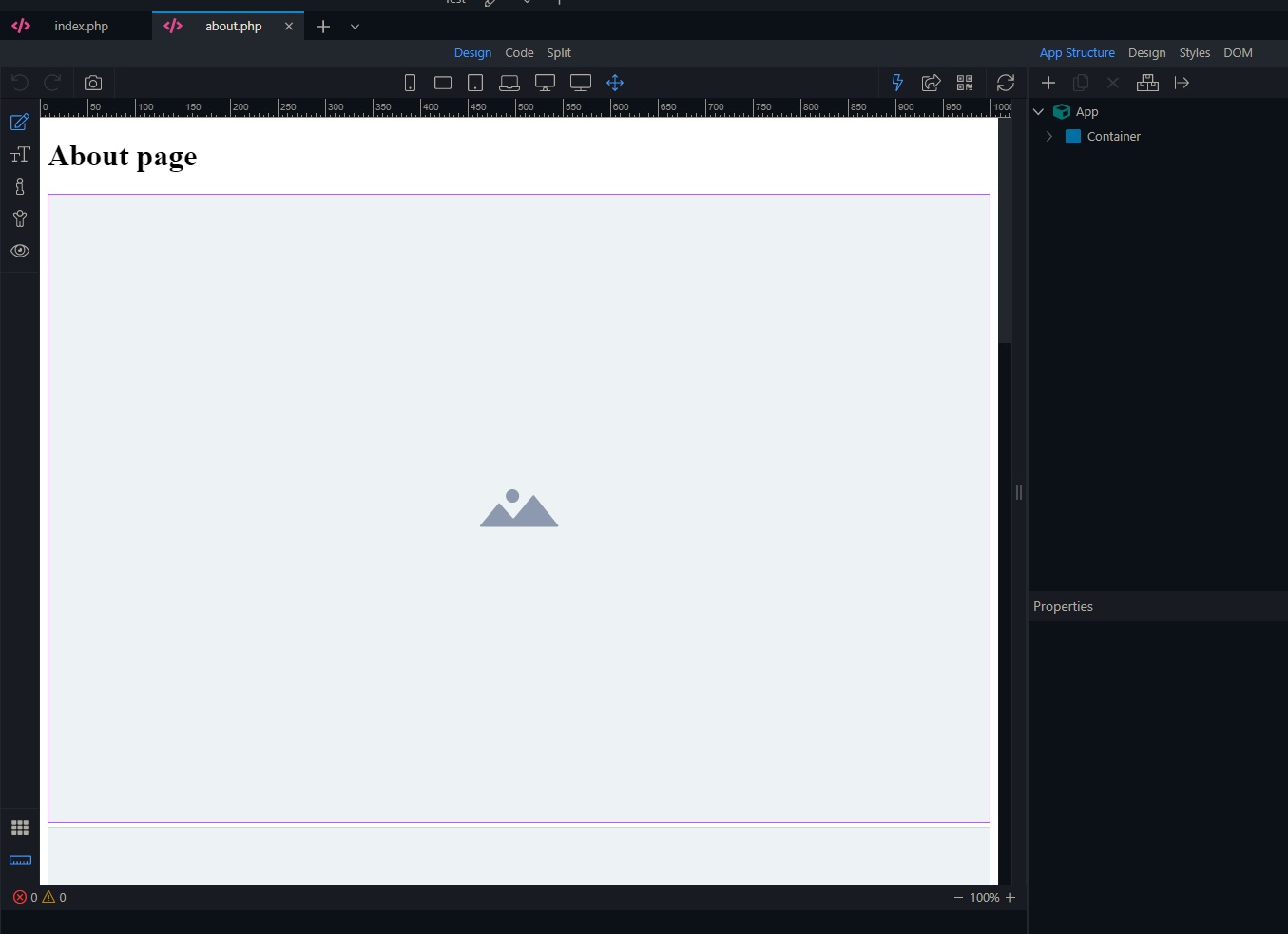
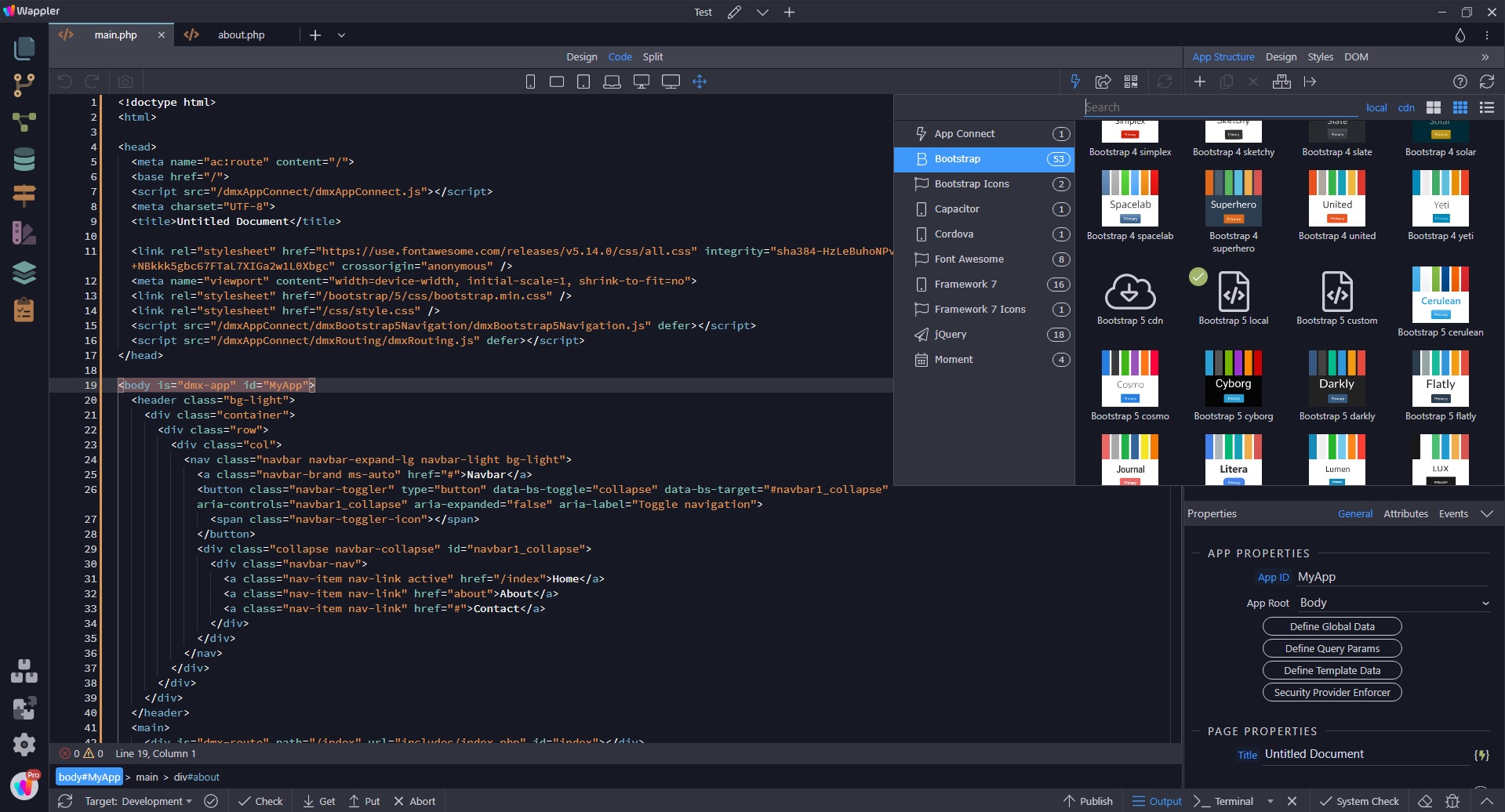
Since the last three updates I have a serious problem with the design editor when I edit a content file. I can’t edit the elements like before.
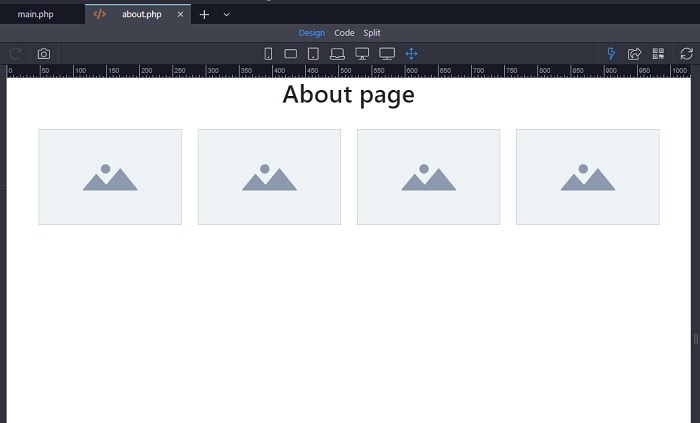
In the main page, everything is displayed correctly.
I put the latest version of Wappler…
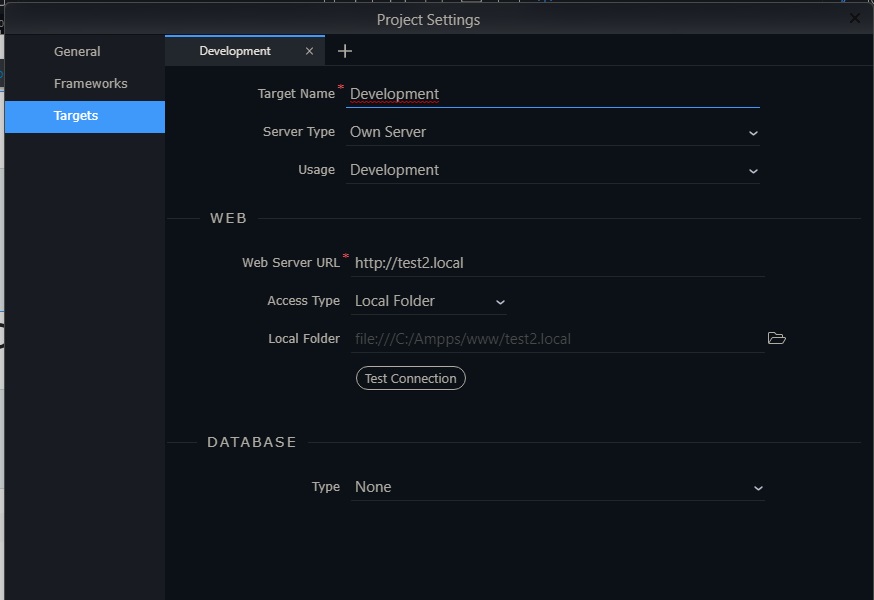
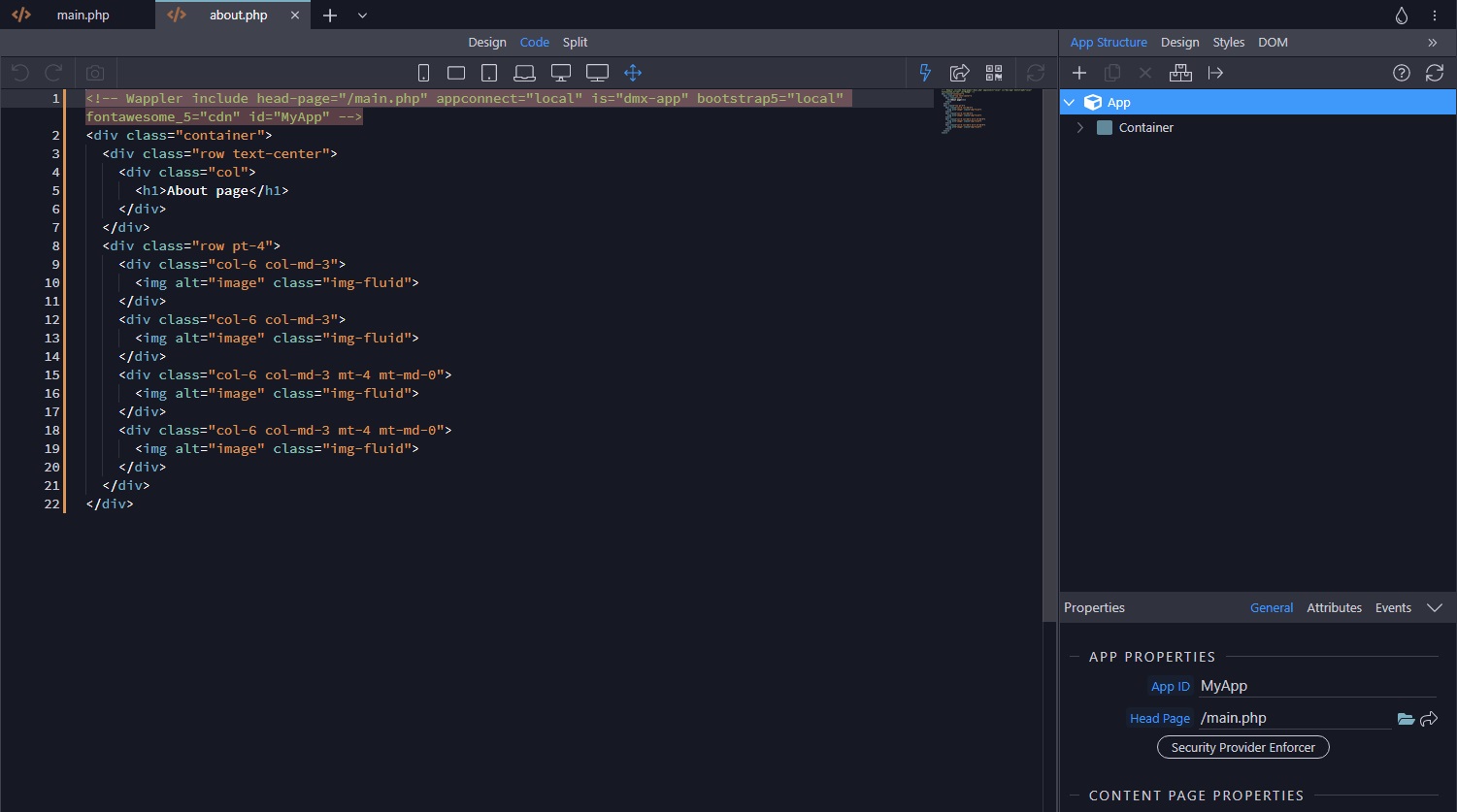
To check, I created a new Web / PHP project.
Here is the result.
Can’t work on my projects or back to old Wappler version.
Please help!
Emiel
February 10, 2023, 5:58am
2
Hey @Wlady972
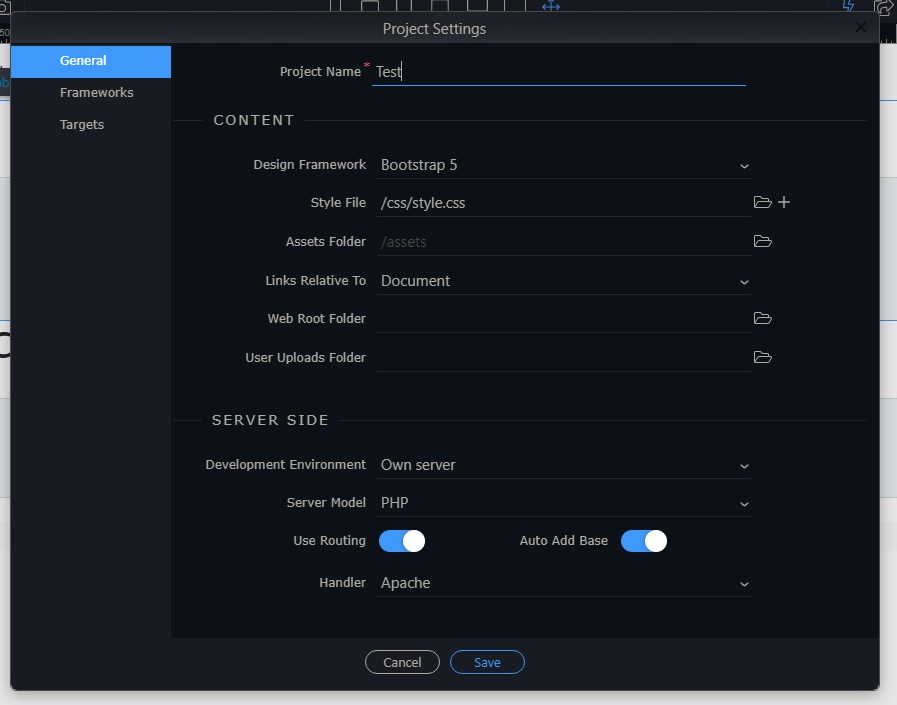
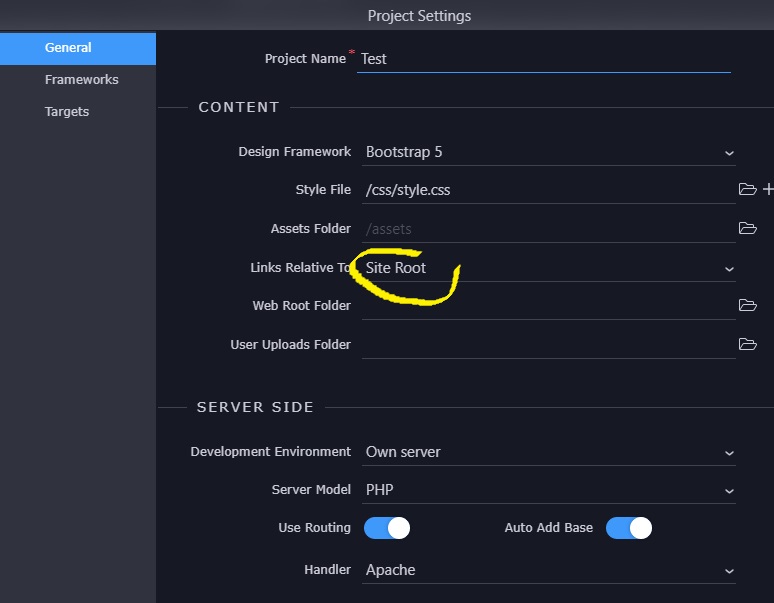
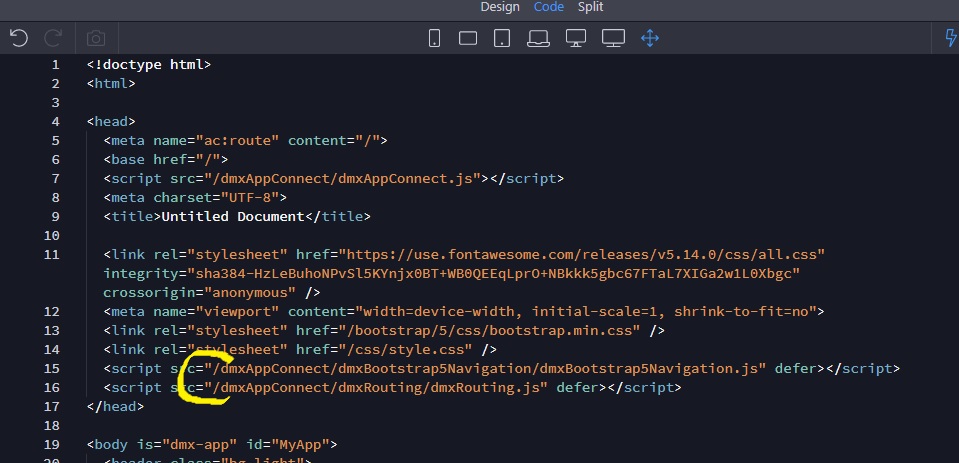
Try setting links relative to root in the project settings. If that still. doesn’t help, check all script and stylesheet links in your (layout) pages and prepend them with a ‘/’.
Hello,
I have made the changes as indicated, but it does not work.
Links relative To :
Site Root
Put a / in the main page
doesn’t works.
I use PHP/Apache not NodeJS
I uninstall Wappler
This looks the same as this thread:
Wappler v5.4.0 (MacOS) broke website styles inside Wappler UI, meaning my project shows unstyled in Wappler v5.4.0 like it’s a website from the 2000.
What exactly has changed from v5.3.3 to v5.4.0 regarding this?
I confirm:
No project changes were performed during the upgrade from v5.3.3 to v5.4.0
main.ejs renders correctly, although it does show an error (related to an EJS expression) in the console that didn’t appear in previous Wappler versions. Fixing the error doesn’t fix the other pag…
I had hoped that this would only affect version 5.4.0 and NodeJS / MacOs; because this has been happening since version 5.3.2
George
February 10, 2023, 6:51pm
7
What framework is included in your content page? And is it linked to a main page?
patrick
February 13, 2023, 8:36am
9
We found the issue with PHP pages specifically, we hope with the next update to have it fixed.
Thank you,
Please note also, for my previous projects, that the solution used for NodeJS works only halfway:
we can’t save the changes.
See ya !!
bpj
February 16, 2023, 5:19pm
11
Is there going to be an update today? I know there was a team-building break but this is so painful and time consuming to us users that I hoped a small fix could be issued today
Teodor
February 16, 2023, 5:24pm
12
There won’t be an update this week unfortunately.
bpj
February 16, 2023, 5:33pm
13
@teodor , @george ,
Apple
February 16, 2023, 8:09pm
14
Meanwhile, because I don’t know if Wappler will release an update or not, I put the links for an old version here:
Hello,
Nice update, but i had a big Windows crash with my main old project (memory full, black screen, etc.)
Before writing this post, I closed and restarted Wapller more than a dozen times after each modification attempt.
Rebooting an reload the Test.project
I close everything and I restart Wappler
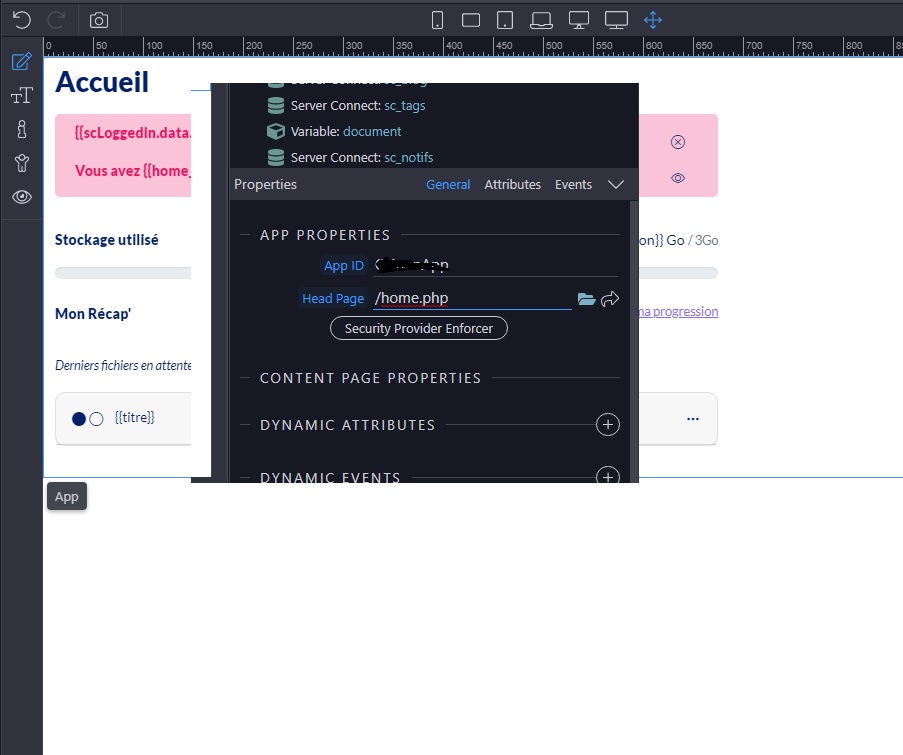
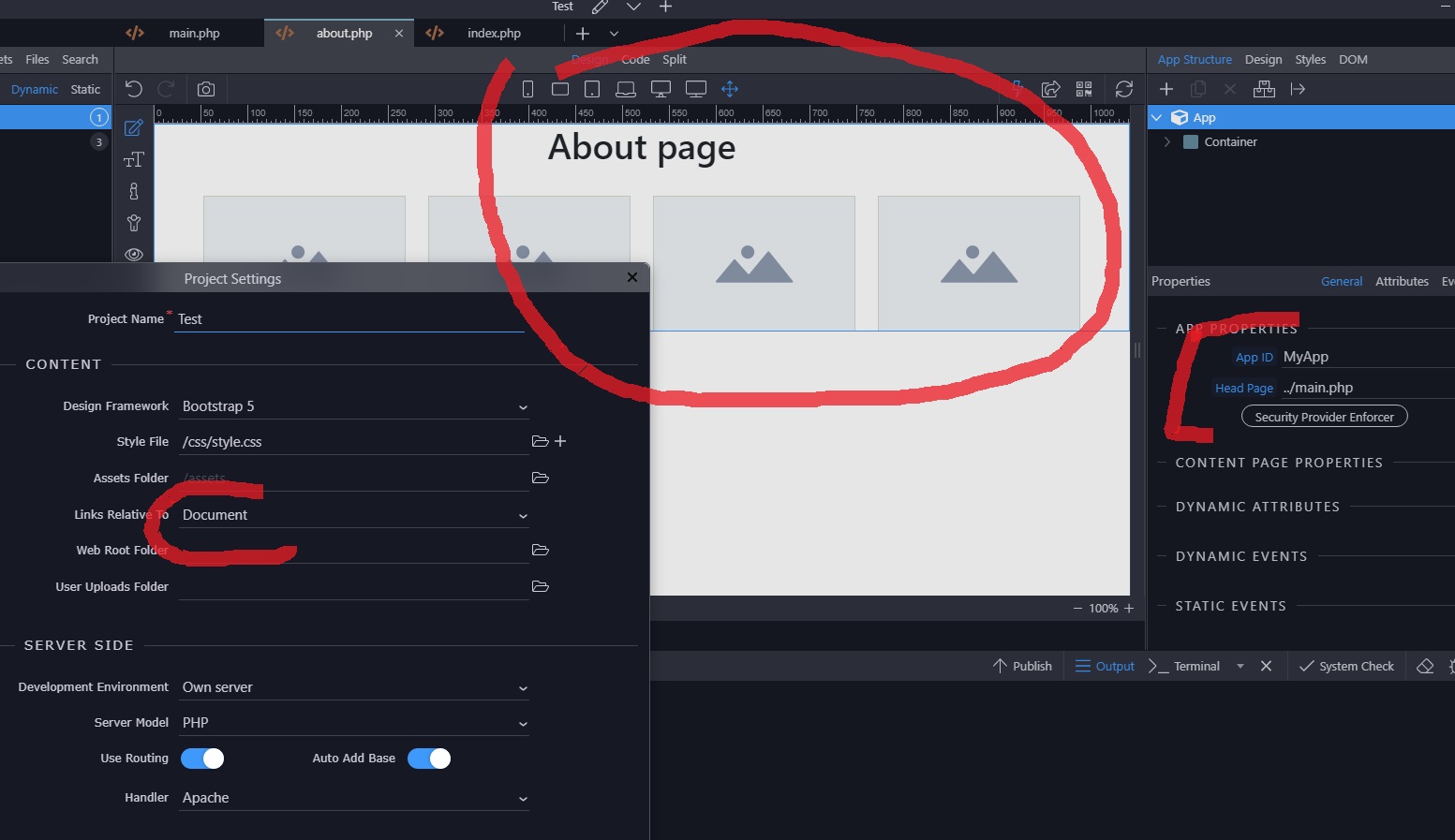
You should not forget that you asked me to set my project with the relative links in “Site Root”.
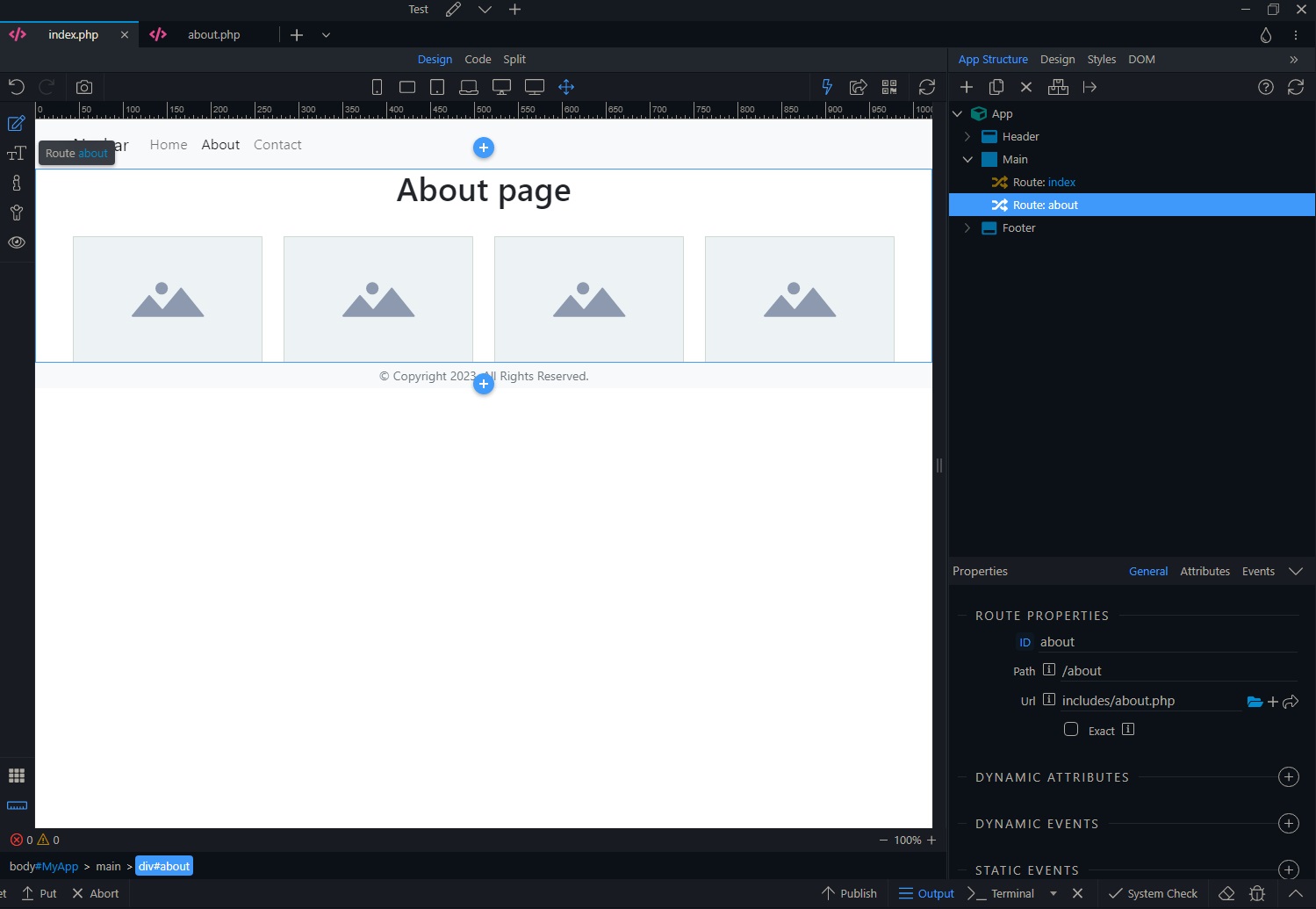
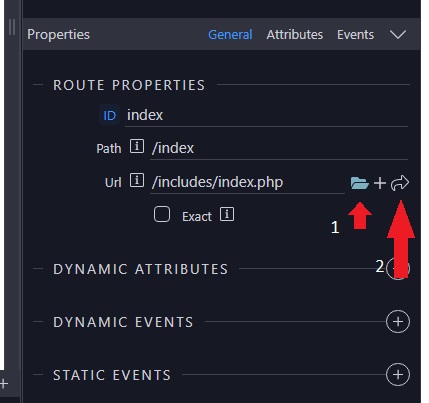
I open my page and set the routing…
click on the folder icon. Link the page. A “/” has been add in front of it… (Url)
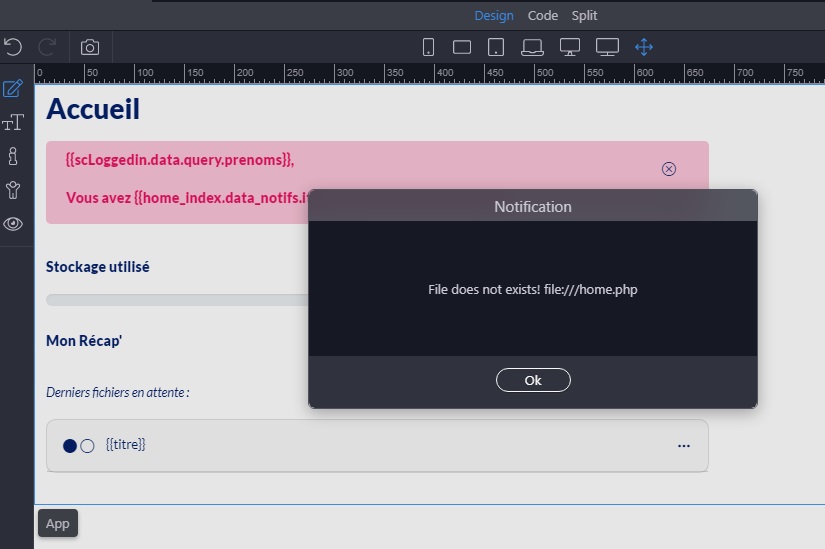
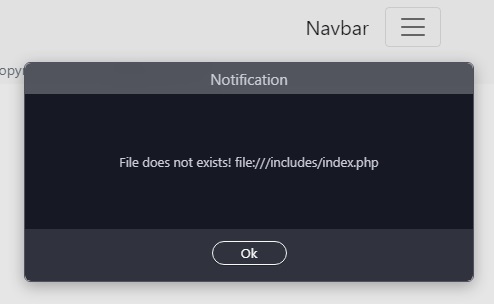
then we click on the arrow icon to open the child page.
Oops!
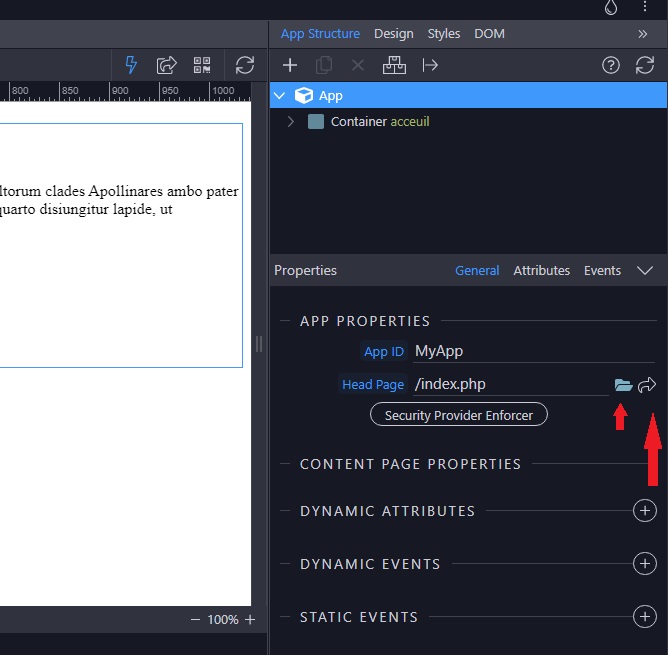
Open my file via the file manager
Modify the wrong Head Page: OK
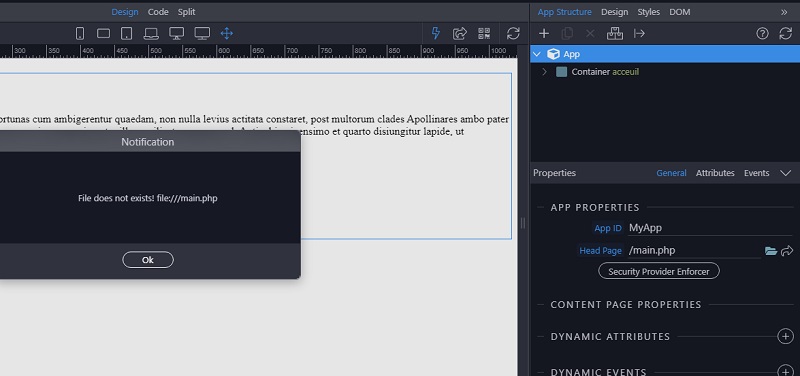
And try to open my “Head” page:
Not obvious…
I’m going back to my basics:
Links relative to Document
The update fixed the main issues.
Links with Documents Root
Styles,
crashes,
database, etc.
The “Links relative to Site Root” mode needs to be reviewed.
Thanks a lot.
Hello,
I found one of the problems related to the routing bug reported earlier.
In the old versions, I could use the server connect of the main page in the subpages.
Since version 5.3.1, I have to reproduce the Server connect in all child pages… Is this normal?