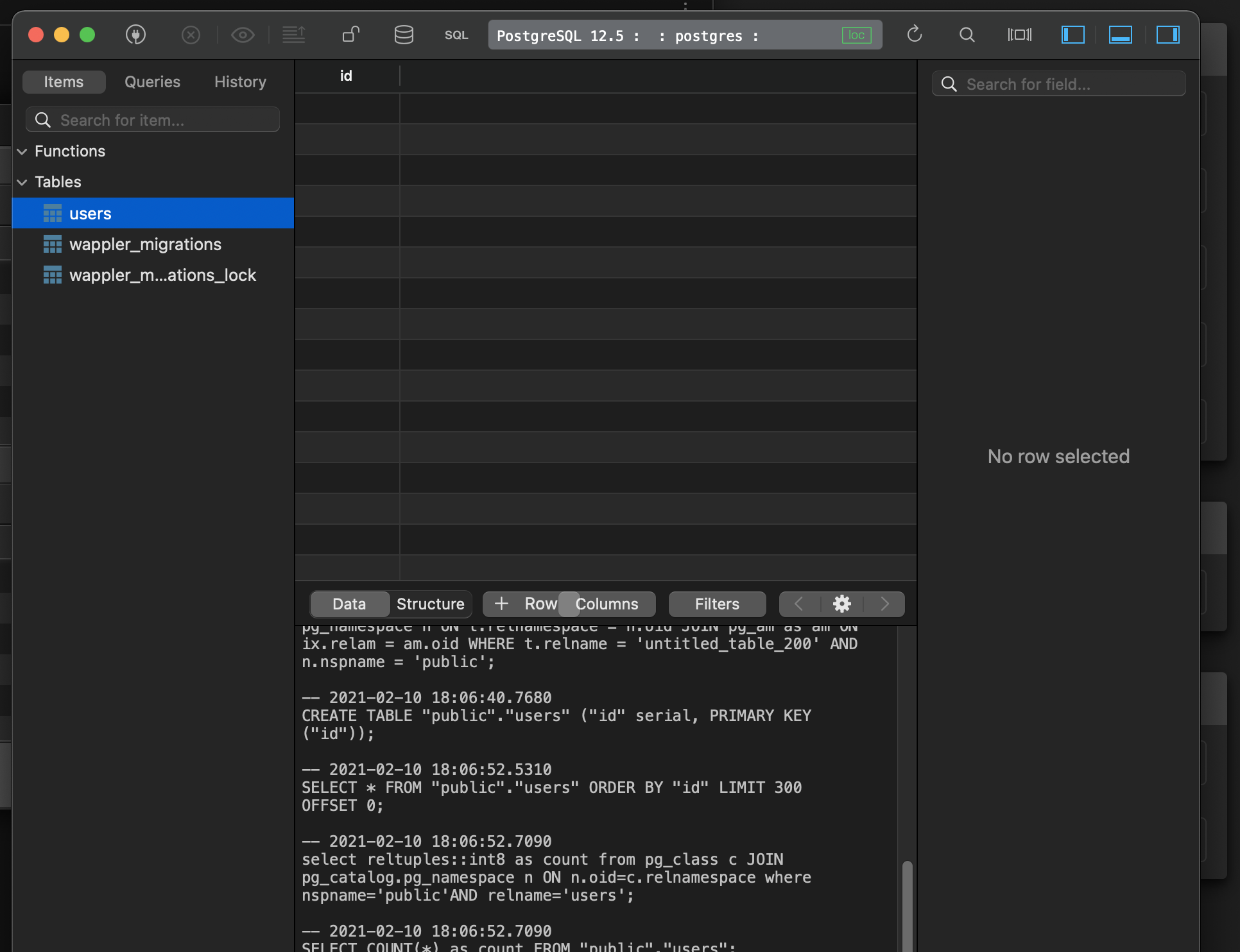
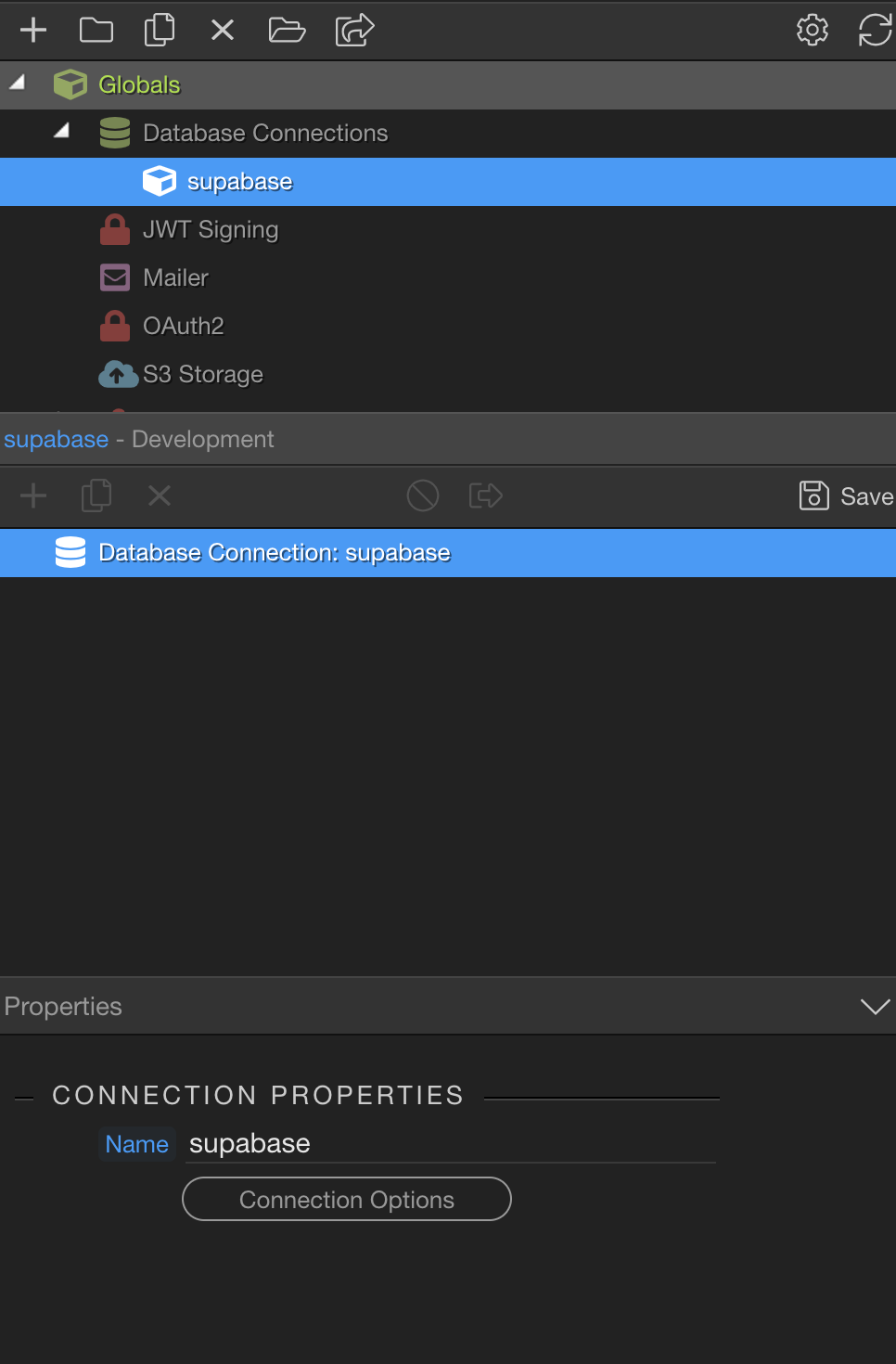
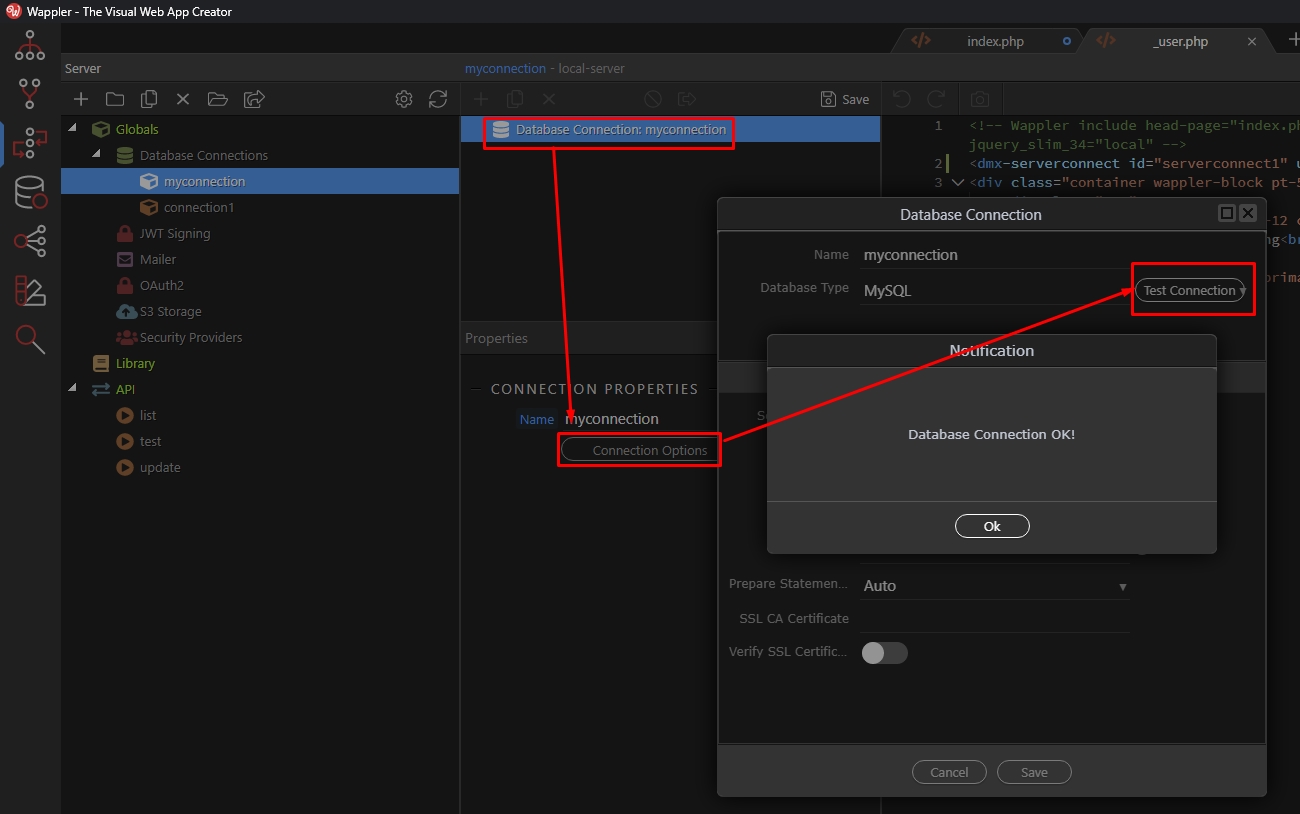
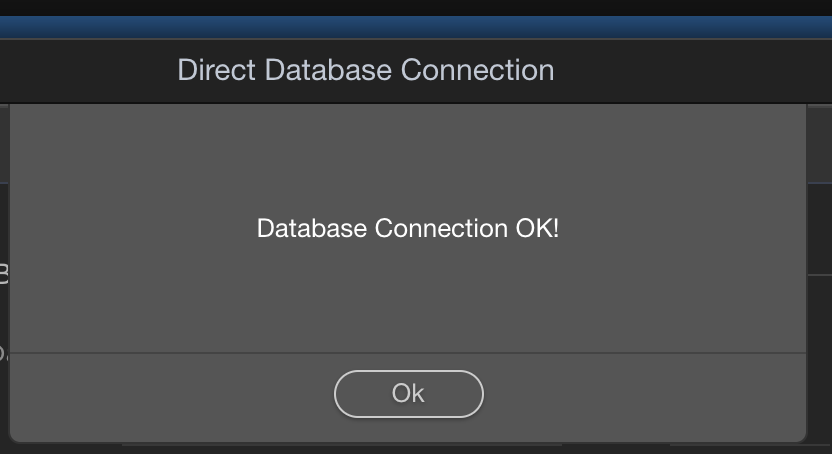
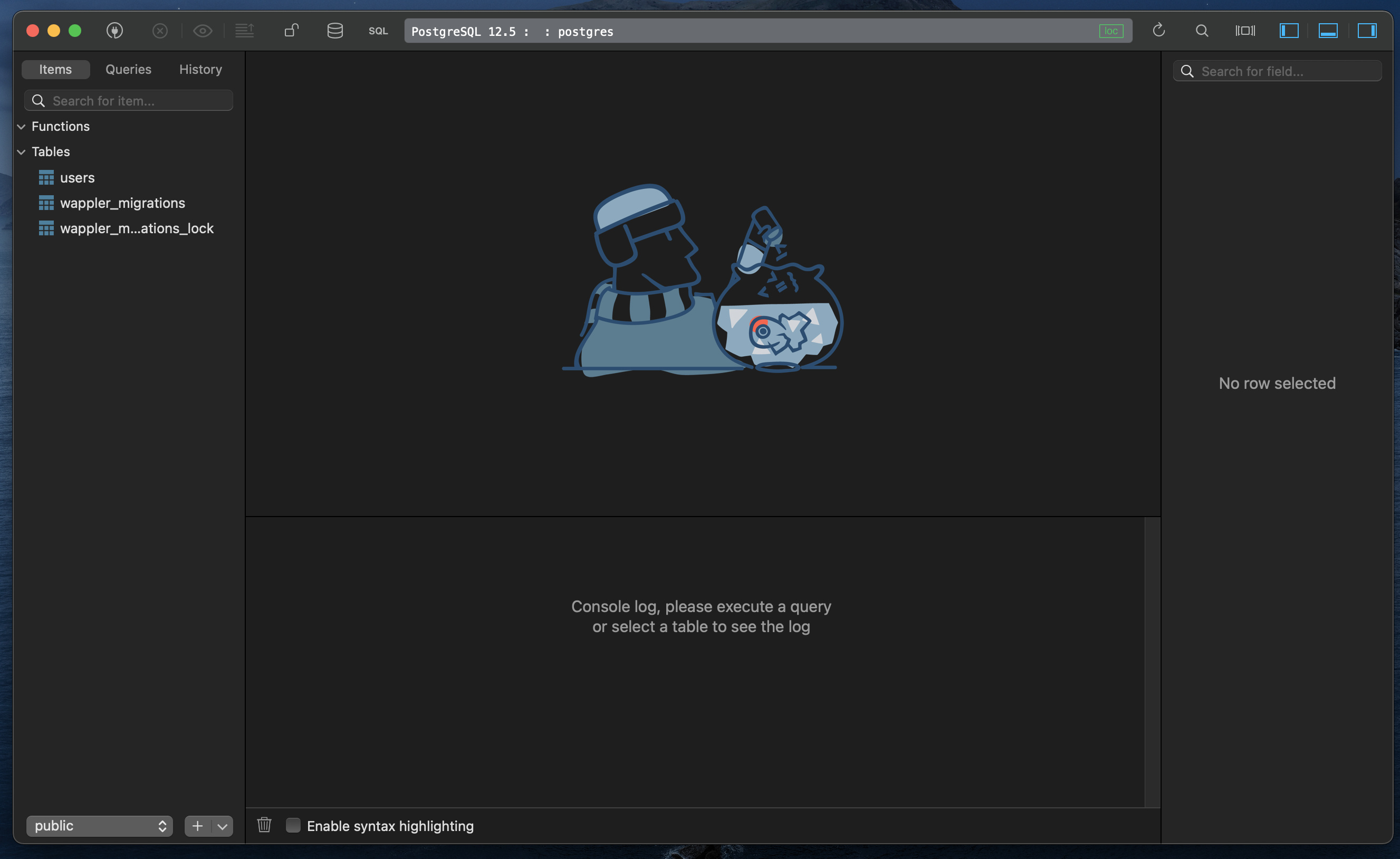
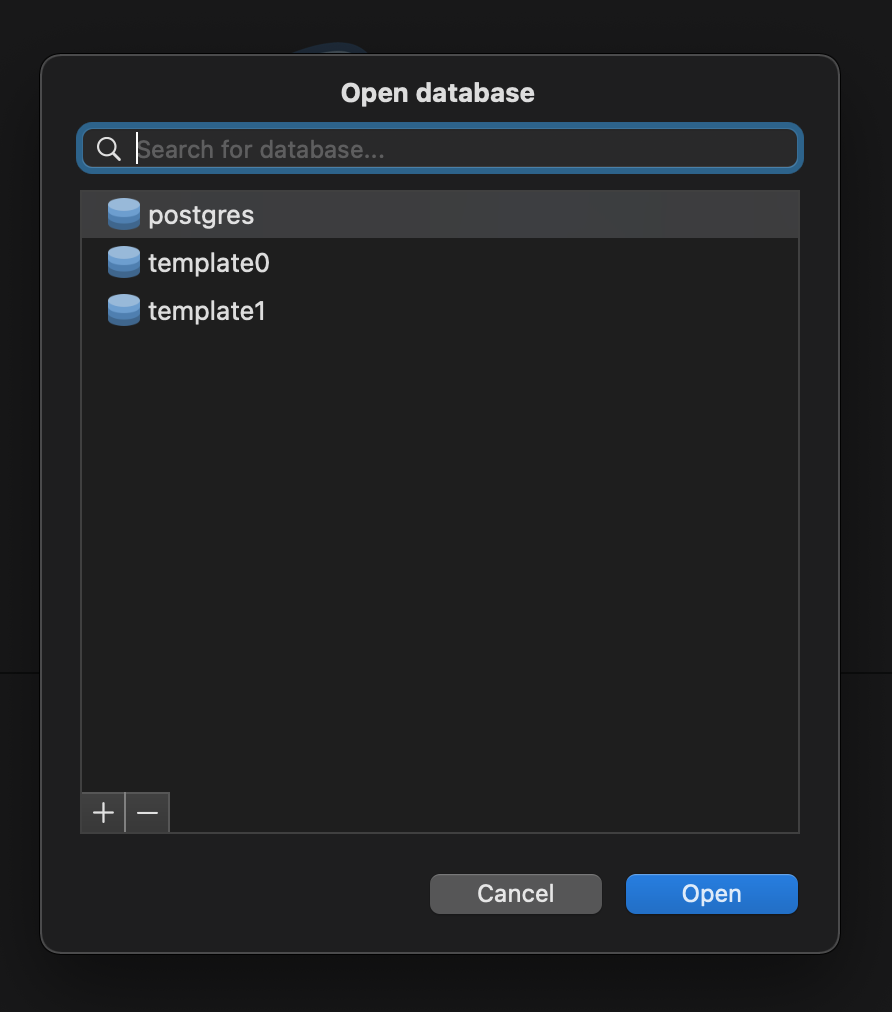
I thought it was also to manage database locally. While I don't use if for that, it can be useful to view the (local) database schema from within Wappler.
Edit: it took a couple of click to access the remote database too. Perhaps that will be useful.
Not sure what do you mean by "locally" here but i think there is some big misunderstanding here of what database manager does and what is it used for.
Using database manager you can:
connect to a database. It does NOT matter if it is a local database server running on your computer or remote server - the connection is always made DIRECTLY. I.e. the same way as navicat connects, the same way as mysql workbench connects.
View database tables and data
Edit database tables and data
Using the server connect connection you:
connect to the database but NOT directly. You connect to it from the selected target - so a file is uploaded to the selected target, and the connection is made from there. This is NOT a direct connection, as you connect from the same server "locally"
use this connection in every single step requiring a database connection - build queries, security provider etc.
Thanks for this explanation. As I was using Wappler long before the Database Manager was added, I’ve just carried on as usual, not taking much notice of the feature. I can see why it was added but I prefer managing databases externally - partly out of habit, partly because of the additional options (and also on a different monitor which is very convenient).
I think this is going to take a while so I don’t even want to bother with DB Manager. So I was wondering if we can use security providers and restricting pages with an external DB or a custom extension of some sort
DB manager is not related here!
You just need a Server Connect Database Connectio made properly. Probably your connection details are not right, so that the tables are not populated!
It looks different for PHP server model, that's not the issue.
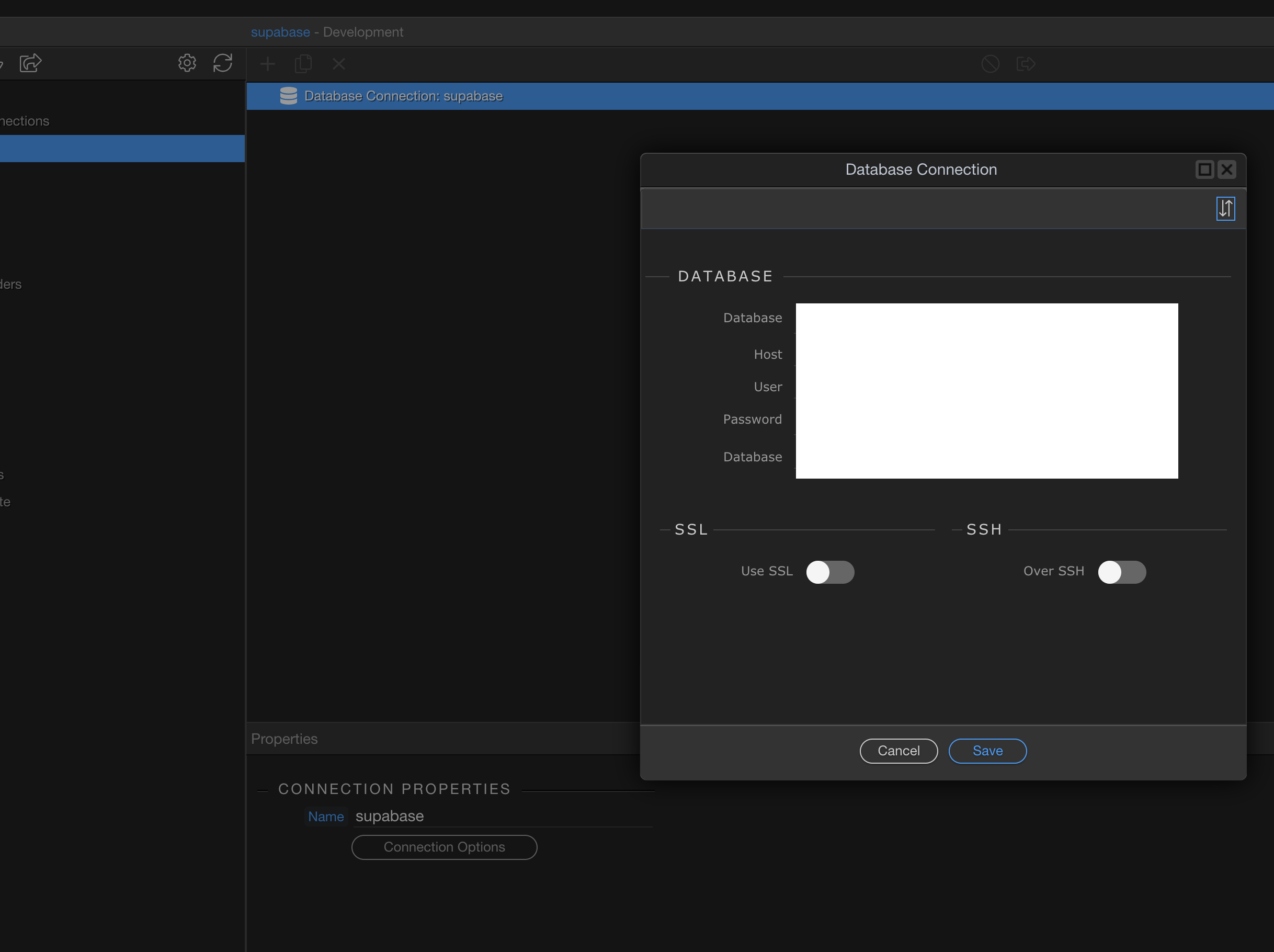
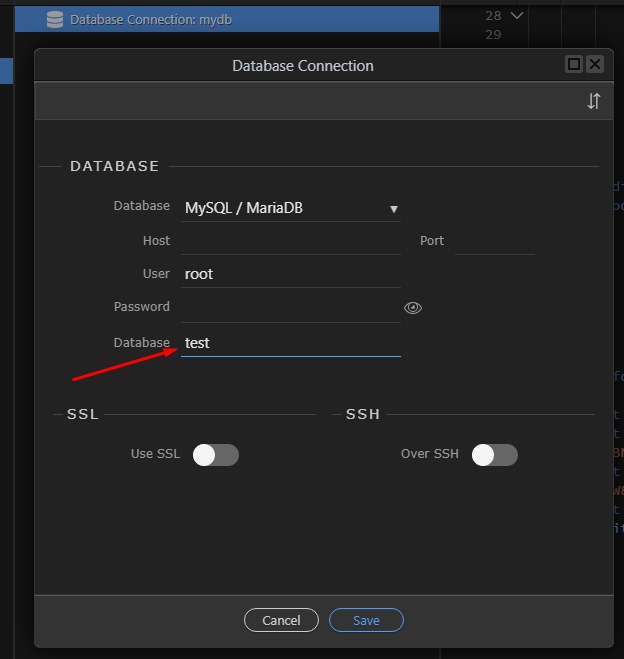
I see George commented this above, but ARE YOU SURE you have entered Database Name in your connection details in Server Action and in Database Manager:
@George Well, that would beat the point of using Supabase dashboard if I got rid of its features, wouldn’t it? You are suggesting to just connect to a raw postgres.
How hard is it for Wappler to just pull all the schemas?
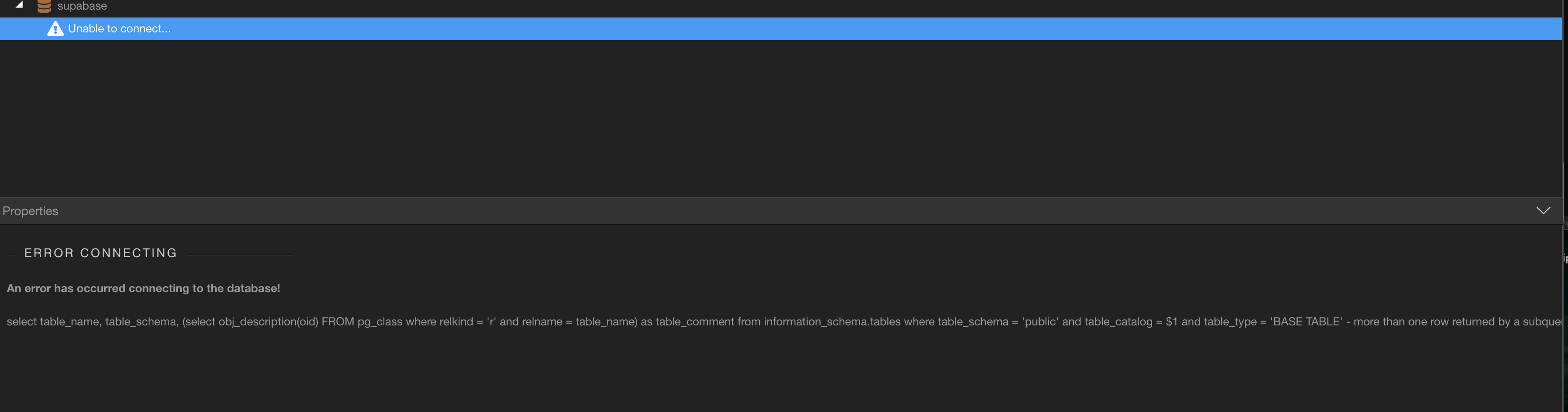
Well Wappler uses knex and some of its queries to fetch table data, like this one:
select table_name, table_schema,
   (select obj_description(oid) FROM pg_class
      where relkind = 'r' and relname = table_name) as table_comment
     from information_schema.tables where table_schema = 'public' and table_catalog = ? and table_type = 'BASE TABLE'`;
Like to fetch many comments for the tables, but seems your database have two comments for non existing tables