Maybe it’s another knex limitation.
@JonL sure you can
or just be sane and use typeORM 
Wappler decided to go the long route and avoid opinionated ORMs to allow them some additional flexibility.
I meant that Knex natively doesn’t support create/drop tables. That post provides a workaround via raw query.
Not saying it won’t be supported in the future by DB manager, just mentioning why it hasn’t been done until now.
Additionally, not all providers will allow you to create a database via a query. Some have strict policies as how databases should be created.(i.e. using their own GUI/CLI)
Knex is still running raw queries on your behalf, not sure why you’d be afraid of
connection.query("CREATE DATABASE IF NOT EXISTS");
There’s no flexibility at all if Wappler can’t pull a few rows instead of one. It makes it worse that you depend on these connections for the rest of your app to restrict pages/security providers/etc. This wouldn’t even pass an PoC/alpha phase for a db manager.
But I see the point of your comment as providing context.
@JonL funny just saw this post - Access 'DB Views' in query builder and NodeJS
4+ years and still not implemented, so much for the “flexible” knexjs. yet another reason to use typeORM.
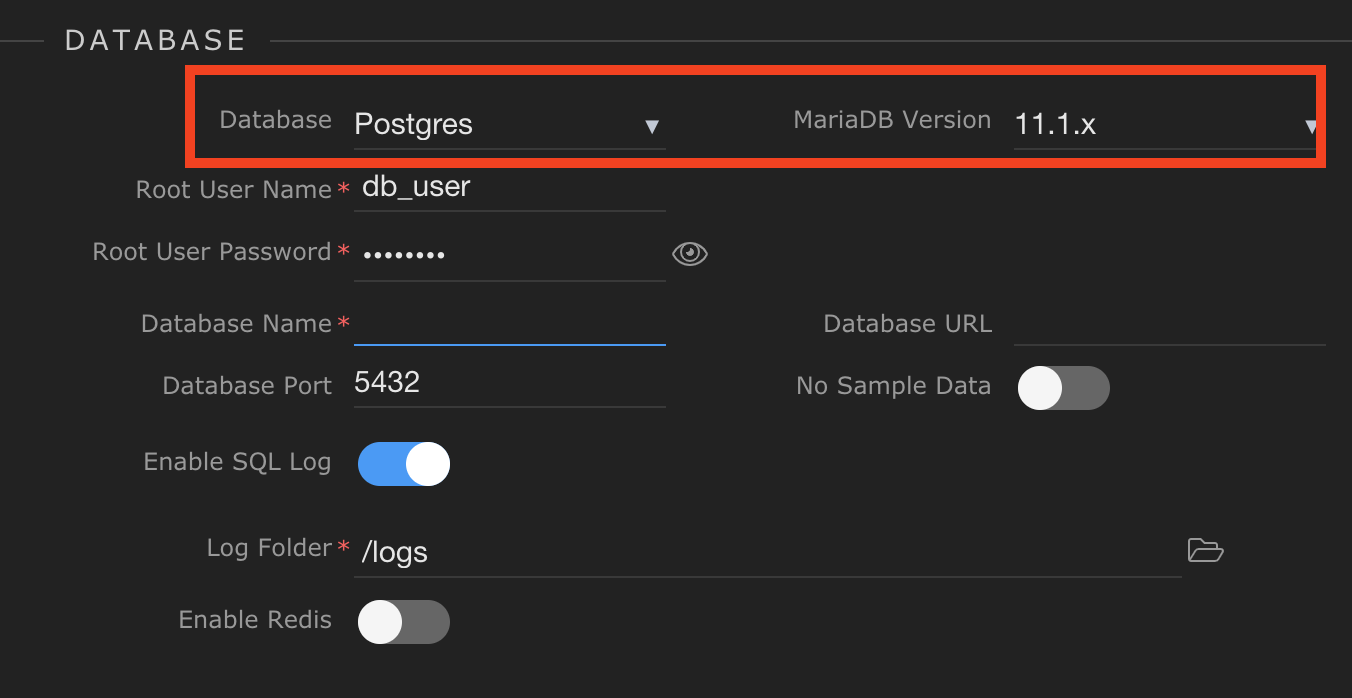
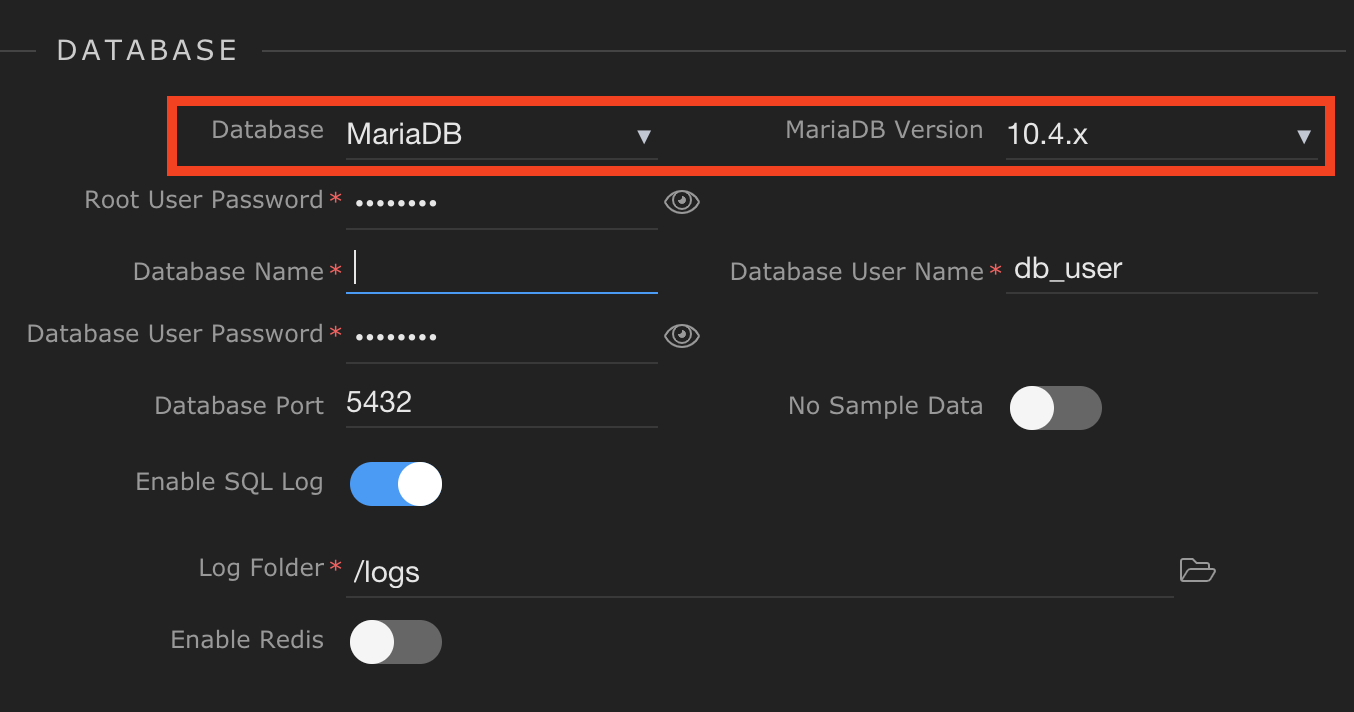
Because the database connection in the Database Manager, results in same connection to be used within Server Connect - specifying a database name is required. As you have to specify where exactly are you connecting to.
I will add more checks to the UI so that isn’t left out
@George it’s not just a UI issue, how about being connected to a DB name and still having it error

Also what of the multiple rows error?
EDIT: also can you point to where Wappler stores the logs please?
I don't use Wappler's database manager and am not aware of any issues using security providers. Does this apply to NodeJS rather than PHP?
The security provider requires a database connection defined under globals in Server Connect.
Direct database connection in Wappler’ Database Manager is required If you want to access the database remotely, view or edit its data.
@Teodor can I write my own DB manager and hook it to the security provider?
I don’t understand your question.
The security provider requires a database to be defined in Server Connect > Globals > Databases.
This is valid for all the server action steps requiring a database connection.
@Teodor I am aware of that. The problem is that the DB manager is useless if I can’t get my tables to use it with the security provider. Like so
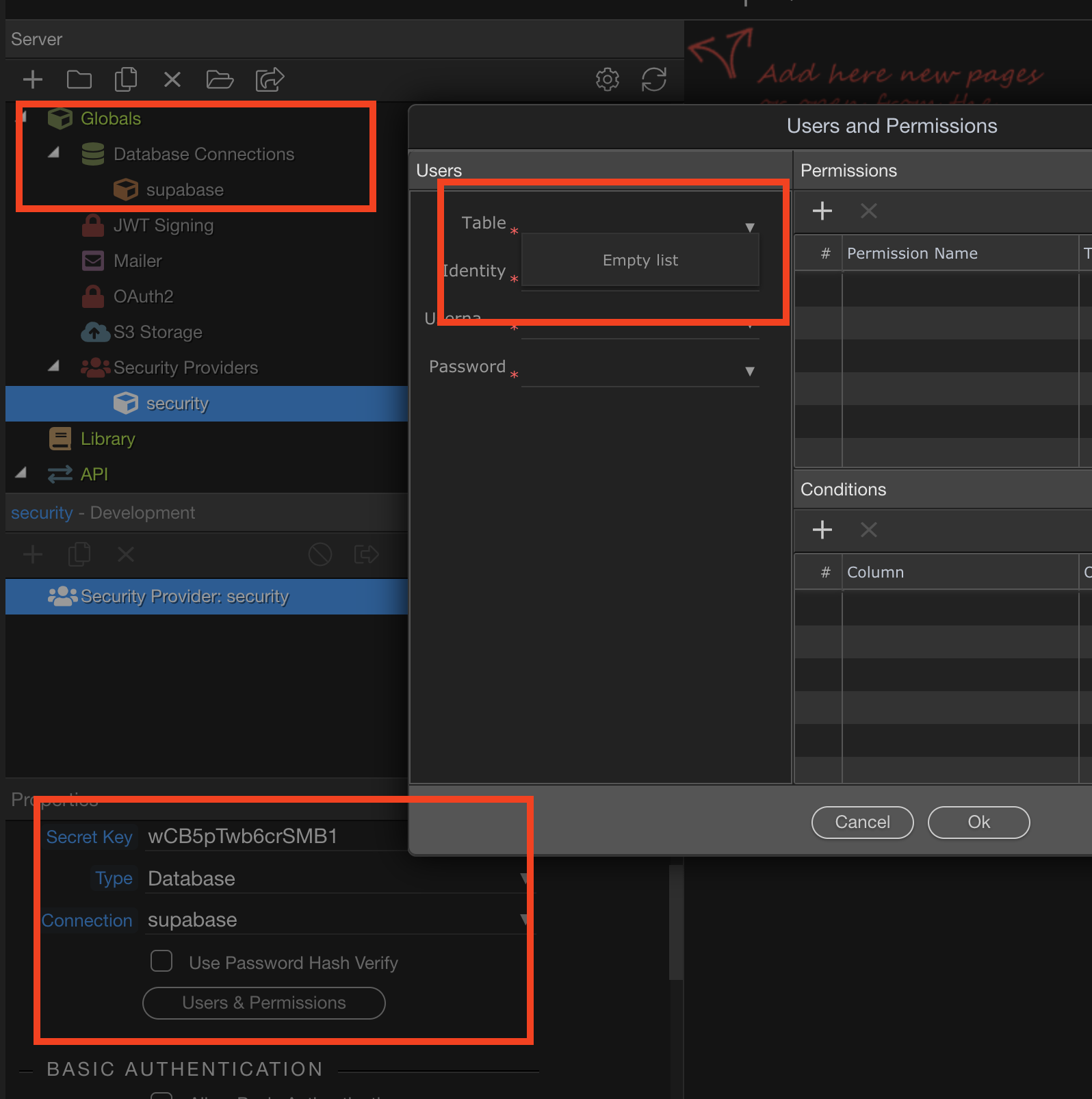
So I need a way to hook my own DB extension in there
Yes. Also, I can see the tables in Database Manager, with a local target set. With a remote target set, I get the 'Unable to connect' message. Presumably, as long as I don't want to access the remote database, this is not an issue. I'm not aware of any problems.
Yes Tom, as you need to setup the direct connection details in the Direct Connection in Database Manager.... Same as mysql workbench for example.
Server Connect connects to your database from the selected target, not directly so the connection details are usually different there!
@TomD ‘Unable to connect’ is a bit different than my problem. Double check that you have the correct host, port, db name, and password. You can also try accessing the db first from a database software just to rule out that it’s not a Wappler problem.
Do you mean I would need to if I wanted to see/manage databases remotely? Given that I don't (I use Navicat), presumably it's not actually necessary - or is it needed for something else?
Yes and that's the whole point of the database manager, thought it was clear enough already.
Sorry - I don't think I was very clear. I don't have any connection problems - everything is working as I want. I was only curious about you mentioning there was an issue with security provider if you manage databases outside Wappler. I use Navicat.