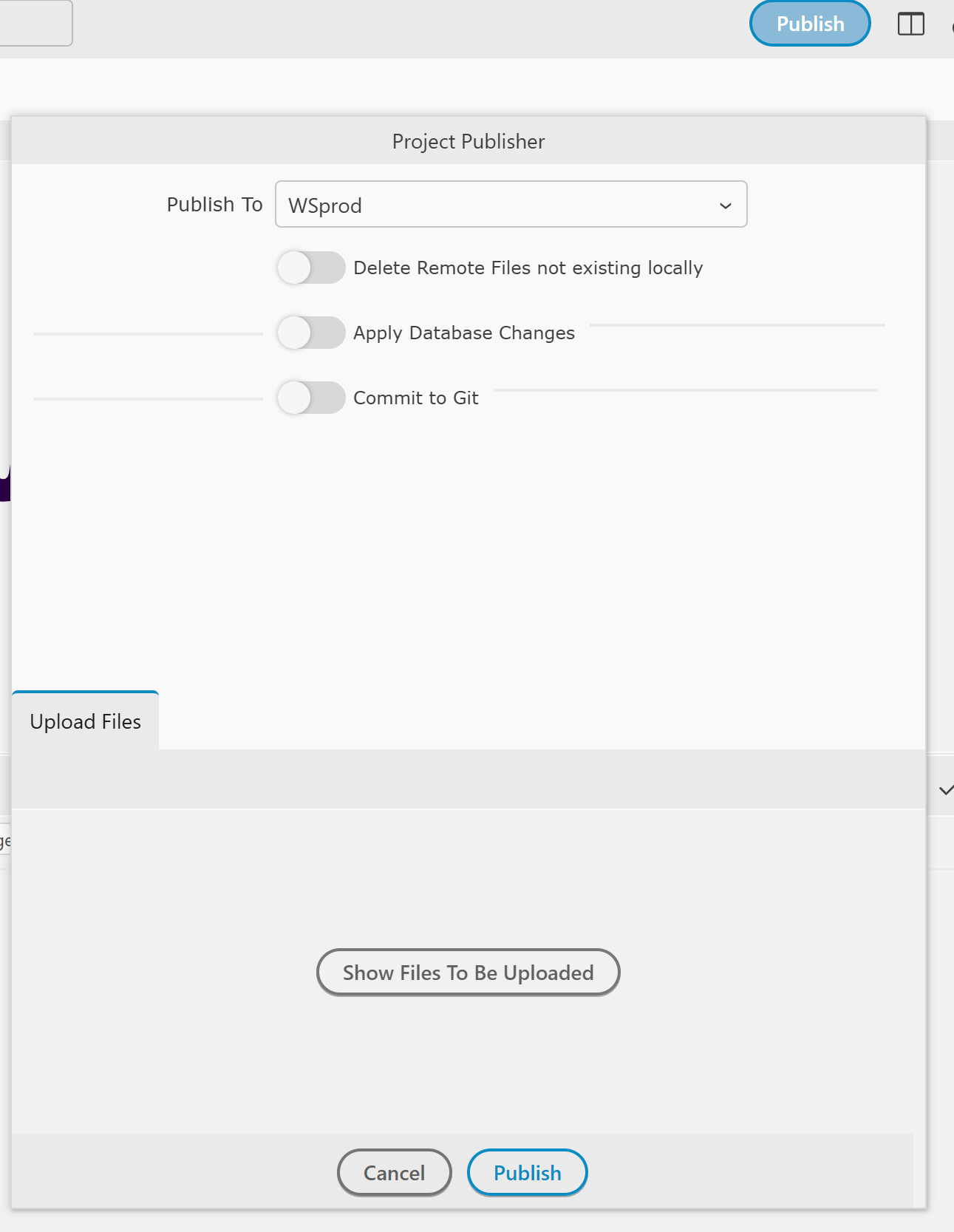
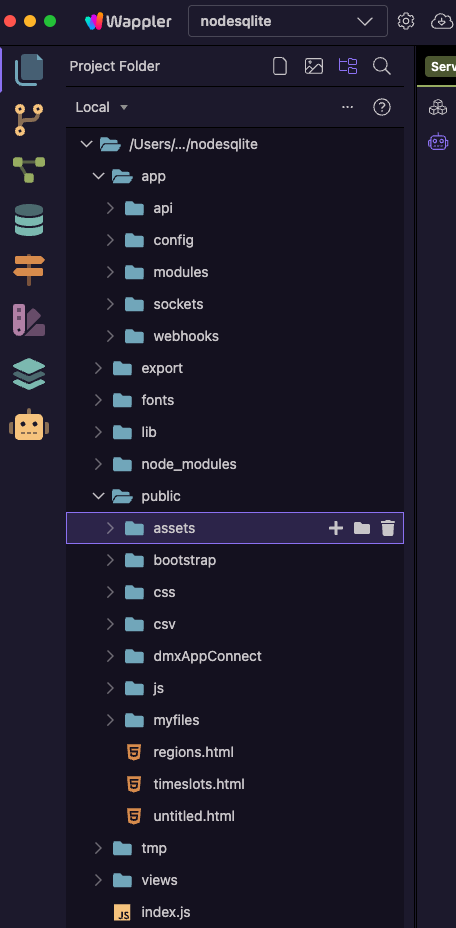
When I upload files to the server, not all of them are uploaded. From what I've seen so far, some API files (about 1/3 of them) aren't uploading, and the images in /public/assets/images aren't uploading either. There might be other issues as well.
I see an example of this a few days ago, while helping another User with a similar issue where no matter how many times the Project was published files were not being uploaded (I watched them repeatedly try over Zoom). We put this down to Git not being pushed to (but in the end went the old fashioned route so the User in question could get their site online and used SFTP as time run out). Are you using Git? If so maybe that is the issue? I'd have to confirm this hypothesis with @George though...? No matter what the User did half a dozen Server Actions were not uploaded and nor were changes made to layout pages (no Cloudflare, no proxy, straight forward server).
Well you can discount that then. Like I said we run out of time and the User needed the site online but we did see the same as in lots of files were not uploaded despite multiple repeated attempts. Were using Wappler 7.9.5.
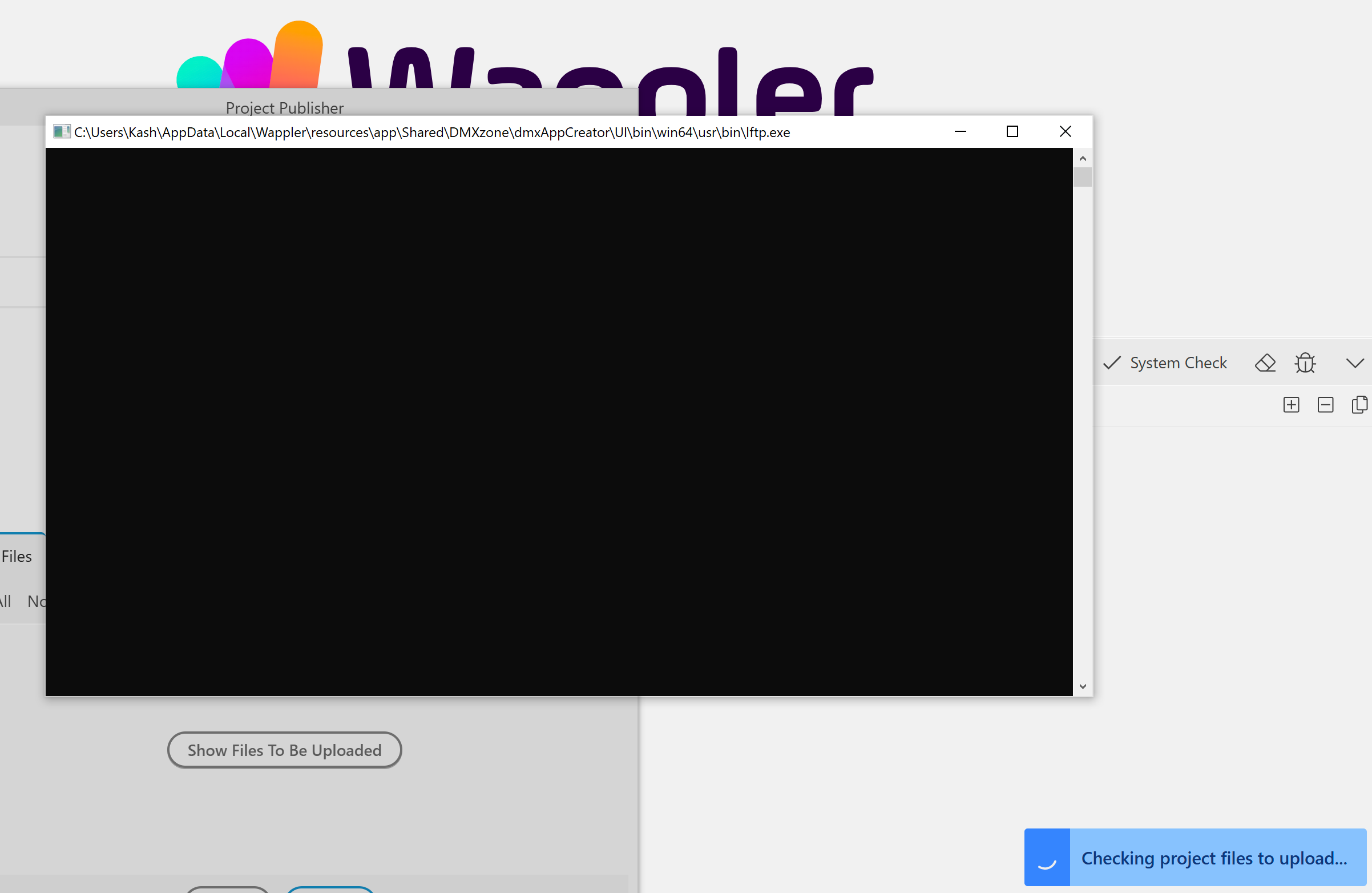
User was on Mac and I'm on Linux so not too familiar with Wappler on Windows these days but am pretty sure that terminal should not be opening up outside of Wappler? We had dozens of successful deployments during the session but the files were still missing on the remote server despite this (no errors). I've directed them to this thread. Hopefully he can create a Bug Report which will help the Team out in diagnosing 'his' issues, which may be related, but yours seems a little different (although the same outcome).
I uploaded some files manually, and the website started working properly in that regard. The problem is specifically with uploading the existing files.
I use SFTP. When comparing files on the server and locally, Wappler doesn't show what's missing from the server. If the problem were with SFTP, it might be the other way around—the files would be on the server, but Wappler would think they weren't there.
I've switched entirely to manually uploading files to the server. I'm using Wappler version 7.9.4. Uploading via Wappler fails about half the time, and I can't figure out why. Sometimes it detects differences with the server, and sometimes it doesn't. During the initial upload to the server, about one-third of the files weren't uploaded. No errors are reported.
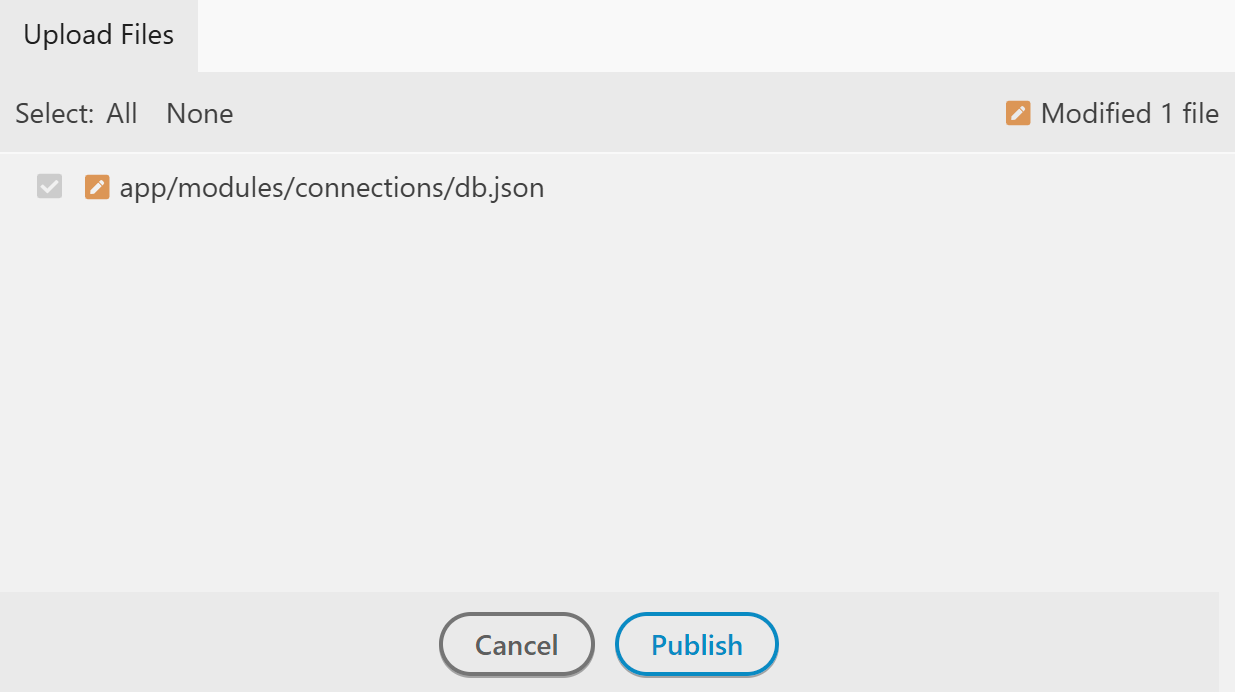
I can concur, I have one marketing site, no database pushes, small footprint and it is setup like my full app(aka, lots of files, and apis, also not pushing database changes) and it pushes to the production server without issue, also show the “Files to be uploaded” and appropriate checkboxes all appear without issue. Then the larger app, also not pushing database changes, fails to load the “Files to be uploaded”, both apps are setup identically, pushing to the same server, same credentials. So I too have resorted to manually FTP-ing my files to the server. I think its worth while to notate the “Manual Push” of files to your production server. I’d be happy to notate them for the community if needed.
This is the only way I upload files directly from Wappler. (I often use an FTP client too).
This reminds me of a feature request made over 5 years ago:
I mentioned at the time:
For me, the lack of this feature is often the most time-consuming and frustrating aspect of Wappler.
This is still true. If this feature were the only feature implemented in Wappler v8, I would be happy. The lack of this option wastes such a lot of time.