If you want to use the Minty Bootswatch theme, then select it in the frameworks menu 
Can’t find the BS5 version in the framework menu (from the setup menu), only in the App structure menu under bootstrap but conversion from BS4 minty to BS5 minty fails (page rendering back to basic “html”)
That’s why I thought such conflict may upset the server connect functions I’m having difficulties with.
Can you please make sure throw errors option is enabled for the upload and check the results of your server action to see if returns any error?
Not familiar with throw error. Is that it?
I get these issues due to BS4-BS5 conversion, but it’s another topic.
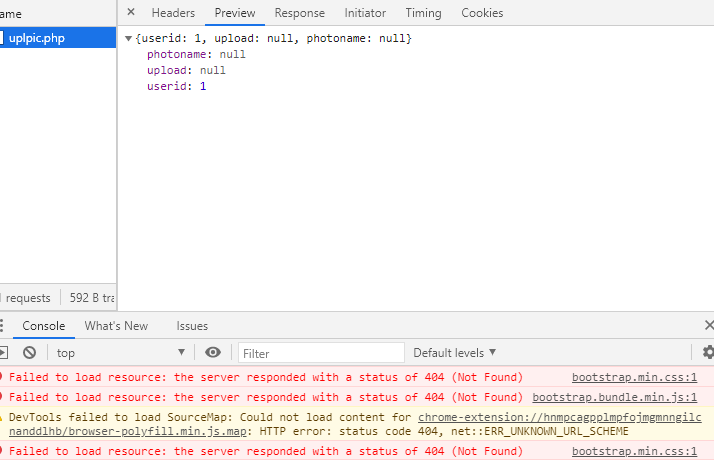
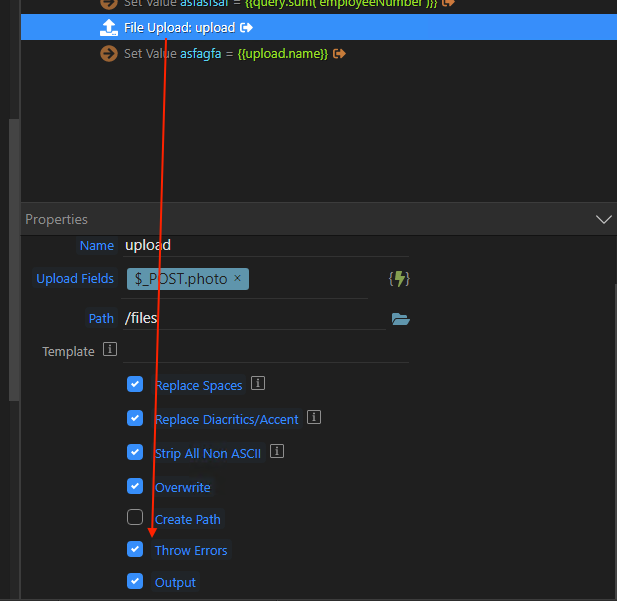


Ok, thanks that’s the useful information we needed.
It seems this function has changed after PHP 7.3, so we need to update the code. @patrick is investigating and will post an update about this.
Eagerly looking fwd to it. Thanks for your unconditional support.
Where shall I share more details about the BS4 minty to BS5 minty conversion fail? I know BS5 is in beta so you guys may want error reports feedback to fix possible weaknesses?
Please post your issue in another topic
There probably goes something wrong with determining the site root, can you check with phpinfo if DOCUMENT_ROOT environment variable is set on your server.


Please test following update, unzip it in dmxConnectLib/lib/core.
Path.zip (1.3 KB)
1 Like
 (See any other error in there?)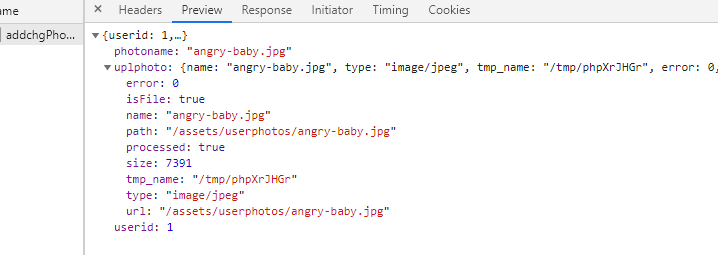
This has been fixed in Wappler 3.7.4
Ben,
After multiple tries, here is my working syntax: {{userid+'-'}}{guid}{ext}
1 Like
This topic was automatically closed after 46 hours. New replies are no longer allowed.