Yes same thing
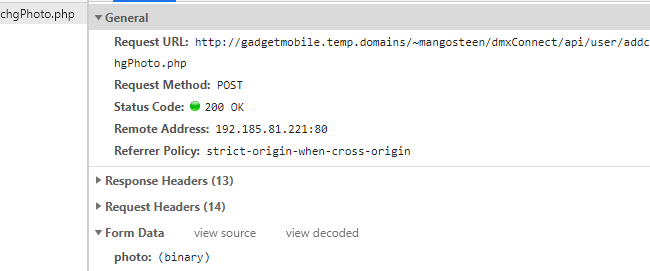
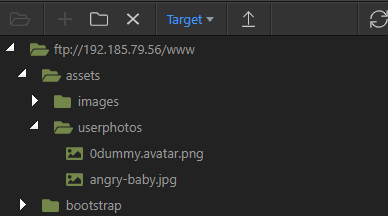
Do you see the file uploaded on your server - i.e. is the file you selected actually being saved on the server in the selected folder?
Yes in the remote, that was the first thing I checked. It’s only the name of the file that does not get “fetched” by the upload somehow
First of all could you test with the Throw Errors option turned on. It should then throw an error if there went something wrong in the upload step. Second you could try to make the Upload Fields empty and test that.

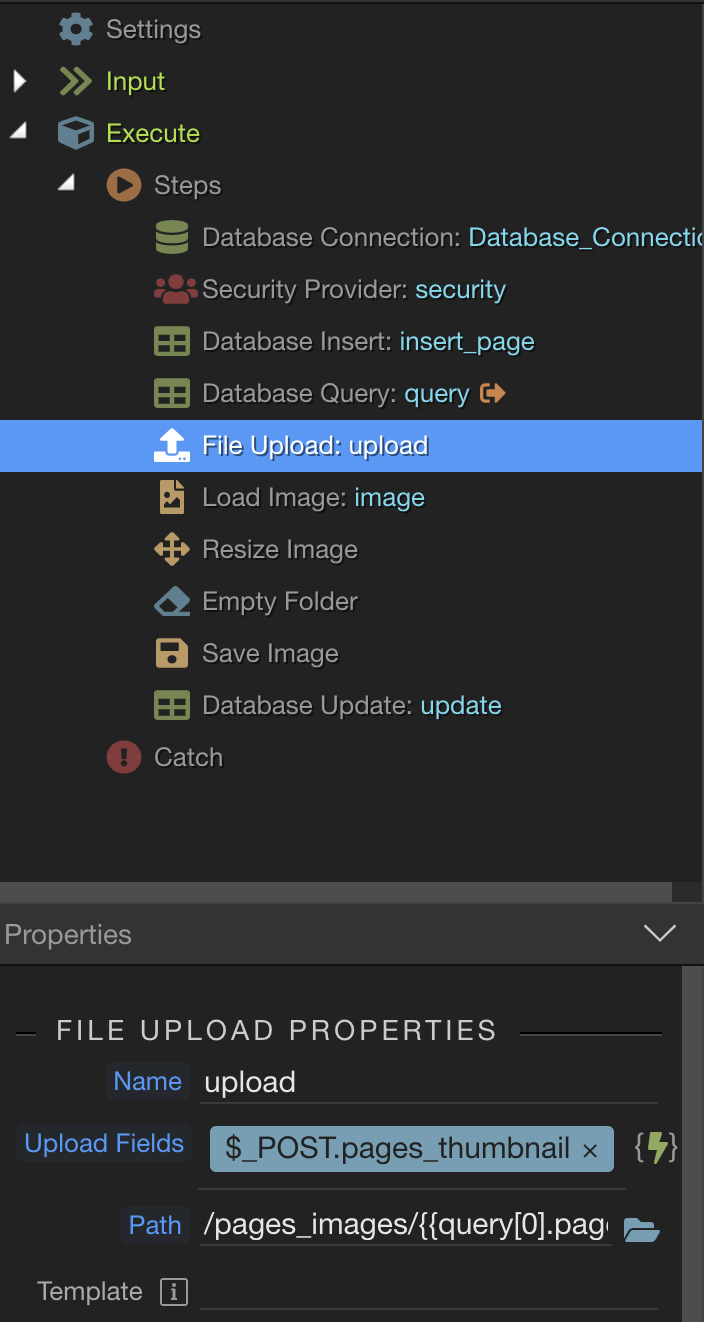
You should not be using post for this as I explained already. Upload step should be used.
ah thanks for this info I will update mine although it does work in this case with post it is better to use the upload especially as it is needed in repeats never thought about that, that aside maybe try just typing your image name into the upload to see if it actually uploads or if the problem is within the db its self (im still learning Wappler myself so please correct me if im wrong on anything)
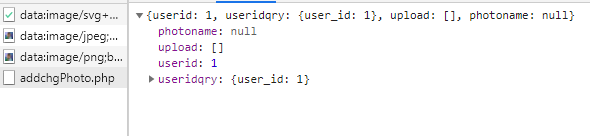
Tried both your suggestion out of curiosity and Teo’s with no much success
FYI I use MySQL DB (with phpMyAdmin) and all other fields are updated correctly, dates, ENUM, strings, varchar…
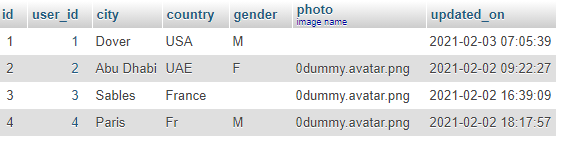
The problem is not with your database. It’s in the server action where the upload step is not returning a value.
I can delete the API action and input and redo it all clean again to see if the “reset” helps…
Takes 5min with wonderful Wappler!
I just noticed in one of your images you don’t have a database connection? do you have one in now?
It’s in the Globals. Connected 
@Sorry_Duh there is no need for database connection in the server action. There is no need for database connection for the upload to return a value. Please don’t just post random thoughts here, we are investigating the issue.
I tested this from scratch trying to recreate your case and it works fine, i can’t reproduce the issue.
Maybe something is corrupted in your server action?
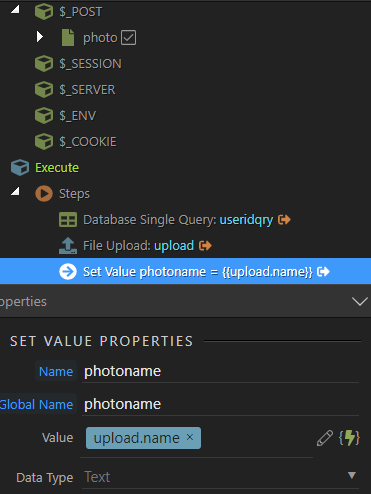
Why not just try to create a server action which includes just a file upload and a set value step, which returns upload.name to check if it works.
I did this test last night and the result is the same: NULL
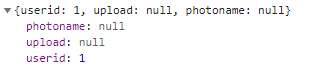
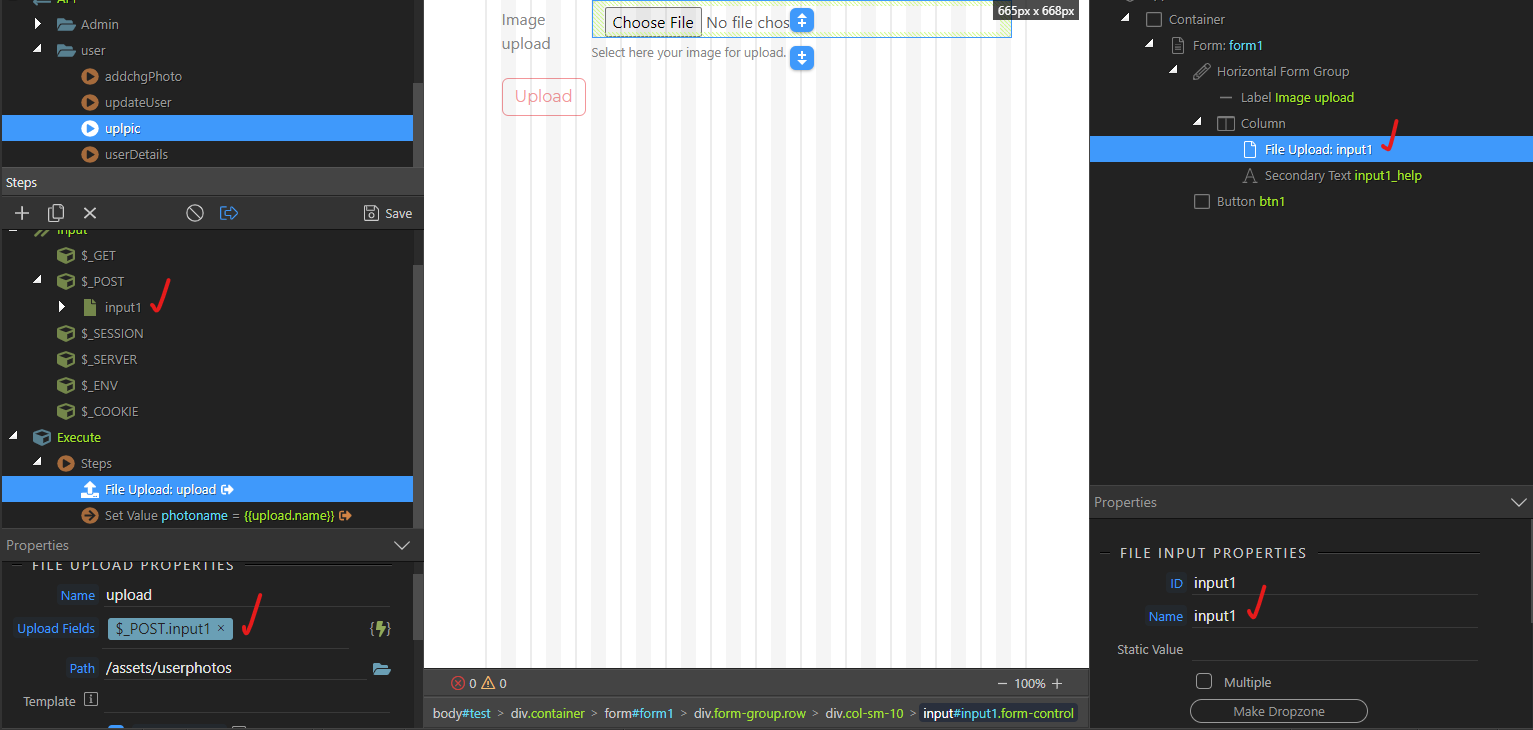
Here is my setup which I checked again this morning. It worked well before 3.7.2. I didn’t use the upload during 372 and now at 3.7.3 it won’t work.
What could be corrupted? I have a partner who works on this project with me on a second laptop, could this affect anything? I am very concerned now, I cannot progress anymore…
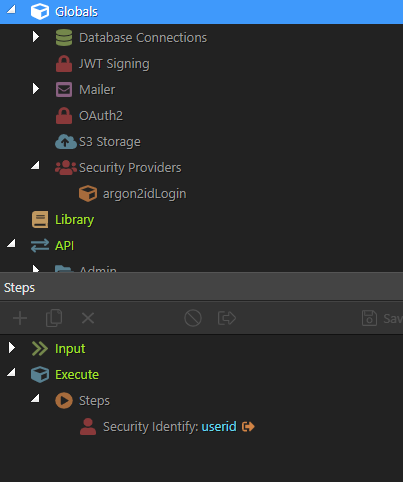
Do you have any steps added under globals?
Nothing major, just security id. Could it be due to frameworks conflict? I realize my general project setting is with BS5, but frameworks is with BS4 minty templates.
(FYI, I run Win10 pro, Intel core i5, 64 bits, 16G RAM, SSD so hardware is not the problem)
No, there is some issue with the server side.
What PHP version are you running?
Web server version is 7.3 according to php info.
Sorry unrelated question: for BS5 minty template, shall I run BS5 cdn or local?