Hello,
I’m creating a “faceted search” module but I’m blocked about the “sortable” function.
For the results I’m not using the “table generator” but a “repeat” on a div section.
Now I have to create three dropdown menu above the results section with these behaviours:
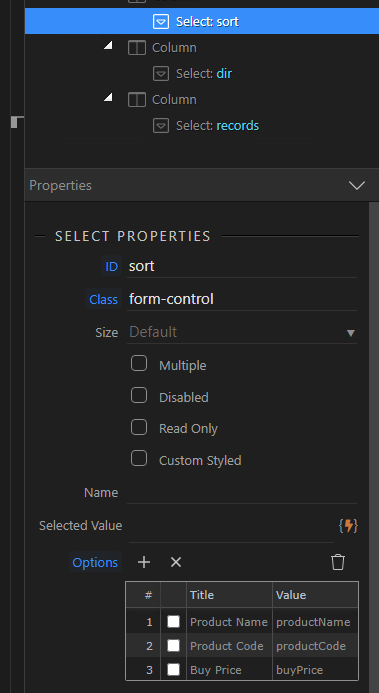
- first dropdown, to select the category to use for the sortable;
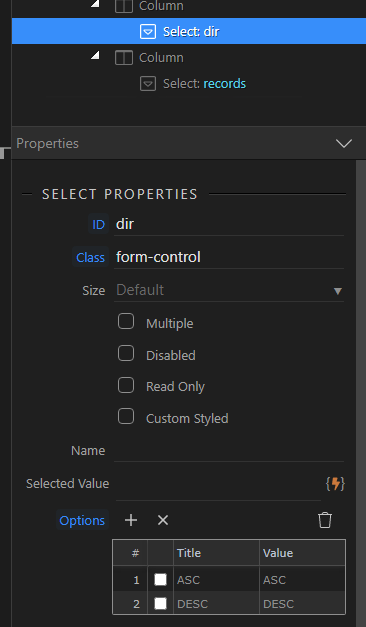
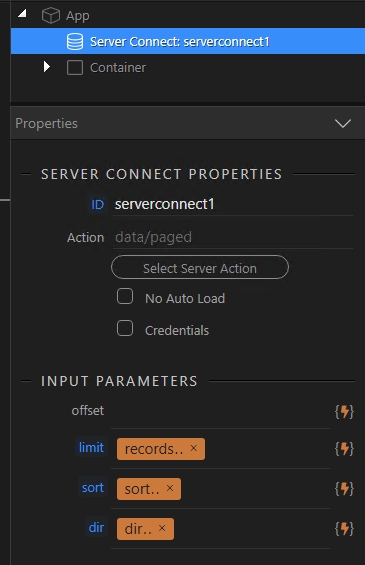
- second, to change the order of the sortable (ASC, DESC);
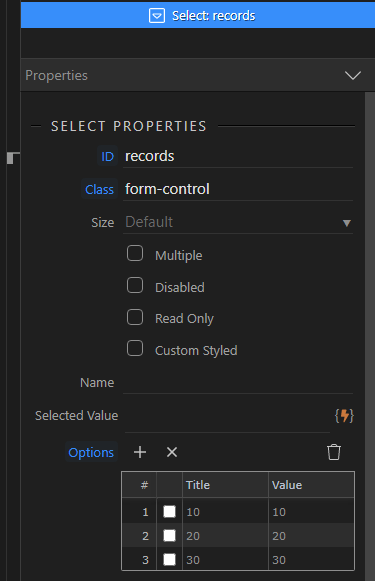
- third, change the number of the results views in the page (3, 6, 9, all).
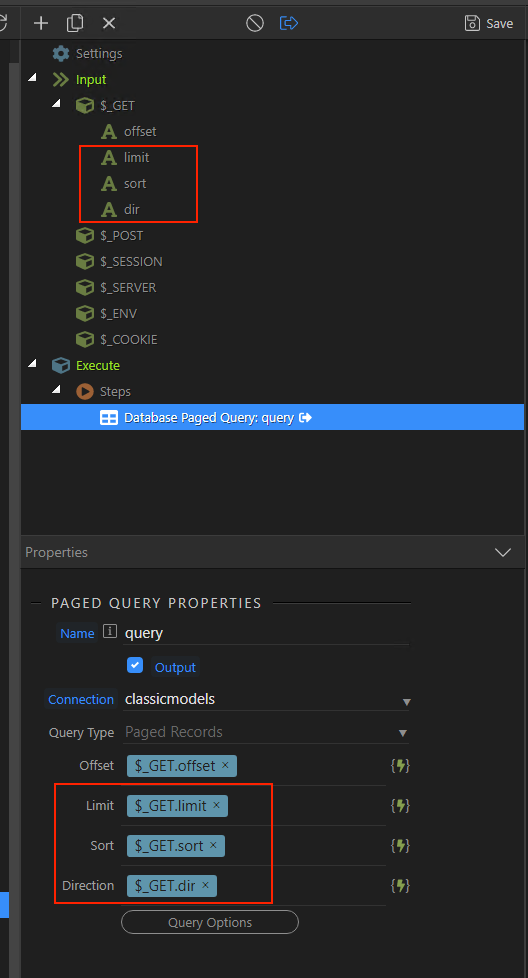
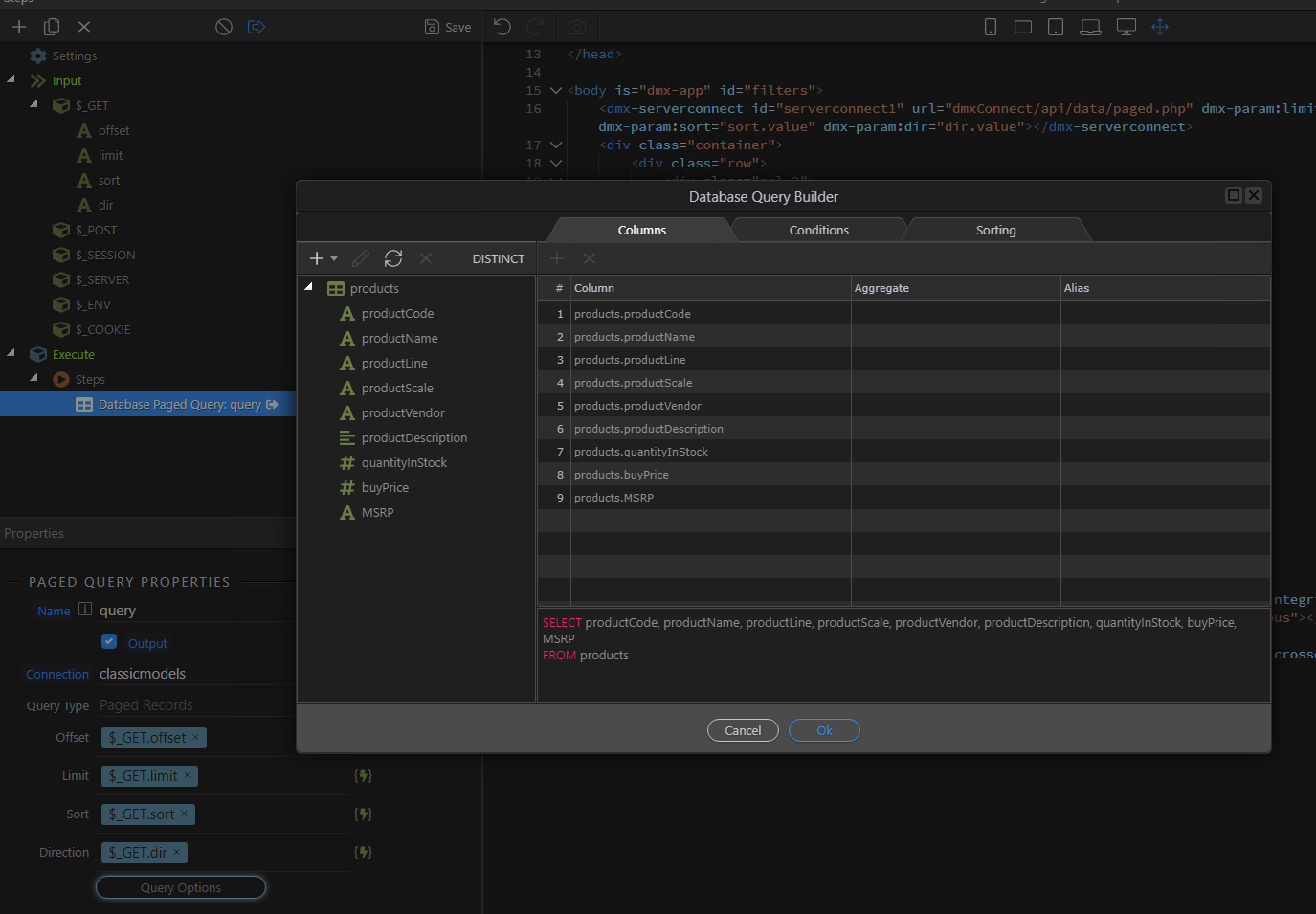
Below some screenshots to explain better about above:




In practice, I’ve a situation similar to this but without the “table”:
Following the above example, I need to create three dropdown:
- first, the possibility to change category to sortable, e.g. name or category;
- second, change the order ASC (default) to DESC and viceversa;
- third, change the number of the results in the page “3, 6, 9 , All”.
Can someone give me some tips on how to do this with Wappler?
Thanks.