Mobile Project missing build options in tray

Wappler version 7.5.2 on OSX

Hi Team,

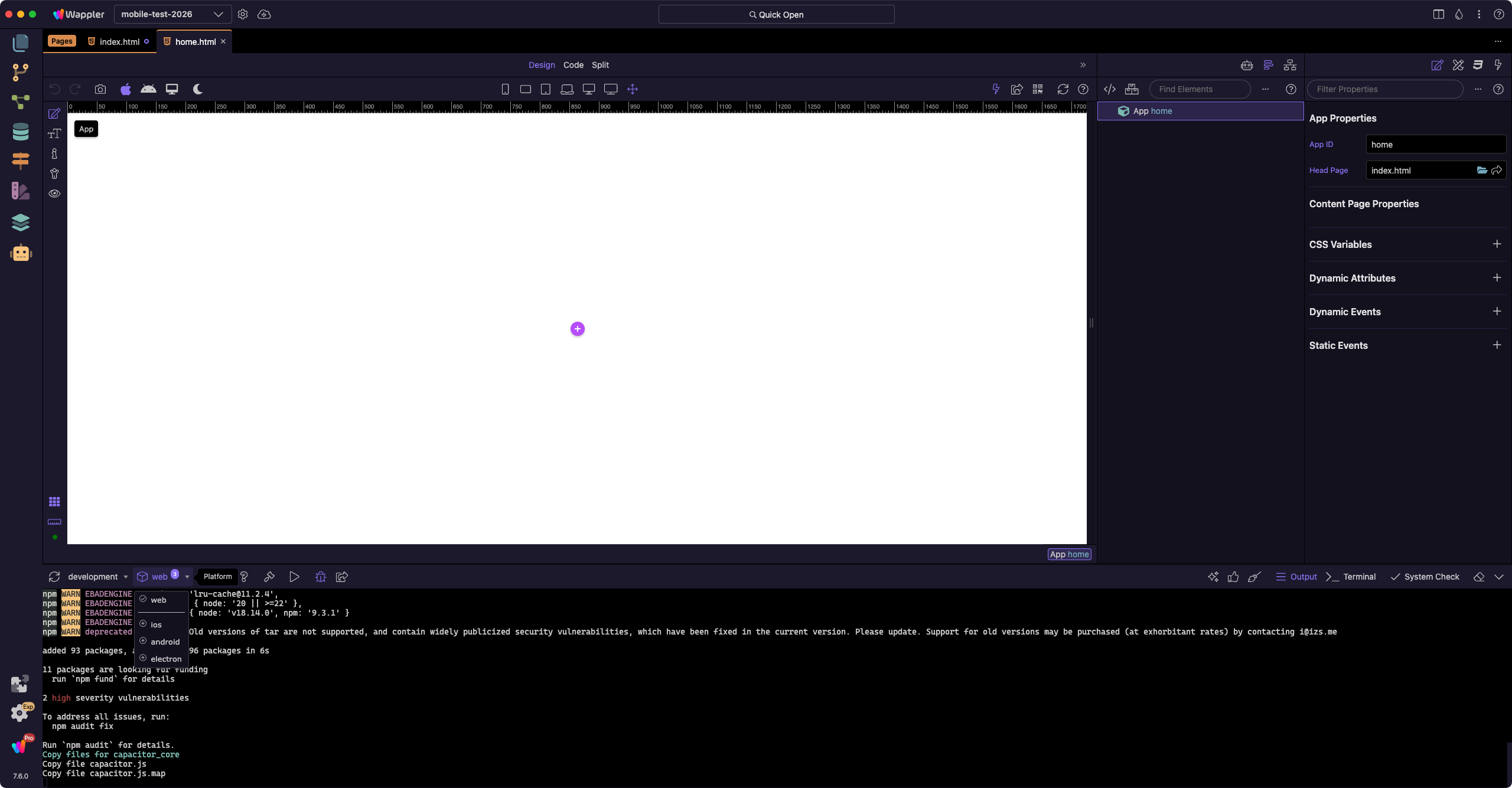
Just setup a new mobile project - Bootstrap and Capacitor. It loads into the app but under Target it juts says Local..nothing there relating to IOS or Android. Also, It did not install Capacitor either when setting up the project. As far as I am aware it hsould have installed Capacitor by now, and then I would have to click on Target and select IOS or Android and it should then insall the necessary components.

Please advise if I have to do something additional at this point that is not reflected in the docs.

UPDATE

I manually installed Capacitor and ios and android, however the select options of selecting the platform form that menu I mentioned is still not there., and no build options exist for ios or android.

What’s interesting as well is I opened up another mobile project which was created in a previous version of Wappler that worked well, and those options are not their either. Seems to be an issue with this version of Wappler.

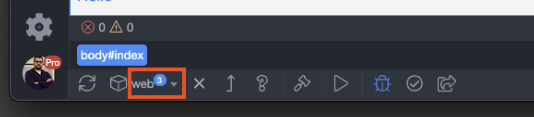
For clarity, this image from your docs shows what should be there but is missing.. no build, play button, etc..

Thanks

Hello @daves88
Not having this problem on Windows

There's a new version 7.6.0, so maybe you can try a full uninstall and a new clean install to see how it goes?

Hi @franse

Thanks for response.

Tried updating and same issue.

Perhaps it’s a macOS issue?

Probably, I don’t have a mac so can't help you :frowning: sorry!

Thanks anyway.

can anyone else confirm if this is a macOS issue or an issue with my setup?

Just tried on a different Mac and exact same issue.. no sign of mobile building or mobile platform selector..

I can confirm the last working version where I can see the build options in the tray and capacitor installing successfully etc is Wappler v6.8.0. There is definitely a bug with v7 onwards..

if the Wappler team can get onto this asap that would be greatly appreciated as I can’t build any previous mobile apps I have built.. this is very urgent!

Thanks you

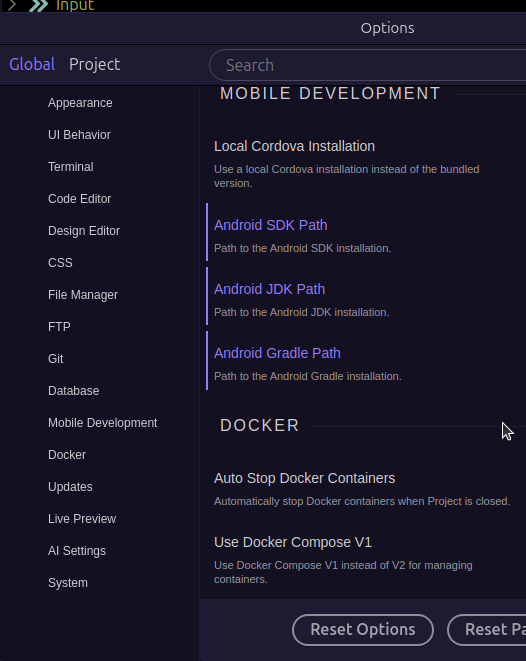
Wonder if it depends on having Android Studio installed and the applicable paths defined in the Wappler 'Mobile Development' settings area?

Hi @Cheese ,

I can try but what about IOS? Seems like nothing for mobile is loading at all when setting up a new mobile app.. very strange. Do you have MACOS you can test this on?

I'm on Ubuntu and our mobile apps are on another device 250km from me unfortunately. Worth waiting for one of the Team to respond (being 2am might be tomorrow though).

Thank you, all good I shall wait for a team member. Curious to see how many other users are experiencing this.

ok so turns out what is happening is upon creating a new mobile app its leaving out this critical info in the project.json file:

"useRouting": true,
"routingHandler": "appConnect",
"runtime": "capacitor",
"projectType": "app",
"capacitor": {
"capacitor": {
"checked": true
},
"platform": "web"
},

Once I edited that file and added that in the mobile elements for that project showed up again.

FYI - When creating a new mobile project ( Wappler 7.6.0) this is what the project file looks like which is the key problem (it also keeps showing Cordova even though I always select Capacitor)

{
  "projectName": "Blank Mobile Project",
  "designFramework": "bootstrap5",
  "useRouting": true,
  "routingHandler": "appConnect",
  "routingFile": "/js/routes.js",
  "styleFile": "/css/style.css",
  "assetsFolder": "/assets",
  "frameworks": [
    {
      "name": "appConnect",
      "type": "local"
    },
    {
      "name": "cordova",
      "type": "local"
    },
    {
      "name": "bootstrap5",
      "type": "local"
    }
  ]
}

Clearly a bug thats not generating the project file correctly..

Anyone from the Wappler team?

A response from the Wappler team would be greatly appreciated whether this is a problem on my end or in fact a bug.. anyone?

I just created a new mobile (bootstrap + capacitor) project on my mac and the toolbar for building and platform selector show properly:

Hi Teodor,

Thanks for your response.

Are you using beta or stable? I tried on 2 seperate MacBooks with 2 separate Wappler versions (both stable not beta ) and had the same issue. Could it be something cached badly in my Wappler project files? Not really sure what to do..

There is no Wappler beta available at the moment, the latest version is 7.6.0 and it is stable.

Okay. I believe @franse ezperienced this issue when other Wappler projects were open at the same time. There is definitely something buggy going on. Any suggestions?
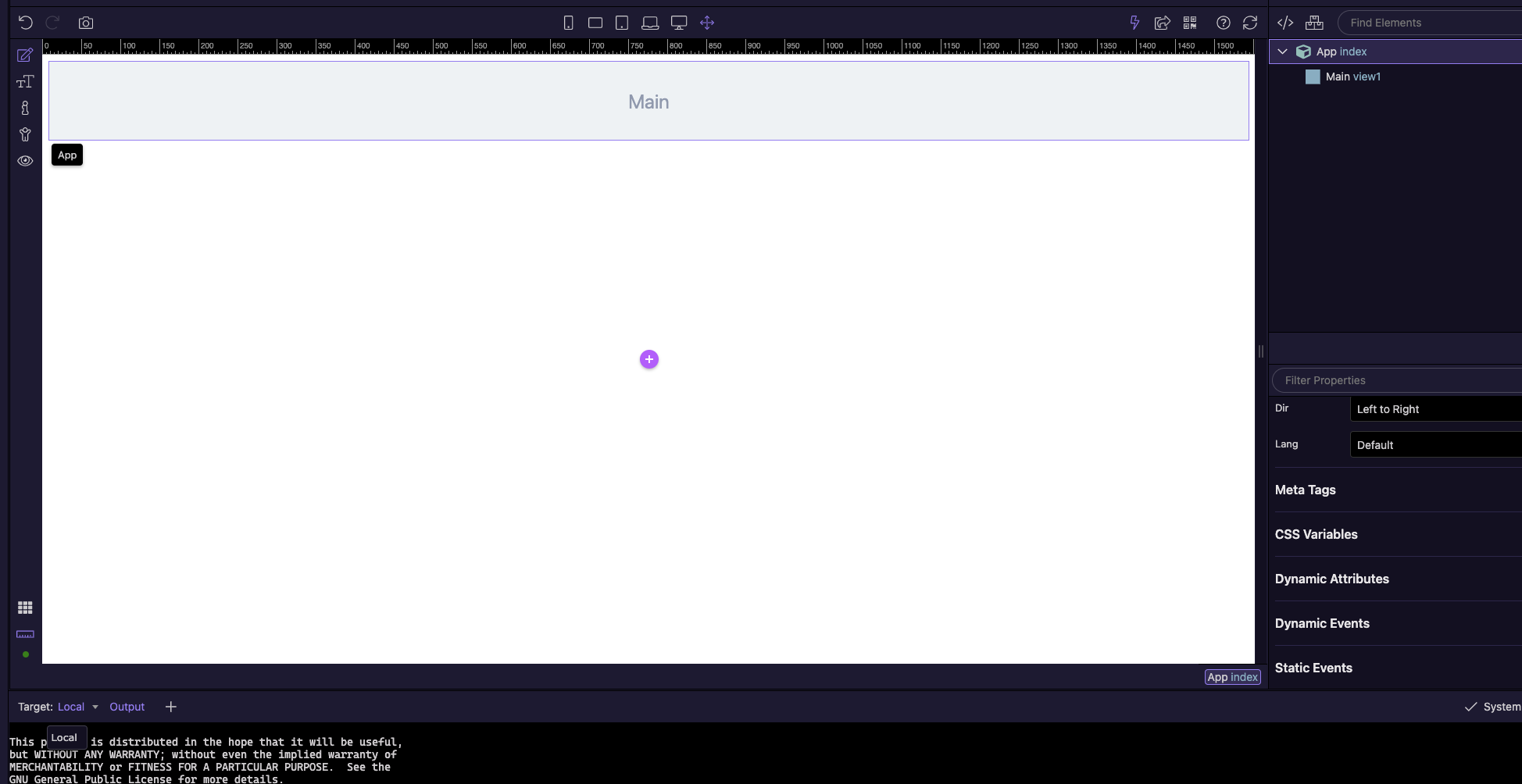
Yes, when trying to create a mobile project and Wappler is already open, then a regular project is created instead a mobile one..

Will try to catch something in logs and create a bug report later, but maybe related?

PS: if you run with logging something strange is printed?

What do you mean here? How can you create a project if Wappler is not open already? :slight_smile:

Sorry, I mean a Wappler project already opened and using multiple editor

With the multiple editor function:
You have a Wappler project opened, right click on tray -> New project window -> New mobile project