I have a similar issue with a page i started developing about 2 weeks ago. Difficulty is there is no reference to where the problem lies. It could be anywhere i assume.
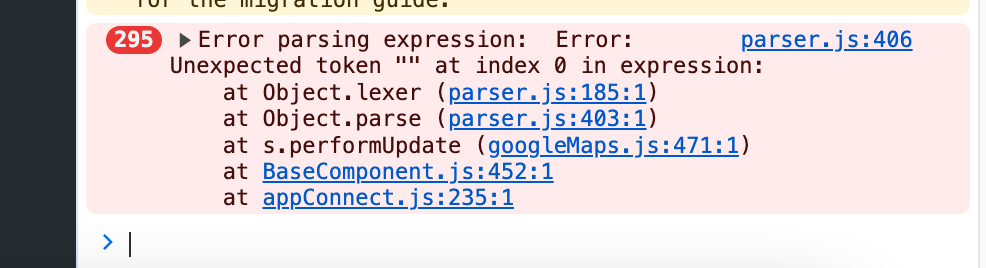
parser.js:406 Error parsing expression: Error: Unexpected token "" at index 0 in expression:
at dmx.lexer (parser.js:185:1)
at dmx.parse (parser.js:403:1)
at s.parse (BaseComponent.js:78:1)
at c._ (BaseComponent.js:488:1)
at get value (signal.js:76:1)
at c.sync (signal.js:152:1)
at get value (signal.js:137:1)
at c.run (signal.js:112:1)
at dmx.effect (signal.js:190:1)
at s.$watch (BaseComponent.js:486:1)
(and no maps on page)
any tips on where to find the erroneous character?
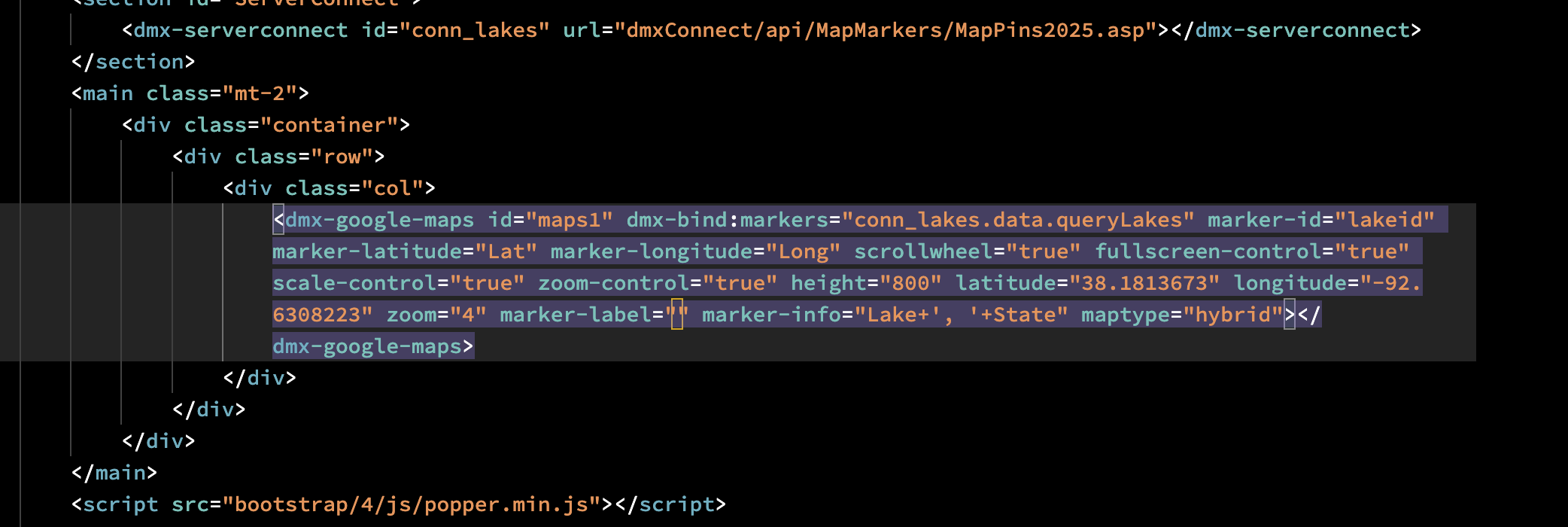
I just added a new google map and used dynamic markers. It seems to happen when you leave something empty? I mean its not a big issue at this point because I know how to fix it when it happens and I can see the yellow square in the code indicting which is the problem and then I just change it. You said previously you wanted to know where this was happening so I just posted this….
In my case, the code was produced by Wappler when adding the server connect with noload set.
As it was a noload action,the optional parameter was left blank as the parameter is only needed when the server connect is dynamically loaded.
No manual editing of the action occurred.
yeah mine was similar to Hyberbytes. It was a field that I didn’t put anything into. I didn’t have anything in there and then delete it. It just showed in the code by itself etc.