Mukhi
December 13, 2022, 7:03am
1
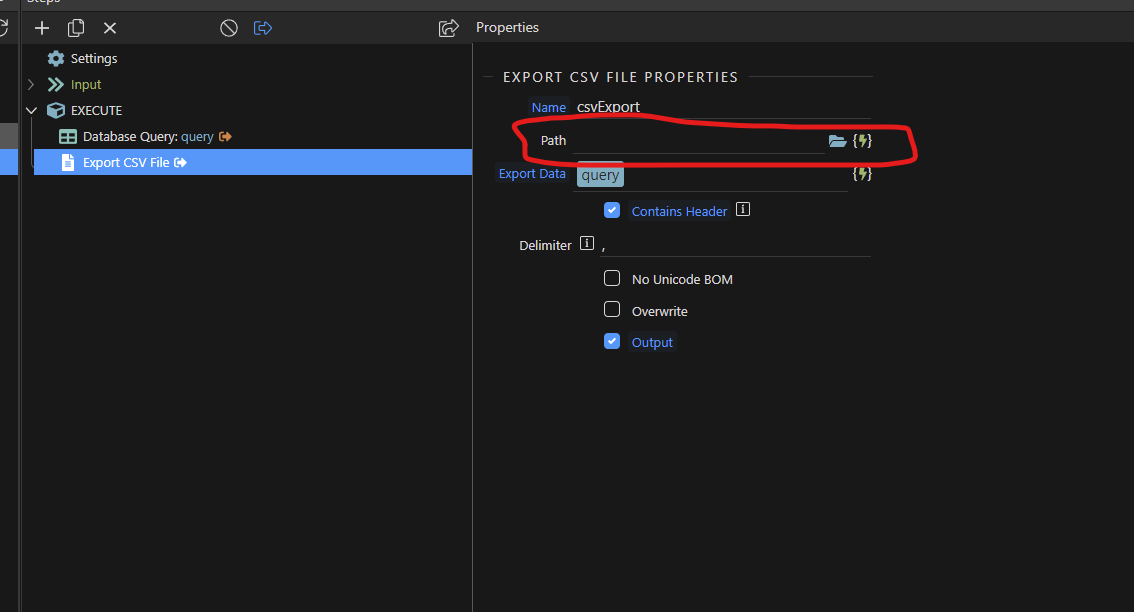
I have a datatable and the data is getting from mysql. I tried to export data from table in CSV format but it is not working properly. I couldn’t find any proper export docs in Wappler channel.
I have attached the screenshot given below:
Teodor
December 13, 2022, 7:31am
2
Can you explain what kind of issues are having with CSV export?
Mukhi
December 13, 2022, 8:25am
3
You have any proper document to export data into csv format.
which path should I add here.
Teodor
December 13, 2022, 8:26am
4
Well there you just select the folder/path where the csv should be exported
Mukhi
December 13, 2022, 8:28am
5
Ok U have any document for export data
Teodor
December 13, 2022, 8:31am
6
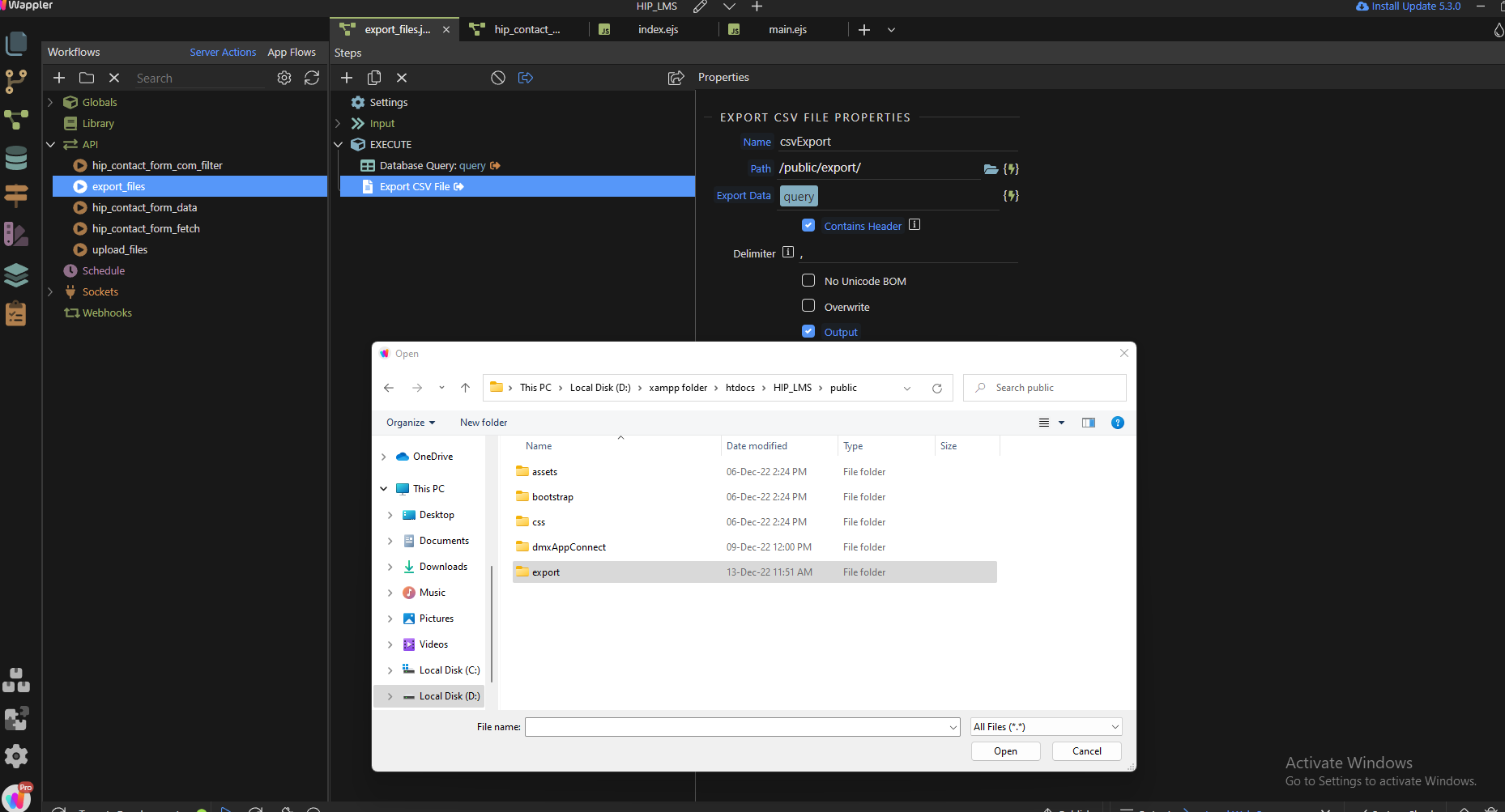
I don’t find any documentation, but it is as simple as you see on your screenshot. You select the export folder and that’s all.
Teodor
December 13, 2022, 8:38am
8
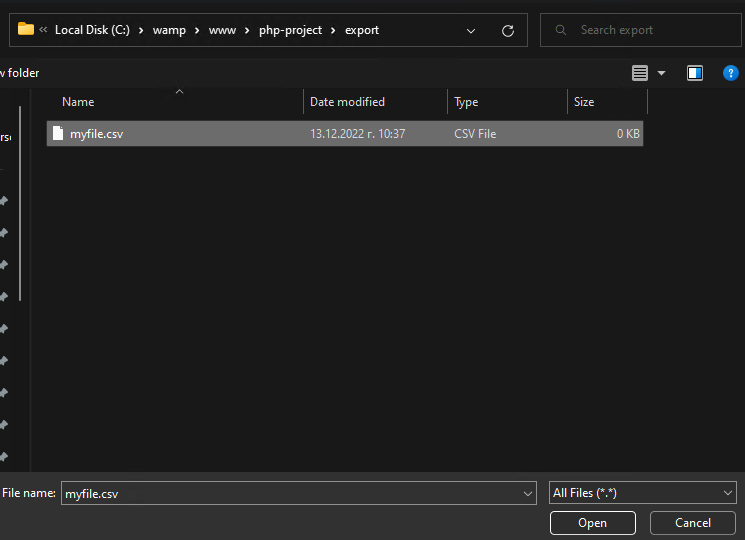
You need to select a file, so just create an empty csv file, click it and select open:
Mukhi
December 13, 2022, 9:27am
9
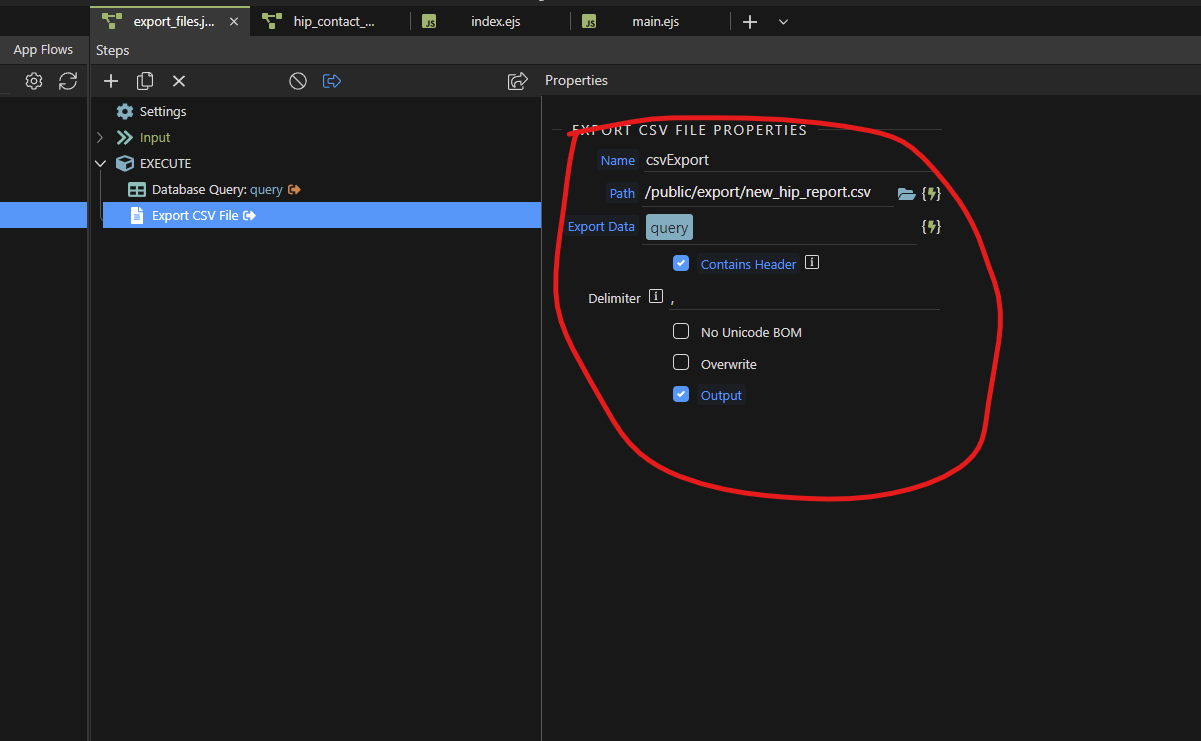
I took this step.
is this right, Now whats nest step
Teodor
December 13, 2022, 9:31am
10
What do you mean by “what’s next step”? What else do you need to do?
Mukhi
December 13, 2022, 9:31am
11
Now how to connect to the export button
Teodor
December 13, 2022, 9:33am
12
You just run your server action on button click.
Mukhi
December 13, 2022, 9:40am
13
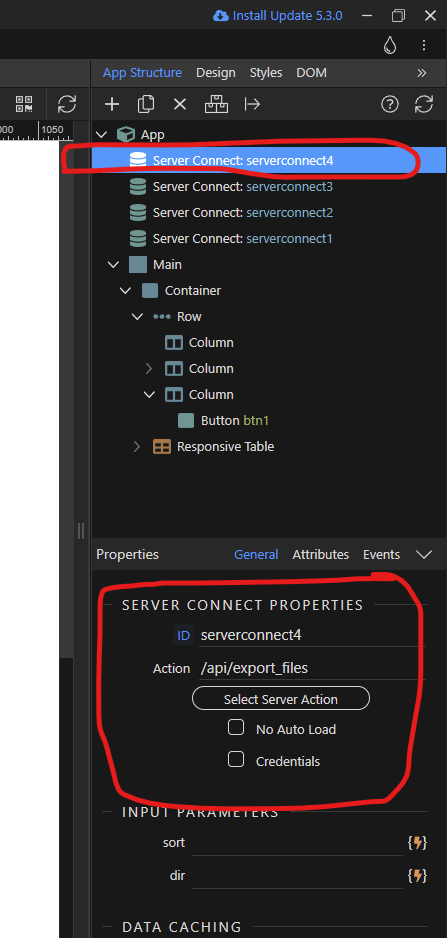
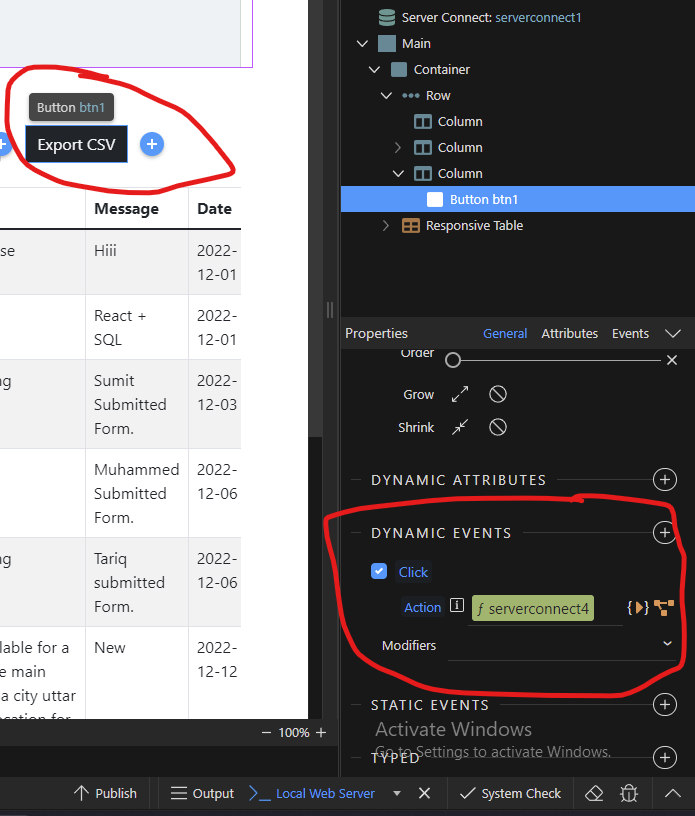
Now I added new server connection as you can see in screenshot and I was selected " /api/export_files ". Is this right
And on button dynamic event on click action I was connected " serverconnect4 ". As see in Screenshot below:
Teodor
December 13, 2022, 9:41am
14
Mukhi:
You don’t want to run the server action/export on every page load, so enable the No Auto Load option. this way it will only be called when the button us clicked:
Mukhi:
Mukhi
December 13, 2022, 9:46am
15
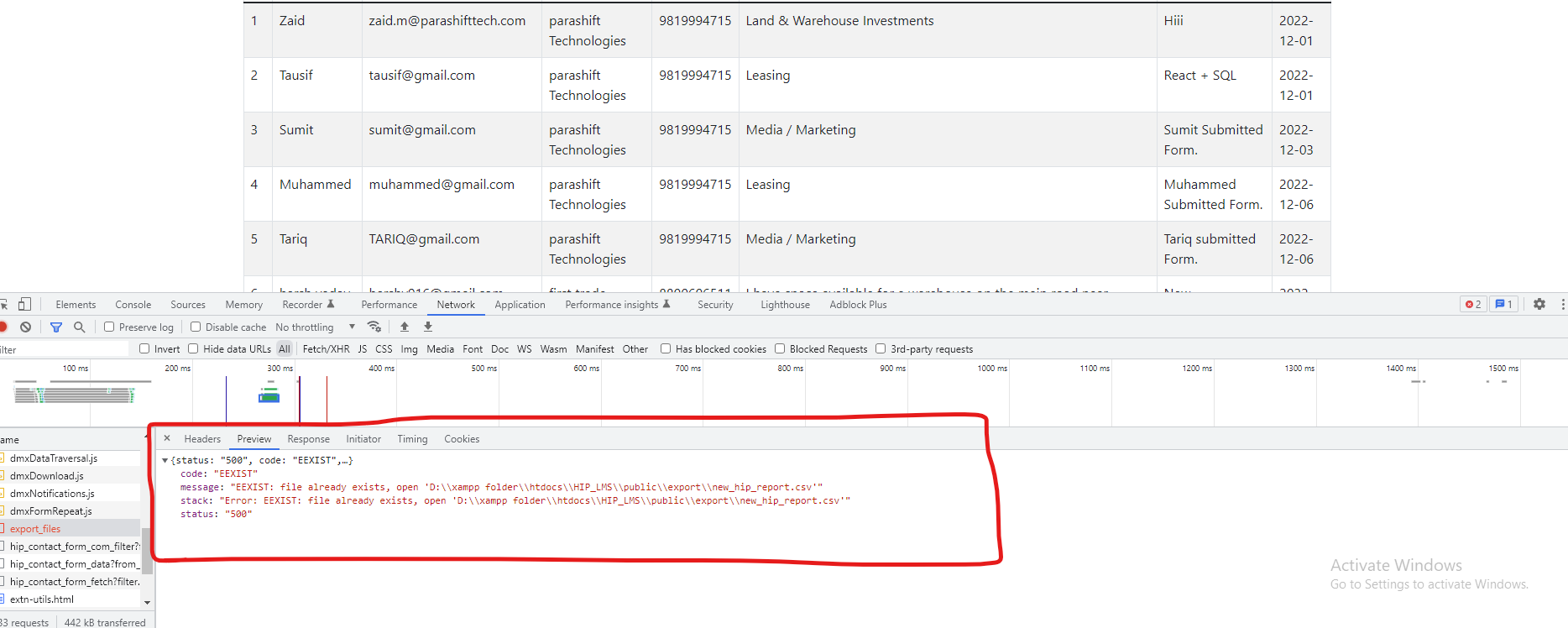
Now when I clicked on button this error show
brad
December 13, 2022, 6:11pm
17
Welcome to the Wappler community.
Maybe this thread will help you.
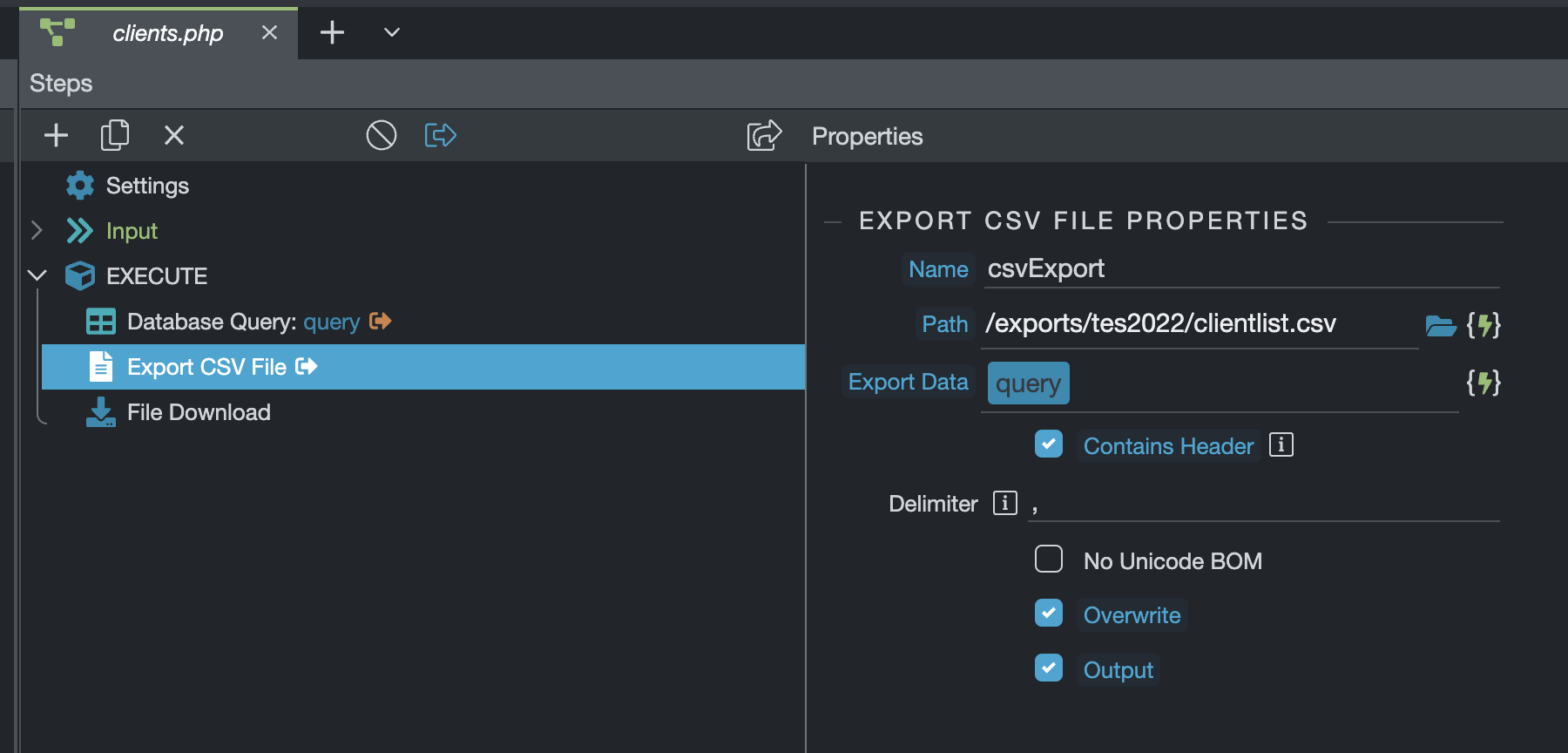
I have a recordset and a button to export to CVS. The xport works amazingly well. Love Wappler!
[Screen Shot 2022-08-30 at 11.46.47 AM]
What I want to do is when that button is clicked on to export and then download the file. I can’t get the download to work.
What am I doing wrong?
[Screen Shot 2022-08-30 at 11.46.35 AM]
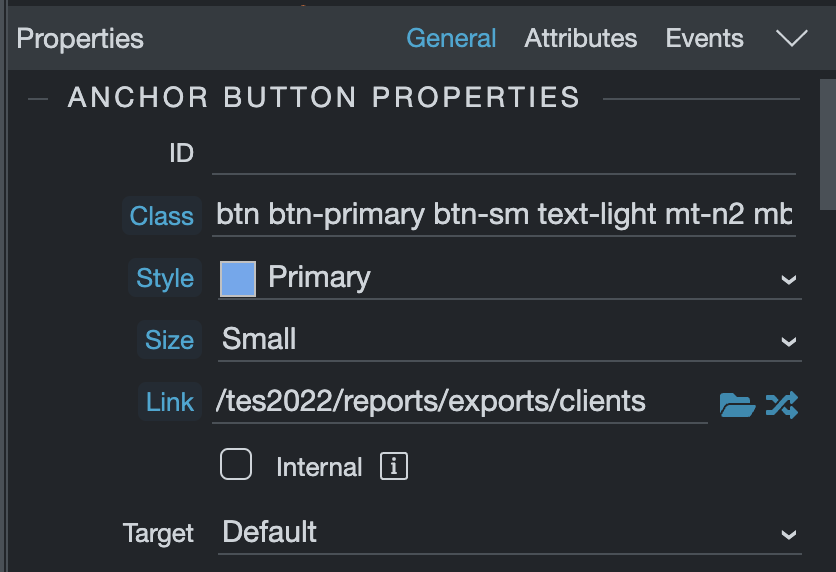
I also have mine link/button set up completly different. I think you have your API action set up correctly as far as I can tell.
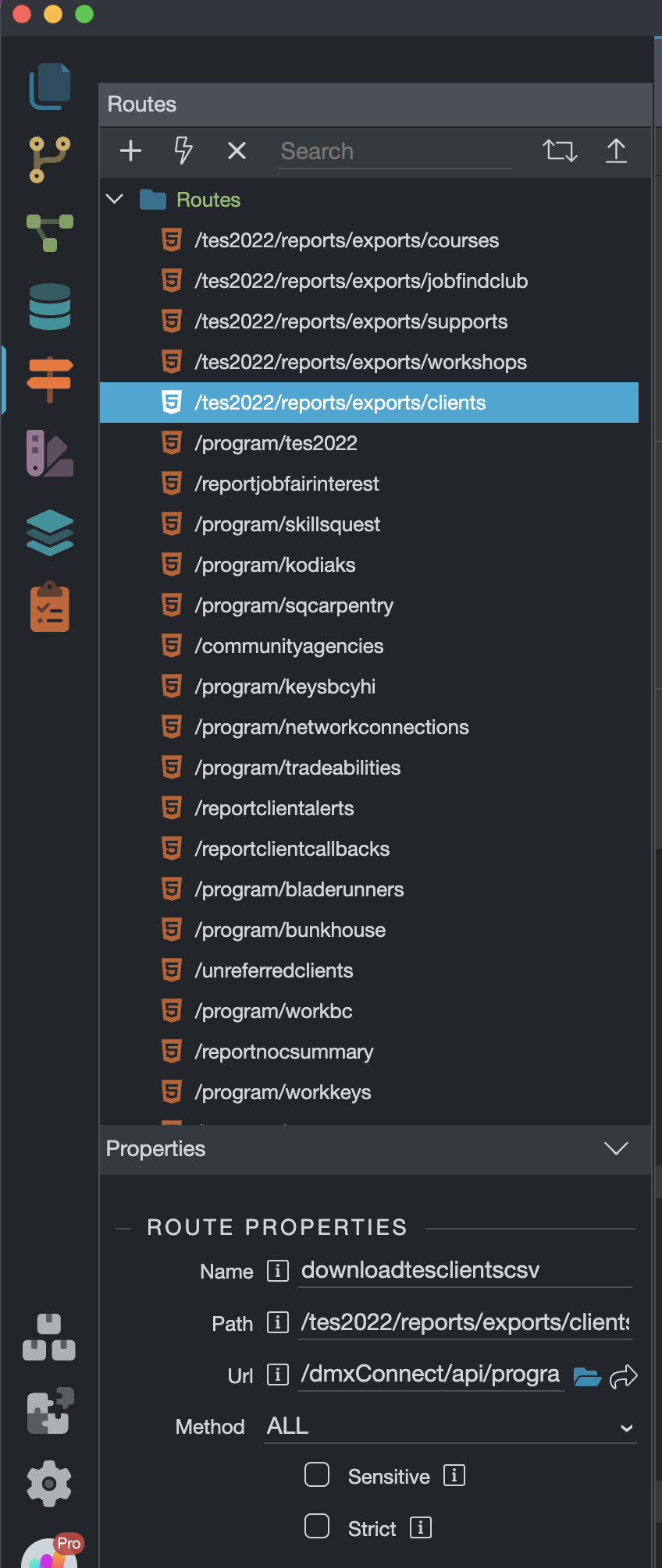
What I had to do was create a route to my action file.
And then use an anchor button for the link and link it to the new route.
Mukhi
December 14, 2022, 5:50am
18
Hi Brad,
brad
December 14, 2022, 4:00pm
19
Yes, those screenshots were taken from my main project. Works real slick. Made me look like a genius to our staff that use the dashboard.
Mukhi
December 19, 2022, 9:35am
20
Hi Teodor,
What should I do now?