I have a recordset and a button to export to CVS. The xport works amazingly well. Love Wappler!
What I want to do is when that button is clicked on to export and then download the file. I can’t get the download to work.
What am I doing wrong?
I have a recordset and a button to export to CVS. The xport works amazingly well. Love Wappler!
What I want to do is when that button is clicked on to export and then download the file. I can’t get the download to work.
What am I doing wrong?
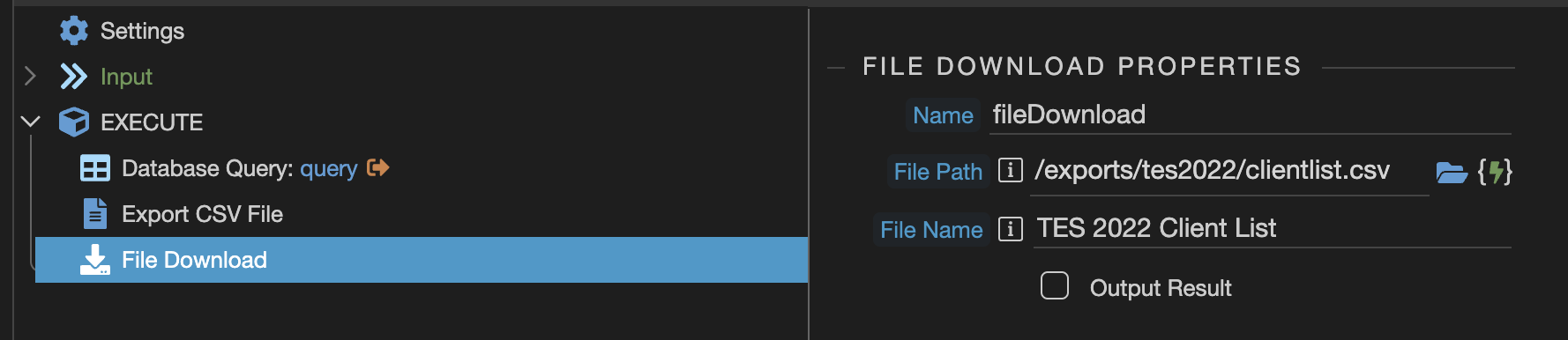
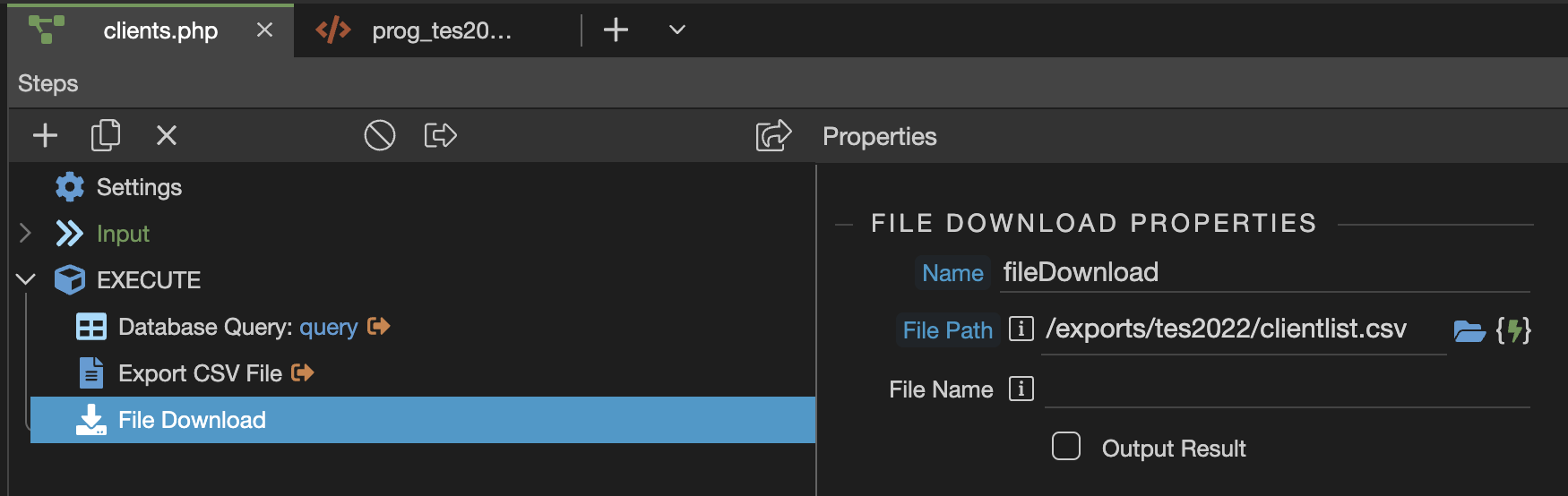
Hi Brad, it’s already explained in the docs how to use the download action:
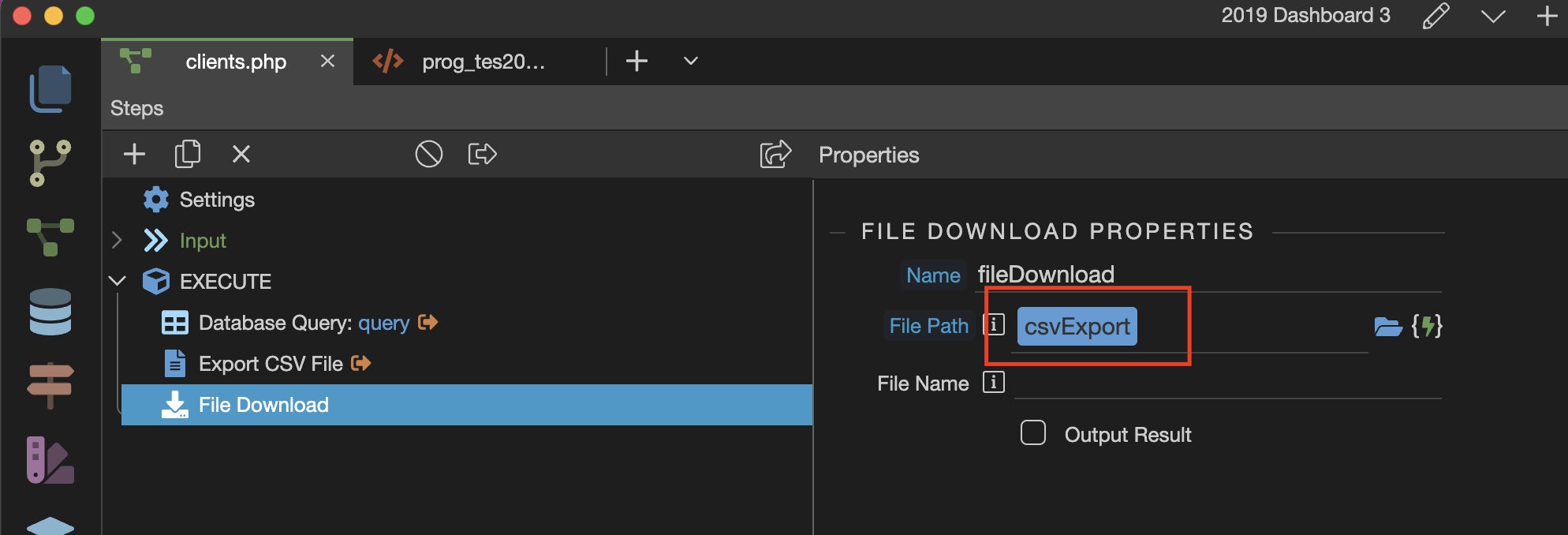
In the download step path just use the csv export step as an expression, the rest is explained in the tutorial.
That’s what I tried I think? But the download does not download. The CSV gets created but the file doesn’t download. What have I set wrong?
Have you checked the tutorial i linked to? Especially the part where it explains how to call the server action on the page?
Also in the download step just use the export step as a path, not a static path …
Ok, I have followed the doc step by step to add the link to the button. It won’t let me add the route.
bug
Got it! Had to take the ‘/:sort/:dir’ off of my route. Not sure if that is the right thing to do or not.
But it seems to work.
Did I mention how much I love Wappler? 
Haha!
Hey, Brad! Thanks for uncovering an item that I have been wrestling with for quite a while.
I too have had one of these issues in an old project that has the same symptoms of what you uncovered. It used to work perfectly, however it exposed the failure earlier this year.
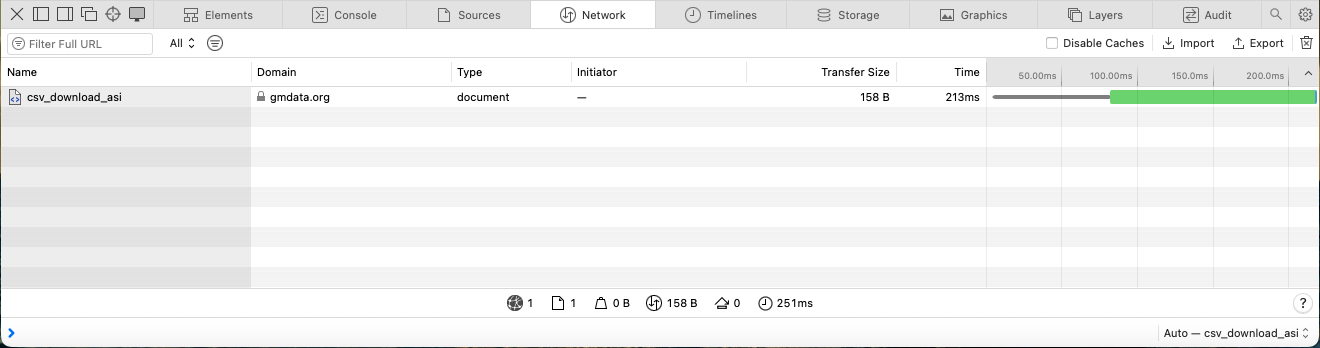
When I click the button to download the CSV for reports, the app shifts to a blank page, however the CSV data is there, as seen the image below.
What was the item or items that flipped the switch for it to work for you? As yet, I have not had that awakening.
Any suggestions will be very appreciated. Thanks!
Hi JR, too be honest we don't use the CSV Export any longer so I can't even look back on what I did. We found that just a filterable/sortable report on the dashboard did everything we needed.
What does your download link look like? Maybe it's a routing problem?
<a href="/tes2022/reports/exports/jobfindclub" class="btn btn-primary text-light btn-sm mt-n2 mb-n2"><i class="fa fa-table"></i> Export Spreadsheet</a>
Thank you for your response. Yes, I too built dashboards that reflect everything. However, there are some who pushed to hold on to the printed paper. Ha! There's always some of these in the room.
The download CSV files were working last year as they had for several previous years. These files are only generated once or twice a year. So while preparing for the 2024 reports, I found that the download stropped working.
So when I found your post, I thought there might be something common that I can use to fix the issue.
Here's a view of the current download link:
<a href="../api/Downloads/csv_download_cac" class="btn btn-sm shadow btn-danger py-0" dmx-bs-tooltip="'Download CAC'"><i class="fas fa-download"> </i>CAC</a>
@revjrblack see this post... we moved away from the download in the SC file itself and rather use a goto action on success to open the csv and then delete it from the sever...