How to convert a Bootswatch theme to Wappler’s Theme Manager? Including colors and such
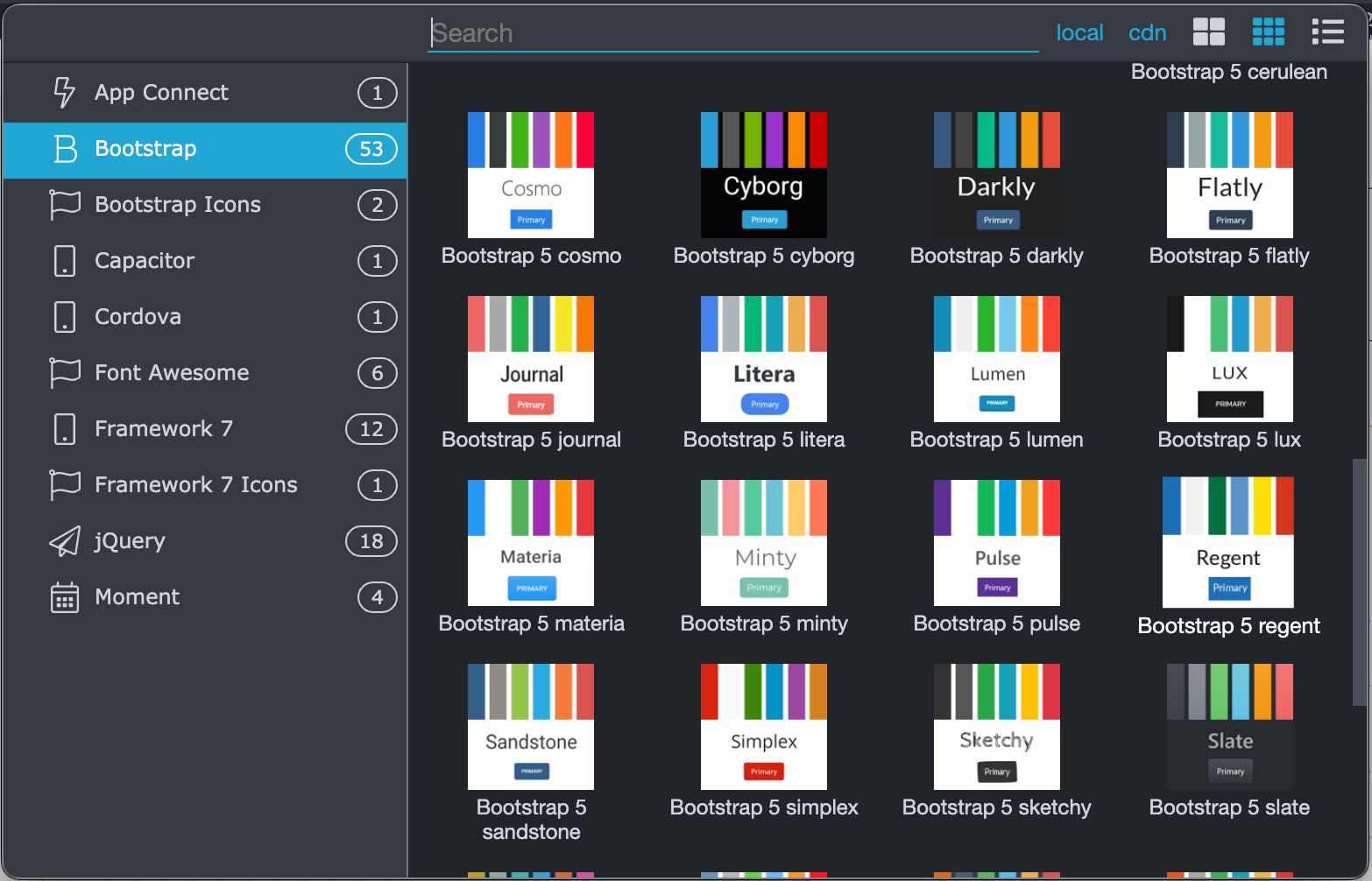
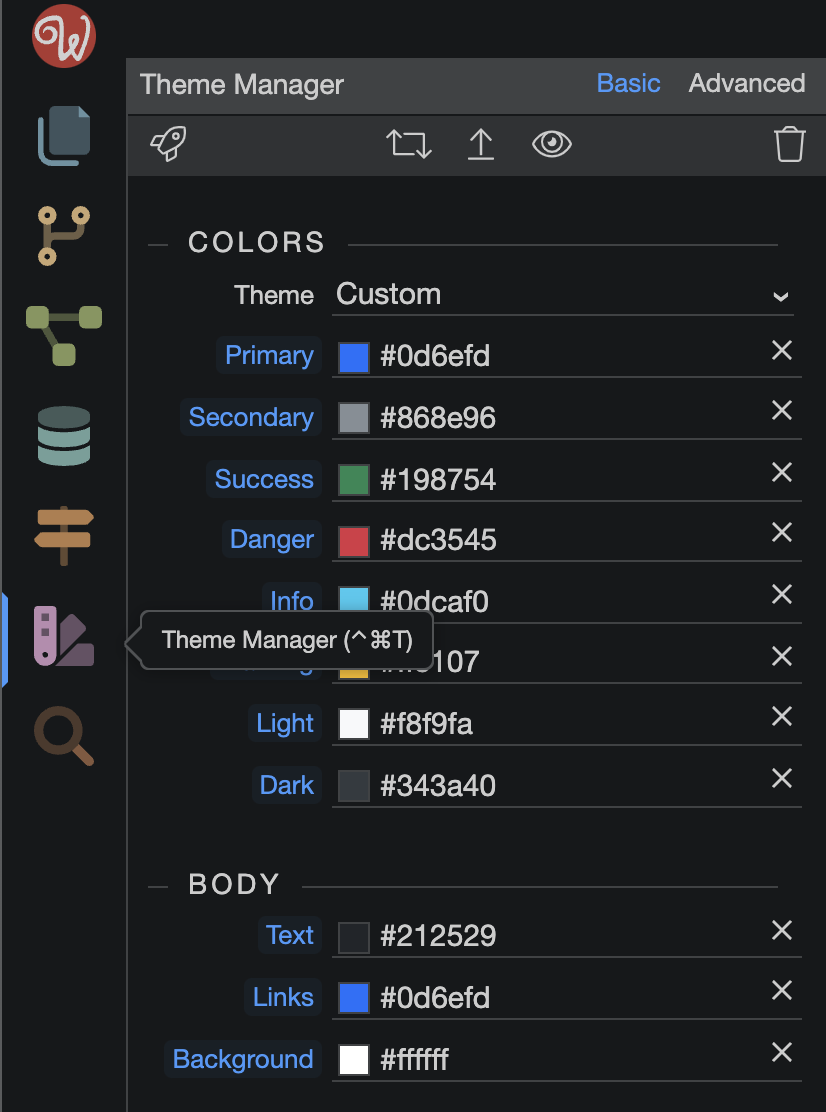
Grabación de pantalla 2022-03-22 a la(s) 21.54.06
I think what Apple is trying to do is import a bootswatch theme into the theme manager so it can be slightly changed.
For example, import all of the settings from Solar bootswatch them into the Wappler theme editor and use that as a starting point to change some values.
Oh i see  hahha. mmmm i dont think there is an official way to do that, i never really thought about it, but it can be a good feature request.
You would have to do this manually, looking at the variables in the .scss files, rather than the compiled .css files. Eg https://bootswatch.com/darkly/
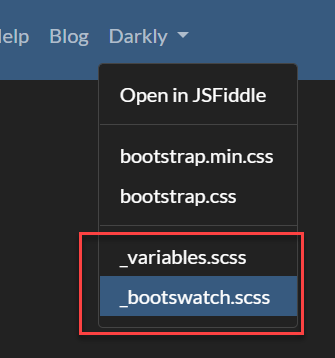
It would be good if you could just edit theme.json which Wappler creates, but I don’t think this works.
Thought so - let’s see what George brings to the topic 
There’s more stuff than just colors in the variables.scss, was looking to avoid tampering too much with it
Will see if we can improve that in the future and add a choice from base of the theme - either core bootstrap or bootswatch theme
That would be a great addition and timesaver.