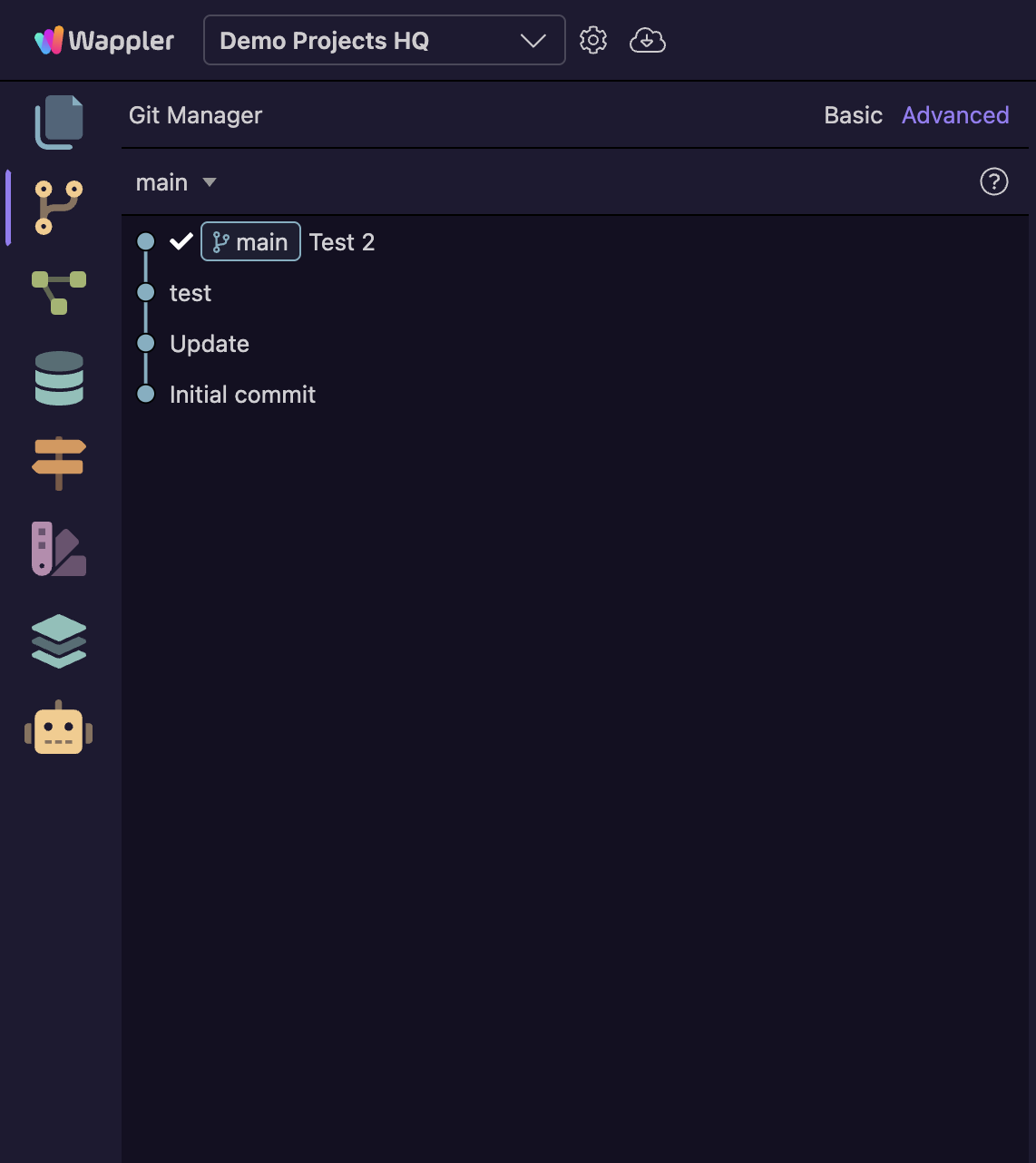
Have the Git command buttons (for connecting to a remote Git repository, and push/pull) been moved?
They always used to be at the top of the Git panel, but they’re not there since version 7.7.4
Have they been moved somewhere else, or is there just an issue with my installation of Wappler?
Teodor
March 5, 2026, 5:36pm
2
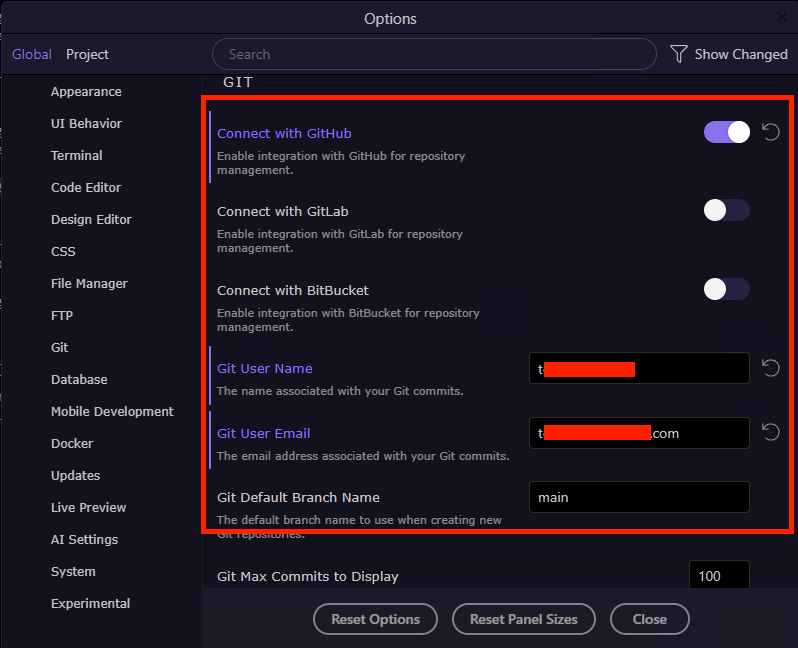
Do you have the git experimental options enabled in Wappler settings? And are you actually logged in the remote repo?
Yes, I have the Git experimental options enabled.
If i turn it off, the buttons reappear.
Teodor
March 5, 2026, 5:46pm
4
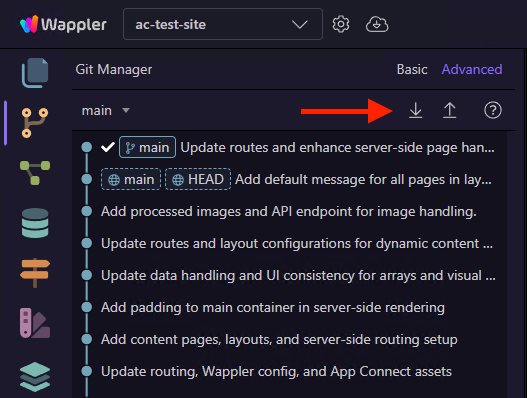
Can you please make sure you're logged into the remote repository?
the controls should appear here:
Thanks @Teodor
Yeah, I am logged in…
Actually, the Push/Pull buttons are there (and working) for existing projects that already have a remote connection…
It’s just the ‘Connect’ button is not visible for new projects, so can’t connect to my remote.
Not all functionality is yet available in the new experimental git manager, you can switch back to the normal git manager where you have the remote buttons available.
brad
March 5, 2026, 11:11pm
8
The buttons are available to me in the experimental GIT Manager. Just can't upload to remote.
Wappler Version : 7.7.5 (Experimental GIT turned on)
Operating System : MacOS
Server Model: PHP
Database Type: MySQL
Hosting Type: N/A
[Screenshot 2026-03-05 at 9.53.16 AM]
Connect button will be available in the upcoming update.