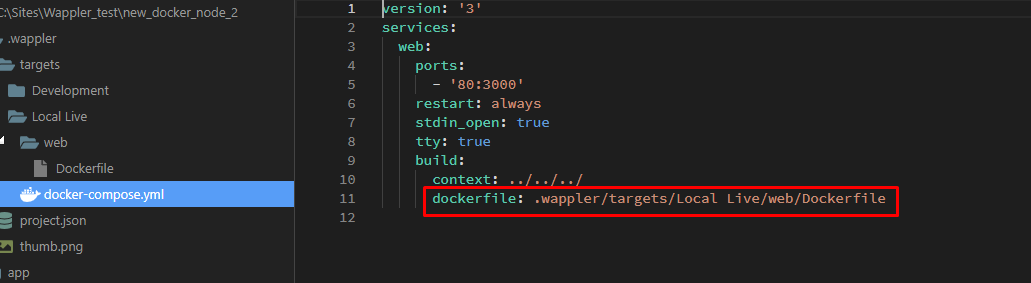
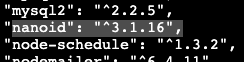
Just installed nanoid package in my brand new docker container.
Although package.json has the dependency and it is in the node_modules folder Wappler app isn’t able to find it.
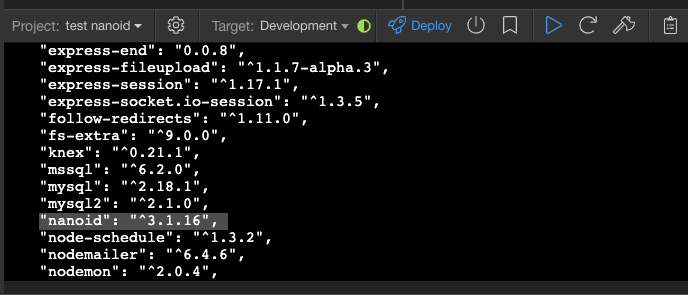

Just installed nanoid package in my brand new docker container.
Although package.json has the dependency and it is in the node_modules folder Wappler app isn’t able to find it.
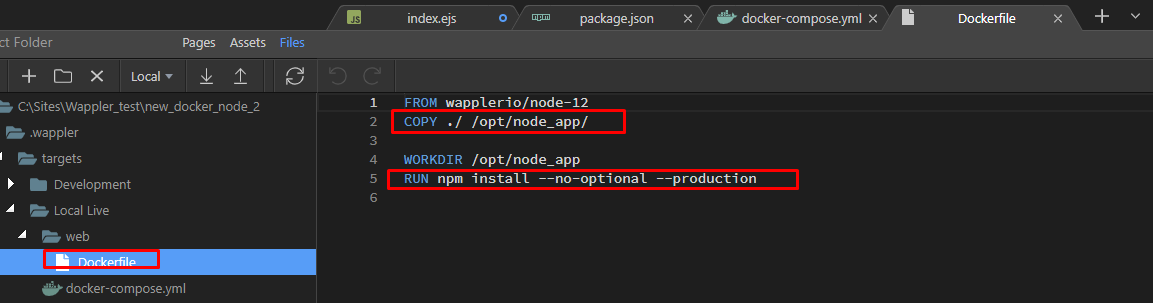
From my investigation I see that the package.json inside the container is exactly the same one as the one in wapplerio/node-12 image from the registry.
I was under the impression that on container deplyment/creation the package.json from the app folder was being copied and used in the container.
Reapplying setting will copy the package.json correctly to the container as you can see:

But still nanoid is not recognised although it was copied too and appears in package.json inside the container.
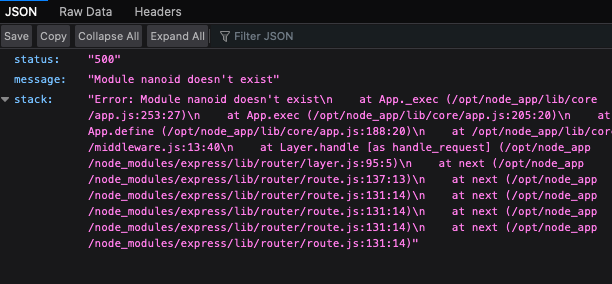
  server-connect:server Got error? Error: Module nanoid doesn't exist

  server-connect:server     at App._exec (/opt/node_app/lib/core/app.js:253:27)

  server-connect:server     at App.exec (/opt/node_app/lib/core/app.js:205:20)

  server-connect:server     at App.define (/opt/node_app/lib/core/app.js:188:20)

  server-connect:server     at /opt/node_app/lib/core/middleware.js:13:40

  server-connect:server     at Layer.handle [as handle_request] (/opt/node_app/node_modules/express/lib/router/layer.js:95:5)

  server-connect:server     at next (/opt/node_app/node_modules/express/lib/router/route.js:137:13)

  server-connect:server     at next (/opt/node_app/node_modules/express/lib/router/route.js:131:14)

  server-connect:server     at next (/opt/node_app/node_modules/express/lib/router/route.js:131:14)

  server-connect:server     at next (/opt/node_app/node_modules/express/lib/router/route.js:131:14)
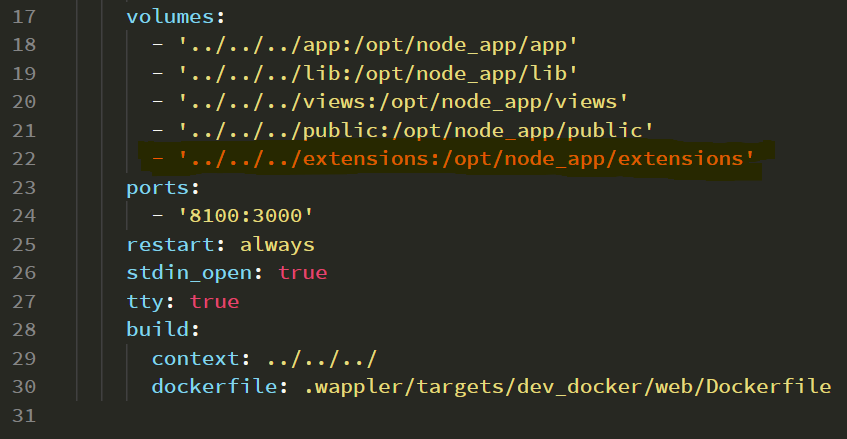
@george I found the issue. You need to update the template for docker-compose.yml and create a new volume for the extensions folder.
'../../../extensions:/opt/node_app/extensions'
Hopefully you can squeeze this quick fix in today’s update or Docker apps will not be able to take advantage of extensions.
Thanks @JonL. This did indeed fix it and the NanoID is working perfectly. Brilliant stuff to you and Wappler for making it possible 
For anyone else looking to add this quick fix this a different screenshot of where to add the new volume as per the above posts:
'../../../extensions:/opt/node_app/extensions'
This is now for zee in the last update - just reapply your project settings.
I’m pretty sure I did re-apply the project settings and re-deploy a couple of times this morning after the update and it still didn’t work. I then went and manually installed as per above.
Its done now though so I wouldn’t be able to test in further in case my memory is wrong or if I didn’t actually reapply the project settings.
Thanks @George confirming this did in fact then generate the extensions folder doing it this way.
This is improved in Wappler 3.4.2