Wappler Version : 7.5.0
Operating System : MacOS
Server Model: NodeJS
Database Type: MySQL
Hosting Type: Docker (Local)
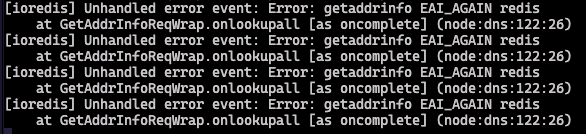
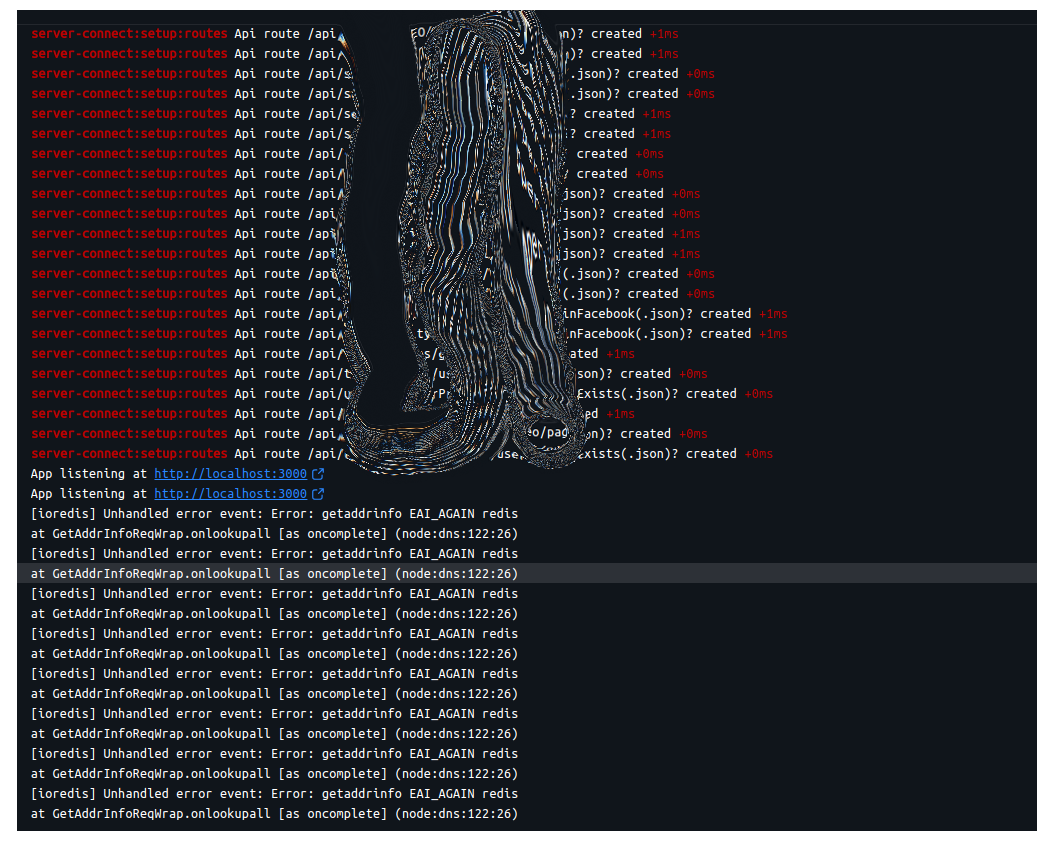
When a project is opened in v7.5.0, the web server log starts displaying ioredis error - getaddrinfo EAI_AGAIN redis, and the web pages do not load at all. I have included a screenshot of the error below.
Make sure Docker desktop has available disk space. That has hit me before, redis does not load because there is no space so everything else errors out.
The Docker Desktop is using 10GB out of the allocated 60GB disk space.
If I redeploy the projects, the errors disappear and web pages begin to load correctly. It looks like there's an issue with allocation of ports for redis and local web server in the Docker when a project is started.
I wonder if this has any relation to the Traefik issue and the Docker update that caused it? Wouldn't be the first time Docker updates have caused countless problems.
From my experience, Docker provides one of the most reliable and consistent environments for deploying applications in Wappler.
Like any technology, it is not without occasional challenges, but that's true of other technologies I've worked with throughout the development to deployment cycle. There will always be trade-offs when choosing a platform rather than flaws in the technology itself.
I got this error in every project I opened after updating to v7.5.0. The error was resolved after I re-deployed the local Docker projects.
I reverted to v7.4.2 after getting other errors with the page flow etc. and this error is not coming up anymore.
I have not yet updated to v7.5.0 after inline extension patches were released. I will apply the latest Wappler update when released this week and see if this error returns.
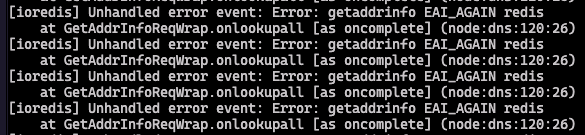
I got this error again today after upgrading Docker Desktop to v4.53.0 on macOS. The timing of these errors appears to coincide with the releases of Docker Desktop since v4.52.0.
I have included the error output from the web server below. The issue is resolved once I redeploy the project.
I'm not an expert on Docker, so don't know why you get an error after an upgrade. When a redeploy solves the issue then I don't really see this as a bug.
I got this error on the remote production server, and as a result, the web application began returning 404 error.
[ioredis] Unhandled error event: AggregateError [ECONNREFUSED]:
  at internalConnectMultiple (node:net:1134:18)
  at afterConnectMultiple (node:net:1715:7)
[ioredis] Unhandled error event: Error: connect
  ECONNREFUSED 172.18.0.7:6379
  at TCPConnectWrap.afterConnect [as oncomplete] (node:net:1637:16)
ioredis] Unhandled error event: Error: getaddrinfo EAI_AGAIN redis
 at GetAddrInfoReqWrap.onlookupall [as oncomplete] (node:dns:122:26)
Cause for this error: This issue was triggered by Docker v29.0.0 running on the remote Linux instance
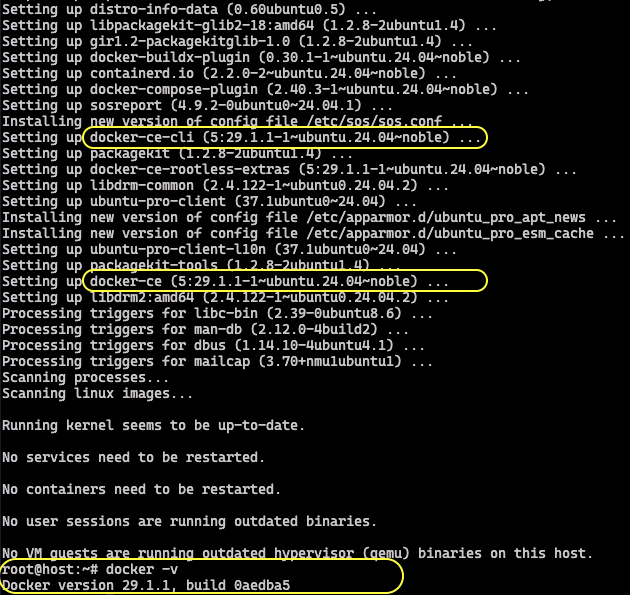
How Docker v29.0.0 was installed: During routine server updates on cloud instances running Ubuntu 24.04, the system automatically installed docker-ce-cli v5.29.1.1 , which corresponds to the latest available Docker engine version (v29.0.0).
Co-Pilot summary of this error:
Docker v29 changes : Reports indicate that Docker v29 introduced changes in how container DNS and networking behave. This can cause Redis hostnames (redis ) to fail to resolve correctly, leading to EAI_AGAIN or ECONNREFUSED errors.
Other Redis clients affected : Similar errors have been logged in BullMQ (which uses ioredis internally) and other Node.js Redis clients when running under Docker v29. That suggests the issue is environmental, not tied to a single ioredis release.
Resolution until a fix is available: Downgrade Docker to v28.2.2 - Remove the v29.0.0 and re-install v28.2.2
It's still an issue with Docker v29.1.1. This was the version that was installed today on one of the production servers. So, I reverted it to Docker v28.2.2 to resolve the issue.
UPDATE
I reinstalled Docker v29.1.1 on the server to verify if the problem had been resolved. While the Redis error no longer occured (the web app was correctly pinging the redis), the web application continued to return 404 errors.
docker-ce-cli 5:29.1.1 package was included in the regular server updates.
Just had the same issue with Redis and latest Docker on my local machine (host is set to older version). Remote server deployment is fine (but I'm not willing to downgrade Docker locally). Not expecting a fix as not a Wappler issue just wanted to document it. For now until things are resolved I've just disabled Redis for the local deployment...
I'm not downgrading Docker on my local setup. On local machines, the Redis issue can be resolved simply by redeploying the project.
However, on remote instances I have had to roll back Docker to v28.2.2. If I keep the Docker v29.1.1, which according to Docker has resolved the DNS issues, it doesn't fully fix the problem - redeployments still result in 404 errors.
I don't fully understand the interactions between Wappler, Redis and Docker, but until there is a fix provided either by Docker or Wappler, this will complicate routine security upgrades on remote hosts and break production applications.
I wanted to revisit this as the issue is still present. I’m running Docker Desktop v4.63.0 on macOS (the latest release from 28 February) and I’m still seeing the DNS error in the Web Server logs when using a local Docker environment.
Redeploying the project locally does clear the error temporarily, but it doesn’t address the underlying problem. It appears there’s a compatibility issue between Wappler, Redis, and Docker Engine v29+, and I believe this will need attention from the Wappler team.
Without an update to ensure Wappler’s core engine works reliably with newer Docker versions, there’s a real risk that production applications could fail on remote Linux hosts once providers begin bundling Docker Engine v29+ as part of their default images or updates.
Thanks for sharing the additional details and the results of your investigation.
I’m able to rebuild the Docker containers locally, so while it’s not a major disruption to my workflow, it is an ongoing annoyance - as you mentioned.
My concern is that these DNS issues didn’t just appear locally. When Docker Engine v29+ first rolled out, I experienced the same DNS failures on remote Linux hosts during deployment. So this isn’t just a local environment issue; it seems a specific compatibility issue that could affect production deployments as more hosting providers bundle Docker v29+ by default.
I just wanted to bring this issue back to the Wappler team’s attention because it’s still happening.
The problem first appeared when using Docker Desktop v4.52.0 with Docker Engine v29.0.0 on macOS. At the time, it seemed like a DNS issue inside Docker when ioredis was running, and we hoped it would be fixed in a future update.
Unfortunately, the same issue is still present in Docker Desktop v4.66.0 with Docker Engine v29.3.0. Since it doesn’t look like Docker is planning to change how their DNS works, and that setup doesn’t play well with ioredis in Wappler, I’m hoping the Wappler team can look into a long‑term solution before this starts affecting production sites.