Hi George
I must be doing something wrong but I can't understand what I created servers and connections before with no trouble.
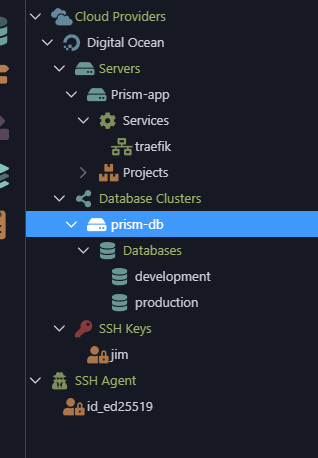
I have deleted the server, the keys the databases and started completely from scratch.
This what I am trying to achieve:
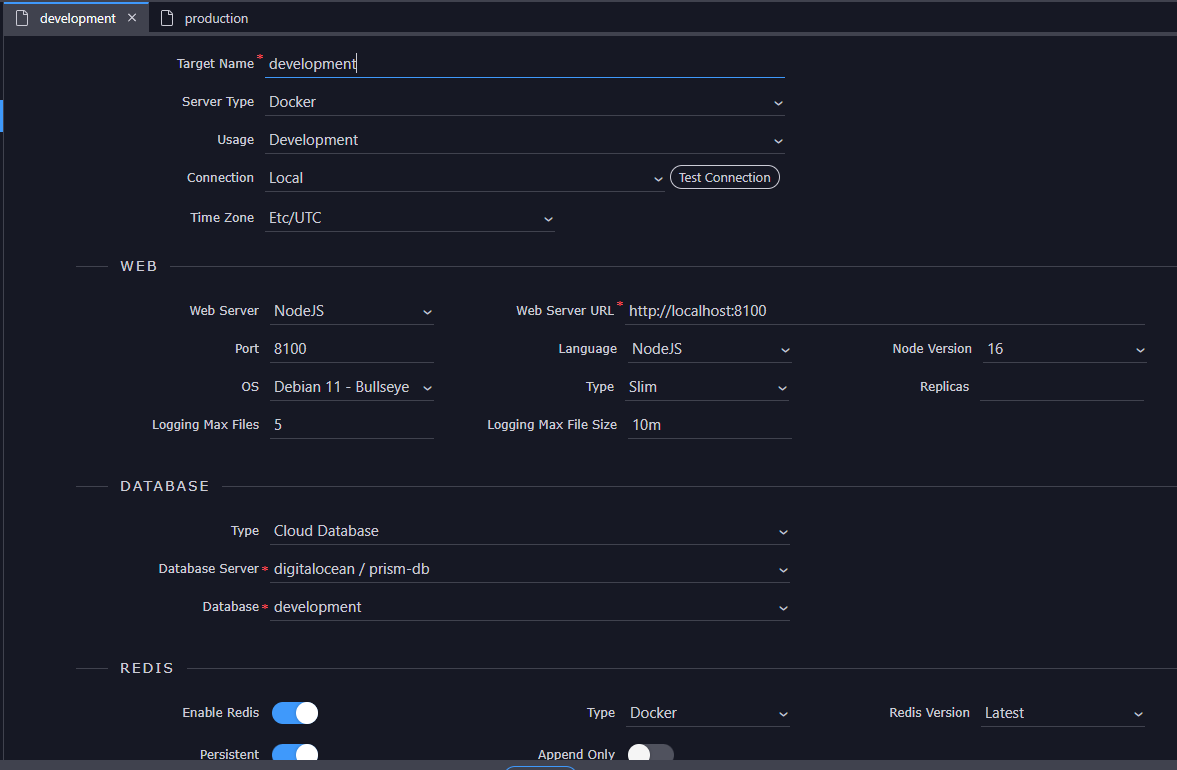
-On DO I want to create 2 cloud databases one for dev and 1 for production.
-I want to test the development app locally on my pc with a connection to the dev cloud db.
-I would obviously like to publish the app on the DO server with access from the app to the db via vpc network.
As I have no idea where I'm going wrong
it would be be really helpful if you could just explain the procedure from start to finish how to achieve this, including creating new ssh keys etc. I really appreciate your patience...
We just released a Wappler 6.6.0 update that solve some of the problems you have.
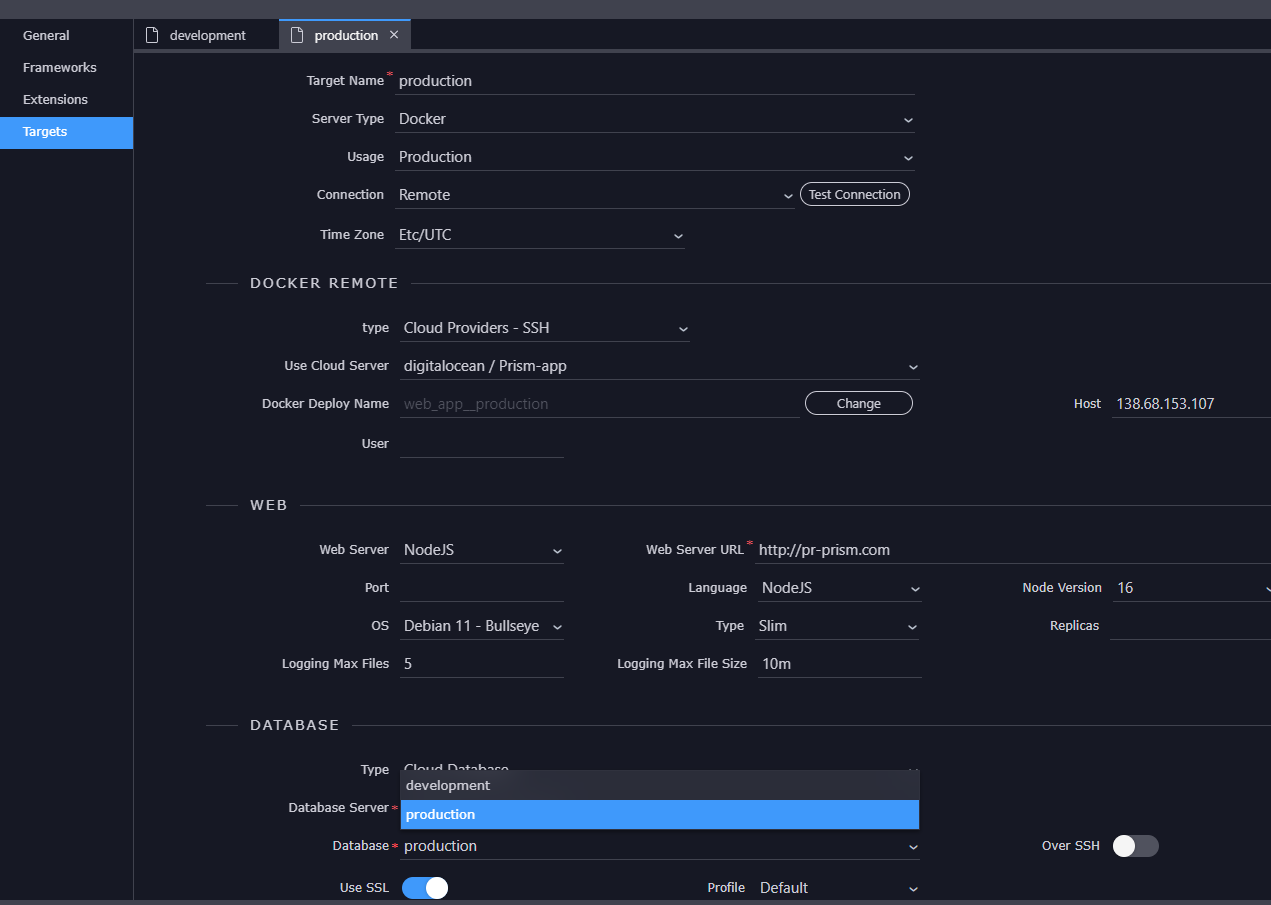
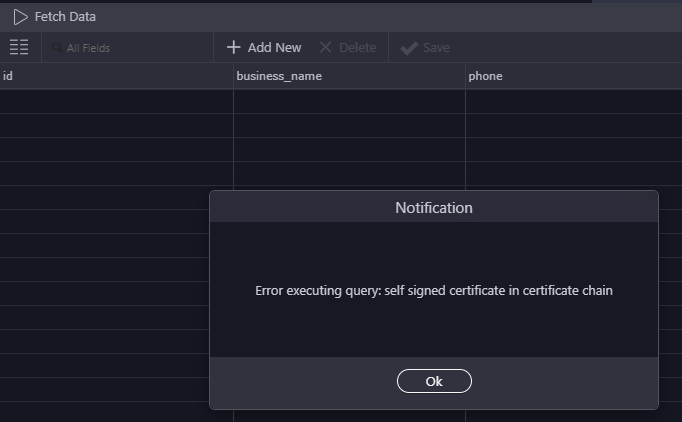
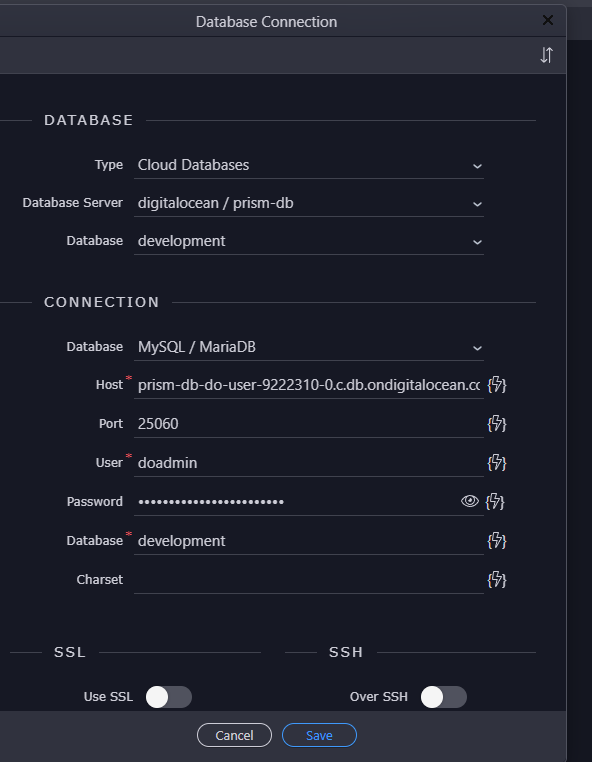
You need to edit your project options and for targets using digital ocean managed databases, you can now enter required SSL options and add a ca cert file that you can download from digital ocean admin panel. Make sure that over SSH is off.
Also the deprecated version field is now removed from the docker composer files.
Hi Cheese, It solved the problem with the security provider returning null even when login was successful...so that I should be thankful for.
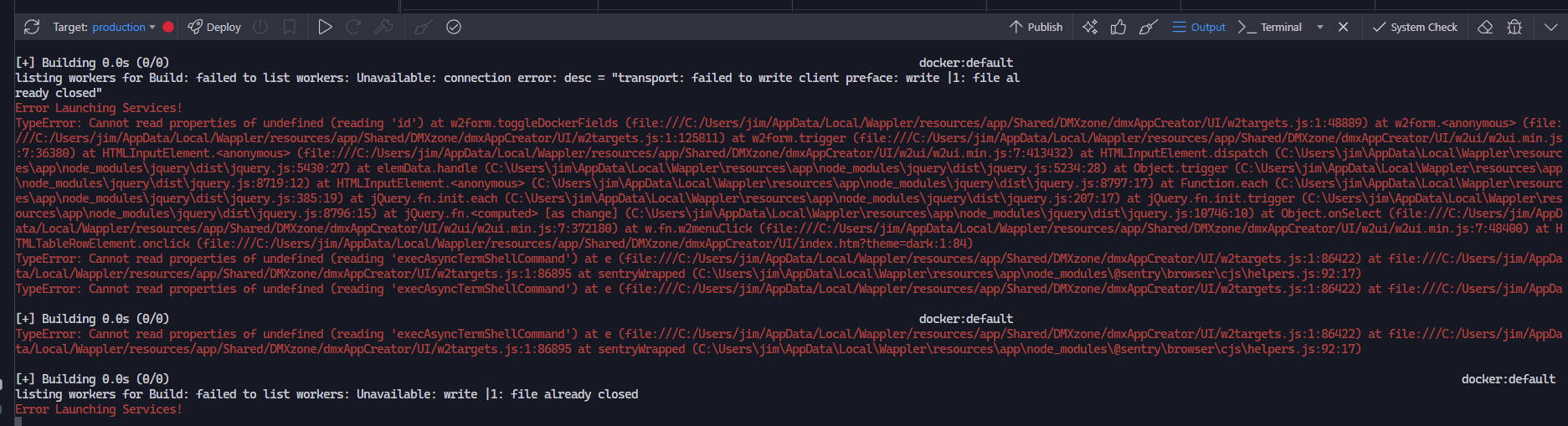
However i still cannot create a new server from the resource manager or import one from DigitalOcean that provides me with a working web server....followed the tutorial word for word repeatedly but no matter what type of droplet it is it will not connect.
The cloud dbs work perfectly but the server will not allow a connection. My ssh keys are fine as I have used them many times before. I am at a loss as to what to do next.
A step forward is always good so that is positive at least one issue has been resolved! How about trying to set up a new Droplet the old fashioned way using Targets? Did you give that a bash?
Hey Cheese,
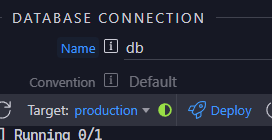
thanks for being there and your help so far...I have made a bit of progress with your suggestion of creating the droplet via targets...Local connection fine but remote not so, getting the half green circle of near doom
using ssl
Question The certs issue- if I copy the lets encrypt ssl cert to my local drive from DO won't it expire and I will have to replace it every couple months?
Bit confused...
You should not need to copy anything to the local drive (it is domain related so will cause an error under local host). Lets Encrypt certificates require to be renewed every three months. Have you deployed the Lets Encrypt services with your Droplet?
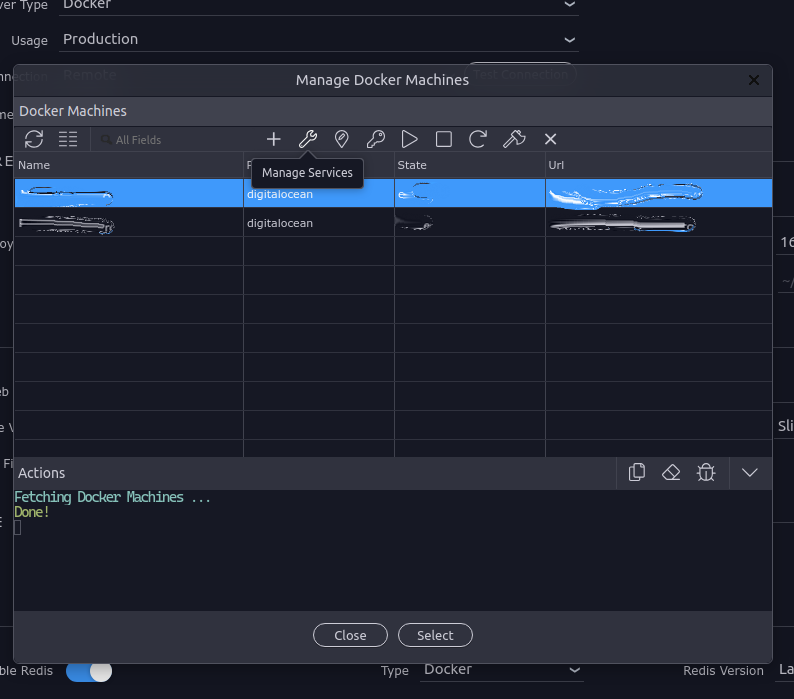
Click on Manage in the Remote Target settings and pick the Droplet you want to configure:
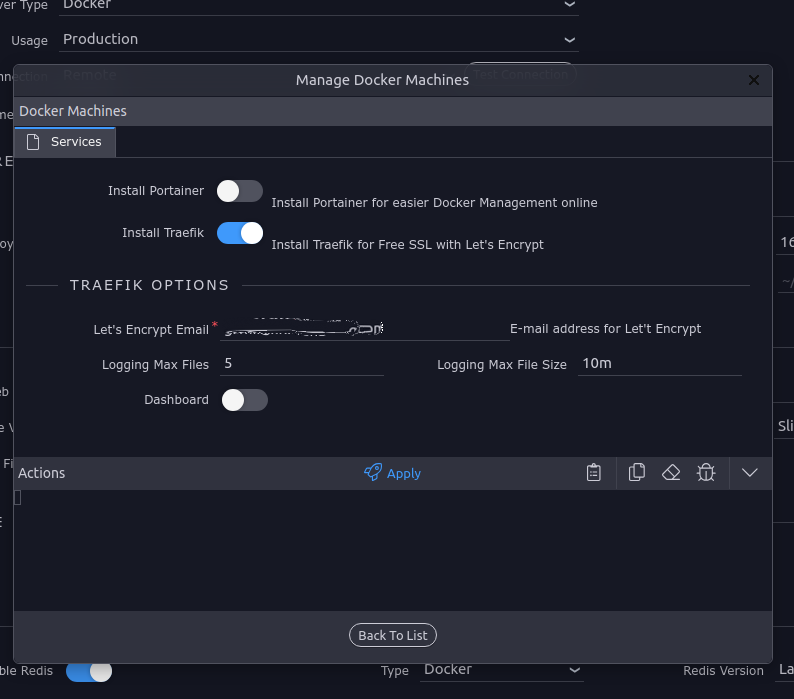
And Install Traefik and Apply. Then Deploy. Could take a while for Certbot to generate the certificate. If you are on Cloudflare remember to Pause it while this process takes place otherwise it won't be able to reach the host.
If kind members of this Community and the Team didn't help me in the past I'd be asking the same questions. We all have to help each other out, its no problem but appreciate the acknowledgement James! You're more than welcome.
The only certificate you may need to add is for the Digital Ocean Database Cluster if this is what you are using but we'll move on to that once we get you up and running if needs be. Other than that it's the SSH Key which is stored locally, and this can be generated when required, and on creation will automatically install it to the correct location (and if it is not there you can always generate a new one).
For PostgreSQL databases on Digital Ocean, you not only need to select "Use SSL" but also set the profile to "Digital Ocean"and specific a CA Key File - that you can download from the digital ocean admin console for the managed database and save in your /certs/ folder of your project.
Login to Digital Ocean, go to your Database Cluster and use the "Download CA Certificate" option in the connection settings.
Then save the downloaded file in your project folder under /certs folder (create if needed) and you can select it then from the Use SSL options for the target.