Hi,
I am finally at a point where I can deploy my application to test it in the browser on a server, however I am running into two issues,
Firstly, I am using node.js, docker and a postgres database and I host it on a droplet at digitalocean.
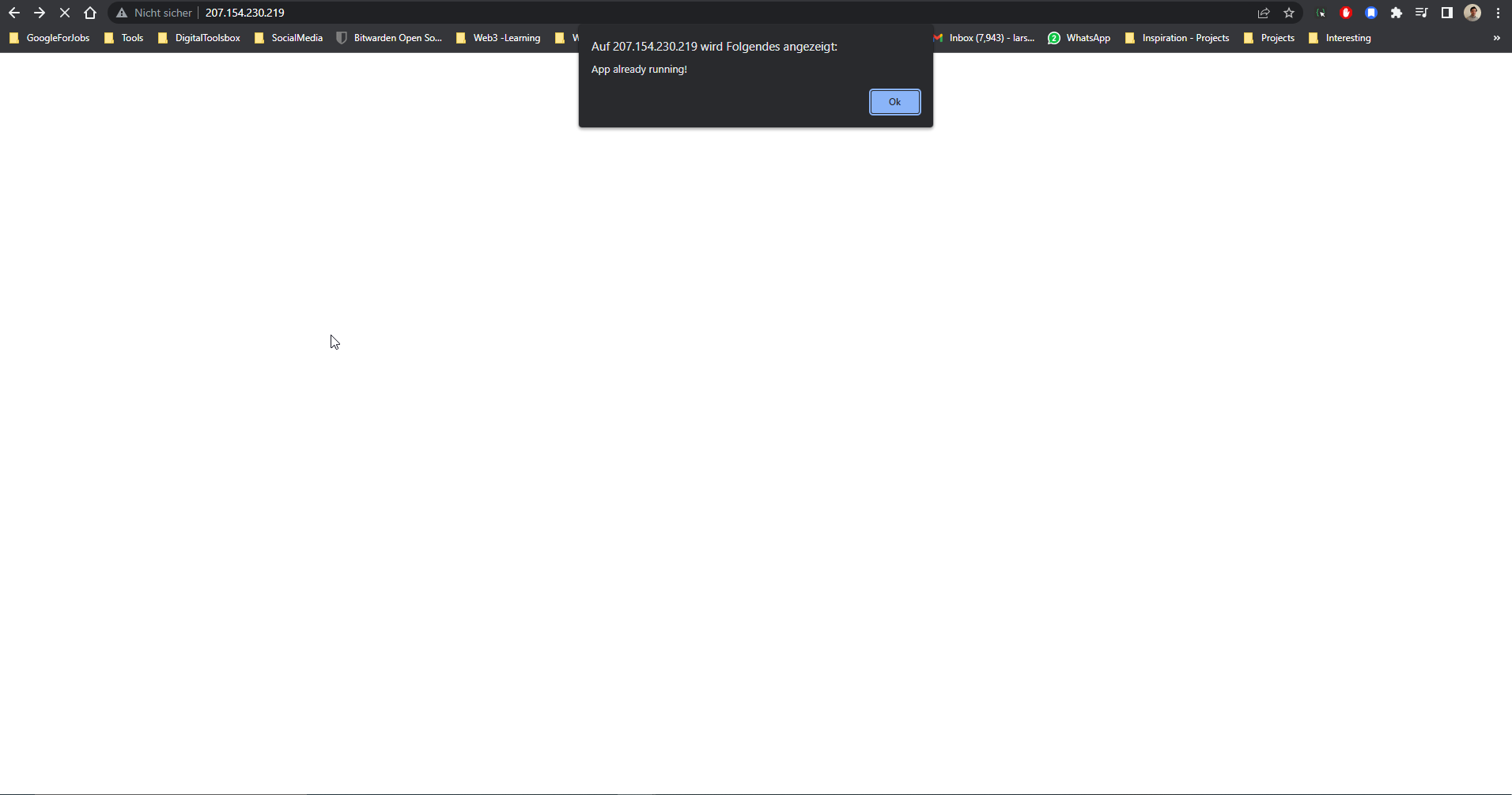
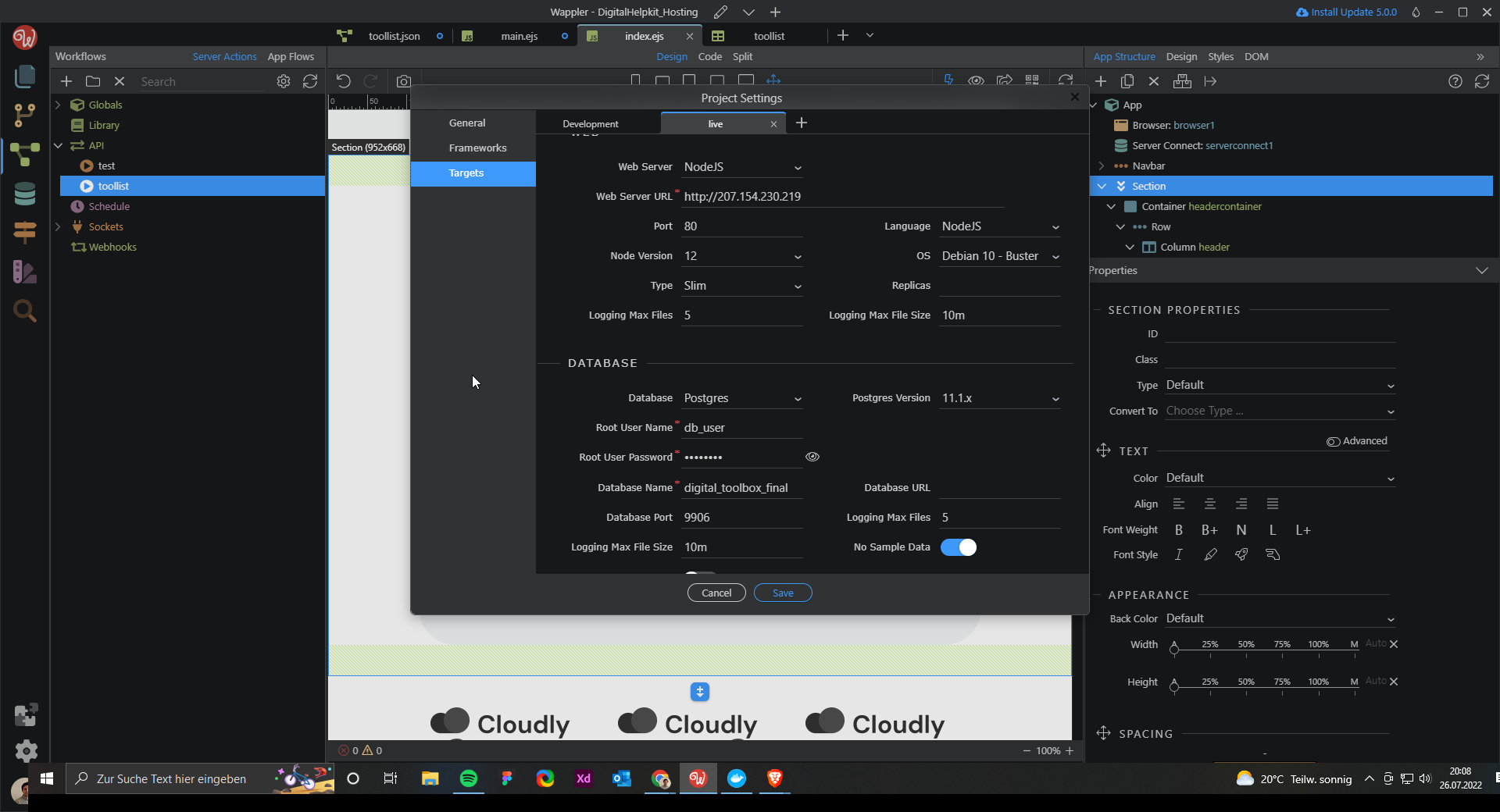
The deployment went smoothly, however I get now this message, when trying to connect to the application directly by entering the ip-adress of the droplet:
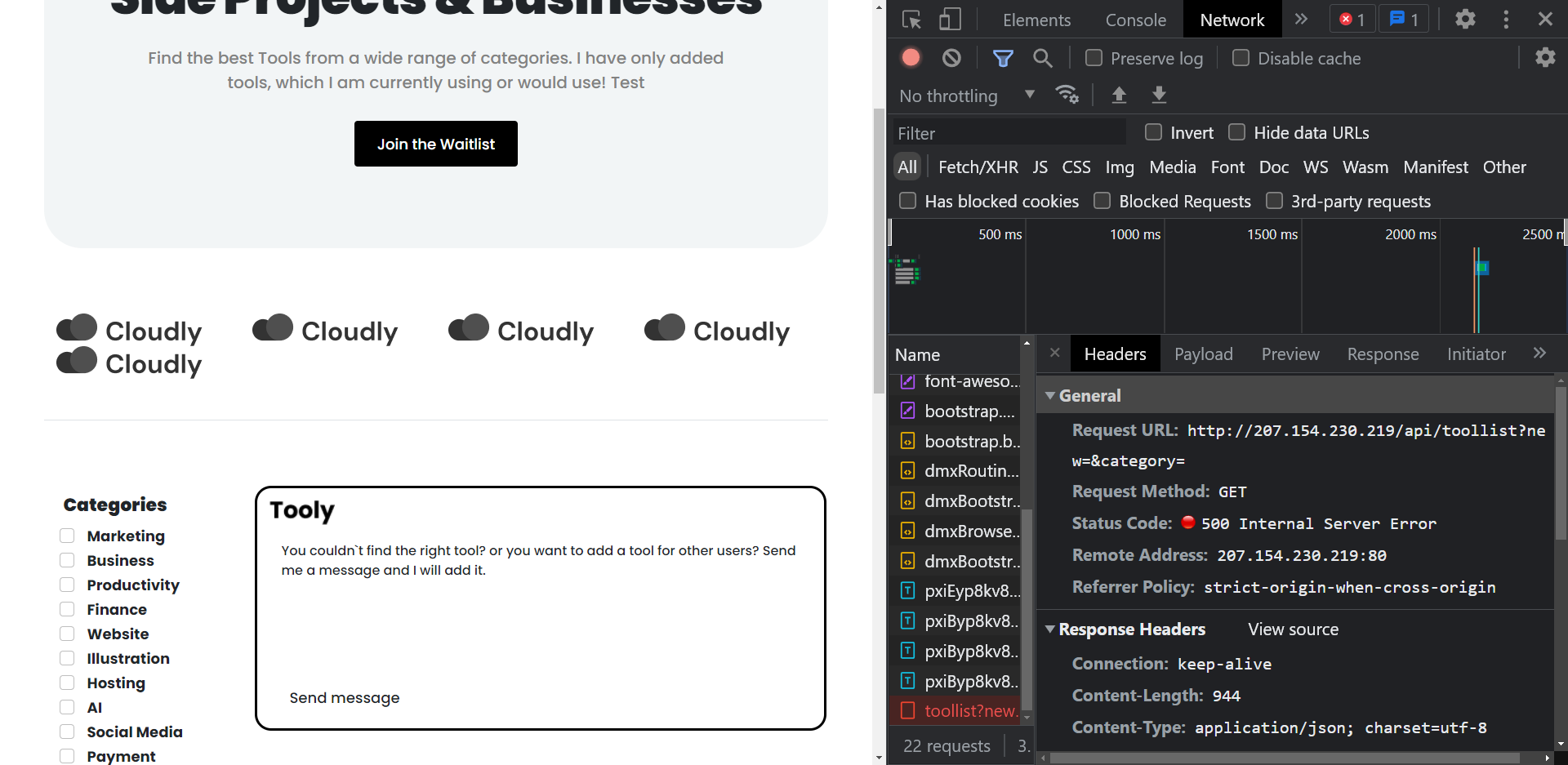
Secondly, after the deployment, all my data in the local database was gone and none was available on the server and I get an error 500. No idea, where the data is. Even after adding new data entries into my database and doing a deploy, I still cant get the data in the browser/live version?
Your local database data is not being transferred on deploy. You need to open the database manager and apply changes after deploying your app/site.
Then you can create a seed and apply it to the remote db to transfer the data.
As for the 500 error:
And maybe explain what did you do exactly, and where dis you deploy your app to?
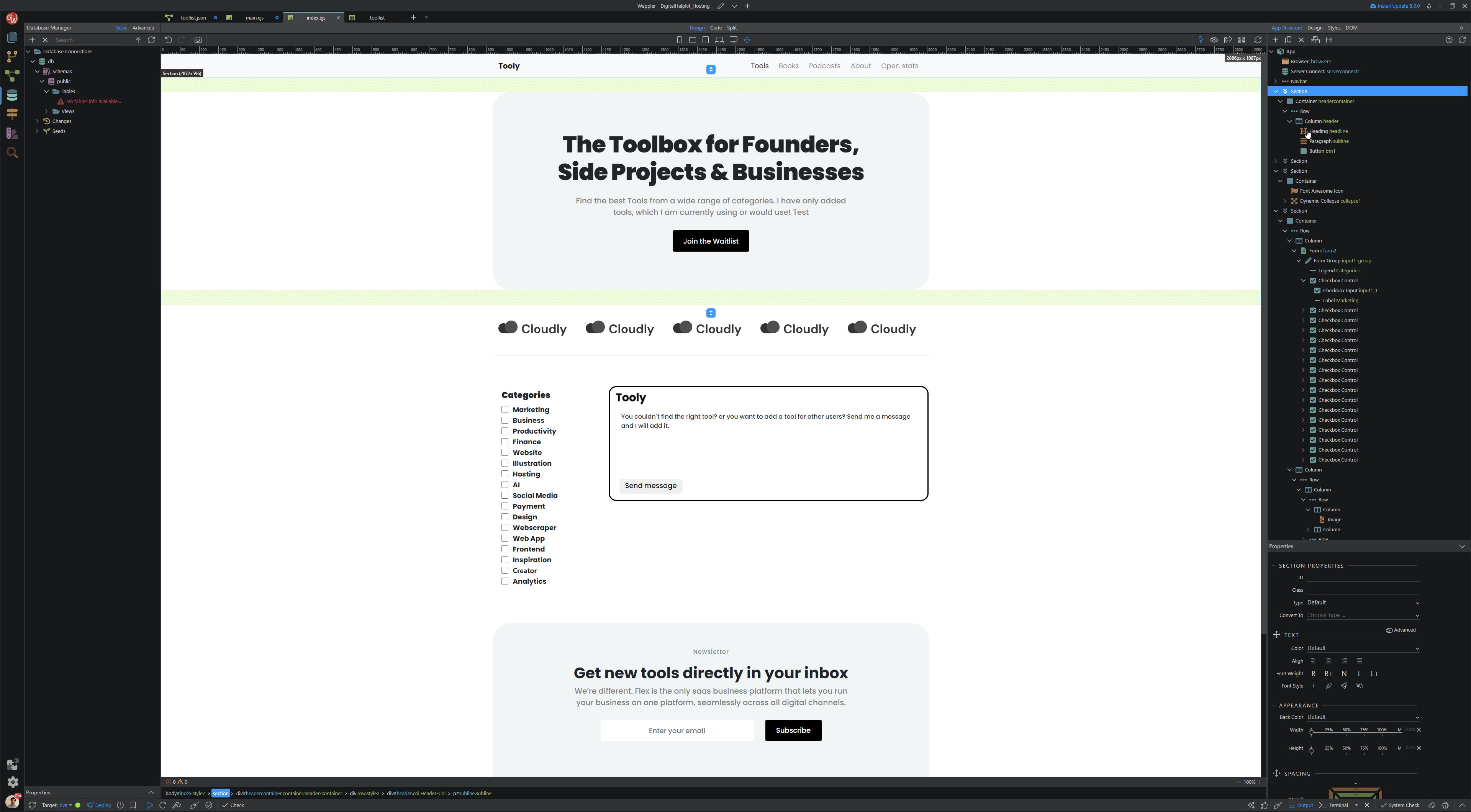
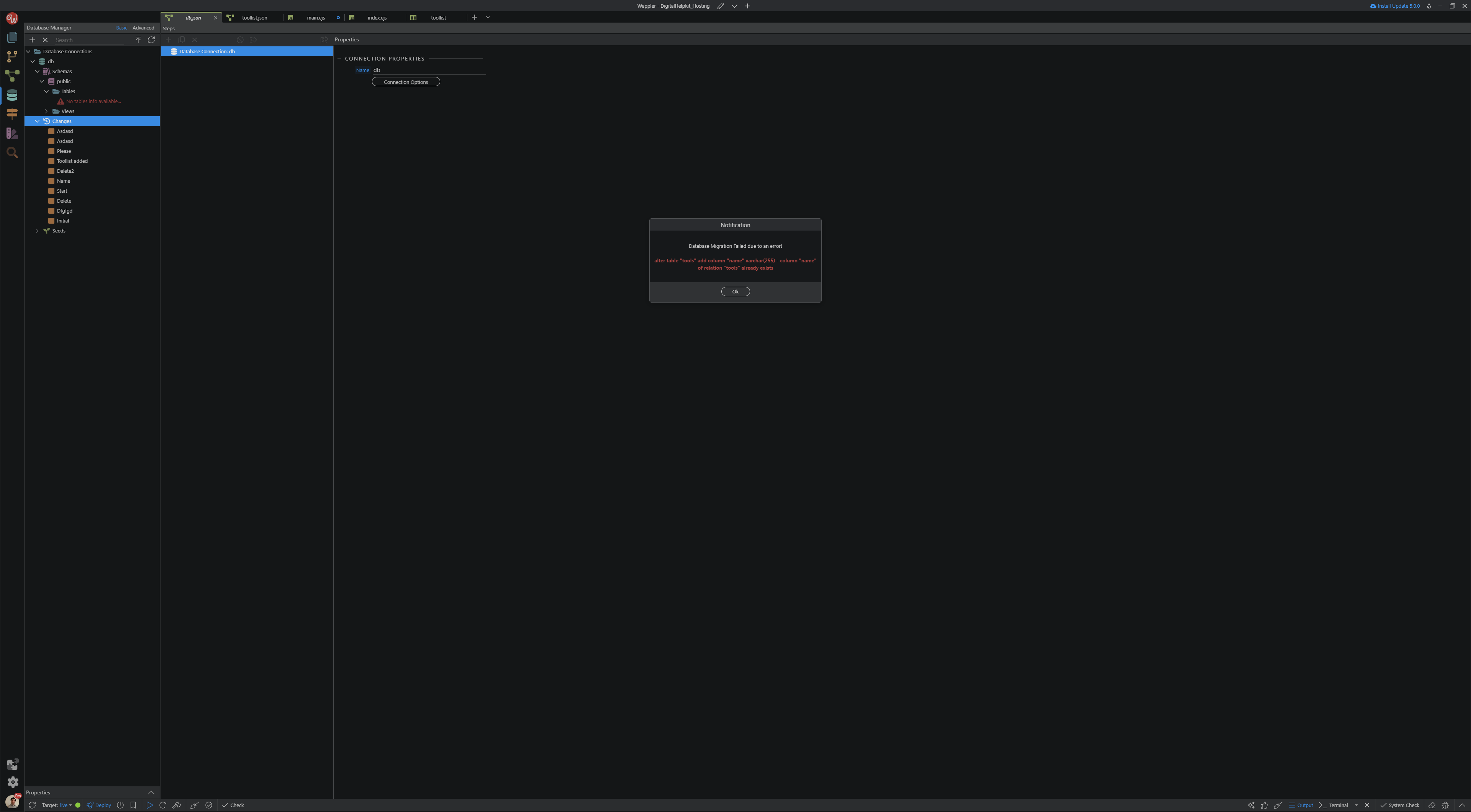
Okay, thanks for the fast reply, however when I open the database manager under the target:live (the version deployed to digitalocean), I am getting the error, that I cant edit the database. Photo left side
Btw. I am still running an older version and not wappler 5, because I thought I am getting errors, when migrating therefore I want to stay on 4,9 till the project is done.
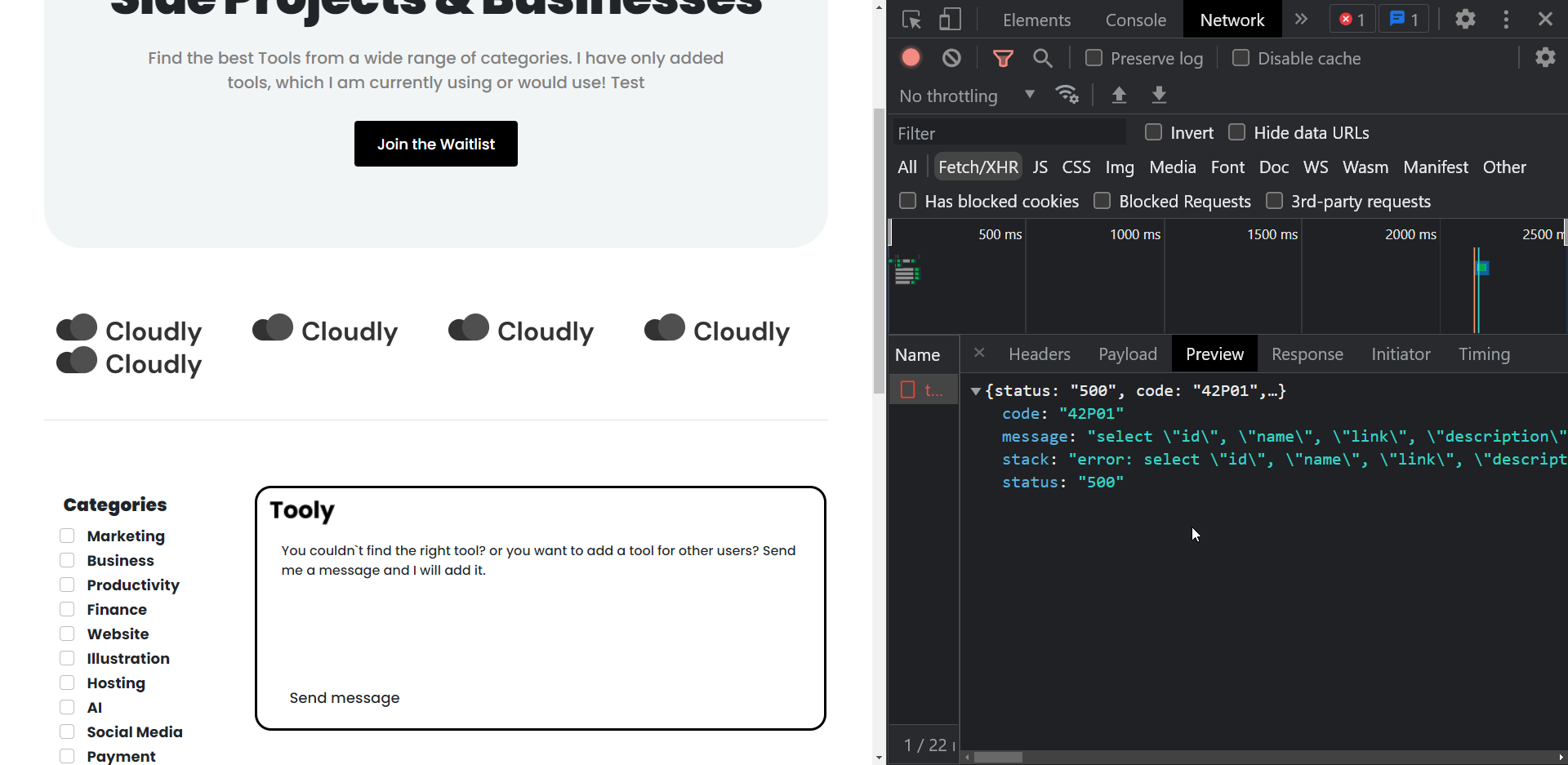
Sry, here is the full error code:
{status: “500”, code: “42P01”,…}
code: “42P01”
message: “select “id”, “name”, “link”, “description”, “category”, “logo” from “toollist” - relation “toollist” does not exist”
stack: “error: select “id”, “name”, “link”, “description”, “category”, “logo” from “toollist” - relation “toollist” does not exist\n at Parser.parseErrorMessage (/opt/node_app/node_modules/pg-protocol/dist/parser.js:287:98)\n at Parser.handlePacket (/opt/node_app/node_modules/pg-protocol/dist/parser.js:126:29)\n at Parser.parse (/opt/node_app/node_modules/pg-protocol/dist/parser.js:39:38)\n at Socket. (/opt/node_app/node_modules/pg-protocol/dist/index.js:11:42)\n at Socket.emit (events.js:314:20)\n at addChunk (_stream_readable.js:297:12)\n at readableAddChunk (_stream_readable.js:272:9)\n at Socket.Readable.push (_stream_readable.js:213:10)\n at TCP.onStreamRead (internal/stream_base_commons.js:188:23)”
status: “500”
After the first deployment to digitalocean, including creating a database on the server, the database connection is still there, however the database table not. I had to create a new one and add data again and adding it to the workflow aswell.
Your database structure is not transferred on deploy! Only the files of your app are.
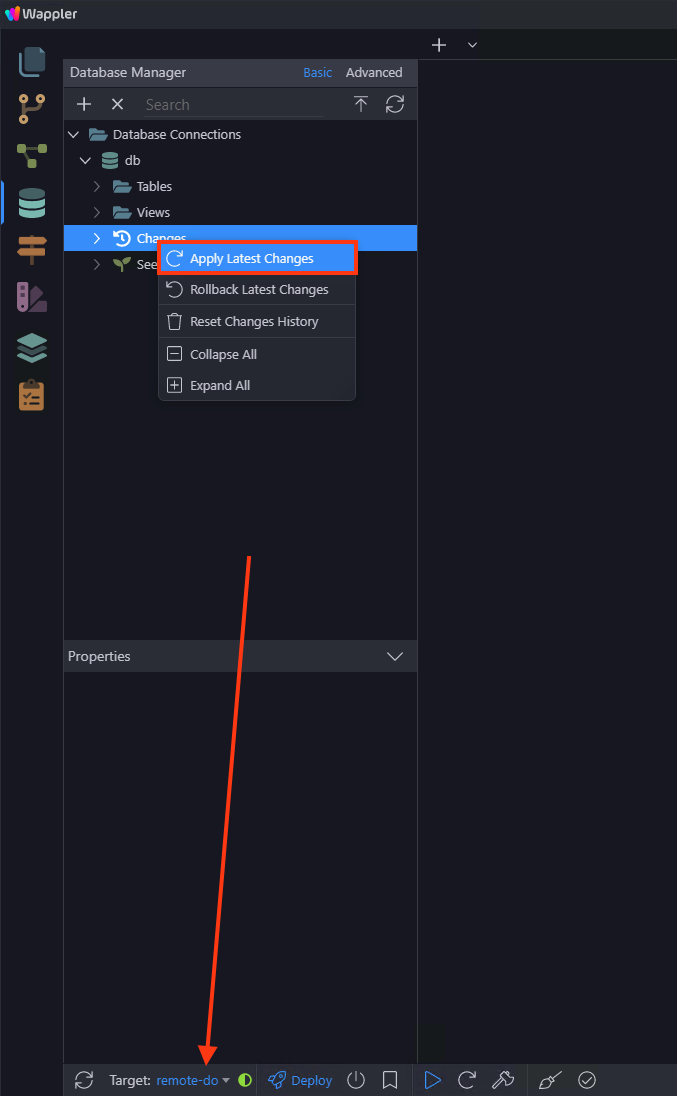
Change your target to remote, right click changes and apply latest changes so the database structure can be applied to your remote db:
This error means Wappler attempted to create a column that already exists - the database on the target “live” is not empty (or there’s an error in your migration files, and it attempted to alter a column that already had a change)
Can you erase the database and try again?
If it doesn’t work, you’re better just taking note of your database structure (with screenshots or whatever), erasing all migration files, erasing the DB on local/Development target, and re-creating the schema changes to generate new migration files - and erase the DB on remote as well
Thanks for the answer. I tought my database isnt deployed. However I cant find any information about how to do it in wappler? Is there even a function for that? Or do I need to do it in the files directly?
Near the Deploy button there should be one with a “power off” symbol - I think that’s the one that also allows you to delete the database.
Let me know how it goes!
P.S.: Make sure the “live” target is selected, to delete the remote DB. And then, if you decide to re-create the migrations from scratch, switch to the Development target, do the same delete procedure, delete the migrations and only then click Deploy again