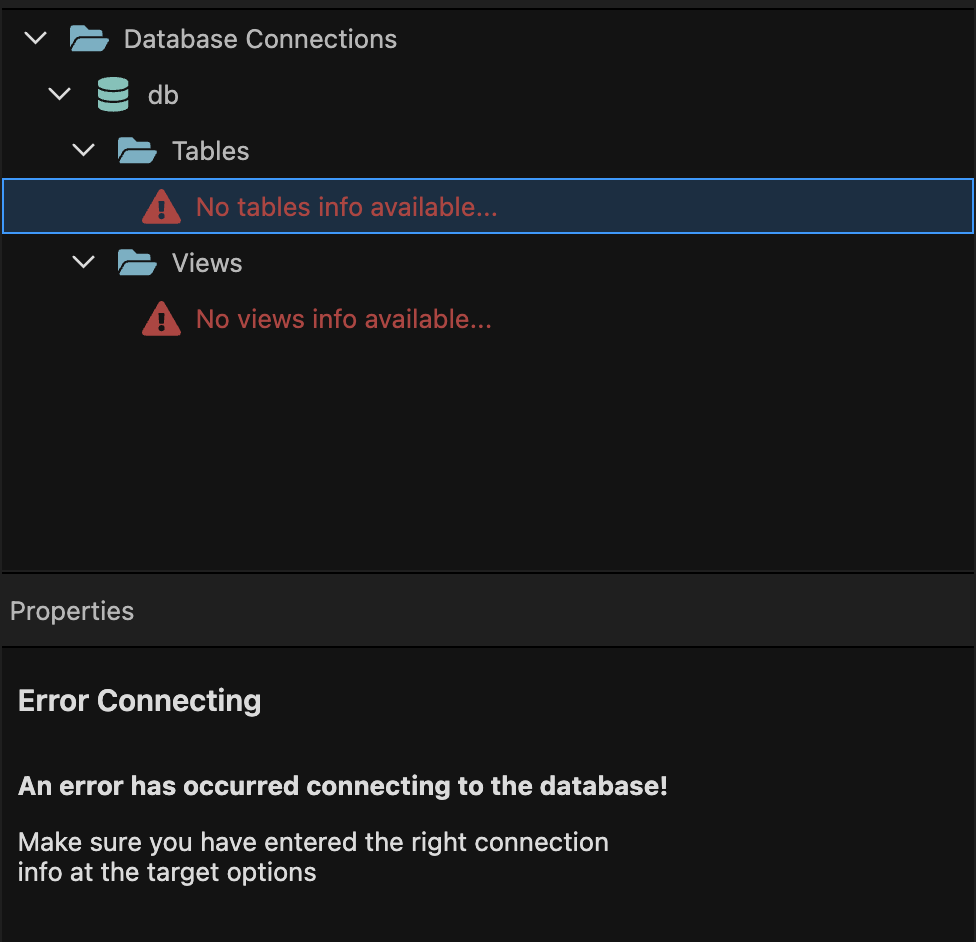
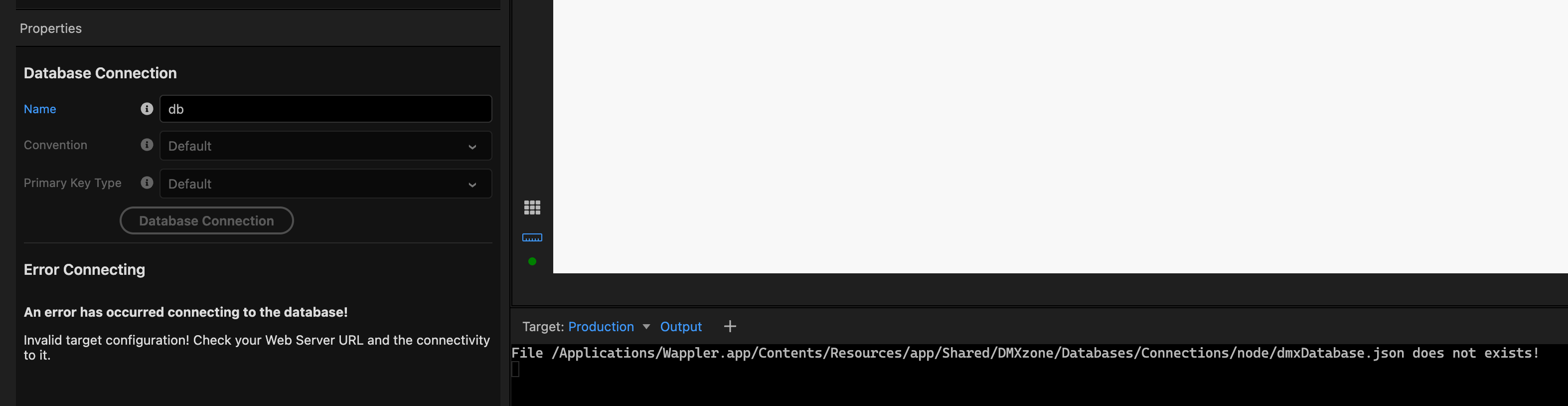
The error doesn’t make a whole lot of sense to me as I’m 100% sure that the connection info is correct.
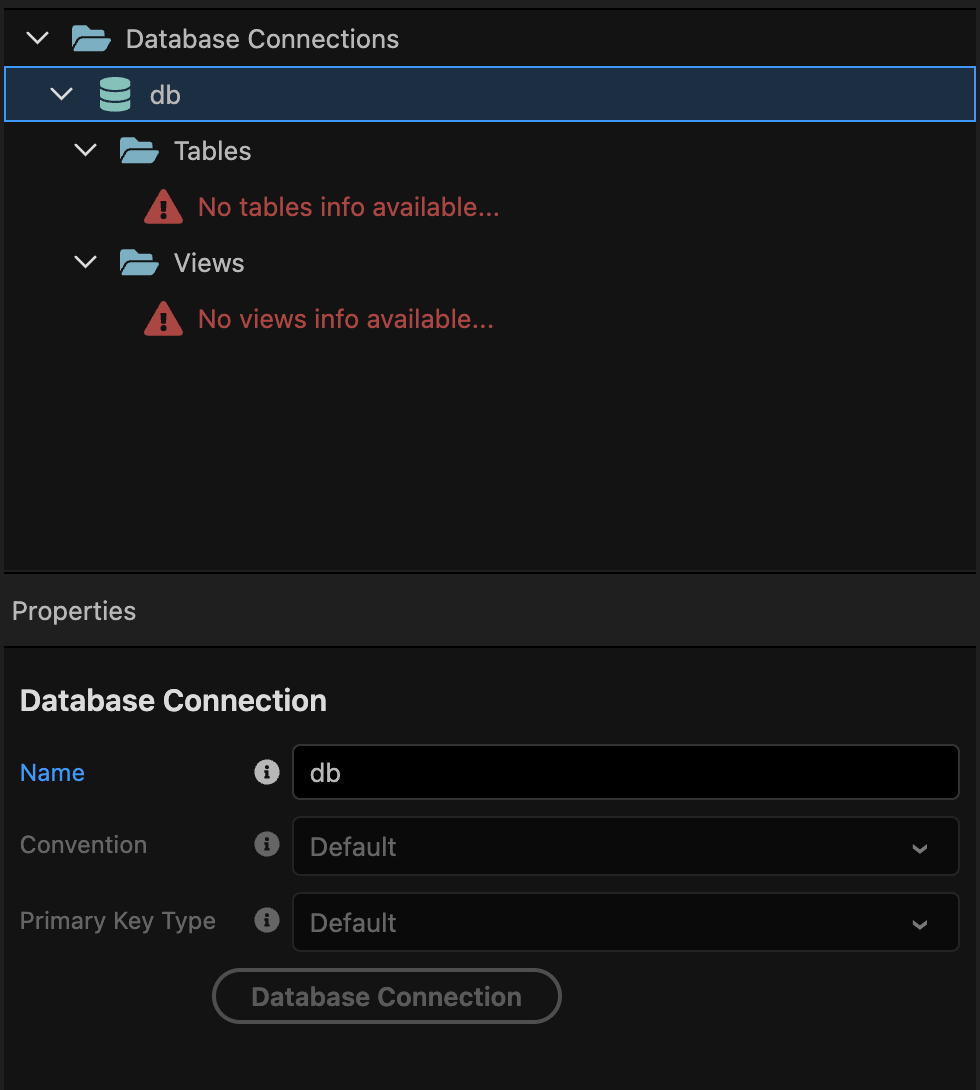
Maybe I’m just getting old, but shouldn’t I have changes and seeds folders under Tables and Views so I can apply them?
And with the database connection button being greyed out, I can’t even test the connection through wappler. Never seen that before.
This is wappler 7, but I did open it up in 6.8 as well and the issue persisted. Am I just forgetting to flip a switch somewhere?
I’m able to confirm that wappler is able to connect to the database by being in development target, do new connection and input the credentials and click test. It give me the “all is OK” message.
Not creating a new connection, but figured it could be a good enough way to test that the credentials are correct and nothing is blocking wappler from connecting, and it “should” work.
Try creating a user and assign it’s permission with your pc public IP to your db (ex. mydbuser@72.65.256.3). Then set host in PC your server IP (instead of Localhost). This might help.
This is a Heroku postgres db, so I don’t believe that is possible.
But I’m also highly suspicious of this really being just a connection issue. As I’m able to connect from both outside wappler and inside wappler (with a new database connection).
I’m not sure why changes and seeds doesn’t show either? It almost seems more likely that a config file or similar is missing/corrupt or something that should have come along with the deploy didn’t. I’ve set up several apps in the exact same way and have never seen this issue before.
@George@Teodor I’m sorry. This might not be a bug at all. Maybe something has changed between Heroku and Wappler, maybe I forgot how to do this. I went back to the documentation I used years ago when I created the first project. I’ve been doing the same thing ever since and It’s worked.
I’ve tried creating a full new app in both wappler and heroku today and getting the same issue. I’m all out of ideas and filing a bug report is all I can think of at this point.
At one point this showed up. But I haven’t been able to bring that back.