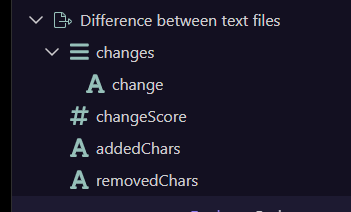
Needed this for my current project, not sure how useful it will be to everyone outside my specific use case (quantifying scope/quality of changes made to page content) but here is is anyway.
Introduction
This extension takes two differing texts and compares the two for differences identifying the changes, words added, words removed and gives a score (1-100 ) indicating the amount of change.
The NPM
The npm can be found here
https://www.npmjs.com/package/@hyperbytes/wappler-codediff
This extension leverages the "diff" npm for analysis so ensure on publishing, all npms are updated on your server if neccesary.
https://www.npmjs.com/package/diff
Installing
Please follow this post.
Usage
The component can be found in the "Data Management" group.
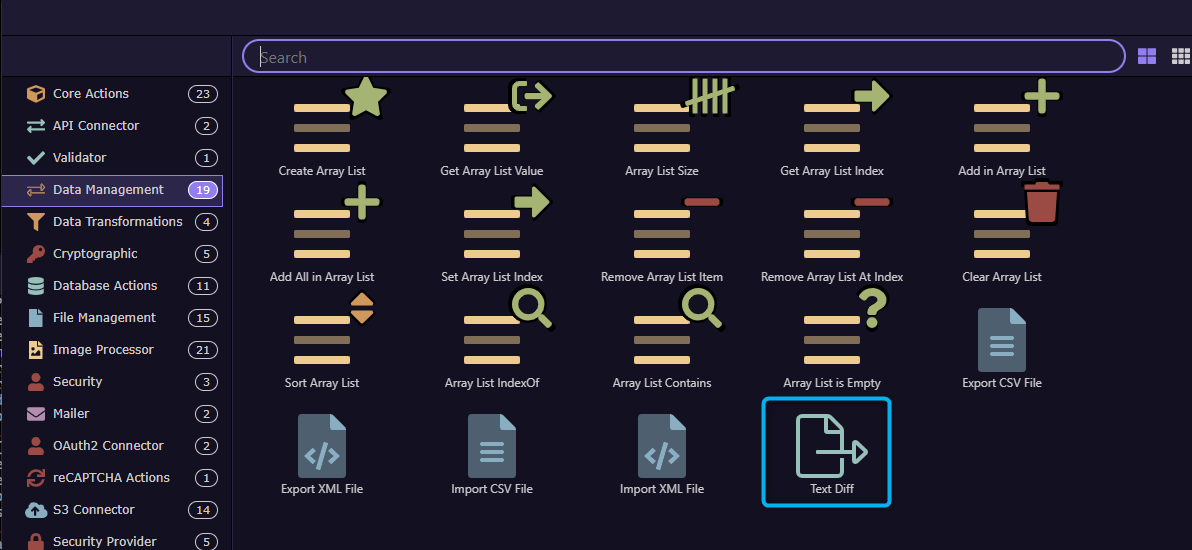
In this simple case i compare two short pieces of text which are defined in set value stages.
These pieces of text could be from a form text area and from a file read into the API action.
So i define two pieces of text
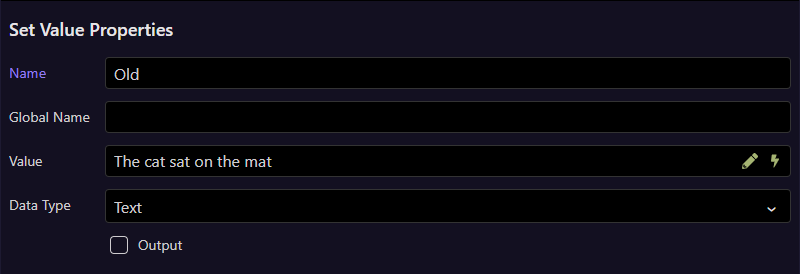
and
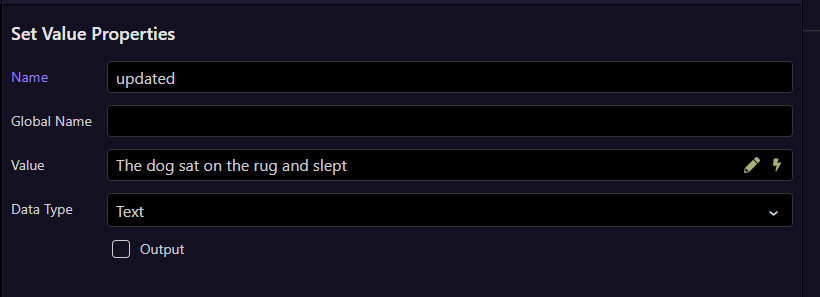
I then use codediff to compare them.
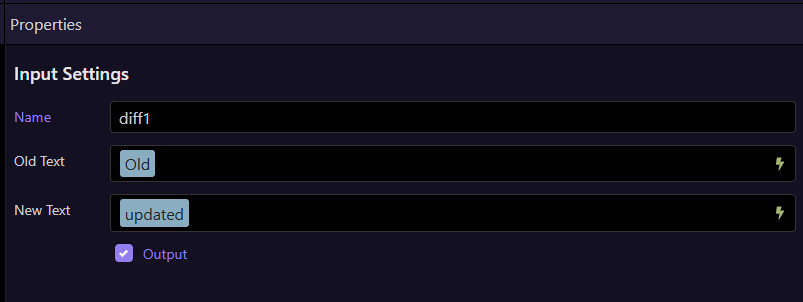
The text is compared and the changes output (available in picker)
diff1: {
changes: [
"Removed: "cat"",
"Added: "dog"",
"Removed: "mat"",
"Added: "rug and slept""
],
changeScore: 60,
addedChars: 16,
removedChars: 6
}
Note, obviously this routine may take a few seconds if large texts are used so consider some mechanism for warning the user to be patient!
Again, in large texts, the "Changes" section can be extensive in detail
Enjoy!