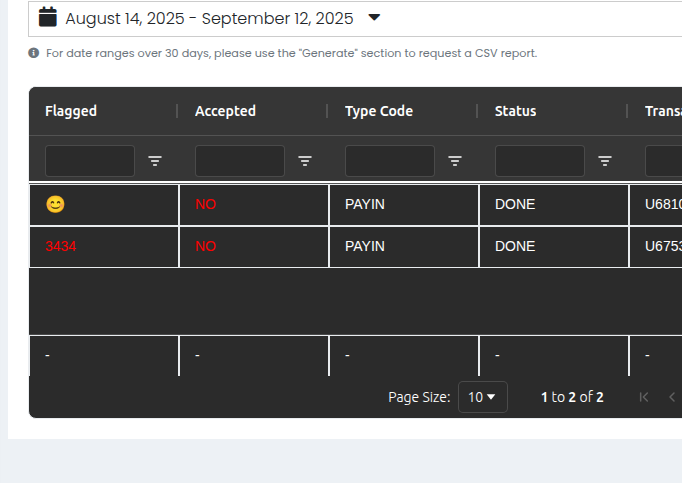
Hi @Luis_Saldana,
The condition is expected to be a function here, it no longer supports condition checks, will update the readme for same.
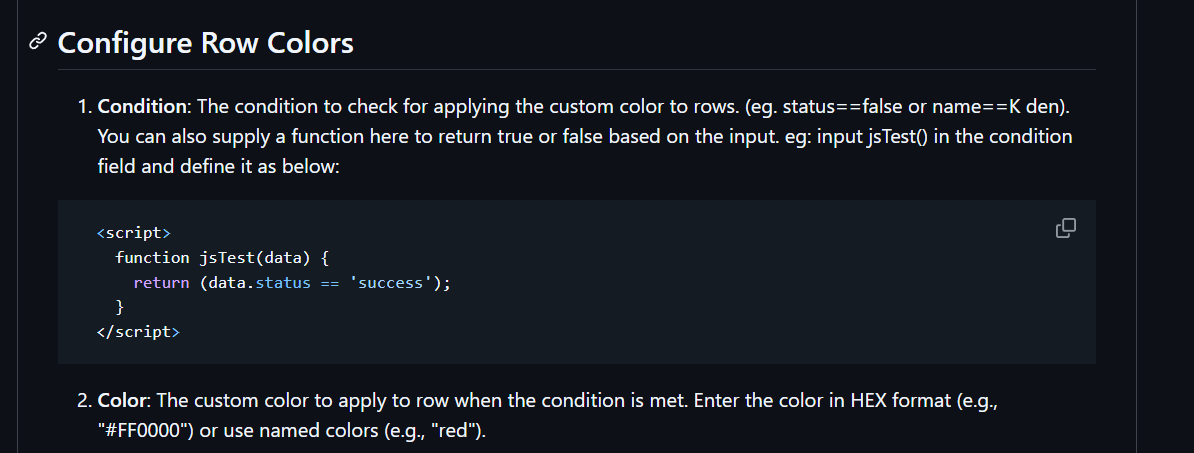
You can refer to the Readme file for an example on how to use a function.
Hi @Luis_Saldana,
The condition is expected to be a function here, it no longer supports condition checks, will update the readme for same.
You can refer to the Readme file for an example on how to use a function.
Thanks @Roney_Dsilva I will try,
Regards!
I installed this package with npm, restarted Wappler, but it doesn’t show anything related to AG Grid, how do I use this?
Thanks, I had to install through Wappler options (Extensions) and then restart Wappler again
I had a play with this, nice work! 
Now, I have a challenge: Imagine I have a table, and in one column I have a “happy” (bool) column.
If it’s true, I want to put the image of a happy smile . If it’s false, I want to put the image of a sad smile 
From my research, I have to setup a custom cell renderer:
I achieved it:
<dmx-ag-grid id="aggrid1" dmx-bind:dark_mode="true" dmx-bind:data="sc_data.data.results" dmx-bind:js_data_changes="[{field: 'happy', function: 'cellRenderHappy'}]"></dmx-ag-grid>
I discovered this “js_data_changes” attribute with the help of AI.
And then I have a custom cellRenderer:
<script>
function cellRenderHappy(rowData) {
   if (rowData.happy) return '<span>:)</span>'
   return '<span>:(</span>'
}
</script>
And this works, but then imagine I add a tooltip to it:
<script>
function cellRenderHappy(rowData) {
   if (rowData.happy) return '<span dmx-bs-tooltip="Happy">:)</span>'
   return '<span dmx-bs-tooltip="Sad">:(</span>'
}
</script>
The tooltips don't render, so I have to run some code to make them render after such cell is rendered. But how do I do this? And keep in mind AG Grid has a virtual DOM for handling large data, so it you scroll too much, you have to keep in mind cells are being created and destroyed. So, that’s question 1. Do you have a hook to be called?
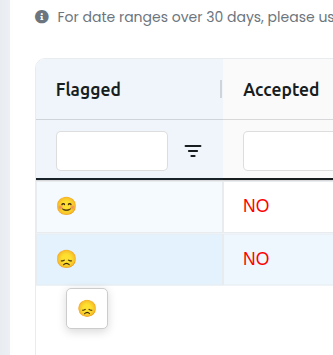
Then I discovered AG Grid has Dynamic Tooltips:
The problem is that I have to use a cellRenderer class instead of function. So, question 2 is, do you have any suggestions or could you add support for cell renderer class?
Thanks
Can you not just use a conditional.
Add an image to the cell and dmx-bind the image path.
conn.data.happy ? happyimage : sadimage
I didn’t understand, but the smile image is just an example, I want to sprinkle interactivity e.g. adding tooltips
Neither tooltips or dmx-text works, anything dependent on AppConnect framework
Hi @Apple,
Currently, the module doesn’t have support for dynamic tooltip initialization or for using cellRenderer classes with lifecycle hooks like afterGuiAttached. I can definitely see how this would be useful for cases like yours (e.g., happy/sad image with tooltips).
I’m looking into adding support for this so that tooltips can be re-initialized after cell rendering. I’ll share an update once I have a working solution.
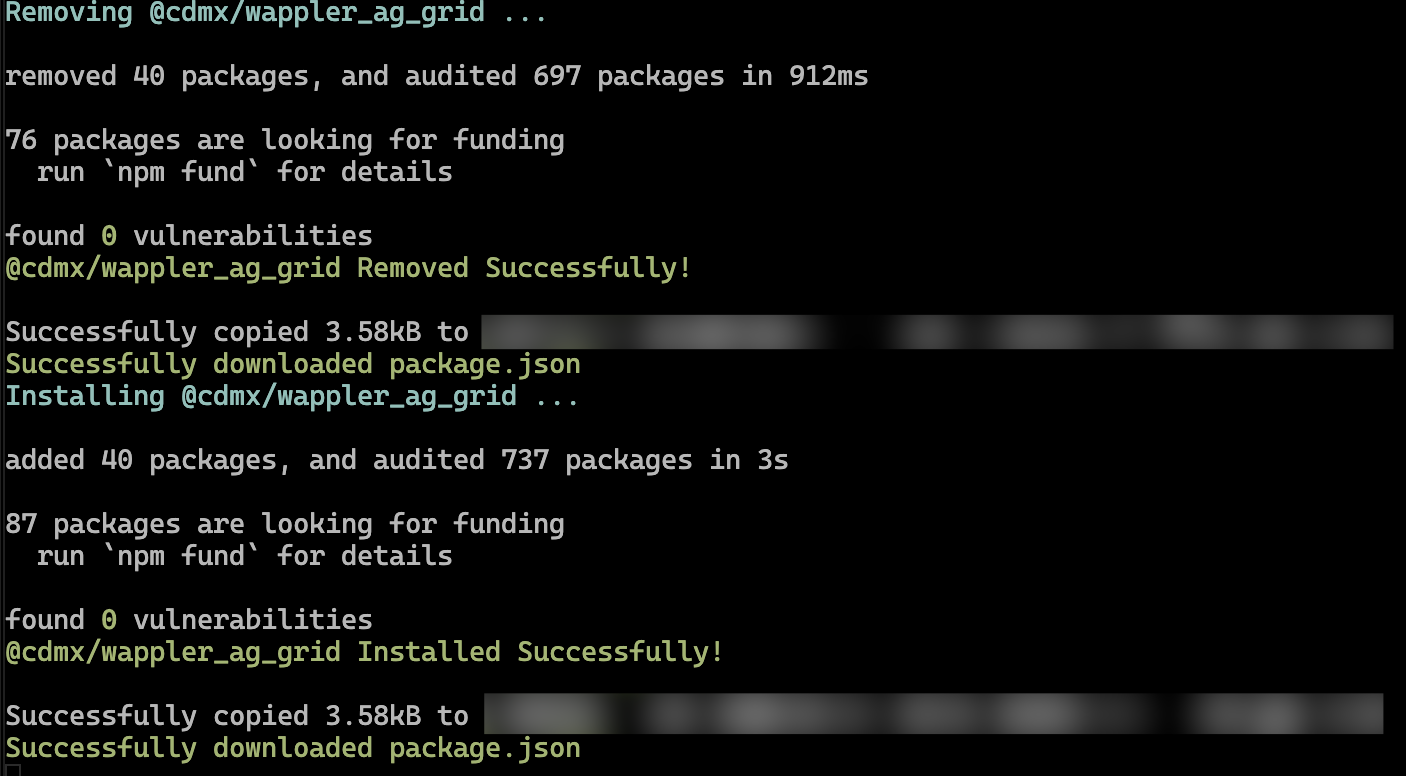
Thank you very much! Now I just can’t figure out how to update your extension, I uninstalled and installed again, it doesn’t ask me to update dmx-ag-grid.js 
If using Docker deployment, try doing a npm i on the host machine terminal, then check the Project Updates Drawer, it should show you updates available.
Thank you! That worked, npm i on the host
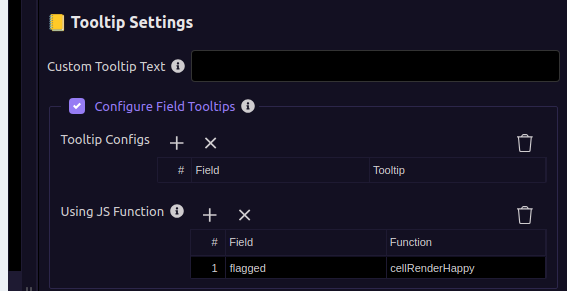
The new tooltip by JS function that receives a string of HTML is hardcoded to have a white background, so it doesn’t work on dark pages.
I suggest renaming this new functionality to Using JS function (HTML), and have another option just “Using JS function” that receives a string of text and to use AG Grid’s default tooltip functionality, like it happens on regular Tooltip Configs, that way I can dynamically build a tooltip’s text and still rely on the officially supported functionality.
And also add Tooltip Show Delay config somewhere:
Ideally, in the future, you would allow users to provide their own custom component name to be called (I don’t need this right now, at least not for tooltips, maybe for cell render components)
Hi @Apple,
Have made fixes to the tooltip Component to handle both text/Html, also have introduced the tooltip delay in @cdmx/wappler_ag_grid@2.0.6
 seams to be only happening for Alpine, my projects mostly use Quartz, Checking
Found the issue, fixing it
Thanks @Apple for bringing that up, else wouldn’t have noticed that one.
Dark mode fixes done!!, @cdmx/wappler_ag_grid@2.0.7
Thank you! Looks good now!
I had lots of trouble getting Wappler to update it though, something to revisit later with the Wappler team
Could someone clarify if this table/extension is only meant for viewing or also for editing? (e.g. for use with a Database Update Query)
hi @Apple,
Yes the module does support inline editing.