Operating System : Windows 10.0.22631Wappler Version : 7.9.6
.... I’ve created a new Node application and attached a sqlite3 database. In database manager I can view the data inside the table but when I insert a server connect in my page and chose a bootstrap table generator nothing is showing.
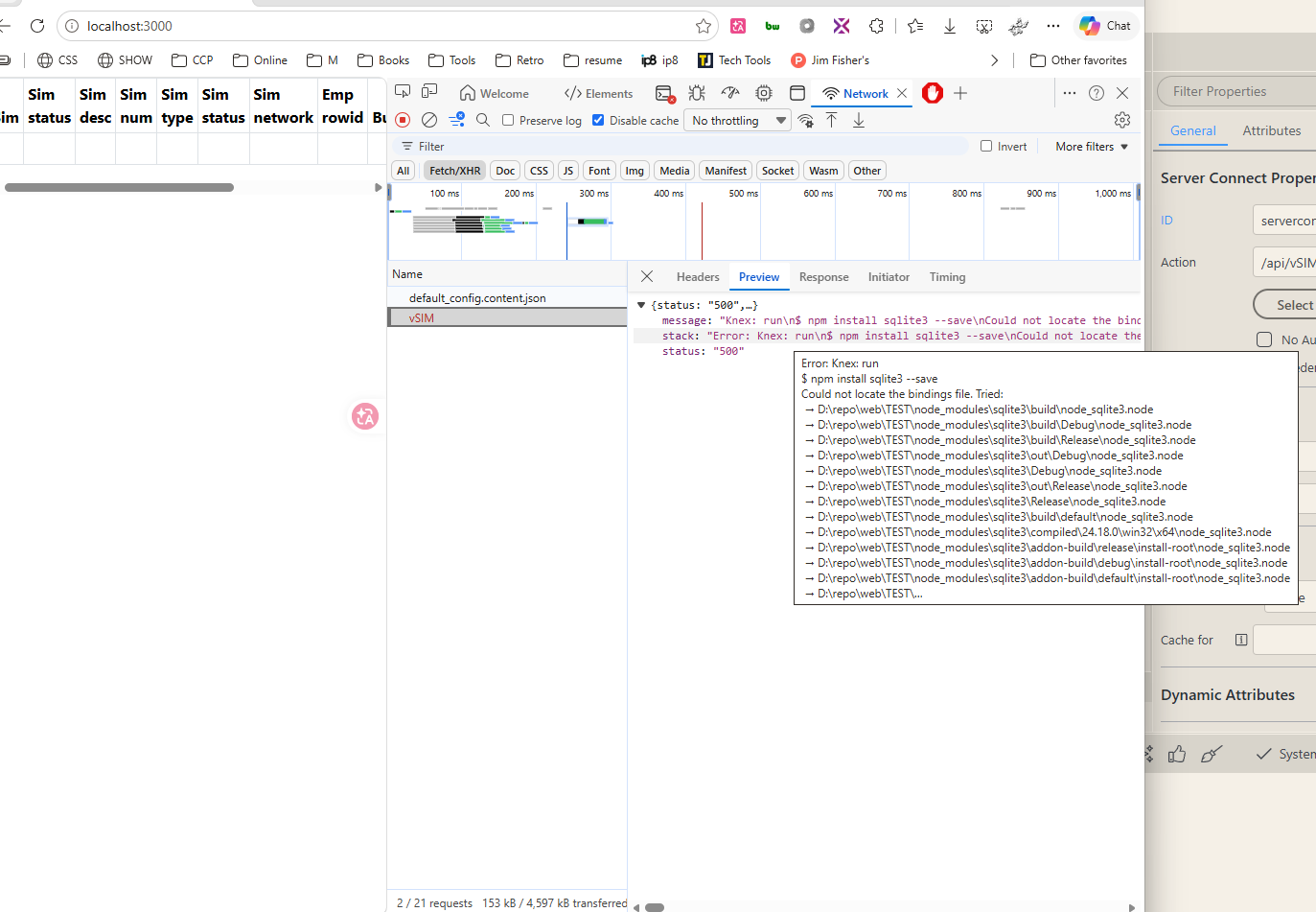
in the terminal i see
Knex: run
I tried manually installing sqlit3 .
report1784116869969.zip (158.2 KB)
Teodor
July 15, 2026, 12:15pm
2
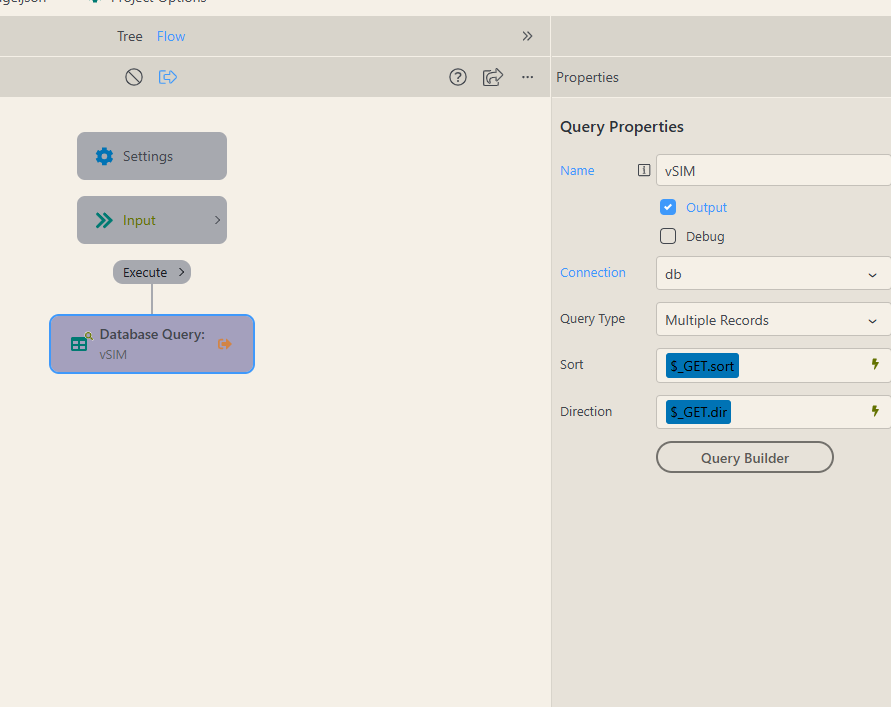
Can you please post some screenshots of how’s your server action/database query configured? Also what are you adding on the page exactly?
I’m away from my PC now. But if you can check the compressed file attached you’ll have an idea.
table headers are showing but not the data
Teodor
July 15, 2026, 12:36pm
4
Well please enable debug mode and check for errors in the dev tools:
You can easily debug issues related to server-side processing such as - form not sending email, record not inserting or updating, query not showing data etc.
The first thing you need to do is to open the server connect settings. They are located in the Workflows Panel > Server Actions:
[Screenshot 2021-09-27 at 10.02.35]
And enable the Debug Mode:
[Screenshot 2021-09-27 at 10.03.08]
Click Save:
[Screenshot 2021-09-27 at 10.03.26]
In your browser, open the Developer tools. If you don't k…
And still i need screenshots from the steps in your server action.
I have enabled the debug option.. here are the screenshots
Teodor
July 16, 2026, 5:34am
6
Is this project using the local Wappler node server? What version of nodejs are you using?
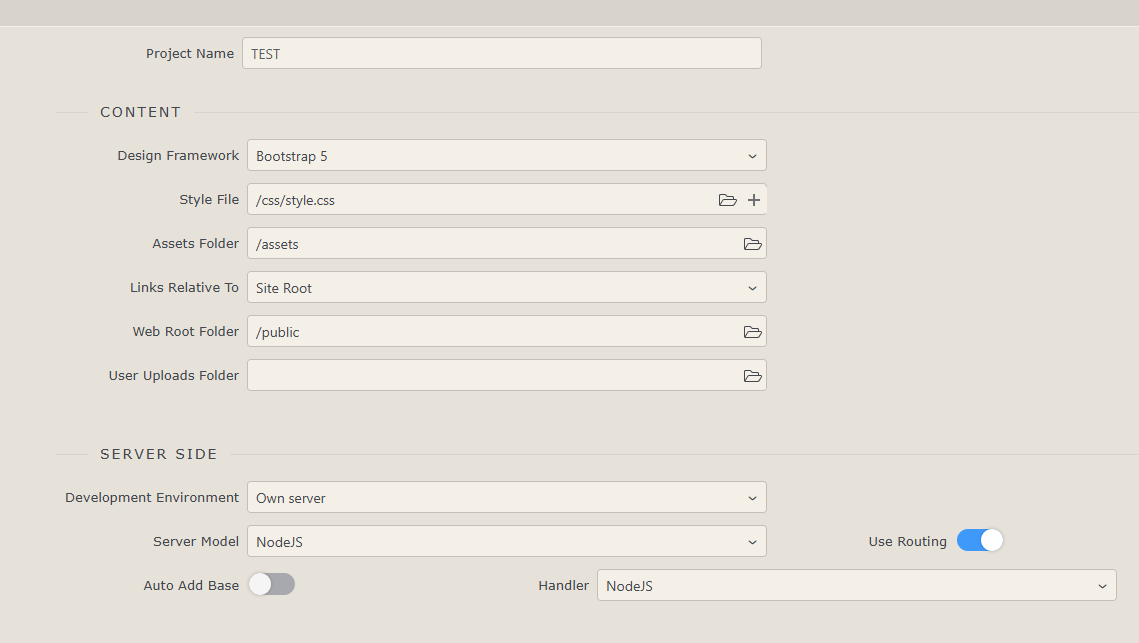
I’m using Node v24.18.0 and Own server
Teodor
July 16, 2026, 5:57am
8
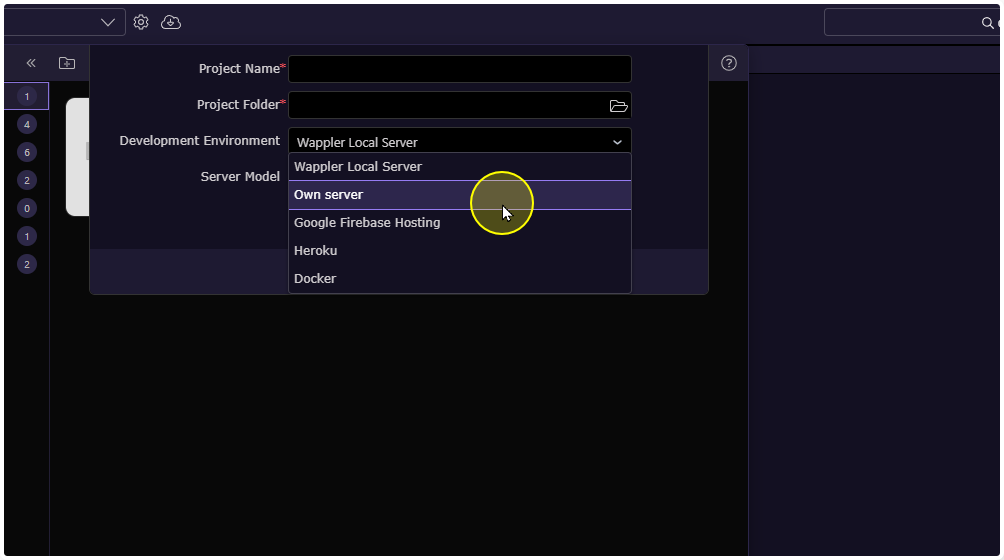
Are you sure your own server is properly installed, configured and running? Where do you run it and why not use the integrated in Wappler Node server?
I want to use extension in my project and I have to select the Own server option
Teodor
July 16, 2026, 6:04am
10
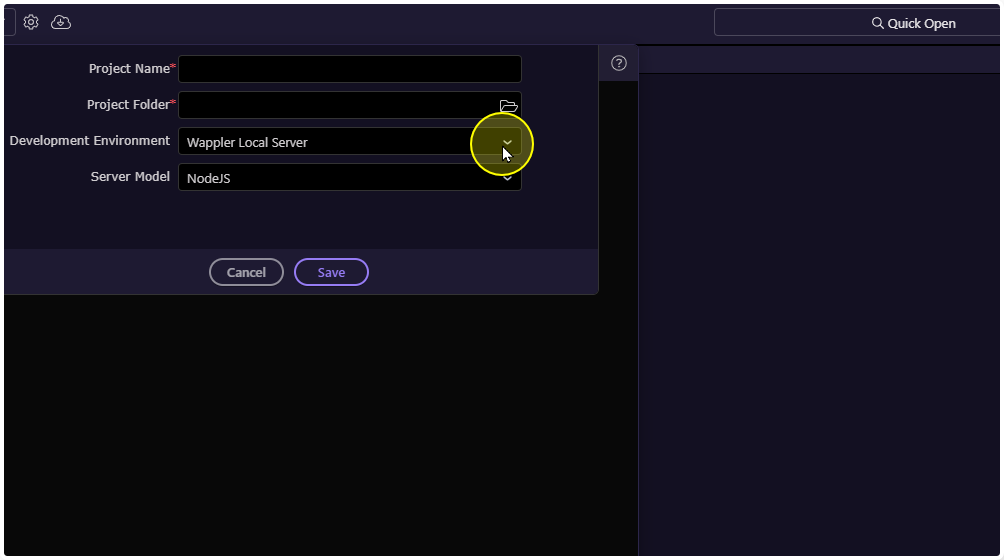
I don't understand your point. When you create a project that runs the local wappler NodeJS server, you can use extensions perfectly fine.
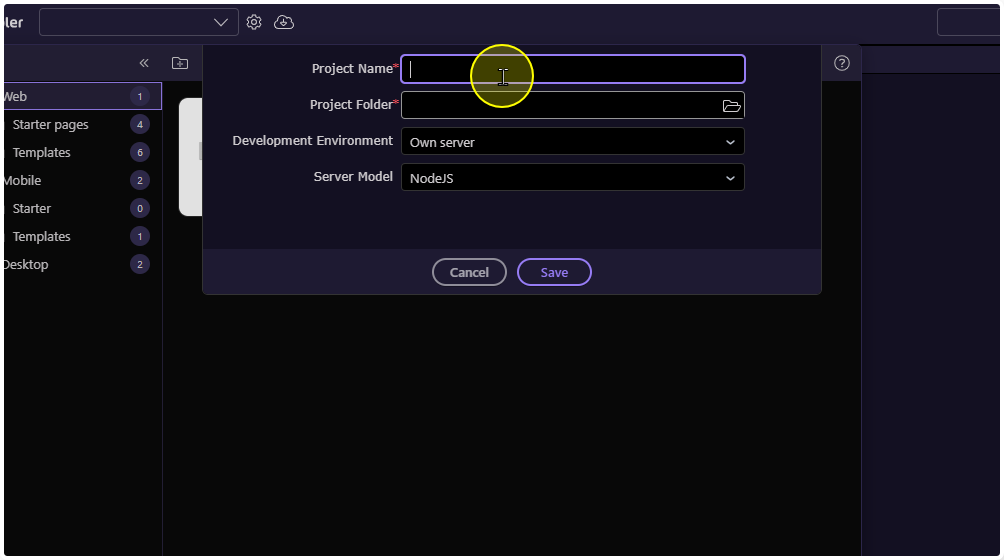
What I meant is that in order to use custom extensions you need to set to Own server. Even the DEMO project is not running.
Do you want me to remove node from my system and reinstall it again?
Teodor
July 16, 2026, 6:09am
12
that's not true, you can use custom extensions using Wappler's integrated NodeJS server.
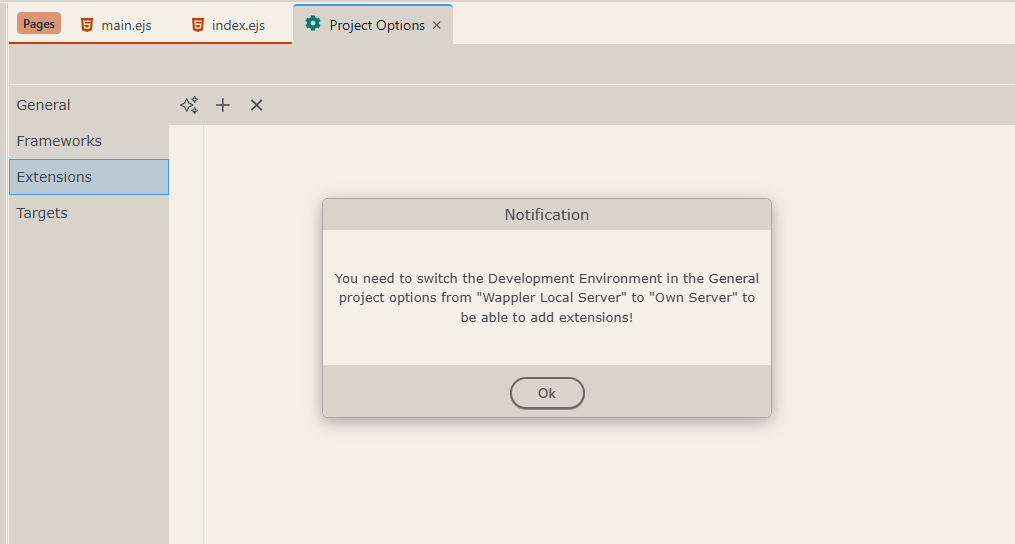
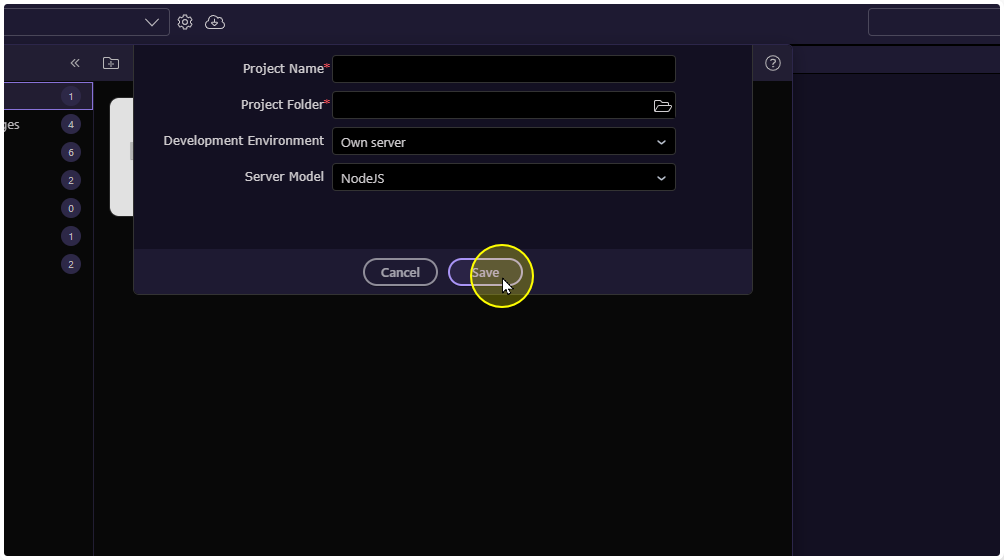
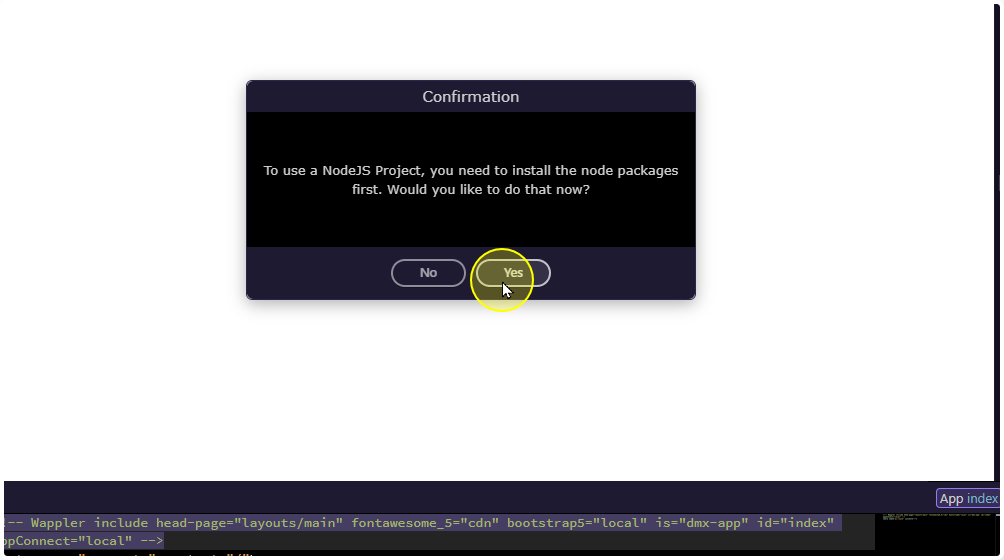
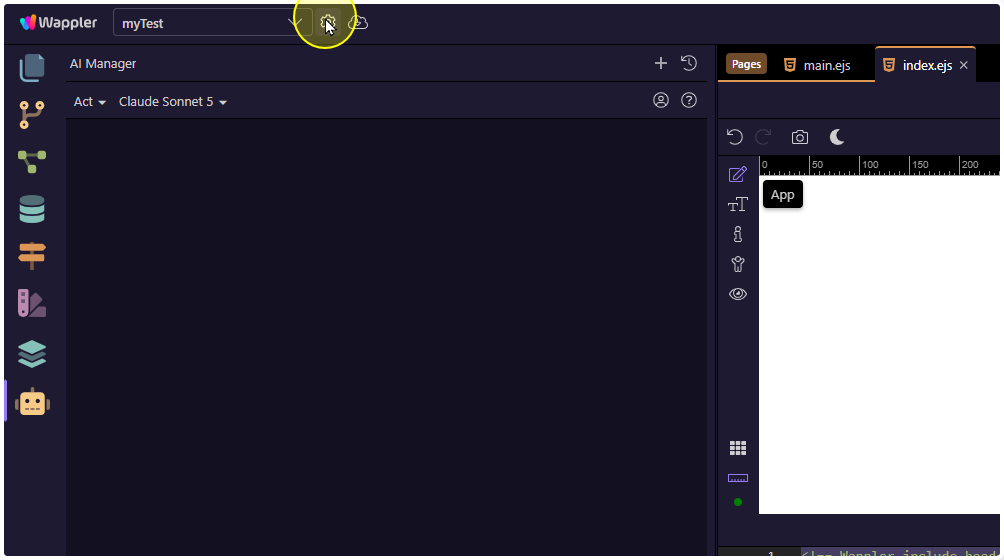
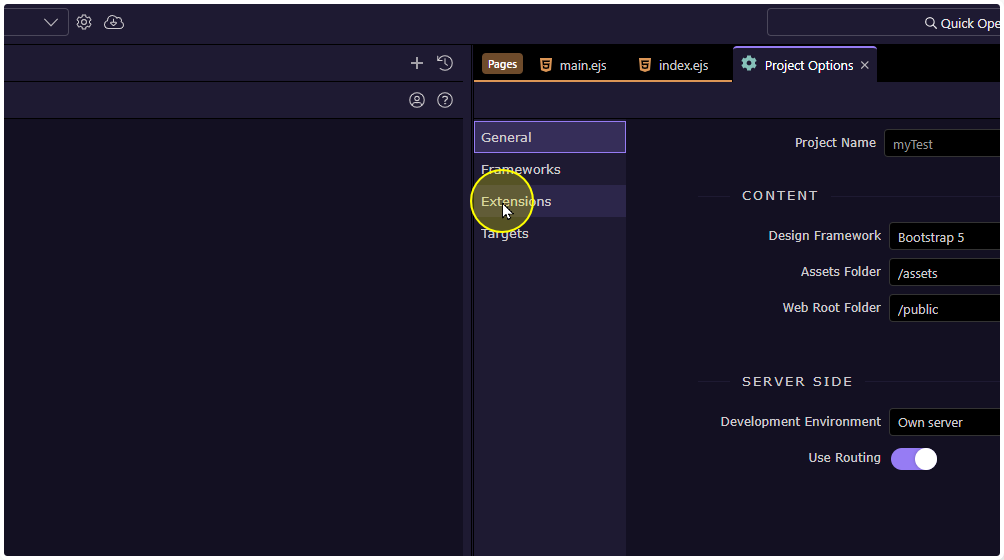
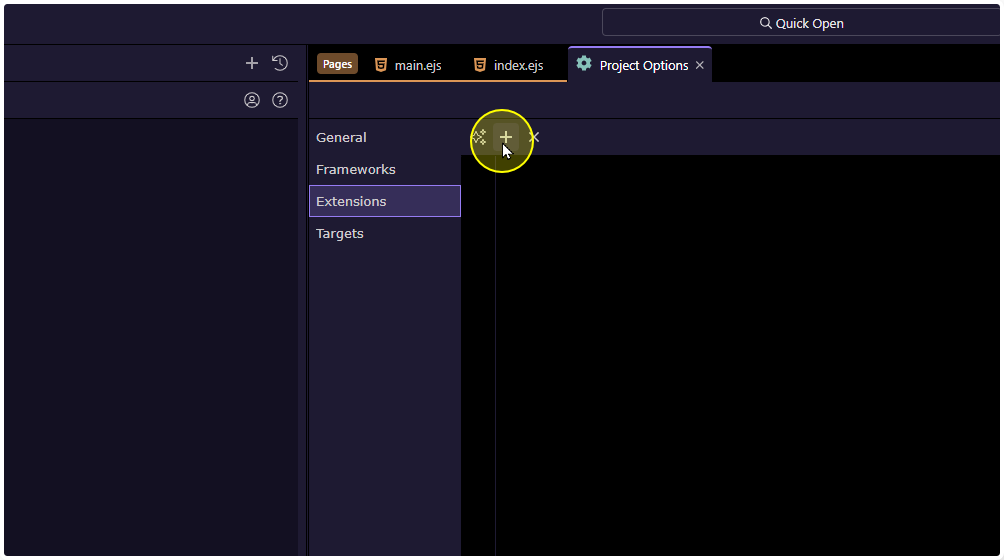
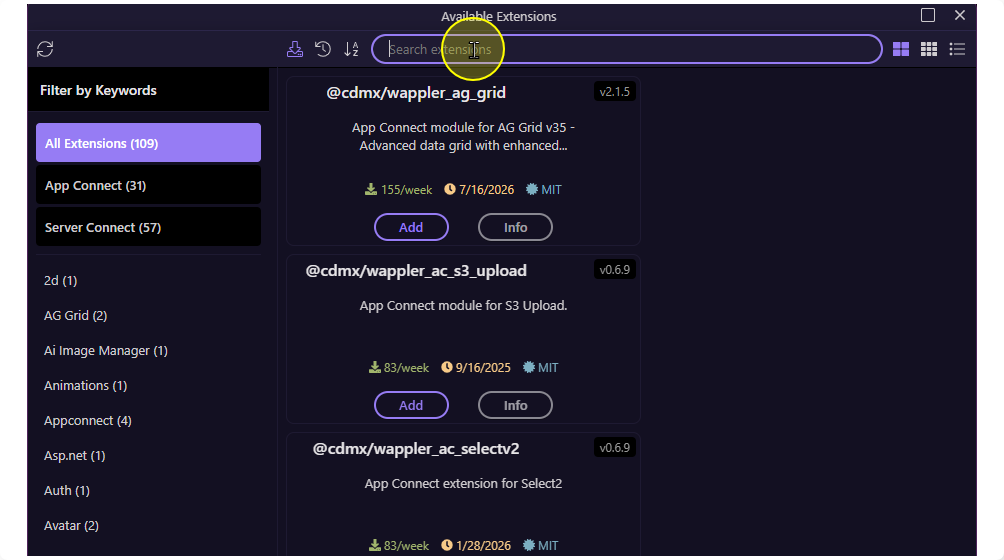
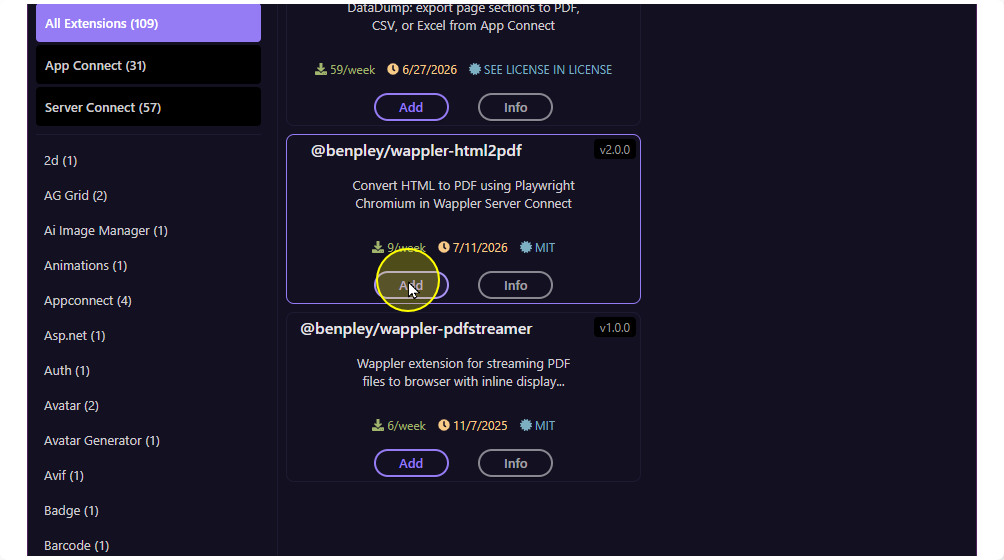
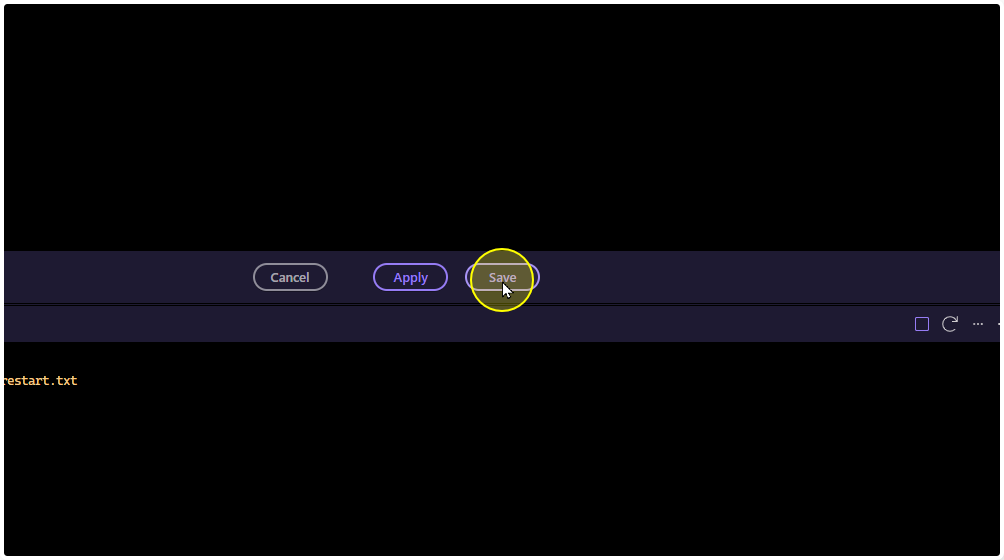
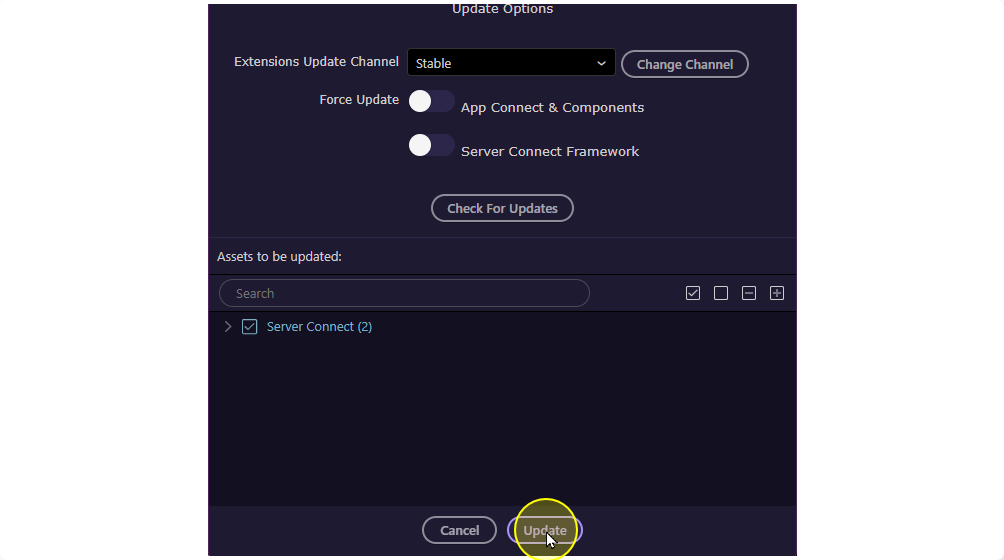
I followed the process of creating a new project as per your suggestion and this is what I get when I’m trying to add new extension
I’m still facing the same issue. I recreated the project using the local server, attached my database file and create some pages which worked fine. then it stopped working giving me the same error
Thank you so much for this detailed approach, but my issue is completely different
ben
July 16, 2026, 11:21am
17
I am sorry, I did not read the first part of this discussion.
ben
July 16, 2026, 11:43am
18
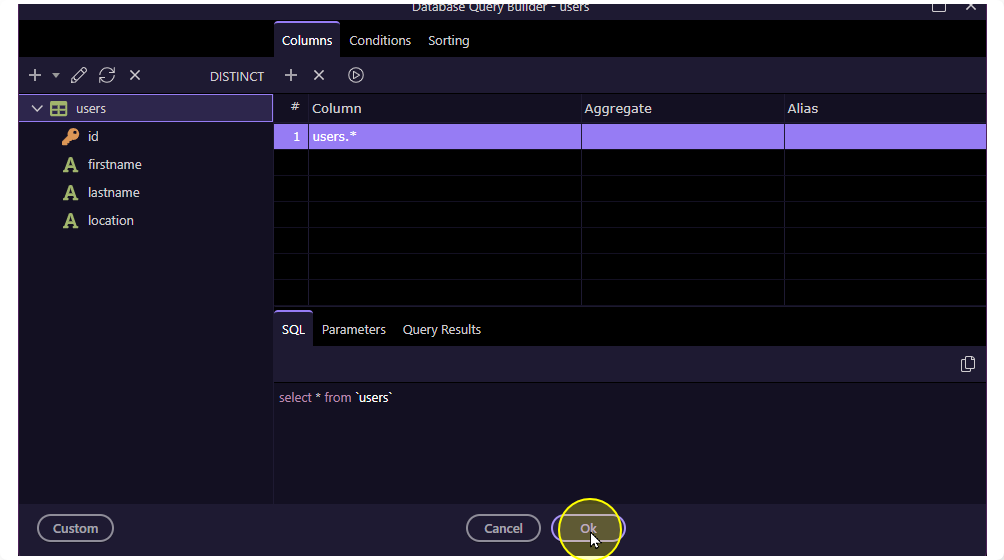
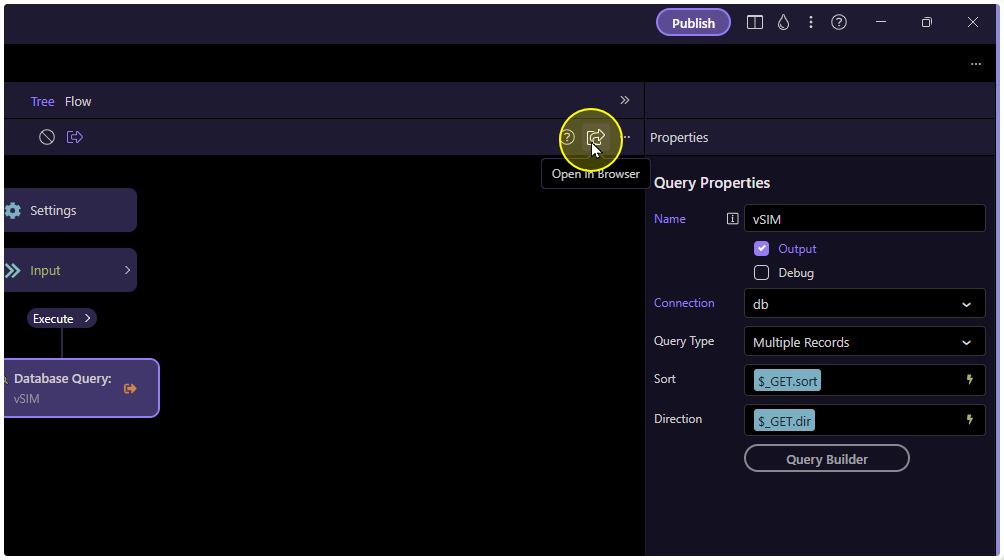
This is what my query looks like
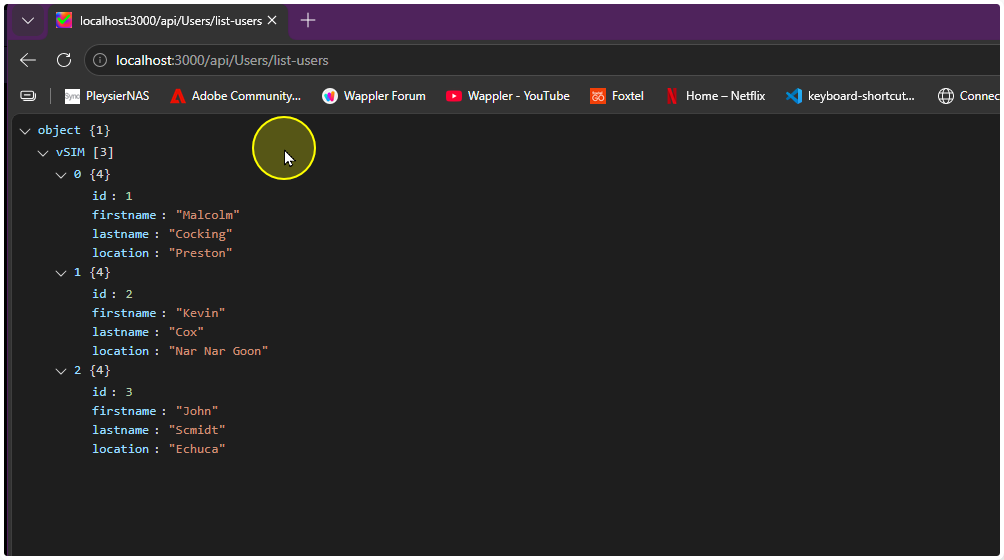
When I click on Open in Browser
This is what I see - ready to use on the front end
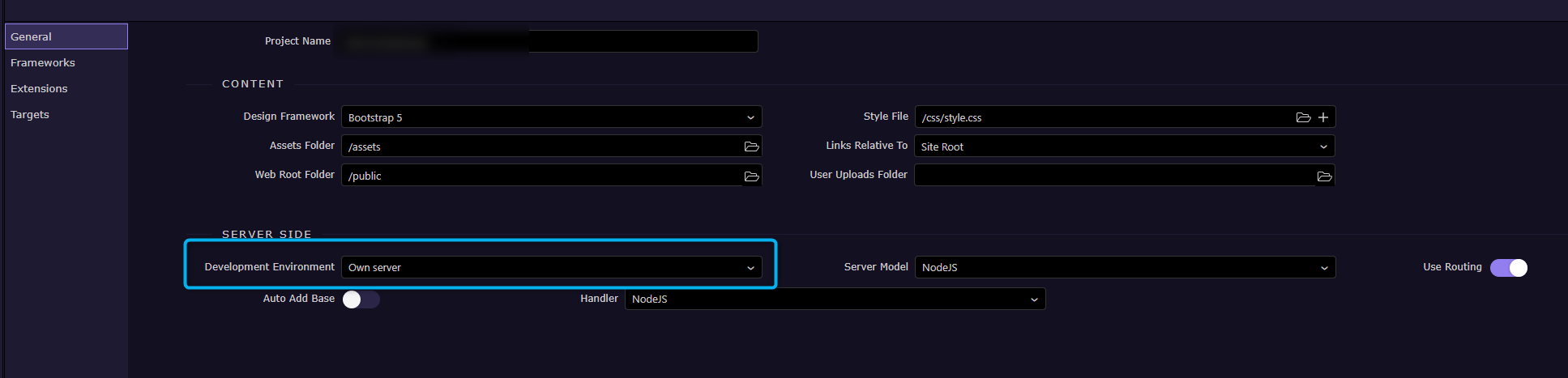
Set custom in your general settings
but ensure Wappler Local Server is selected in your development target.

 I'll have another read.