When the API is triggered using domain/api/test-one, it should execute successfully and return the value defined in the Execute step as part of the response output.
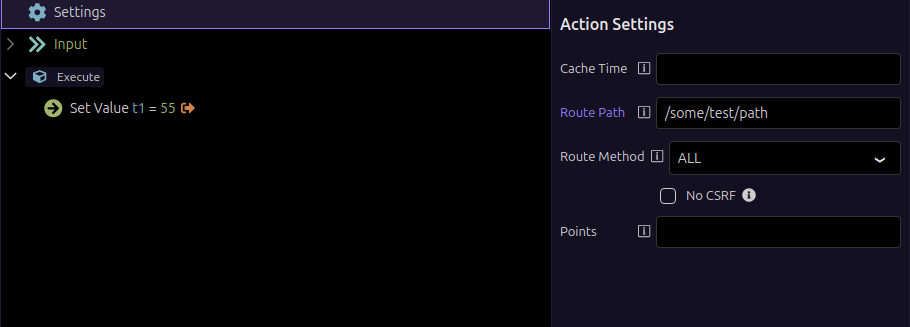
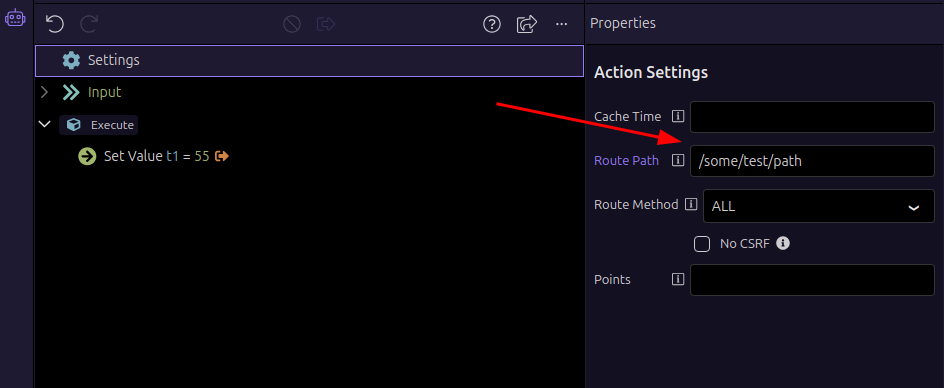
If the route path is changed in the API settings (for example, to /some/test/path), the API should be accessible via the updated route and return the same configured output value accordingly
Actual behavior
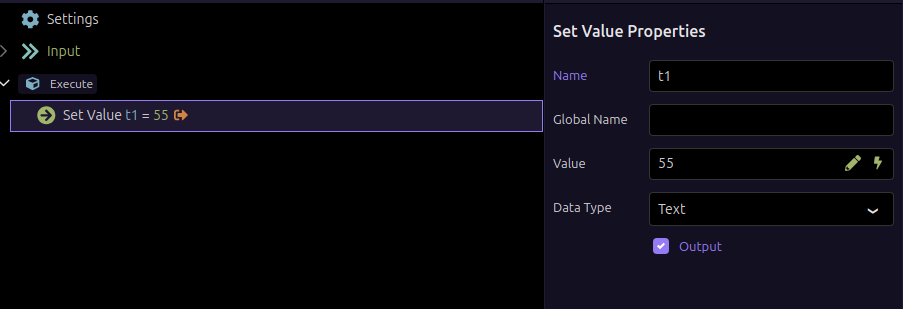
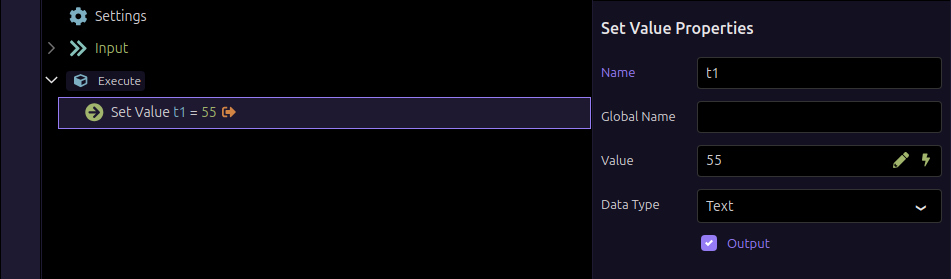
I have created a test API and set a value in the Execute step. I also enabled the output. However, when I fire the API using domain/api/test-one, it does not return any values.
Even when I change the route path in the API settings to something like /some/test/path, it still does not return any value.
The response of DOMAIN/some/test/path should load successfully in the browser.
Actual Result
The endpoint is not found. We have a fallback route (*). This fallback is triggered.
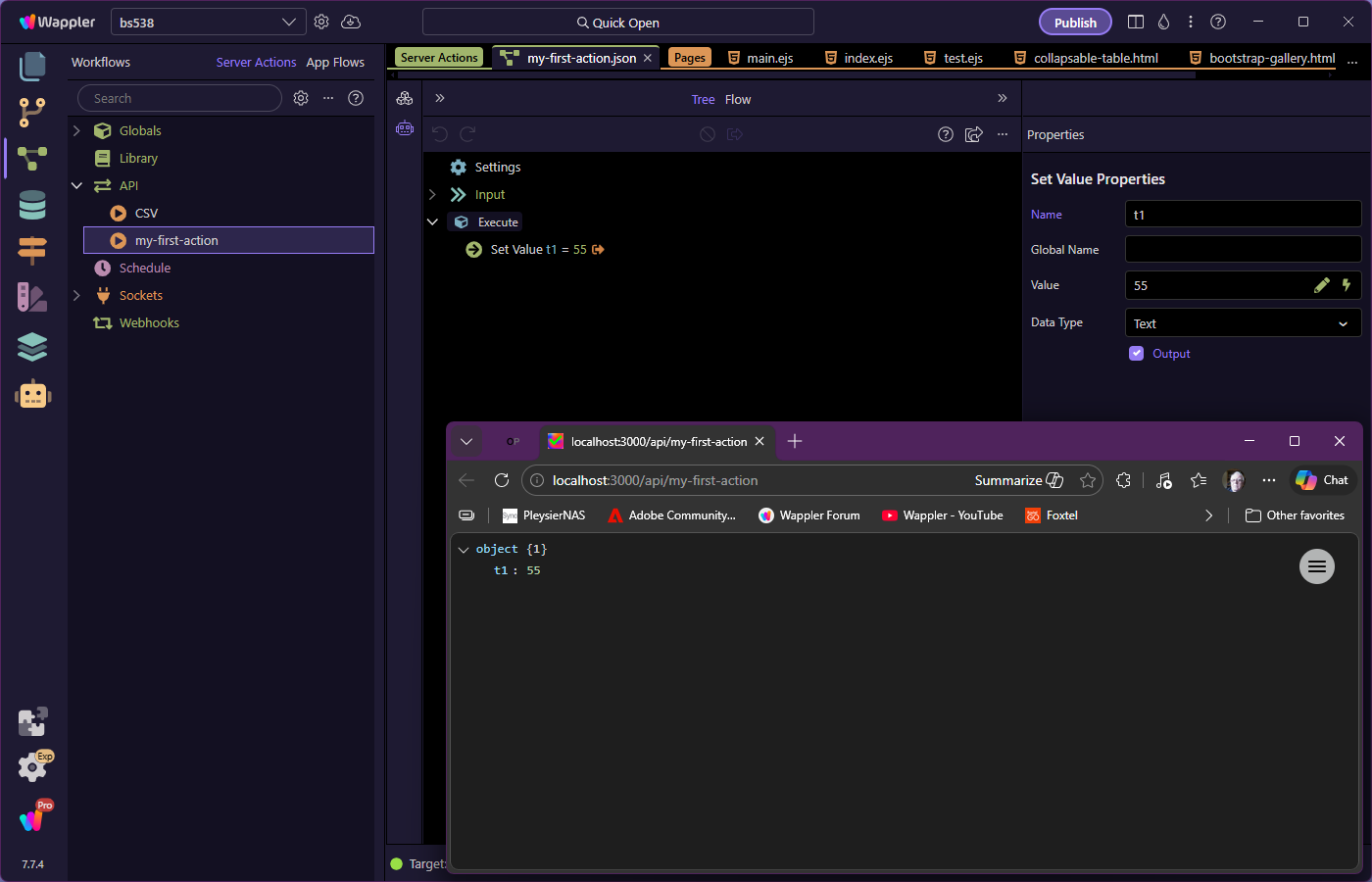
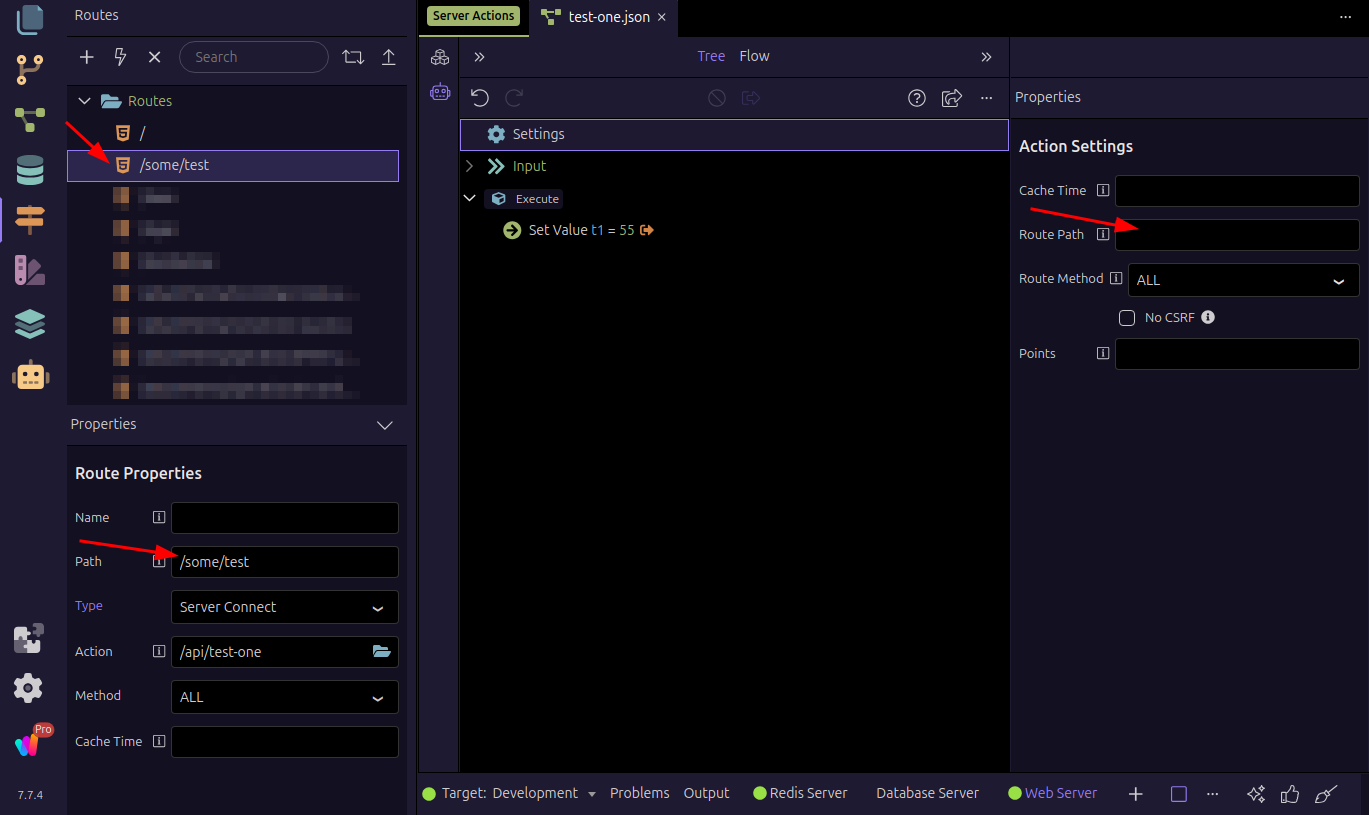
However if we set the route for the API via route manager the API returns the response, Please refer the below image (Route path in the Action Setting is empty).
It's difficult to figure out what you're trying with the setting up of a route in Action Settings and / or a route via route manager to load an API in the browser.
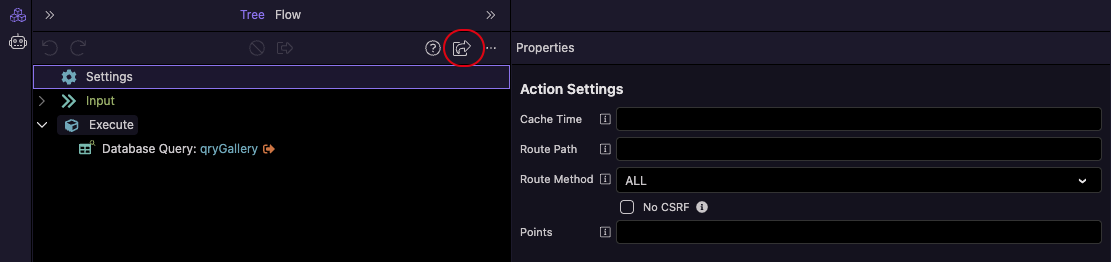
If you want to test an API by loading it in the browser, then you can click on the Open in Browser icon to see the output.
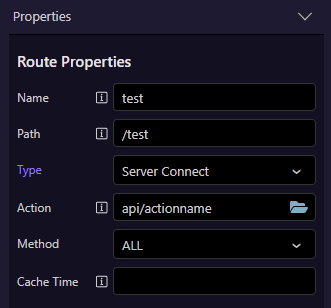
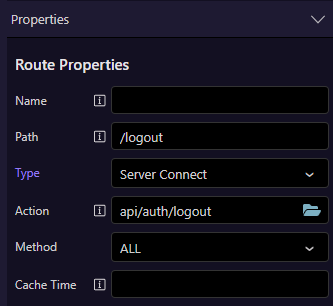
Rereading the post, does give me a better idea of what is going on. But instead of using the route path in Settings, have you tried setting the path in Route Properties? Something like
Yes, I have tried setting the path in the Route Properties, and the API works fine. The main issue is that the Route Path in the Action Settings of Server Connect does not work as intended.
Note: Before Wappler version 7.7.4, the API would run successfully without setting the path in the Route Properties. Does the latest version require the API route to be defined in the Route Properties?
You don't need to define a route in the Route Properties to run an API. Do you get an error in the dev console if you remove route paths from both API Action Properties and Route Properties?
We had defined a catch-all route (*) in the route manager at the very end. It served as our 404 handler with specific code that we needed to run.
Earlier, the routes were loaded in the following sequence
Custom routes using exports.before
API folder routes
Route Manager routes
Custom routes using exports.after
The latest Wappler library upgrade swapped the API folder and route manager.
Custom routes using exports.before
Route Manager routes
API folder routes
Custom routes using exports.after
As a result, API routes - both based on physical file paths and those defined in the settings of those SC files were blocked off by the * route in the Route manager.
We are now moving our 404 handler to a custom route in extensions/server_connect/routes.