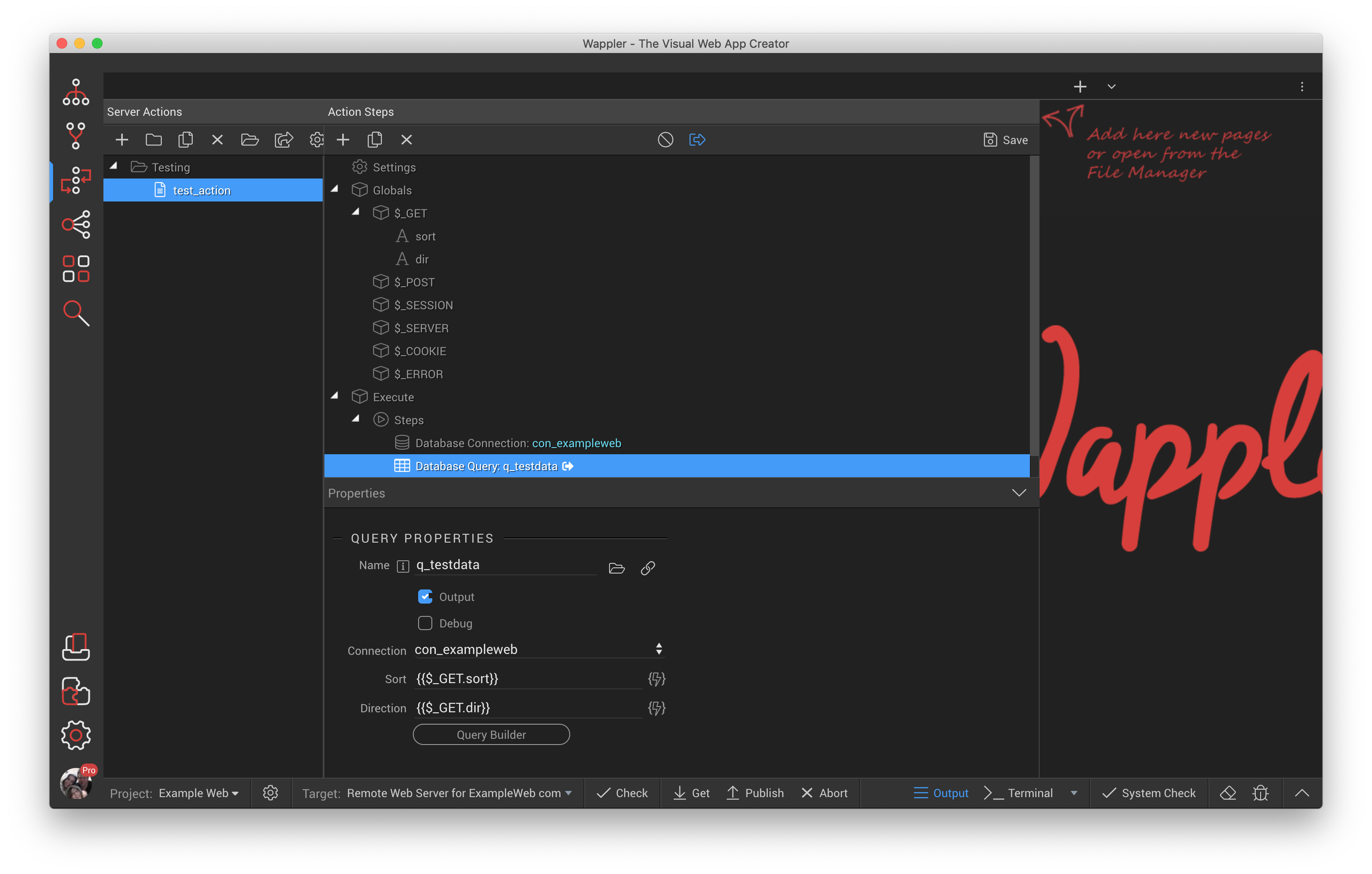
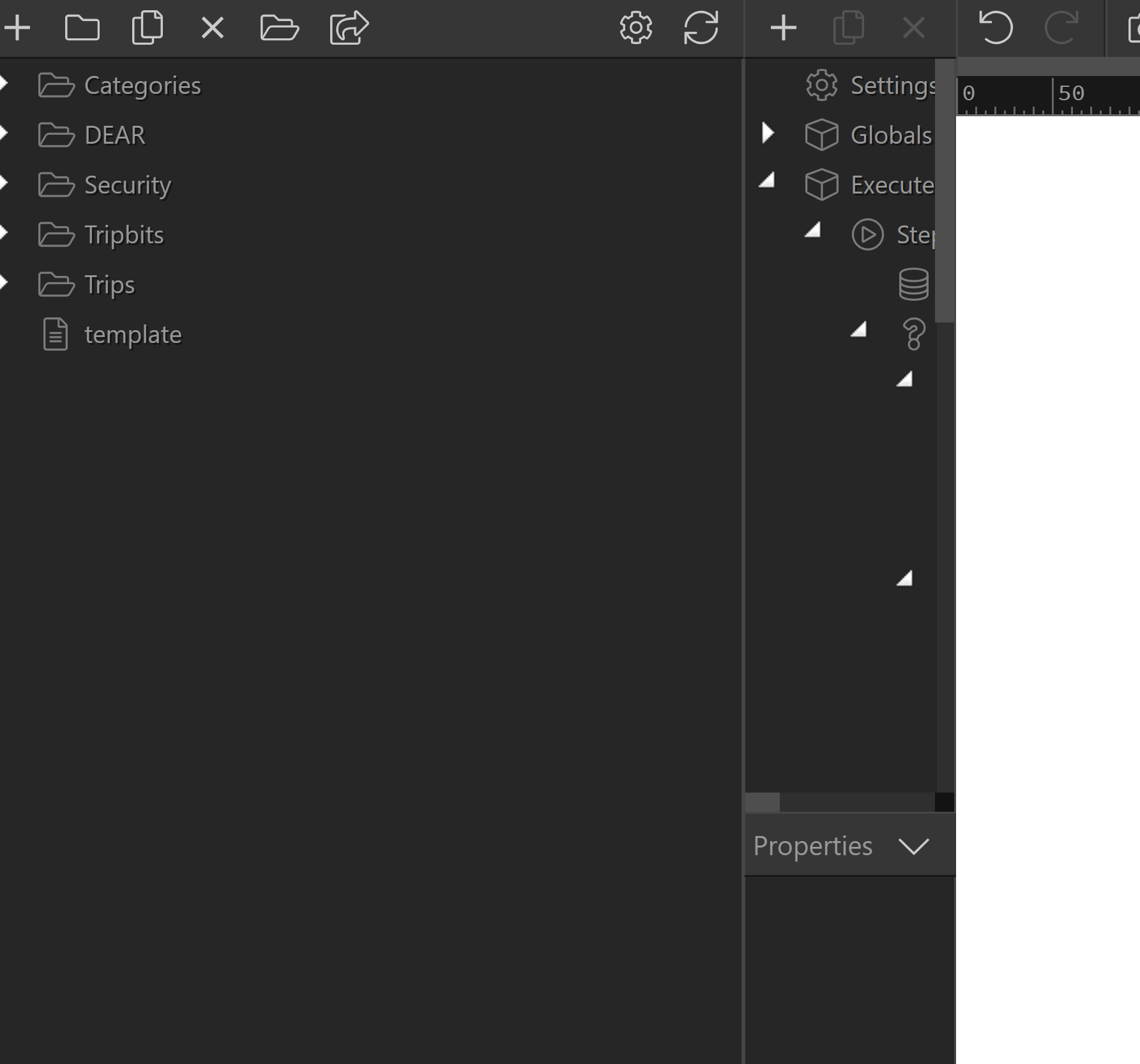
When I want to widen the server action panel at some point it breaks into two columns with the actions on the left and the steps on the right. This is annoying as when it happens I have to then widen the steps which is always what I’m trying to widen in the first place. It causes me a lot of grrrrr moments.
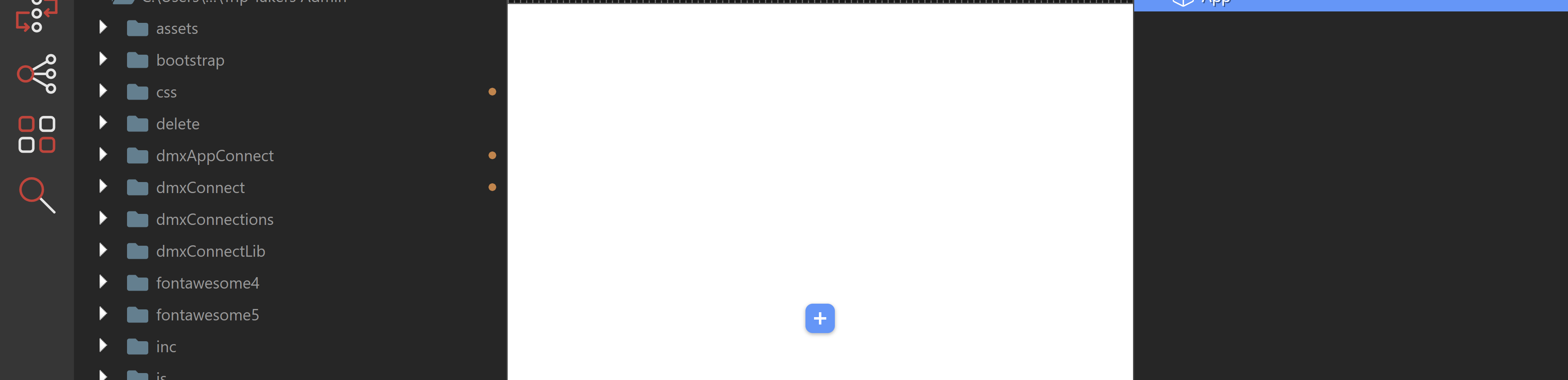
Also, can I make the side panels smaller? If I have both right and left panels open on my laptop the middle code/design section is tiny. I know I can collapse the side panels, but I would much rather have control to size those. This image shows the side panels as small as I seem to be able to make them.
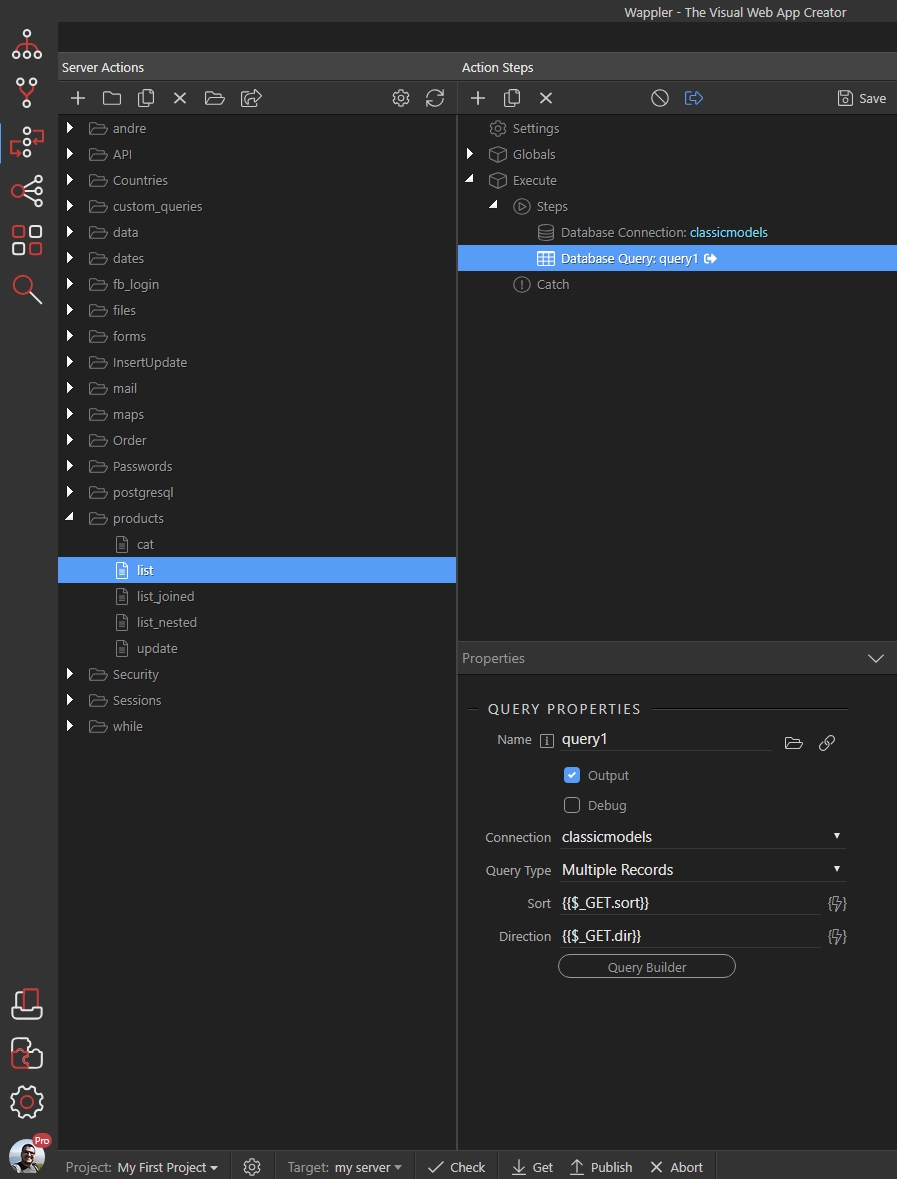
Server and App Connect panels are resposive and that’s by design. It’s much easier to have all the server actions in the left part of the panel when the steps and their properties are in the right part. However, when you make the panel wider it should look like that, without you needing to adjust the steps width:
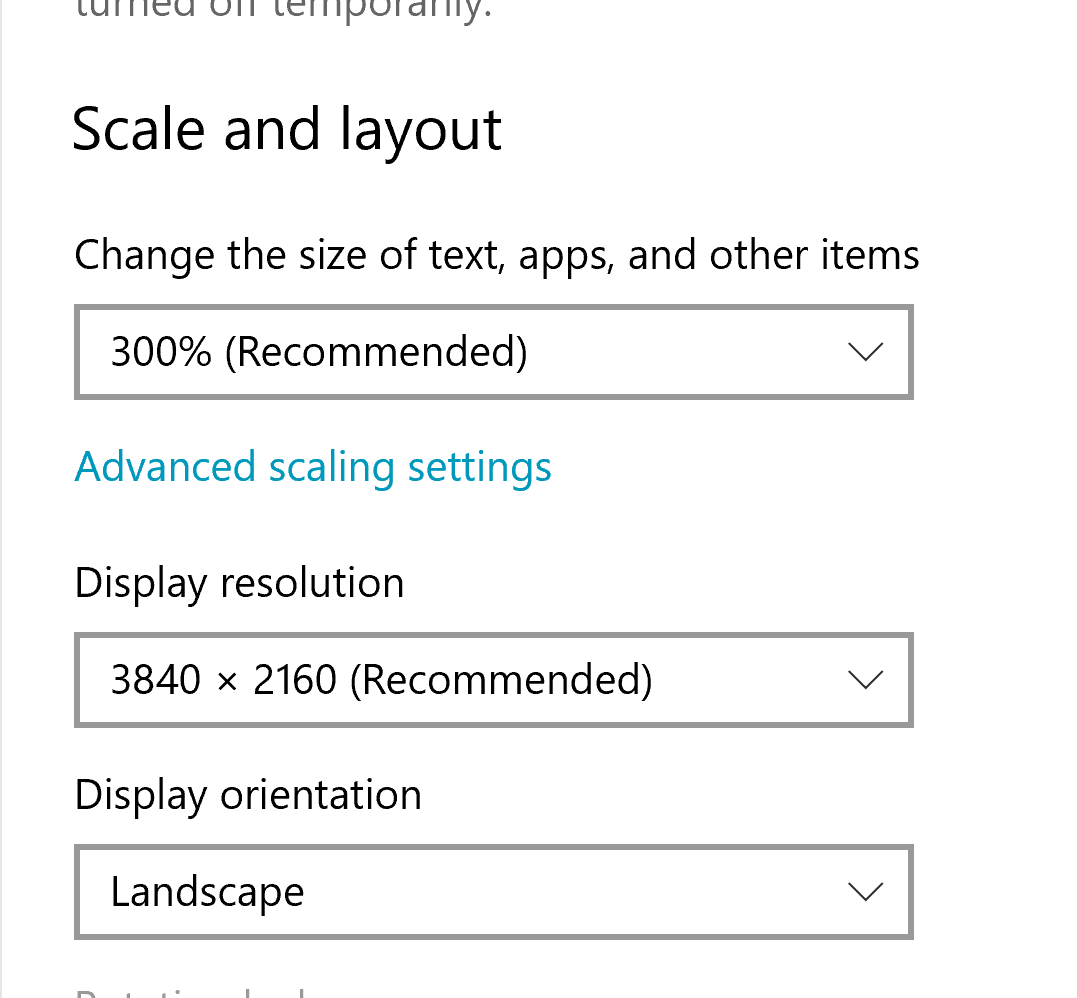
Also - the panels have minimal width, that’s why you can’t make them smaller. Is your screen resolution probably too low?
You can just close them, these are two separate panels which you don’t usually use together - when you bind the data and add components on the page in the App Structure you don’t work in Server Connect panel and vice versa.
Sometimes I’m trying to figure out why something isn’t working properly and I am jumping back and forth between the two side panels. What is the purpose of the minimum width? As you can see from my screenshot that width on my machine is super wide.
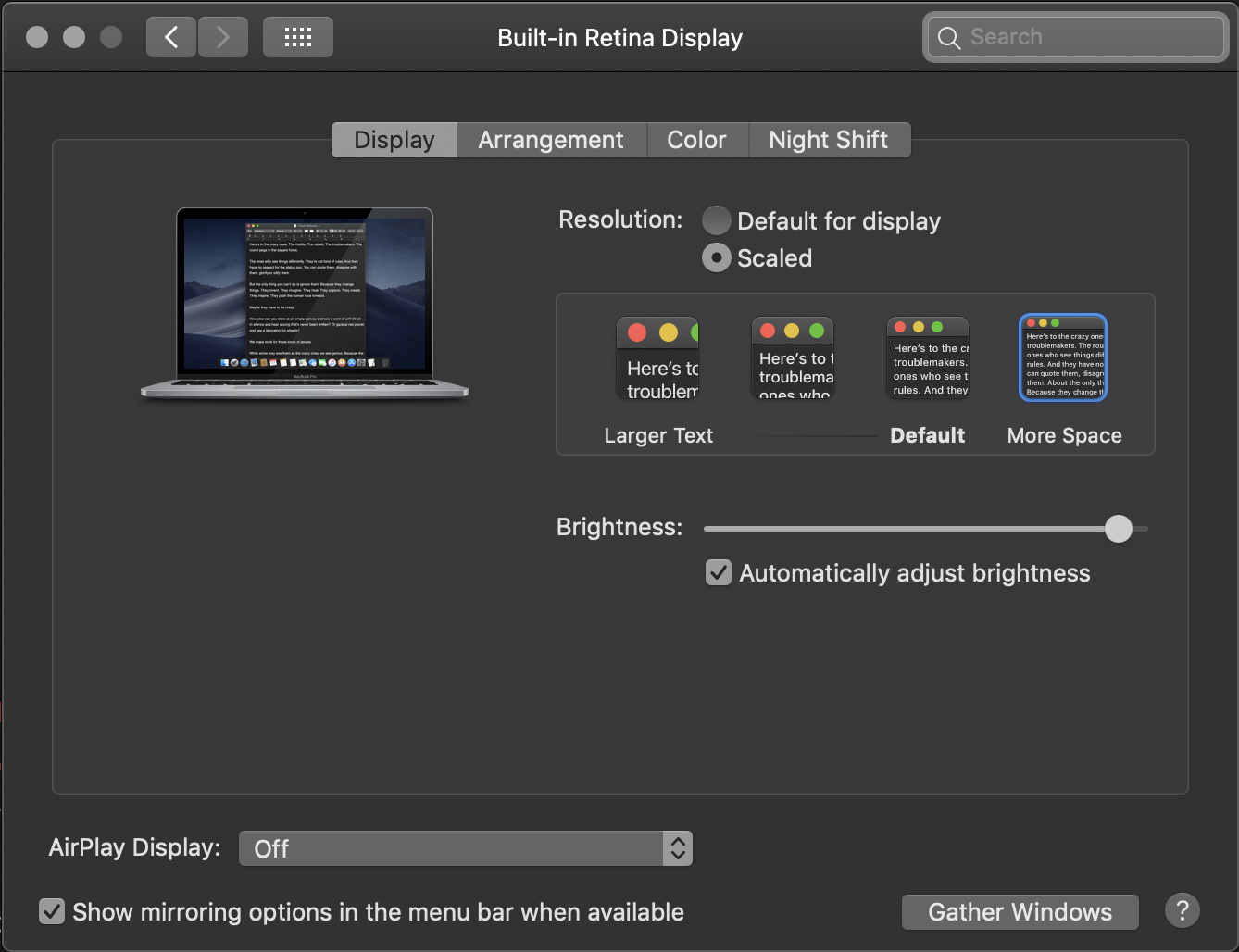
This made me check the zooming on my MacBook Pro. Never thought of adjusting an already good display but made the adjustment and even Wappler is so much better!
LOL! I can barely even see the text at 100%. This is on my 14" laptop. I can see that I end up with more code/design space relative to the sidebars when it’s at a lower % but on a smaller screen with 50+ year old eyes that doesn’t help me much. Of course working on my desktop is ideal, but I’m on the road a lot so need to be able to work on this machine as well.
Like I said, I prefer to work on my desktop, but when I’m on the road it’s the (brand new, btw) 14" laptop. I would have thought 14" was a pretty standard size for a laptop and don’t have issues with any other software on it. The minimum width for the sidebars in Wappler seems unnecessarily wide to me and I’m not sure what the purpose is of restricting it like that. I also don’t understand the logic that it’s “much easier to have all the server actions in the left part of the panel”. Maybe my workflow is different to others, but I’m generally not working on a bunch of different server actions at the same time.
I sometimes have so many server actions that I literally close down my entire document, and have nothing open at all, and only use the server actions panel.
The logic is server side left and client side right to kind of show how seperate they are.
If the user was pretty new to web and app dev in total it would be confusing having Client side api and server side api all on the right. So they really did try split it.
My question is Heather, let’s just say for example the minimum width Wapler sets is the equivalent of 3 inches of your 14 inch screen and let’s pretend they allowed a fluid width and you took it down to 1 inch or 2 inches, there would be certain check boxes or options hidden without left and scroll, so it would become pretty painful to use like that.
I suppose my point is why not just hide all the server side actions while you work on your project and only open them when you need them.
Who knows maybe it’s just me, but if I open a page called contact us for example, i know right away i want a contact form. I then go and make a database table in phpMyAdmin to house my contact form data, then I go into Wappler and create the server side, ie the database insert and email, then I close server connect panels, and call my action into app connect, and I dont really have a need to look at the server action again.
As I say that could just be me though.
I’m not talking about the server actions being on the left and the APP structure on the right. I’m talking about when you want to widen the server action (left) side it splits into two panels (see images above), one with the server actions and one with the action steps for the selected server action. On my machine it doesn’t automatically make the right side of that wide enough to work with so I have to grab and widen it again which is tedious. I really just want to be able to widen that panel so that I still have the server actions above and the action steps below but wide enough to see when I have multiple nested conditions.
I understand I can close the server actions panel. At the moment I’m working on some fairly complicated server actions combined with some complicated client side logic which is taking me a while to figure out the best way to approach it so I’m using the server actions at the same time as the App design panel, and code/design middle quite a lot.
With the minimum width, if you look at my screen shot above you can see that when, for instance, I’m in the File Manager section there is a ton of wasted screen space. I just don’t understand why the minimum width limitation.
I’m sure some of the frustration for me is that I’ve mostly been working on my desktop but am now exclusively on my laptop for several weeks so these things are much more noticeable. I probably just need to adjust my working style and close the panels every time I switch over.
I fully understand that Heather, when I have to work on my even smaller 13 inch MacBook Pro without the 2 additional monitors plugged into it from the office, I literally give up and wait till im in the office to do it, which is pretty bad, because the office if off my home, so basically i live in there because I just can not operate without my additional monitors.
This is often how I use it when I do not need the additional App Connect side or the document open, however because there are no detachable panels, i will confess i sometimes open the code in a text editor if I need to reference things because then i can have that on monitor 2 or 3 and Wappler on monitor 1
 I thought you were on at least 27 inch desktop