What's the correct way to add this JSON array with dynamic binding to array component on page?

I’m trying to add the following to an array on my page, but instead of the static 34 value, I want to use a dynamic value.
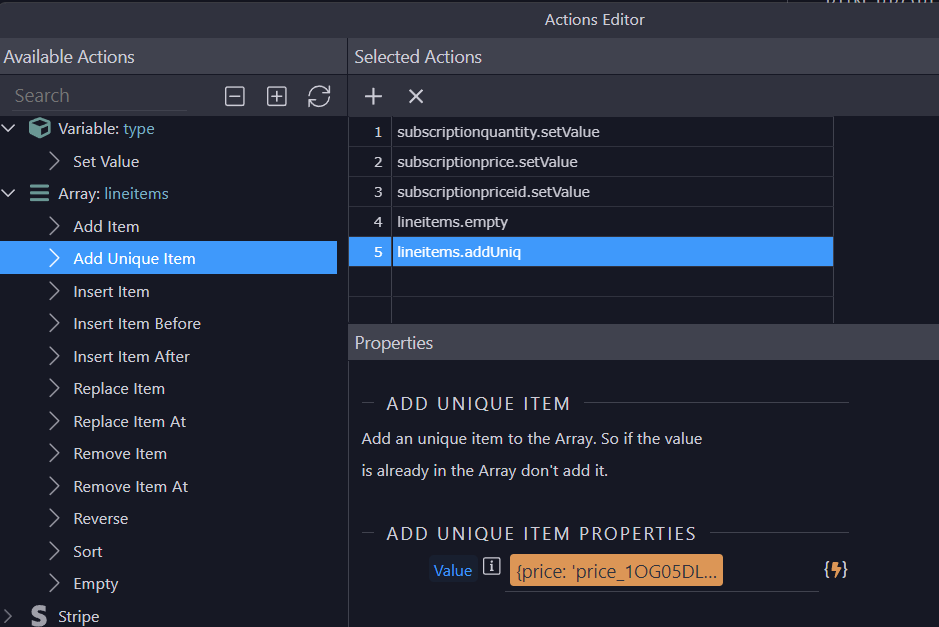
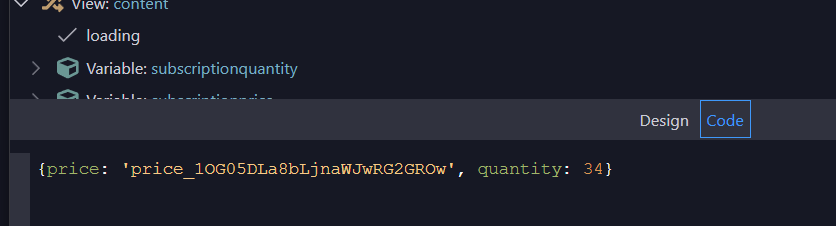
lineitems.addUniq({price: 'price_1OG05DLa8bLjnaWJwRG2GROw', quantity: 34})

The problem I’m running into is that I’m unable to add the dynamic part.
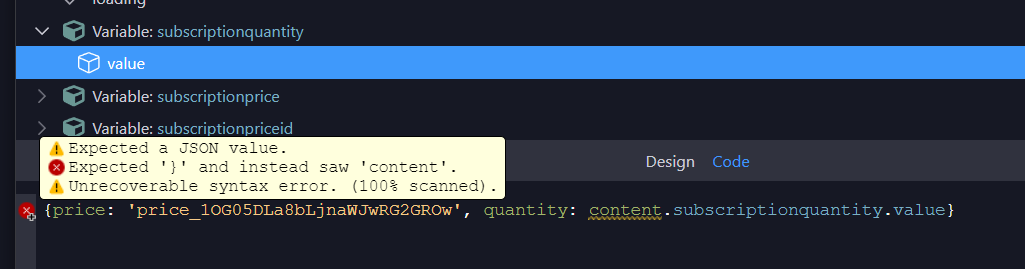
content.subscriptionquantity.value

Here’s the code with the static value

Here’s the error I get when trying to use a dynamic value.

JSON expected string after “quantity:”.

I’m not sure but you can translate that into this:
'price:price_10XXXXXX,quantity:'+content.subscriptionquantity.value

If price is expected to be dynamic too, could be:
'price:'+pricevariable.value+',quantity:'+content.subscriptionquantity.value

Hey @Alexander_Paladines, thanks for the help.

Strangely, if I grab the value from the input it’s in, then it sets the value in the array correctly, but other dynamic values are not working.

<input type="radio" class="custom-control-input" name="plan-monthly" id="plan-monthly-team" value="plan-monthly-team" dmx-bind:required="type.value=='monthly'" dmx-on:updated="run({condition:{if:`content.steppersurveyv2.planmonthly.planmonthlyteam.checked`,then:{steps:{run:{action:`lineitems.add({price: \'price_1OG05DLa8bLjnaWJwRG2GROw\', quantity: value})`,outputType:'text'}}},outputType:'boolean'}})">

Unfortunately neither of these syntaxes work in the Flow expression.

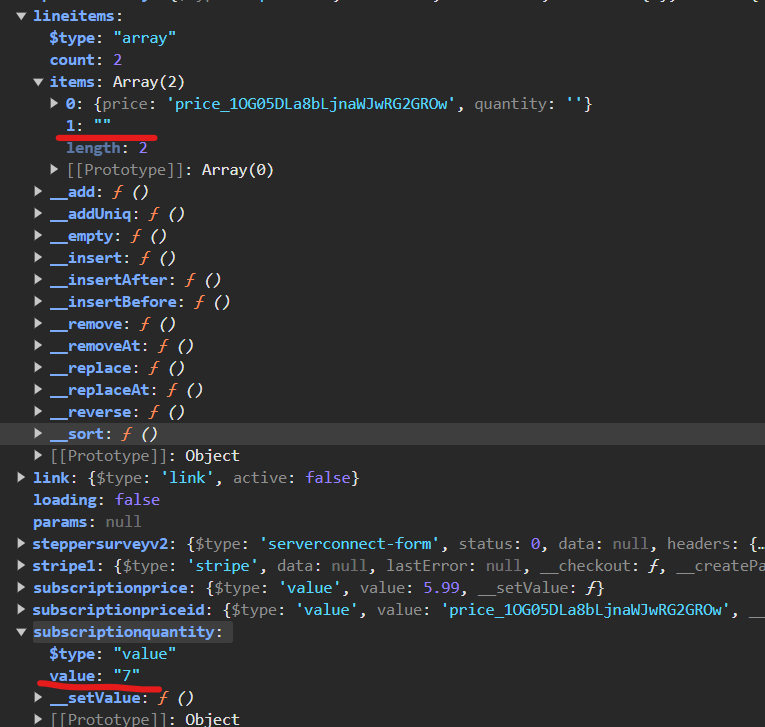
For whatever reason it seems the value in the variable is not able to be set in the array.

For example, the value in both of the run actions are the same.

The value in the subscriptionquantity variable is set correctly, but the value in the items array is not.

@George or @Teodor any clues why this isn’t working?

I read your topic hours ago, had no clue how to solve it, but now an idea popped to mind… :wink:

Write the JSON as a string, and in the end use the formatter that decodes it (sorry I don’t remember the exact name, and it’s probably not in the UI, you’ll need to search the forum)

This was user error. I had the update on the wrong input. I’m nesting a number input inside of a radio input and I had the update on the radio input. It needed to be on the number input.

Also, the Wappler UI complains about the syntax, but this does work as long as you add in code editor instead of through Expression editor.
lineitems.add({price:content.subscriptionpriceid.value,quantity:content.subscriptionquantity.value})