What would be the other ways of fixing corrupted project files, other than forcefully updating framework files, etc.?

Good evening,

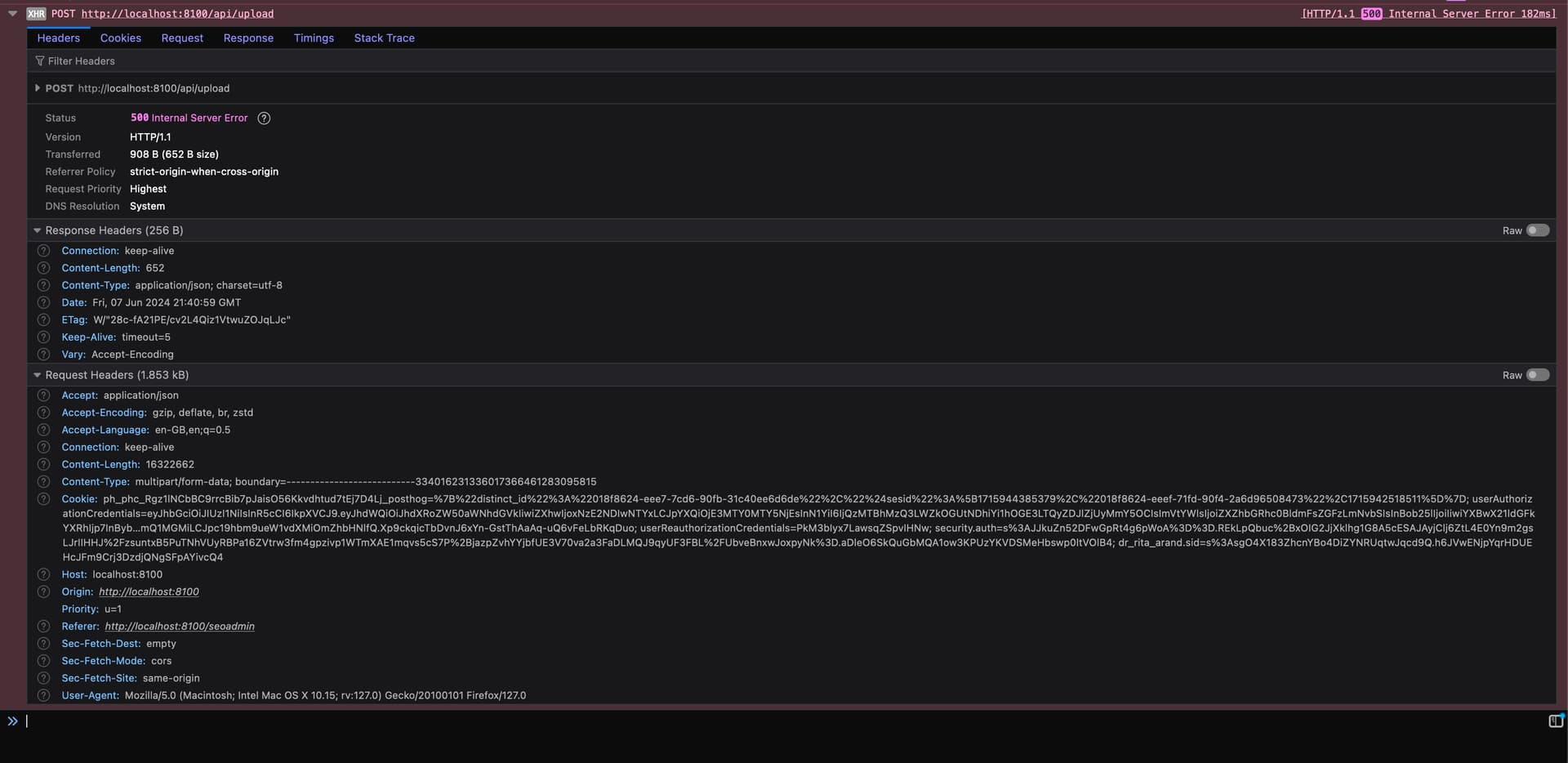
I have an issue where my project fails to upload anything from file uploads. Like anything, no matter whether it's just a direct upload to the server or more complex file upload. I'm keep getting the same error:

{
    "status": "500",
    "message": "Cannot read properties of undefined (reading 'replace')",
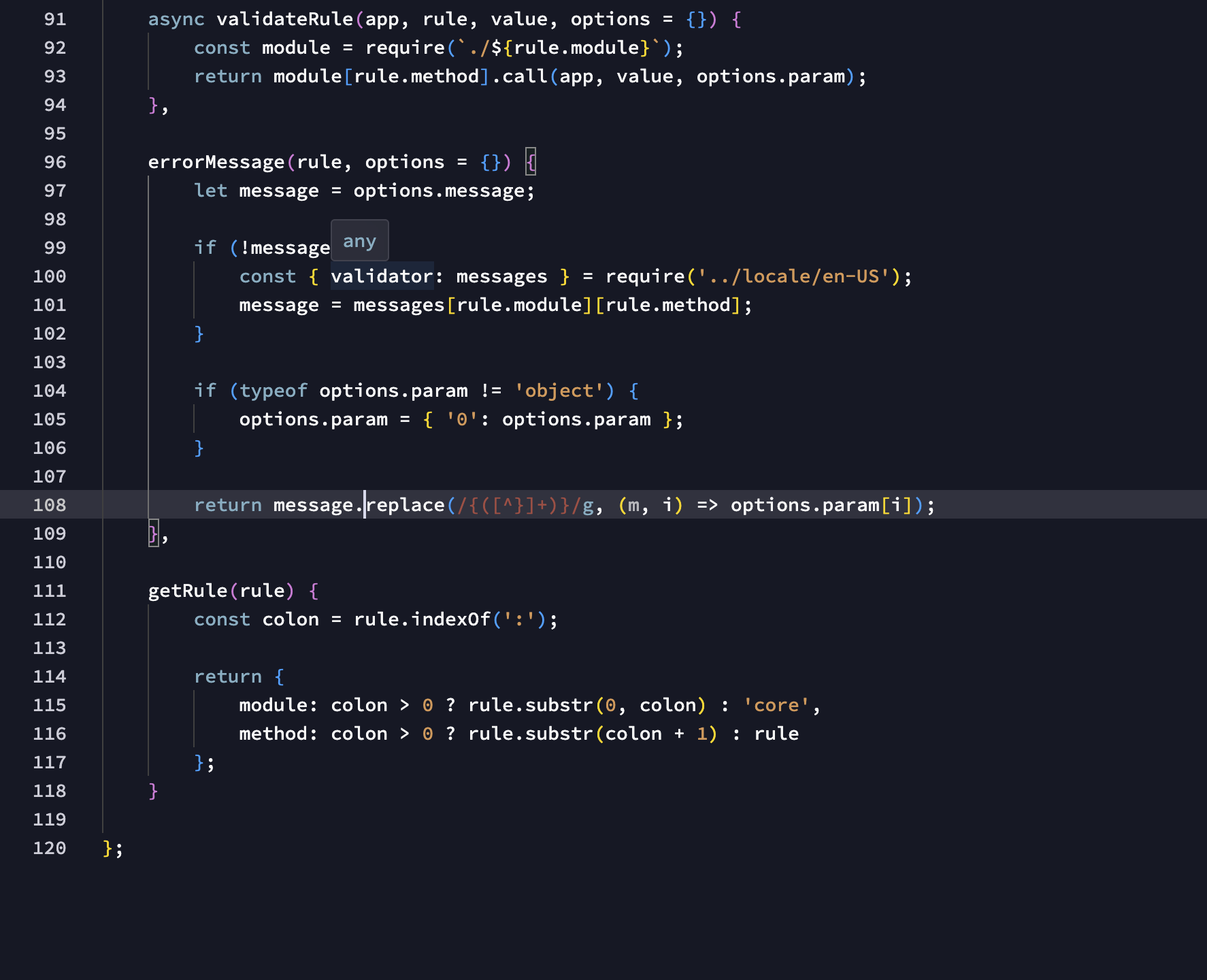
    "stack": "TypeError: Cannot read properties of undefined (reading 'replace')\n    at Object.errorMessage (/opt/node_app/lib/validator/index.js:108:24)\n    at Object.validateField (/opt/node_app/lib/validator/index.js:86:45)\n    at async Object.validateFields (/opt/node_app/lib/validator/index.js:58:17)\n    at async Object.init (/opt/node_app/lib/validator/index.js:11:13)\n    at async App.define (/opt/node_app/lib/core/app.js:538:13)"
}

No matter what I do, changing channels, forcefully updating the project files, updating and cleaning node packages, nothing helps, I have even tried replacing validator file, without any luck. This is definitely due to corrupted project files. Some other things aren't working within the project, like automatic app connect component route placements within the layout head code, i have to do some of them manually, I can't query in database query builder, or on success action doesn't work on some forms.

These problems aren't present in other projects, so it's most likely corrupted files within the project itself. I'm wondering whether there's any other way via GUI or manually changing/updating core files, or should I proceed and move api/public/views/.wappler, etc folders to newly created project?
If you do a force update, and still having issues, probably all is caused by the API itself.
Have you tried to recreate the API?

How is the structure of the server action?

Also:
The project is a live project?
Are you sure all files are correctly uploaded?

I'm not going to pretend to know the answer or be helpful, but where do you see that error?

The error is present on the client side, network response logs.

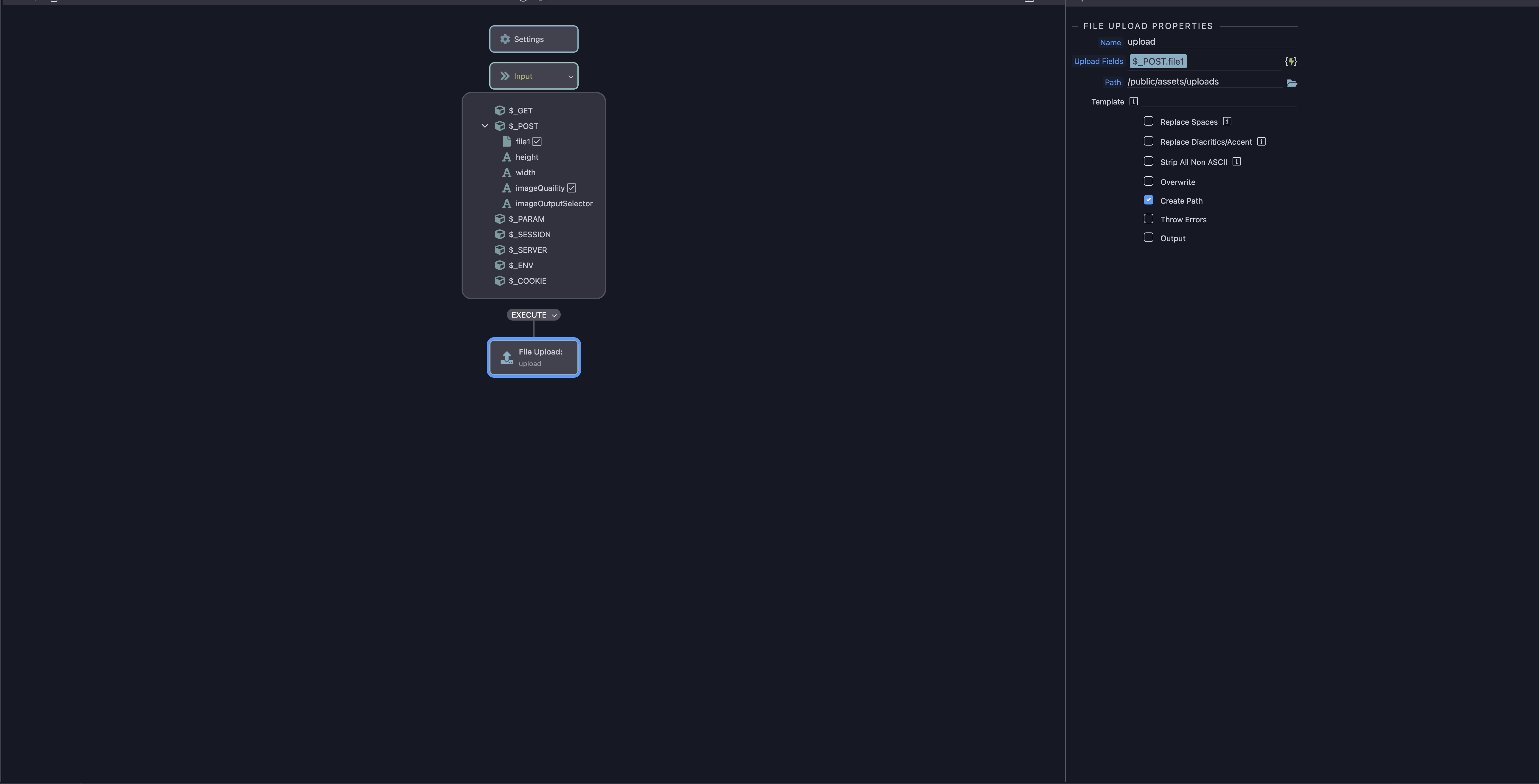
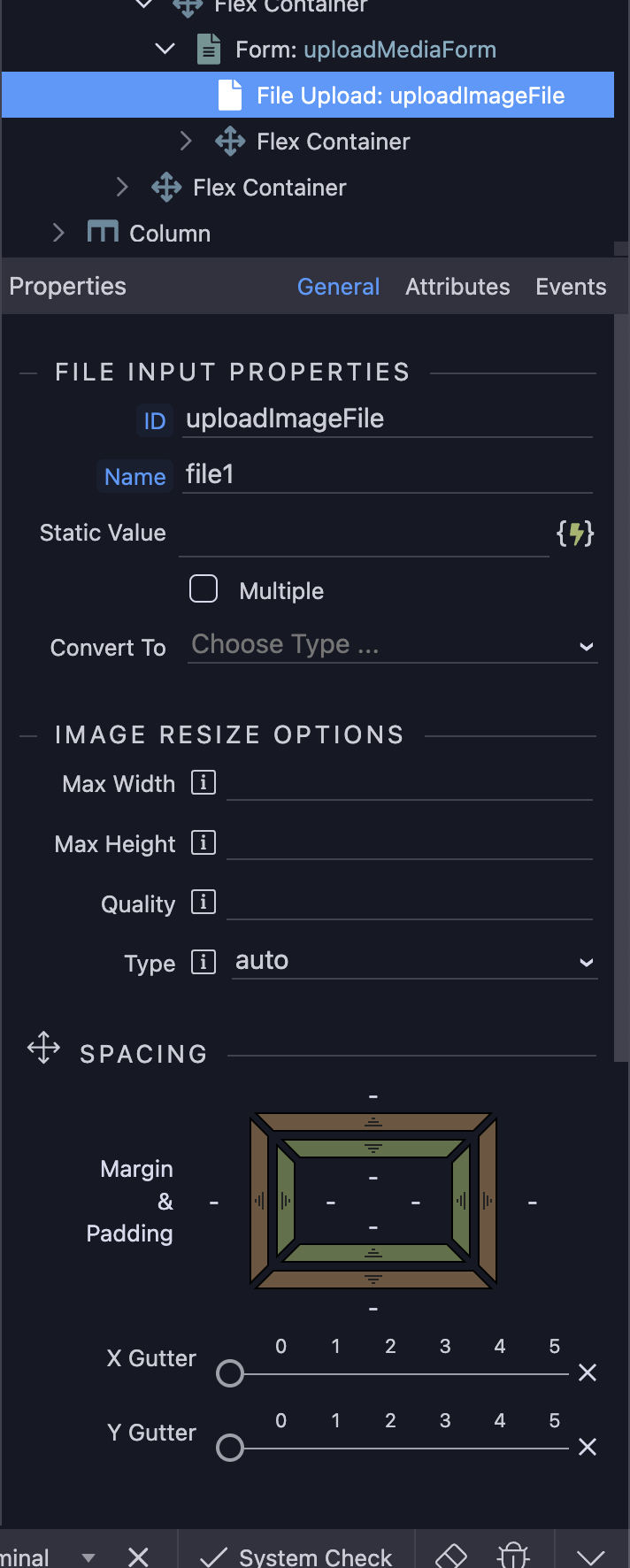
I have creating different api, but no matter what I do I simply get validator related issues. The file upload form is super simply, it directly places file inside the folder.


The forms themselves are working, hence me not noticing the issue with uploads up until very recently. It's just the file uploads that aren't working. project wide. Creating new api's simply result in the same error, however, at the different lines within the same validator/index.js file , which i could only pressume references the upload action within the code :man_shrugging:

But the problem relies only on one specific project right?
Other projects are fine like you said..

Yea, I have actually just finished one of the projects that is based on uploading and processing large quantities of images, and I have not once came across such error, but as mentioned in my initial post, some other things are being funny within project too, such as app connect extensions aren't automatically routed at times within layout page, or inability of test queries within the query building, but since I was quite far advanced within the development I didn't pay much attention to it :man_shrugging:

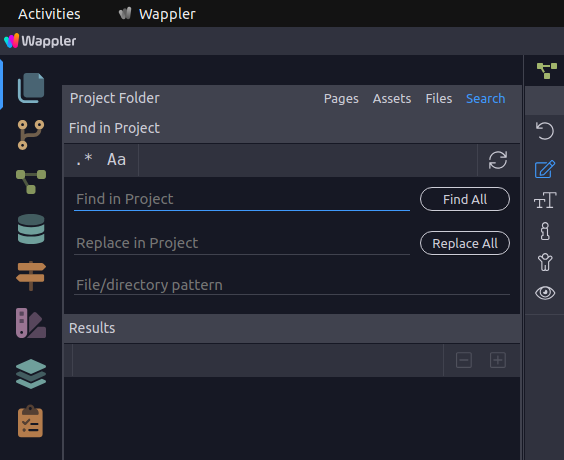
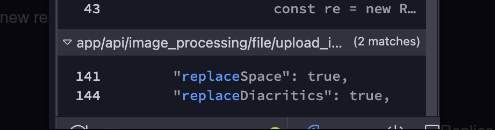
Appears to me that it may be a rogue formatter issue? Try opening the Actions and searching for 'replace', or do a Project wide search and see what comes up? You can use the Wappler Search feature to do this (it is very good for situations like this).

Screenshot from 2024-06-07 21-34-15

And that second project, the one that works perfectly, have latest frameworks too?
Sorry too much questions, but it can be many things..

It actually does, as I ended up using Leaflet maps instead of mapbox, so had to update it to the latest framework, and it works smoothly :man_shrugging:

Oh yes! Of course!


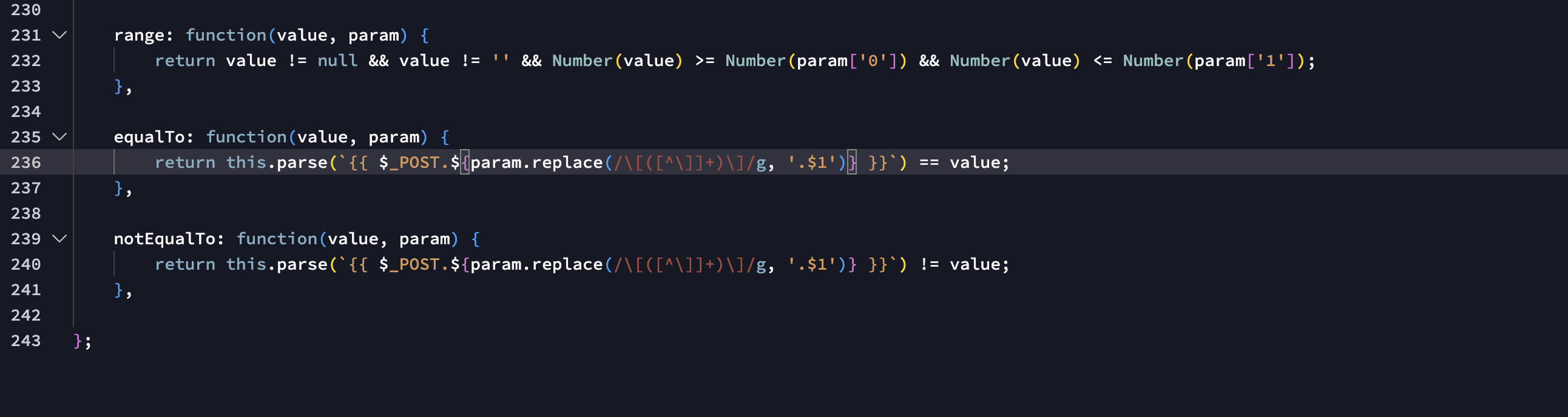
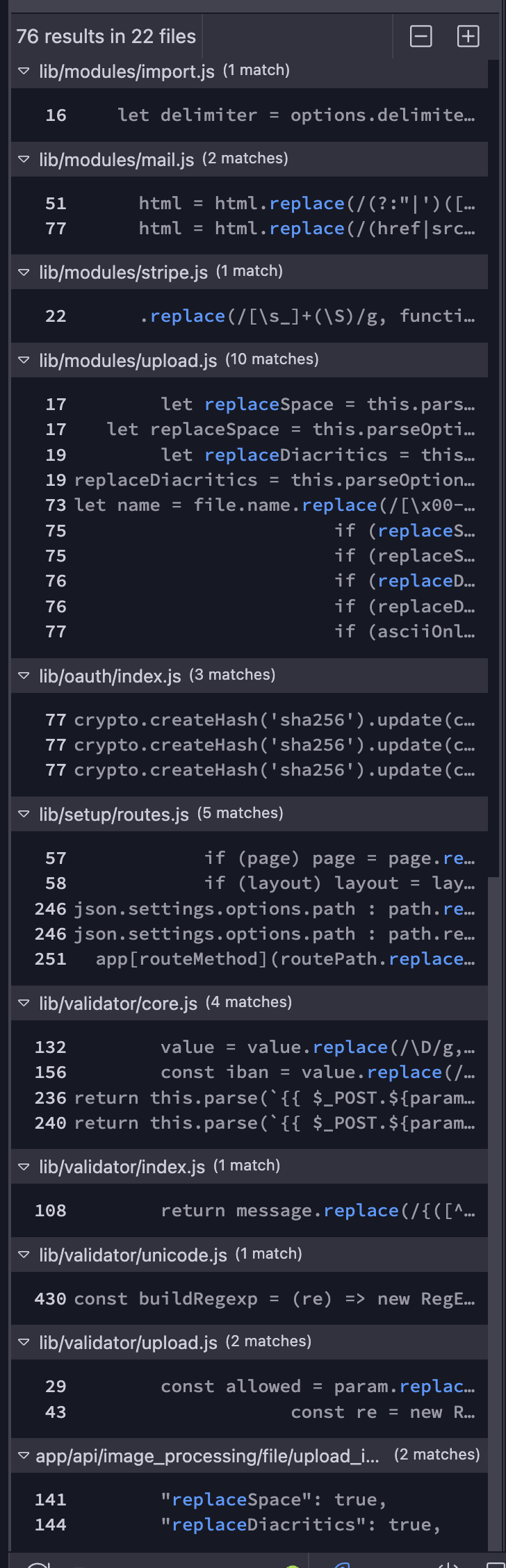
these are the lines form both, core and index files :thinking:

Complete list

Can you do something else?
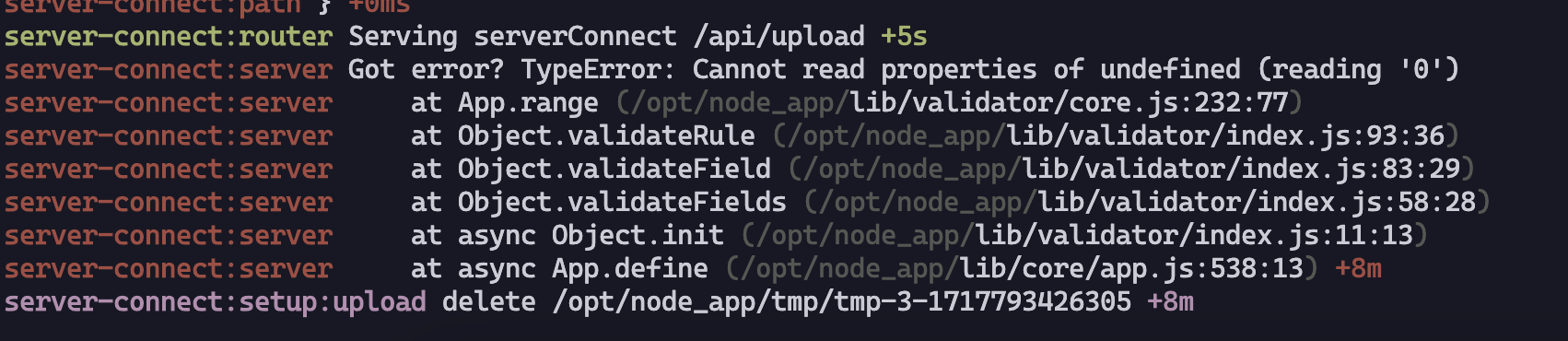
Can you check on console the file that's setting the error?
On the right side it should appear like:

Screenshot from 2024-06-07 21-50-13

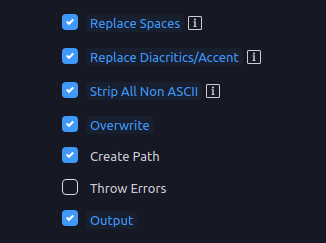
This one looks suspicious, the core is safe and sound, trusted and no reported bugs, you can ignore core and module files, but your API files are what you should be investigating. Just try unpicking those options from the upload API and see what result you have? You can also pass errors if you need to by ticking the option to Throw Errors.

Screenshot from 2024-06-07 21-53-45

Yes these are going to be from the api where I just basically enable all the options on the api to checker whether it would produce any different output. Unticking replace spaces and diacritics, produces the same error. :man_shrugging:


The complete error list from server logs :thinking:

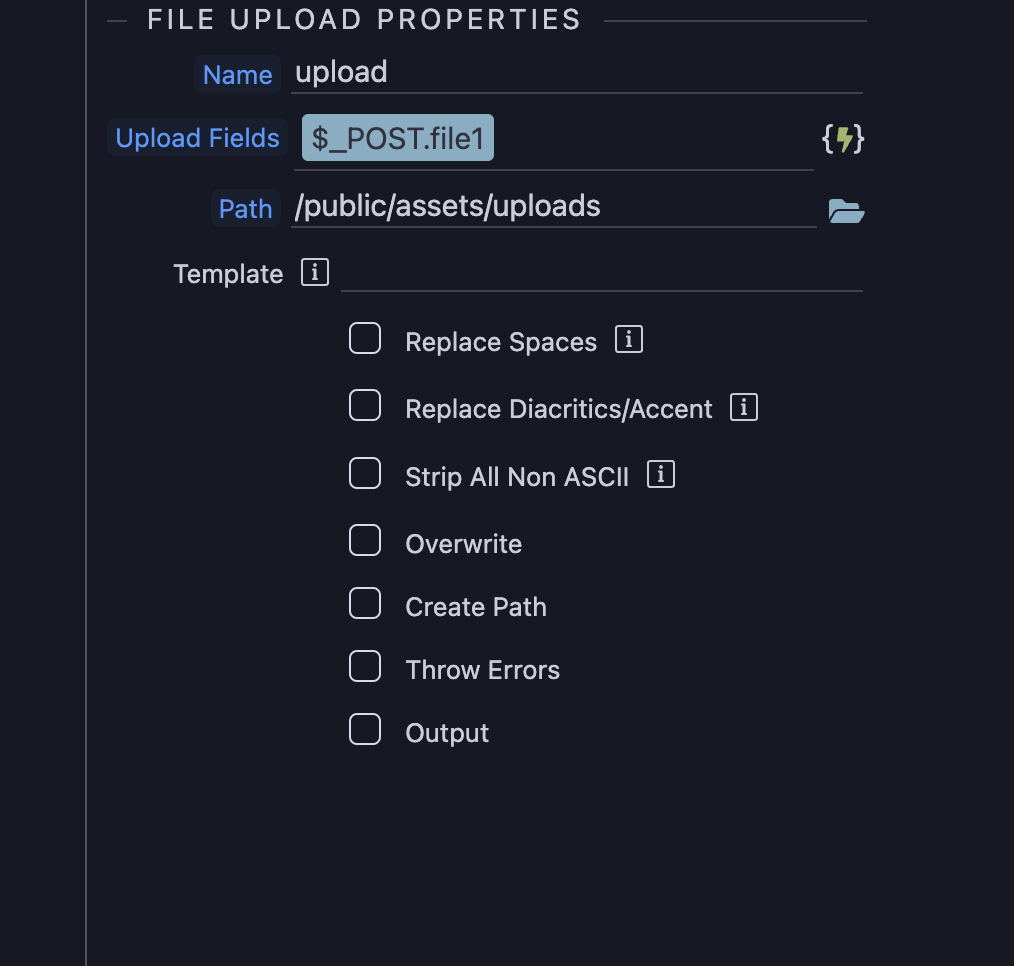
it's just the fact that it isnt working project wide. I can create different api's with simply nothing selected, but it results in the same error :thinking:

Try @franse's suggestion

You will have to enable Debug if you have not already done so. REMEMBER to turn it off when you have finished and deploy to Production though!

1 Like

Also please check this:

I found some topics here about:
Cannot read properties of undefined (reading '0')

1 Like

I can see the validation on the server side.
Your form has some validation like required on the client side too?

Sorry, already had the debug mode enabled hence the the code 500 error returned in the client :sweat_smile:, so console returns exact same as XHR tab :thinking: No, the forms has no validation. The odd thing, is that no matter whether I'm going to create new upload forms, api actions, it always produces the same error. :thinking:

Yes but on console you can see the specific file that throws the error like:

Besides that, can you try to add some validation to the file upload on the client side?
Anything, like required?

Also, can you show the code of the API?
Right click, open on code view

Unfortunately all console does is refers me to the api file and displays the same error.
Other than clicking response that complete kills my browser window it does not return anything else :thinking:

Certainly, this is the api code:

{
  "meta": {
    "options": {
      "linkedFile": "/views/layouts/admin.ejs",
      "linkedForm": "uploadMediaForm"
    },
    "$_POST": [
      {
        "type": "file",
        "fieldName": "file1",
        "options": {
          "rules": {}
        },
        "name": "file1",
        "sub": [
          {
            "type": "text",
            "name": "name"
          },
          {
            "type": "text",
            "name": "type"
          },
          {
            "type": "number",
            "name": "size"
          },
          {
            "type": "text",
            "name": "error"
          }
        ],
        "outputType": "file"
      },
      {
        "type": "text",
        "fieldName": "height",
        "name": "height"
      },
      {
        "type": "text",
        "fieldName": "width",
        "name": "width"
      },
      {
        "type": "text",
        "fieldName": "imageQuaility",
        "options": {
          "rules": {
            "core:range": {}
          }
        },
        "name": "imageQuaility"
      },
      {
        "type": "text",
        "fieldName": "imageOutputSelector",
        "name": "imageOutputSelector"
      }
    ]
  },
  "exec": {
    "steps": {
      "name": "upload",
      "module": "upload",
      "action": "upload",
      "options": {
        "path": "/public/assets/uploads",
        "fields": "{{$_POST.file1}}"
      },
      "meta": [
        {
          "name": "name",
          "type": "text"
        },
        {
          "name": "path",
          "type": "text"
        },
        {
          "name": "url",
          "type": "text"
        },
        {
          "name": "type",
          "type": "text"
        },
        {
          "name": "size",
          "type": "text"
        },
        {
          "name": "error",
          "type": "number"
        }
      ],
      "outputType": "file"
    }
  }
}

In addition, unfortunatelly adding required validation on the form returns the same :persevere: