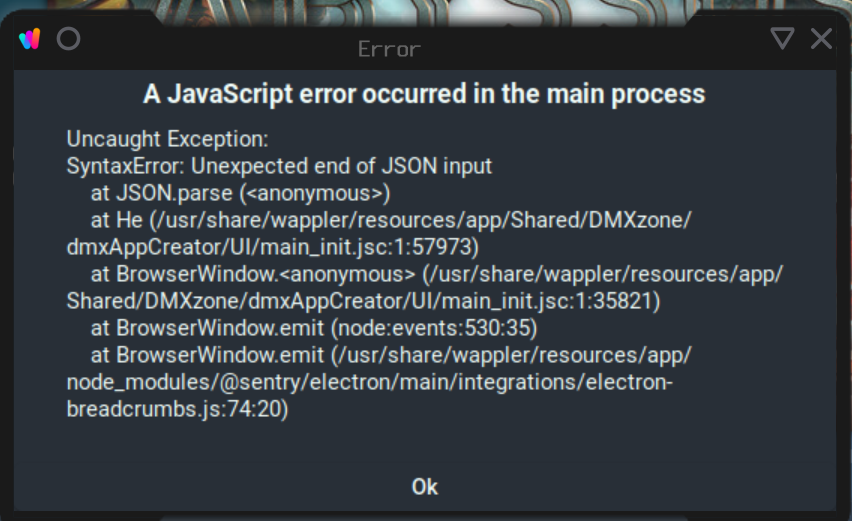
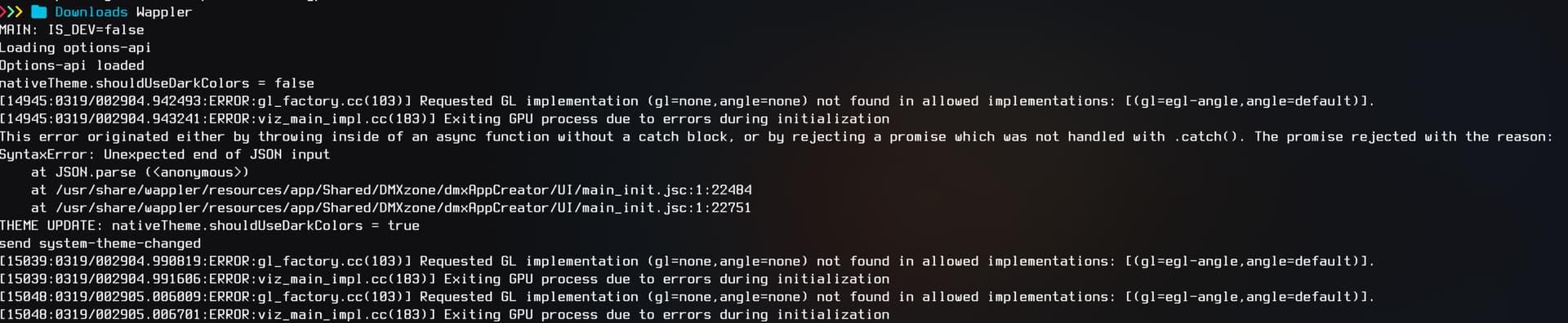
I have been using Wappler successfully on large projects since version 7.6.0 and have had zero issues honestly, I love the software and update on every new release. I have been running 7.7.6 since the release. I installed it using the informtion from the form post linked below. That worked well for me. While I was working on a project today, I ran entirely out of space on my root drive. I went to create/save a action and all of a sudden at the same time a few of my other applications complained about low drive space wappler stalled and threw some errors. After that it would launch but say Wappler was curropt and ask me to reinstall. I have never been able to get it to work again. I cleared space on my main drive and reinstalled it, I get the same errors, uninstalled it and ensured wapplers program directory under "/usr/share/wappler" was gone. No matter what I do I get the same errors as seen in the image below. It seems to be complaining about curropt files but I have ensured those are removed before the reinstall. I am stuck and need to get this back up to keep working on major projects. Any insights on what I am missing and need to remove before re-install?
Install Post: Installing Wappler on Arch linux 2025
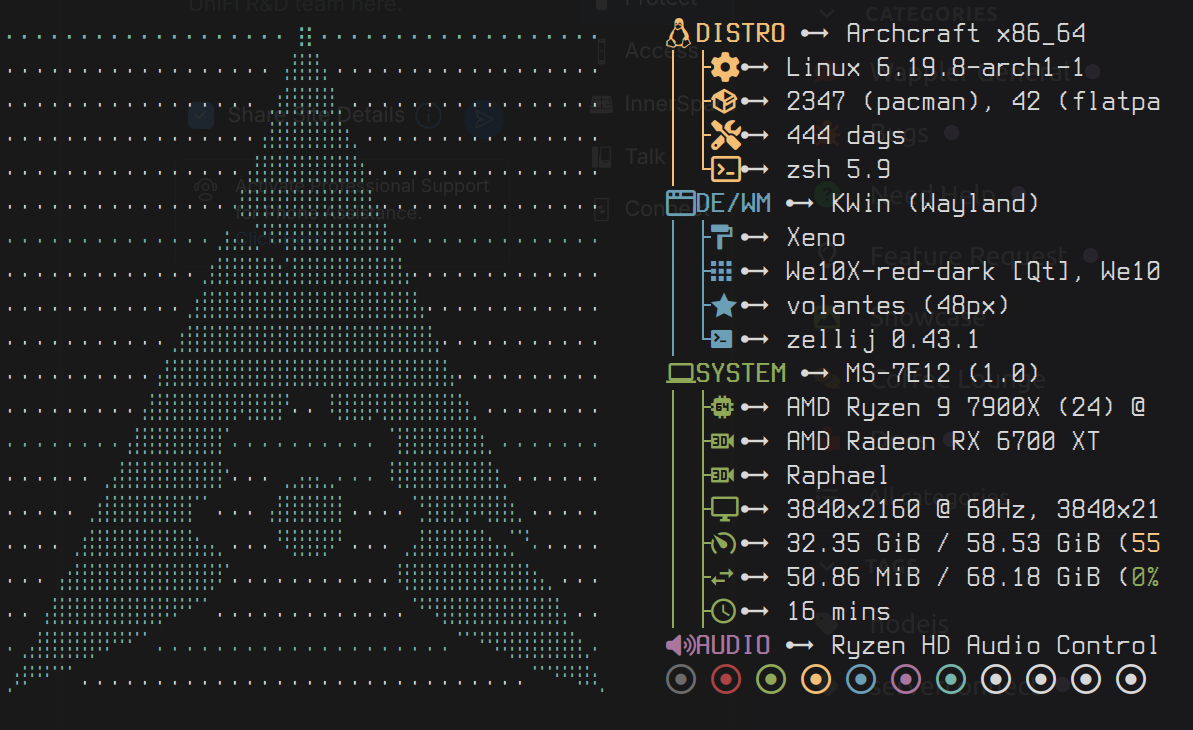
I don't think its gonna be very relavent to this issue but here are my OS version/system specs if that is needed.
I don't have linux here for testing, but I believe the app data folder is ~/.wappler. Rename that folder to something else and restart Wappler.
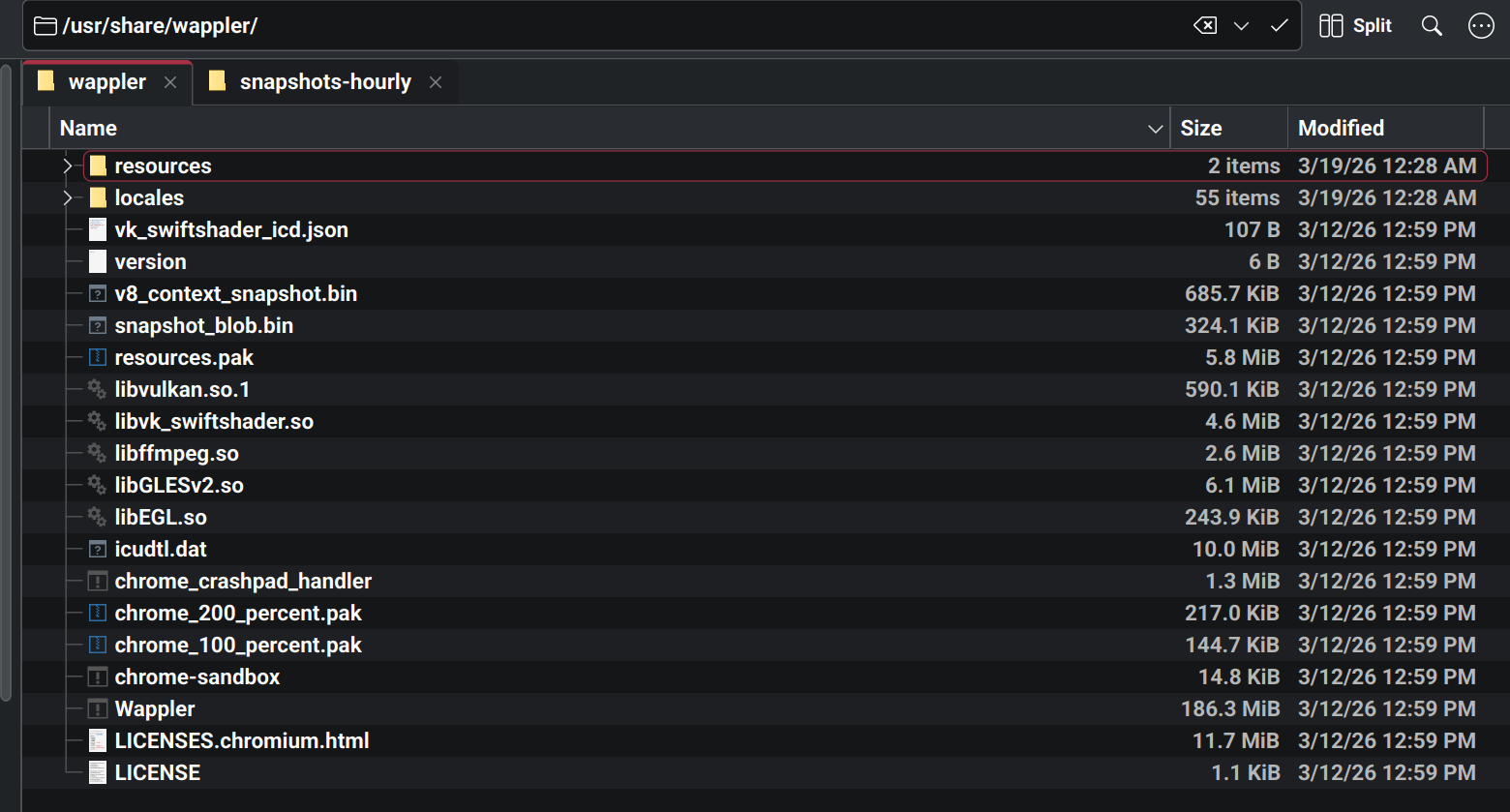
Hey Patrick, Thanks. I considered this might be this case and checked for a directory at the beginning. But there was no .wappler directory in home folder under user I work in. I am also fairly certain its using /usr/share/wappler on my system. I will drop a screenshot of that directory here so you can compare and see if that is what the wappler app directory would look like. Below is my "/usr/share/wappler"
I can also confirm if I run the install this is where data goes.
Sorry, I just realized you where referring to something other than the main program data folder. I dont have a ~/.wappler folder on my system. Any other idea's where it could be?
Bro, I wanna kick myself lol. I just figured it out. I am sorry for the trouble on that. For future reference the appdata directory for linux at least on my Arch derivative system was "~/.config/wappler"
After renaming that the app now opens again. I will try and restore that folder from a backup and report back if it works as it did before. My system takes hourly backups so I should have a version from right before it broke.
All is well now in the world! I can confirm the following.
-
At least on Archcraft Linux / Arch Linux Kernal Linux 6.19.8-arch the app program file directory is "/usr/share/wappler" and config directory is under "~/.config/wappler"
-
The issue was caused by something curropt in config files not the app program files.
-
Solution: Delete the config directory which is "~/.config/wappler" or replace it with a known good backup as both fixed the problem in my case.
-
Re-installing the program or removing it with the system package manager like pacman in my case does not remove the config directory and will not fix this issue.
-
Suggestion: On the Wappler is curropt dialog add a option allowing wappler to start with a "new" config. Where this option would have the same effect of deleting the current config to start wappler as new. This should be a option for cases like mine where a normal re-install does not fix the issue because its not a issue with the app program files but the config.