I also have the same problem.
If it helps to identify the problem, you can
select the text by positioning the mouse on the text
right click --> Reload View
Select the text
I having selection problems for some time
Even in the community, I sometimes have to close and reopen to remedy selection malfunctions.
I don't know if it depends on my mac on big sur or wappler
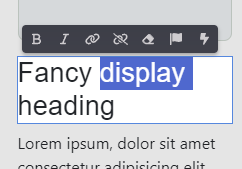
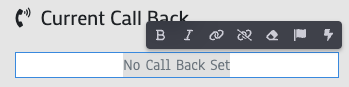
Ok, I have discovered that the selecting is actually working when double/triple clicking on text. However, the highlighting is in white and doesn't show up on a white background.
I discovered this because I can select text on coloured buttons no problem. And tables with striped rows I can select text on the grey rows but not the white rows. Even though the selection on the grey rows is hard to see because it is white on light grey but it is there.
I'm experiencing a similar issue on MacOS with Dark theme. The text is not highlighted with sufficient background color contrast.
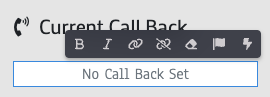
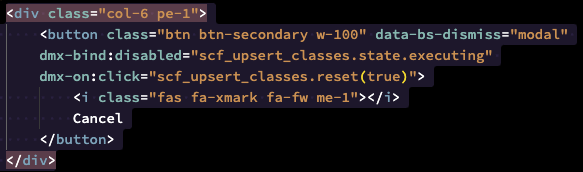
In the example below, I selected and highlighted the whole block, but it's showing that only the first and last lines of the block have been selected. If I select the text in white, then it doesn't even show any highlight background.