Wappler 4 Database connection issue: TIMEOUT on DATABASE Connection

This issue won’t go away.

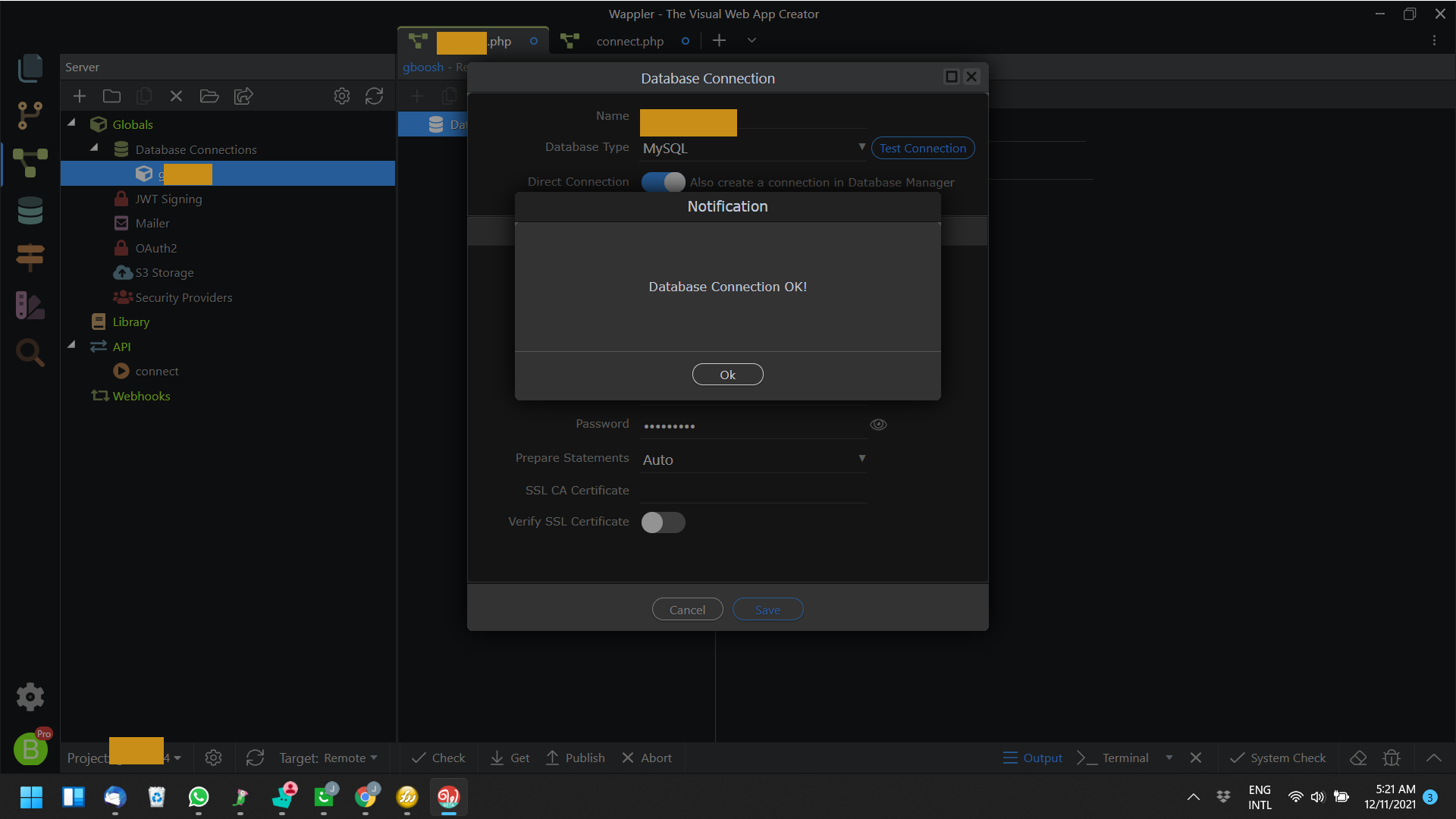
I connect correctly in Database connection, with the database connection, I test and it says connection OK,

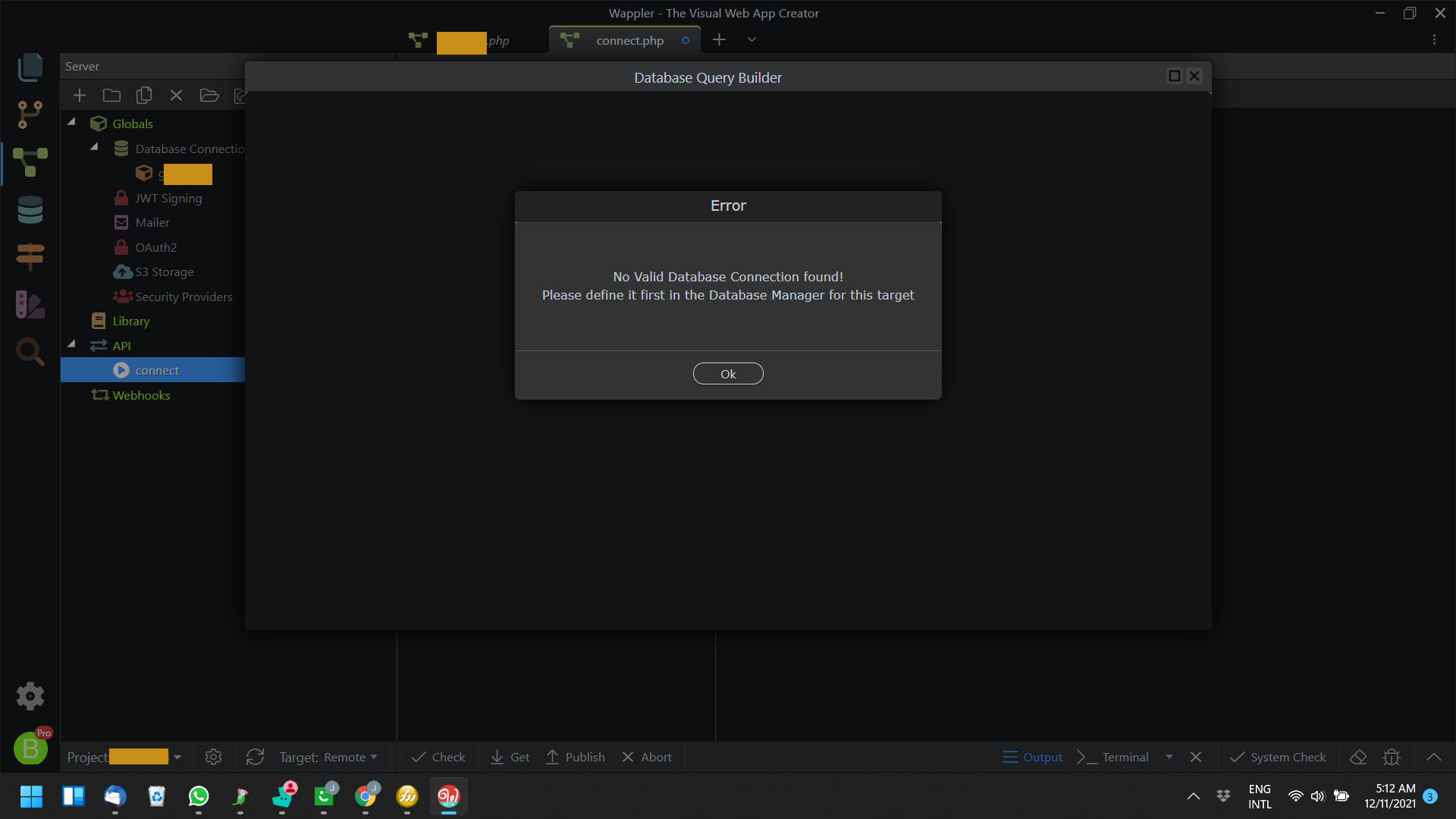
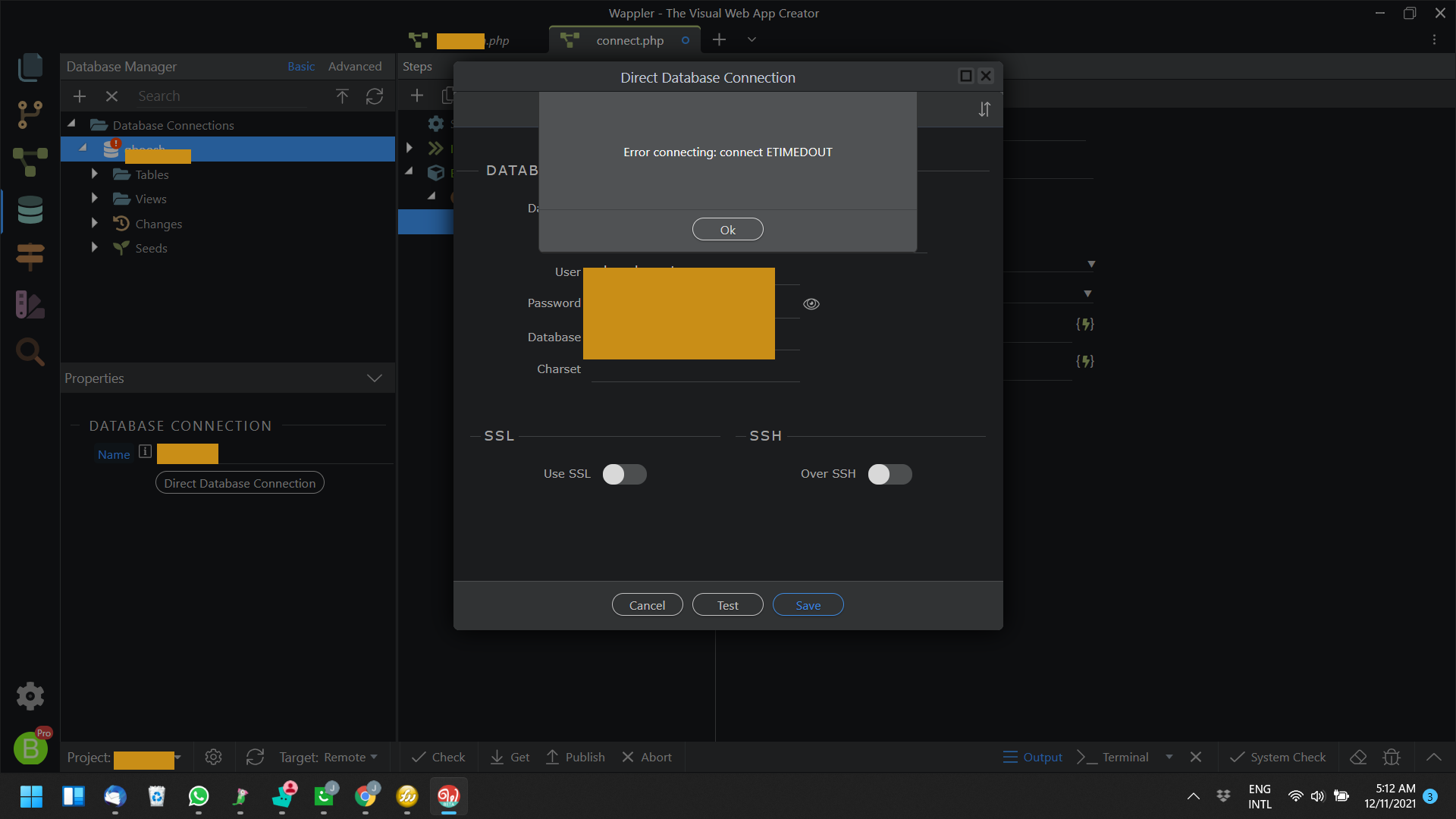
then when I go to the Database Tab or try to access the connection I get this. This has been going on for 2 days. Is there a fast or long solution to this? On the Database Manager tab it simply shows

Weird!

What kind of database are you accessing and where is it hosted?

Maybe the connection to it is just not very good?

Hi @George It’s MySQL and it is resident on my dedicated server built out of AWS. Everything sits fine with the database. I also allowed my local IP and even did wildcard. I checked all the dots and crossed all the T’s.

You can check if you security group on AWS is configured properly, seems it gives some timeout troubles if not, see:

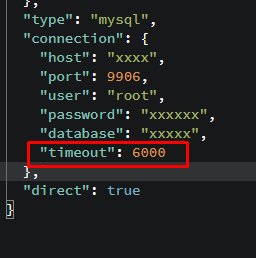
You can try to also increate the timeout value by adding the timeout property under the connection group, in:

.wappler/targets/your_current_target/databases/your_db_name.json

Do restart Wappler after changing that file.

@george, you are a guru and should probably be worshiped by indigenous people… but I’m just a noob, how do I add timeout to that json file? It’s a breakdown of my database schema. Help?
Just locate the connection block and add this:

image

2 Likes