In the Workflow tab, click the cog icon and enable Debug Mode

I don’t really know why it’s giving an error though
I do it too!
In the Workflow tab, click the cog icon and enable Debug Mode
I don’t really know why it’s giving an error though
I do it too!
if it returns a number or null try
{{ customer_numeric_number > 0 }}
Here is the debug:
2022-11-17T19:15:24.517Z server-connect:setup:session init session store { '$type': 'memory', ttl: 86400000 }
2022-11-17T19:15:24.523Z server-connect:setup:upload Upload middleware configured.
2022-11-17T19:15:24.524Z server-connect:setup:routes Api route /api/register/register_customer(.json)? created
App listening at http://localhost:3000
2022-11-17T19:15:27.364Z server-connect:router Serving serverConnect /api/register/register_customer
2022-11-17T19:15:27.366Z server-connect:app Executing action step setvalue
2022-11-17T19:15:27.366Z server-connect:app options: { value: '{{$_POST.customer_number.substr(0,1)}}' }
2022-11-17T19:15:27.367Z server-connect:app Executing action step setvalue
2022-11-17T19:15:27.367Z server-connect:app options: { value: '{{$_POST.customer_number.substr(1, 8).toNumber()}}' }
2022-11-17T19:15:27.367Z server-connect:app Executing action step validate
2022-11-17T19:15:27.367Z server-connect:app options: {
  data: [
    {
      name: 'check_letter',
      value: '{{industry}}',
      rules: [Object],
      fieldName: 'customer_number'
    },
    {
      name: 'check_numeric',
      value: '{{customer_numeric_number}}',
      rules: [Object],
      fieldName: 'customer_number'
    },
    {
      name: 'check_null',
      value: '{{!customer_numeric_number}}',
      rules: [Object],
      fieldName: 'customer_number'
    }
  ]
}
2022-11-17T19:15:27.368Z server-connect:server Got error? TypeError: param.replace is not a function
    at App.equalTo (/Users/krish/OneDrive/dev/backend/lib/validator/core.js:236:46)
    at Object.validateRule (/Users/krish/OneDrive/dev/backend/lib/validator/index.js:93:36)
    at Object.validateData (/Users/krish/OneDrive/dev/backend/lib/validator/index.js:29:37)
    at processTicksAndRejections (node:internal/process/task_queues:96:5)
    at async App._exec (/Users/krish/OneDrive/dev/backend/lib/core/app.js:578:30)
    at async App._exec (/Users/krish/OneDrive/dev/backend/lib/core/app.js:545:17)
    at async App.exec (/Users/krish/OneDrive/dev/backend/lib/core/app.js:514:9)
at async App.define (/Users/krish/OneDrive/dev/backend/lib/core/app.js:496:9)Do you really need to use the validator for this. It is designed for database field validation.
If looks to me like you are just validating variables, why not just use a core actions -> condition (as teodor suggested)
I opened a bug report for you:
You can maybe wait a day to see if Patrick releases a fix
That doesn’t give the form feedback he wants, only the Validate step does so
Thanks, @Apple lifesaver 
I will just add a note to come back later for this validation.
Maybe you can point me in the right direction after database comes back valid … go to step 2 of registration and send the two value over to the next page, so it can be used.
Thanks
It covered in detail here
https://www.youtube.com/playlist?list=PLUjqTJN3byC9W9UFjsV9f9vefe_ZSFQfb
Hm… I think I’m not the best person to answer that particular question, haven’t explored much about passing data from one page to another 
Good luck, and check the videos Hyperbytes linked!
Thank @Hyperbytes been watching as i build
Glad it solved the issue. You could also have considered browser validation using a regex pattern
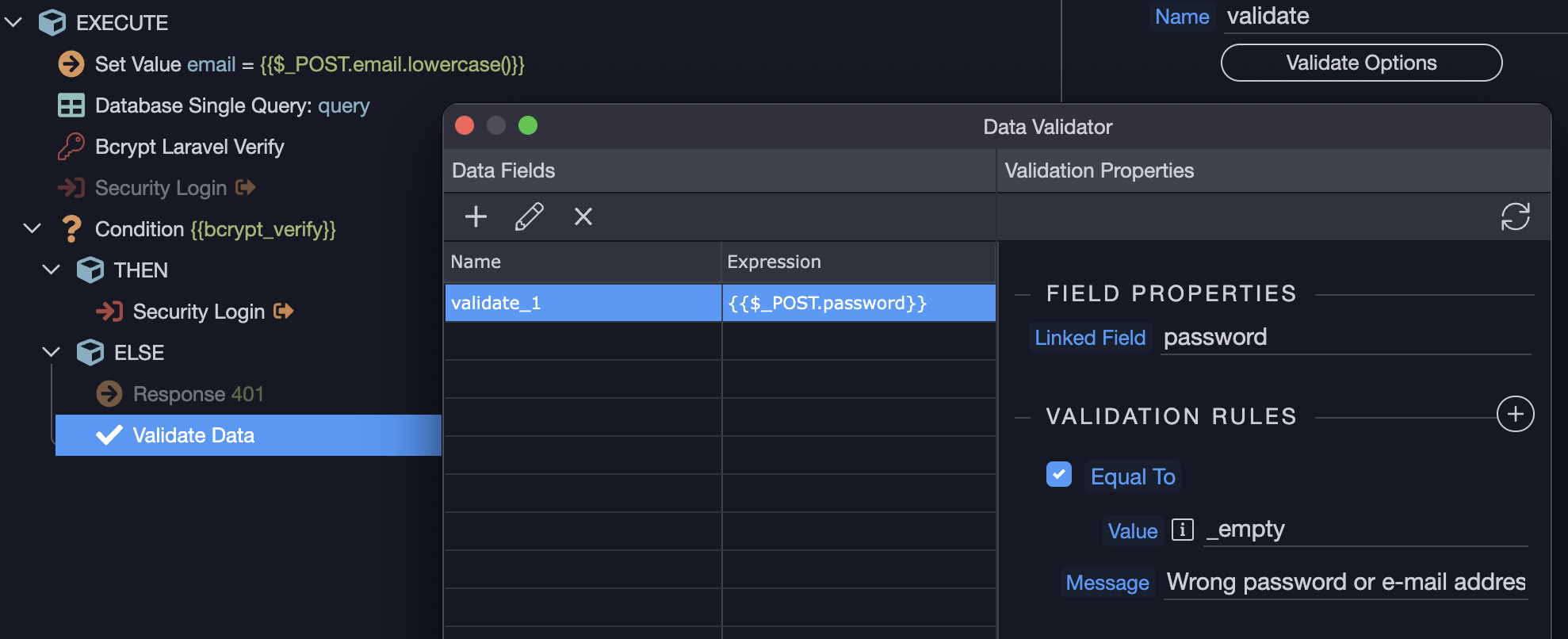
For future reference, the Equals To is not string comparison after all, but rather field comparison, so you can’t compare to “true”. Sorry about that