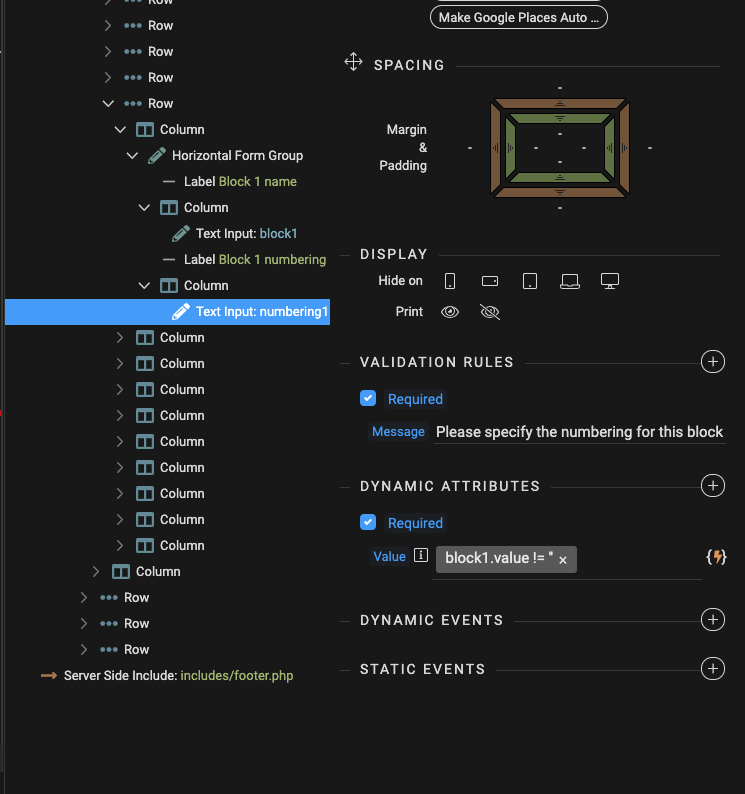
I am trying to validate a text input that needs to be required if another text input has a value.
So for example:
<input type="text"  id="block1" name="block_1">
<input type="text"  id="numbering1" name="numbering_1" >  /* Required if block1 has value */
So I have a required validation rule applied to ‘numbering1’.
I also have a Required Dynaimic Attribute applied to it will the following binding:
block1.value != ''
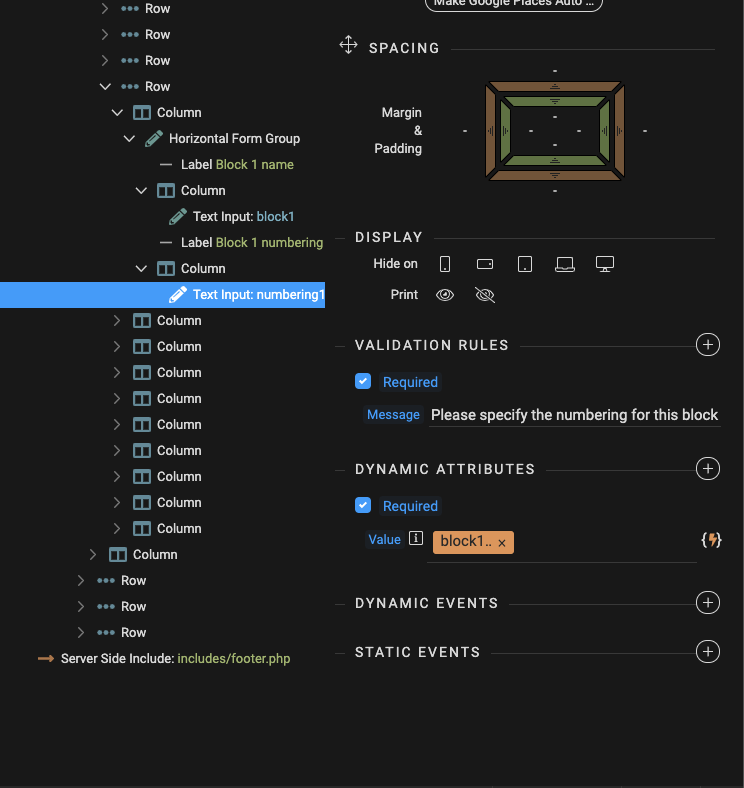
See also screenshot.
Thsi is not working. So how should I be validating ‘Numbering1’ to be Required if block1 is NOT empty?
Thanks in advance.
Teodor
2
Just use:
dmx-bind:required="block1.value"
And make sure you don’t have just required attribute added, you need it dynamic!
2 Likes
This isn’t working for me @Teodor. Where am I going wrong:
<div class="form-group row">
<label for="block1" id="block1-label" class="sr-only">Block 1 name</label>
<div class="col-lg-6 col-xl-7">
    <input type="text" class="form-control" id="block1" name="block_1" aria-describedby="block1-label" placeholder="Name of block 1" required="" data-msg-required="Please specify a name for this block." dmx-bind:required="splitBlock.value == 'Yes'">
</div>
<label for="numbering1" id="numbering1-label" class="sr-only">Block 1 numbering</label>
<div class="col-lg-6 col-xl-5">
    <input type="text" class="form-control" id="numbering1" name="numbering_1" aria-describedby="numbering1-label" placeholder="Numbering i.e 1-9" required="" data-msg-required="Please specify the numbering for this block." dmx-bind:required="block1.value">
</div>
Sorry @Teodor this is working. I forgot to adjust the inline flow on the next button. All good!! Thanks