attach an existing CSS file to an existing project after updating to Wappler v1.9.2
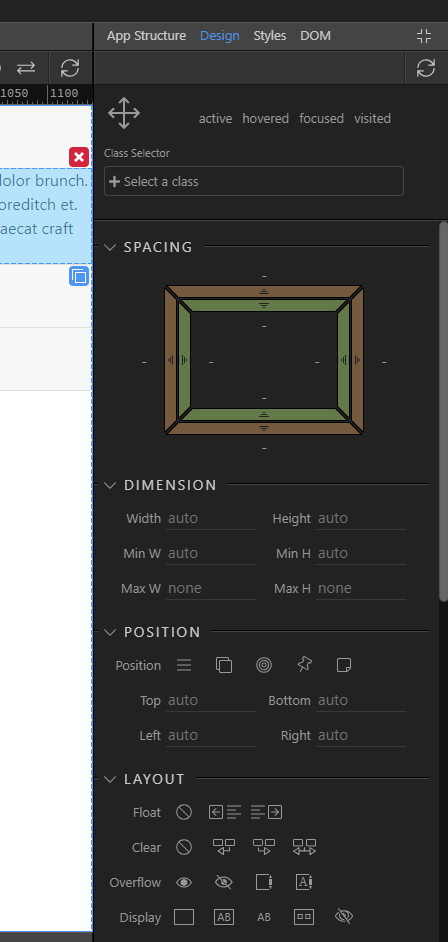
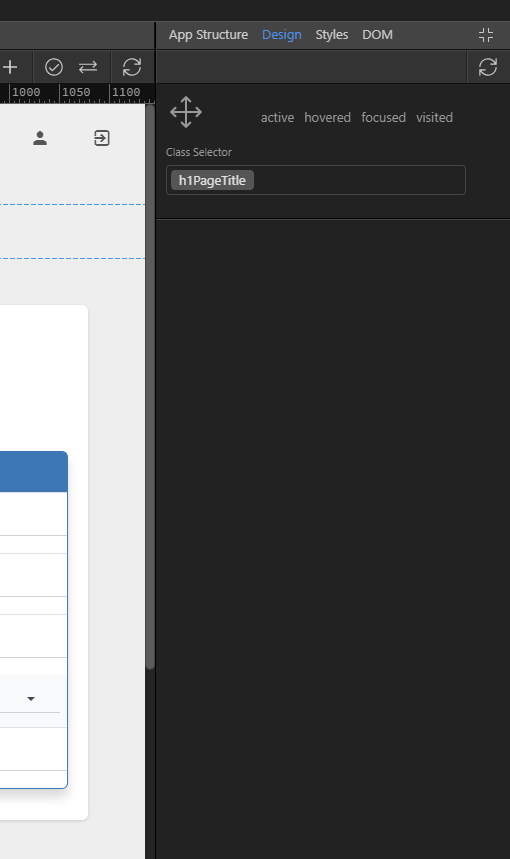
select any element to see a blank design panel.
I have checked on the css file name and how it is being added in the code view in both test project and actual project.
i have added some random proeprties in the test project components to see hwo the CSS is being formed - it is just default CSS, same as the CSS from our existing project.
The temporally fix is just to use a clean custom style css that Wappler produced itself.
The current problem is if attach an overcomplicated css style file as custom file, Wappler will have trouble parsing it and that will result in empty panel.
As Patrick say we will be able to handle that in the next update.
For now just choose simple css file - or let Wappler create it. It is just for the custom styling made by Wappler anyway.
FYI, the CSS which is creating problems (i verified by removing those lines from CSS & voila it was working) is basically the CSS of the range slider generated as per guidance from (Value an range slider).
what the irony!
anyways, glad that issue was found and will be fixed next week. can totally live with that.