Is there a way I can use the security provider and security login without the users password? Here’s the scenario…
I have a users email stored in a MySQL database and use Firebase Authentication to handle passwords and social logins. On my login page, I have set up an API action on the server actions to query the users email and post the password to firebase. If the password is correct, firebase sends back a response like this:
If you don’t support various roles, perhaps you could use a security provider with a static login. Then put the login action inside a condition that evaluates your response from firebase. If valid then login, else provide feedback to the user.
If you need roles, you could have a common password for each e-mail in the mysql db allowing you to perform a user specific login. Just like above, wrap in a condition.
I haven’t really done this, so definitely consider if security is compromised in this approach.
Thanks @mebeingken but I’m not sure this will work out. Using the same password for every user is high risk imo. I could generate a random password for each user just to fill the database but I’d have to some how generate that from the client side each time the user logs in, so not sure that will work either.
Maybe you can use the localId returned as the password if it is unique per user and doesn’t change overtime? If it is unique per user and doesn’t change, then initially, you can save it in the database and use it as the password?
I agree. But isn’t the risk coming from the fact that you want to restrict access using only an e-mail address? If you are willing to accept that, then providing the password is no different is it?
User enters email address & password using login form
Server side action sends credentials to Firebase Authentication using API action
Firebase checks credentials
… If incorrect issues a 400 error > Notify user via alert password or email is incorrect
… If credentials are correct, Firebase sends JSON response (including unique userID)
Then I just need to somehow use the returned userID from Firebase as the user password in my local database and use this as the ‘password’ for the Security Provider.
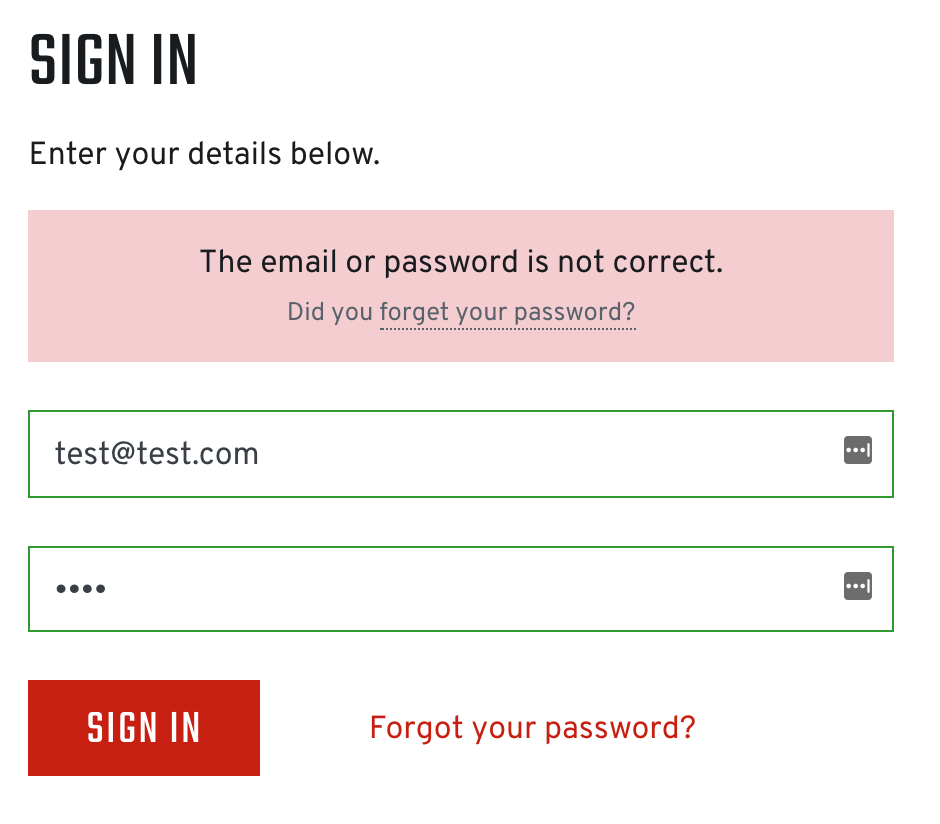
I’ve got as far as receiving the response back from Firebase with a nice alert (see below) if the credentials are incorrect. Now i’ve got to figure out how to use this with Security Provider!