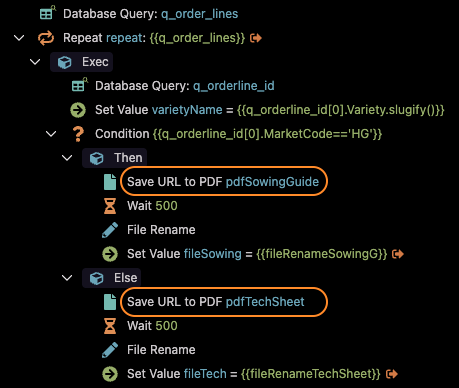
In one of the projects, I use URL to PDF server connect extension to generate PDFs on the server before sending them via email. The extension is working correctly by generating PDFs.
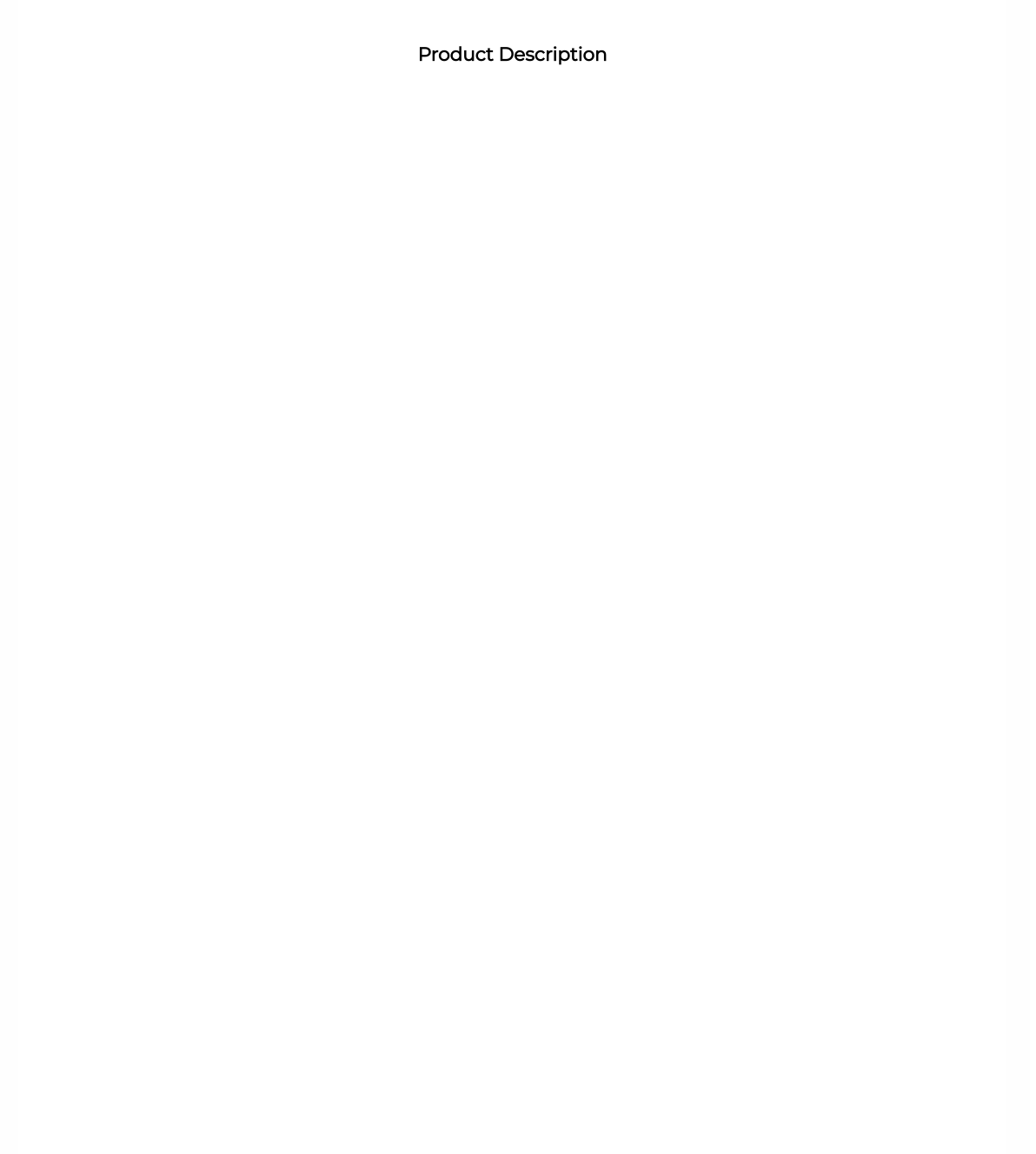
However, after upgrading to v7.5.2, I noticed that one of the PDF attachments is returning an empty page.
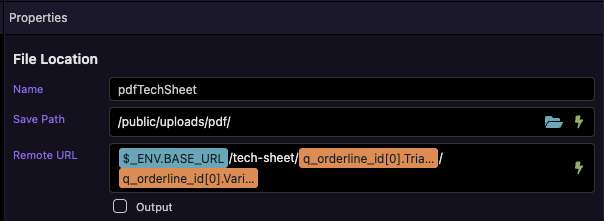
I have a tech-sheet.ejs page that accepts url parameters to fetch data for products. The PDF is being generated correctly but the product data is missing on the PDF. It looks like the dynamic value of Remote URL in the URL to PDF extension properties is not being parsed.
There's no issue in v7.4.2. Is this a bug in v7.5.2? Any help in troubleshooting and resolving this issue is greatly appreciated.
The API hasn't changed. The data is being fetched from the url parameters correctly in v7.4.2. In 7.5.2, the PDF is being generated but no data is being fetched from the url parameters.
I will try to isolate the issue.
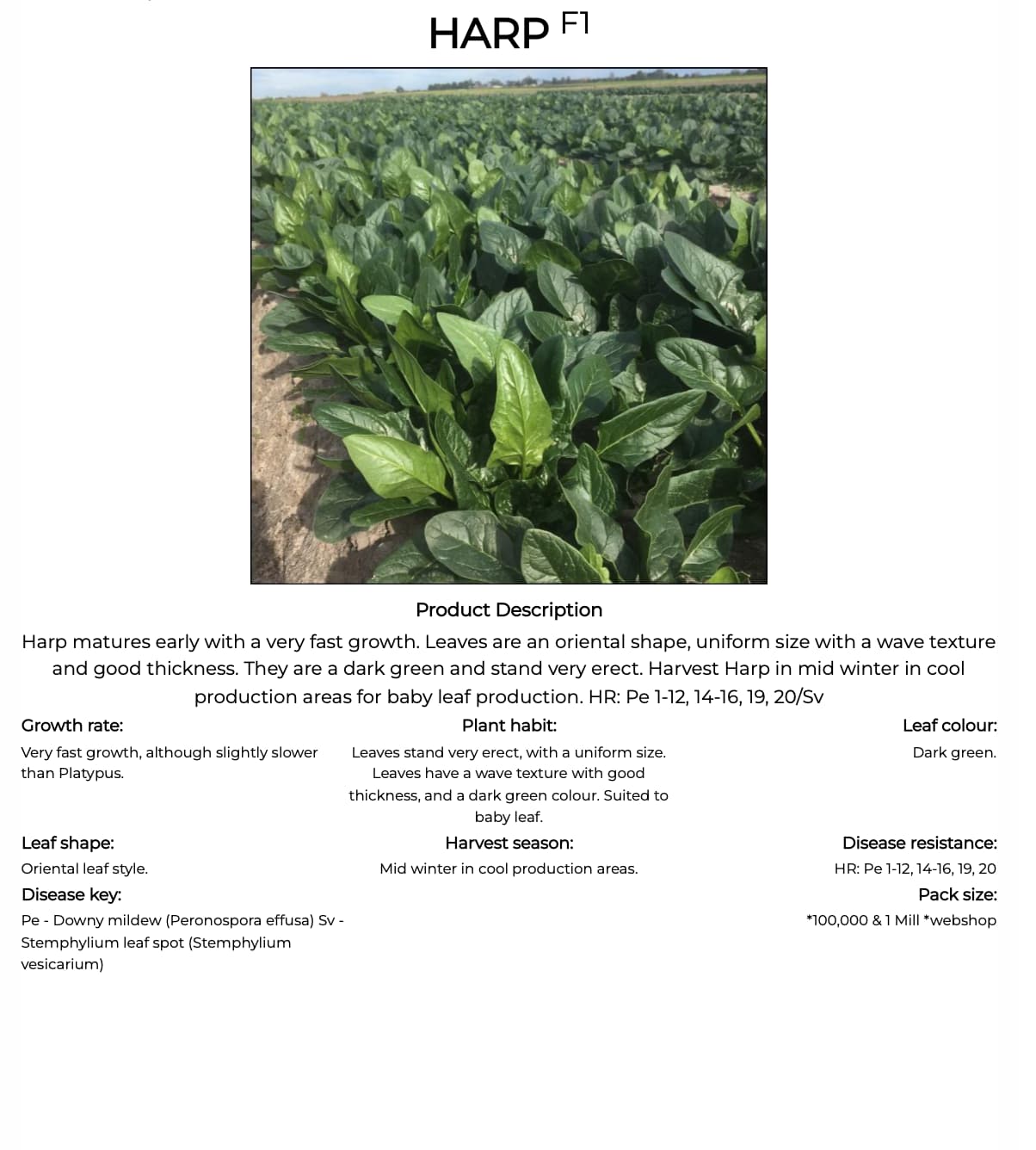
In the meantime, I have included two screenshots below showing correct PDF (v7.4.2) and blank PDF (v7.5.2).
Found the issue why PDFs are returning no data on the pages.
The PDF is being generated from a content page that is using a different layout than the main layout. The navigation to pages using a different layout are not parsing the url query parameters.
In the code below, when navigating to the content-page tech-sheet, the page is returning no data
Per a previous recent bug report of mine, an update was made to Query Manager that freezes Query Manager data on navigation to another page, until the new view has been loaded. This might’ve caused an issue in your particular situation.
Perhaps if you add a slight delay to wait for the Query Manager params to unfreeze, the problem could be solved. But if it broke, you’re also entitled to consider this to be a bug that needs to be fixed
You may also detail your exact Query Manager setup, like in what layouts/pages they’re present, to help the Wappler team figure out a fix
I can't see how you're using the query parameters, it's important to contextualize the bug. Could you specify what's the query manager variable and provide a snippet of where you're accessing it?
I don't understand what you're asking me to contextualize. I have included the code in my explanation above and the errors that I'm getting in the dev console.
I'm including the code here again. On a buton click, I'm navigating to a content page with url query parameters. The page contains a server connect to fetch data based on the query parameter values, but it is not working in v7.5.2.
Sorry for not making this clear. I'm interested in you showing that Server Connect HTML tag, as well as indication if the relevant Query Manager HTML tag is in the new layout or in the same page as that Server Connect.
I'm only trying to make it easier for the Wappler team to determine the appropriate fix
Edit: Are we talking about GET parameters or route parameters? In the button link you pasted, I can’t see any GET params
I believe this to be the main issue in the latest update - the url parameters (route parameters) are not being parsed correctly when the url route is navigating to a content page using a different layout than the current layout.
Yes, the url parameters contain special characters in the parameter value. Example of a url below:
I will remember to include more specific information from now on. Wappler's super flexible, and it is easy to forget that sometimes not everyone knows exactly what is meant by our posts.
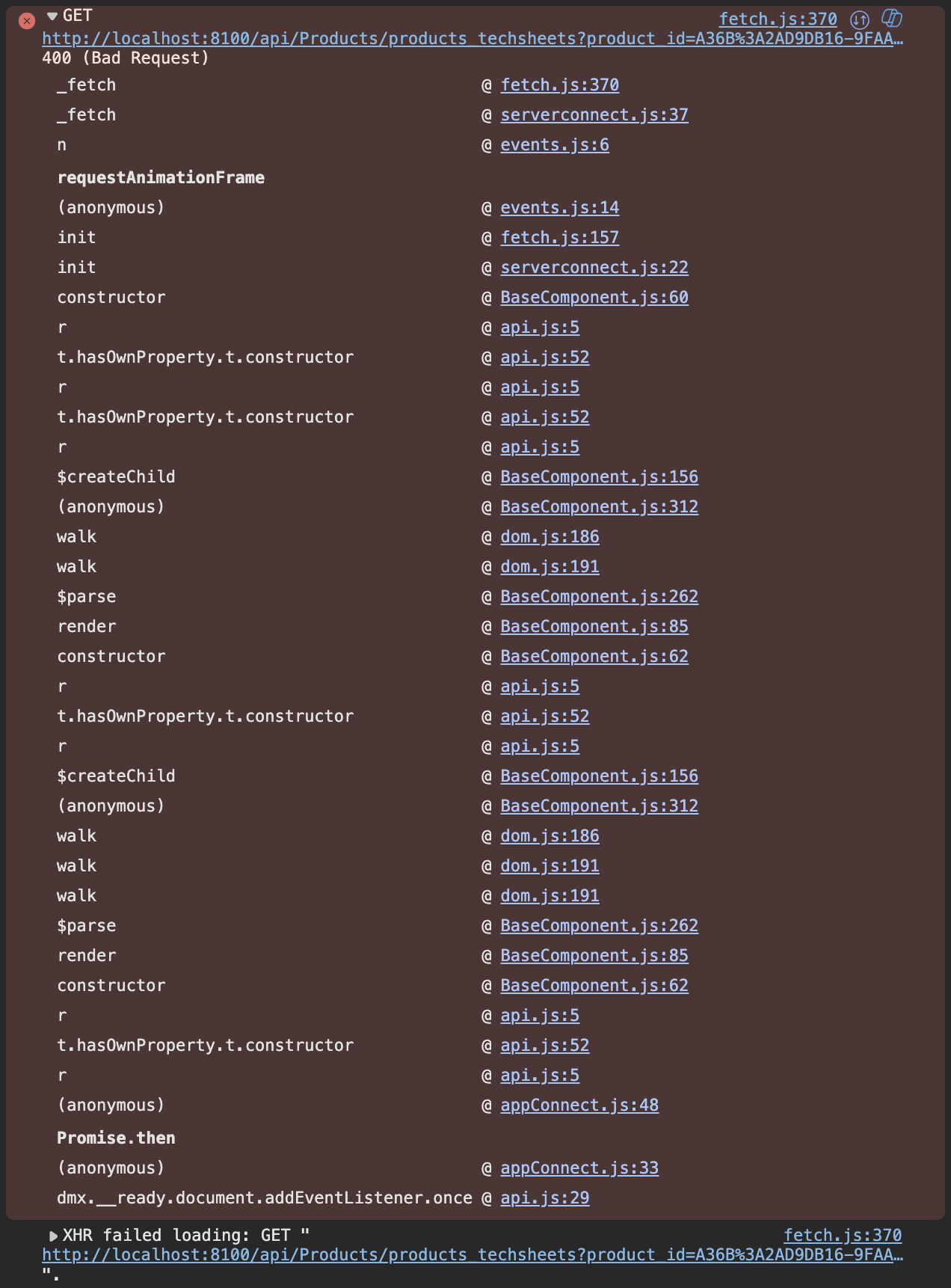
The error images that you posted show the message file_name: "This field is required.", do you have in your server action a required validation on some file_name input field? I don't see the filename in the url or querystring, where is it expected?
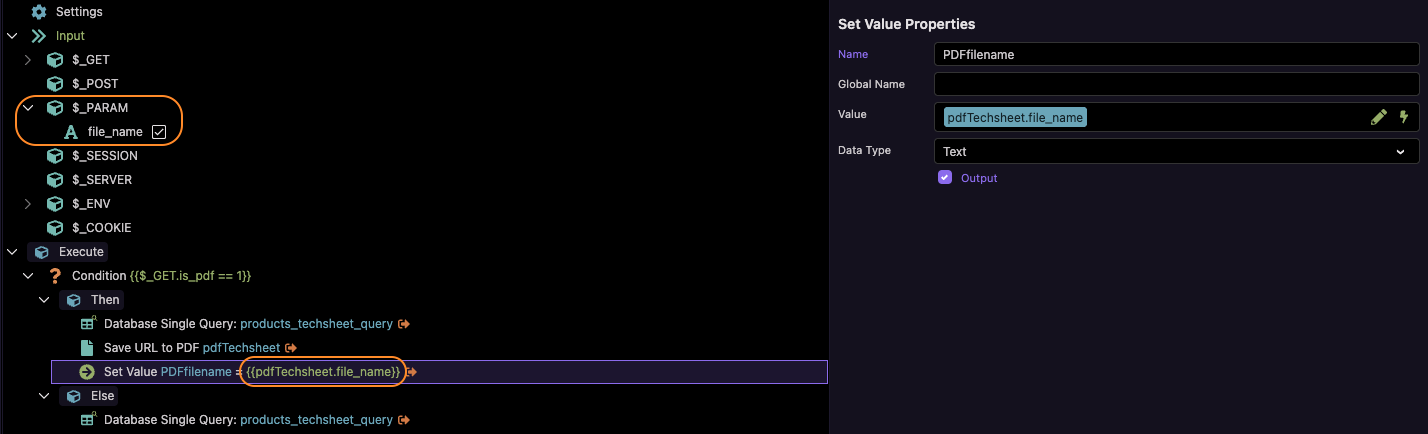
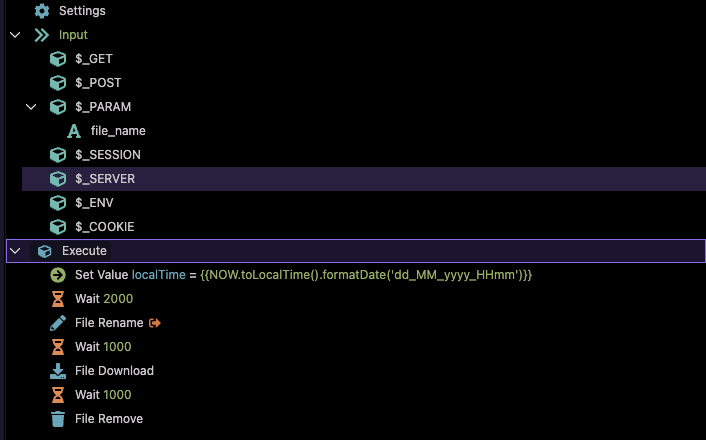
I have a $_PARAM named file_name, which is used to download the generated PDF file on success of the server connect. The server connect is failing to execute as query parameters in the URL are not being passed correctly.
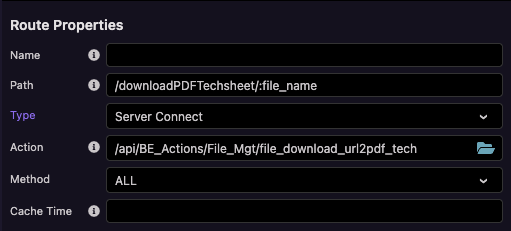
Did you define the parameter in the route path of the server action settings or have you created a custom route for it?
On the screenshot you don't use the $_PARAM.file_name in the Set Value action step but instead use pdfTechsheet.file_name. I also didn't see you set a filename in the action URL.
Sorry Patrick, I should have included these screenshots in my last reply.
The PDF download is triggered by a click event. The expected data doesn't even load on the page as the server action fails to fetch it when navigating to this page.
I see, but the other screenshot showed an other server action with also a $_PARAM.file_name and the error message comes from api/Products/products_techsheets which doesn't contain a file_name in the url. I think you have a parameter file_name defined in the action products_techsheets that should not be there.
The latest update fixed validation for $_PARAM which didn't work in previous versions. So the $_PARAM.file_name required validation did never work before the fix and now it returns the error because the parameter was not used in that specific server action.