Wappler Version : 6.7.2
Operating System : Windows
Server Model: ubuntu 22
Database Type: postgresql
Hosting Type: custom
I use FTPS(explicit) to transfer files to the server. I connect by a third-party client and easily upload files of any size in any quantity. Using the same server data in Wappler, the connection test passes positively. When I publish files to the server, files smaller than 16384 bytes are uploaded without any problems. If the file is larger than 16384 bytes, then only 16384 bytes are uploaded and Wappler reports an error, after 2 errors the transmission stops. What do you recommend?
I think it doesn't matter what type of file. Wappler starts uploading and it succeeds in uploading jpg, json, js files. But as soon as the upload process reaches the "big" file, an error occurs, once again and the transfer stops....
The ftp server log says: FAIL UPLOAD: Client....
The line appears in the Wappler log: 426 failure reading network stream.
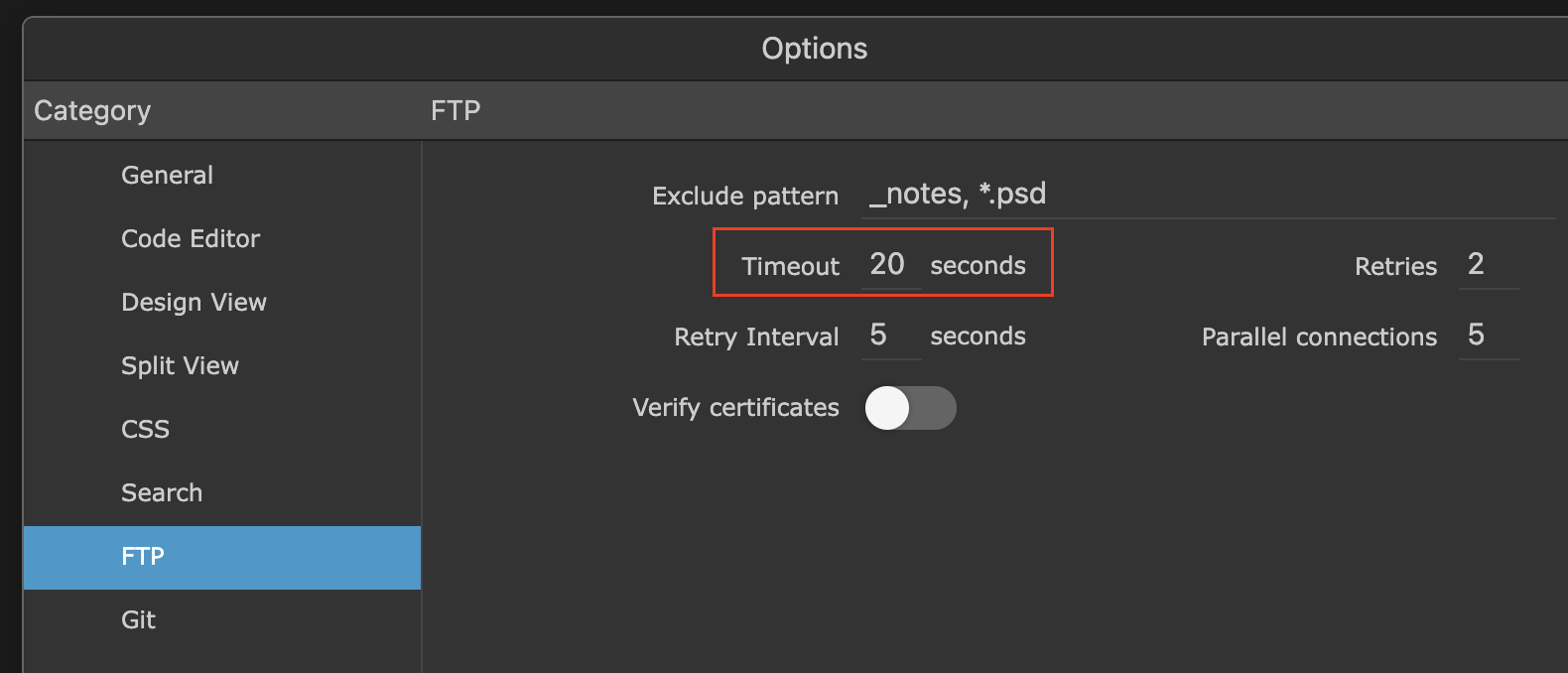
Everything happens very quickly, the file starts to be transferred and an error is issued almost immediately. I have a fairly fast Internet connection. It's clearly a matter of size, but the ftp server does not set any limits. I think it's not about the timeout, but I'll set 30 seconds and try again.
The file is not corrupted. It opens and I was able to rewrite it with the help of another client. In addition, while browsing through what has already been uploaded, I came across several files larger than 16 KB. It's probably not about the size. I used to use only FTP, but now I'm trying to set up work via FTPS on a new server.
I have set a higher limit on attempts to transfer the file. Now it transfers some files 3 times and eventually they are uploaded. This was not the case with regular FTP before. Now I have changed the protocol in Wappler and the server is now FTPS. Which of them is the problem is not yet clear. But transferring files through other clients does not have such problems. In the case of Wappler, problems start in the first minute of transmission.
That might be it indeed, and as the article says you just have to disable it in vsftpd.conf
According to the man page for vsftpd.conf, this should be disabled per default:
strict_ssl_read_eof If enabled, SSL data uploads are required to terminate via SSL, not an EOF on the socket. This option is required to be sure that an attacker did not terminate an upload prematurely with a faked TCP FIN. Unfortunately, it is not enabled by default because so few clients get it right. (New in v2.0.7). Default: NO
However, in the code it's enabled by default:
Switched to SFTP. Such a problem has been noticed. If you use a lot of threads, then everything leads to an error. Obviously, because one thread creates a directory, and the other writes a file there. Since the file is written first, the error there is no directory occurs. But in single-threaded mode, everything is fine.
And it would be nice to sort out the "Targets" settings so that when you make changes to the database settings, a new connection named "db" does not appear.