Wappler Version : 7.3.3
Operating System : win 11
Server Model:
Database Type:
Hosting Type:
Expected behavior
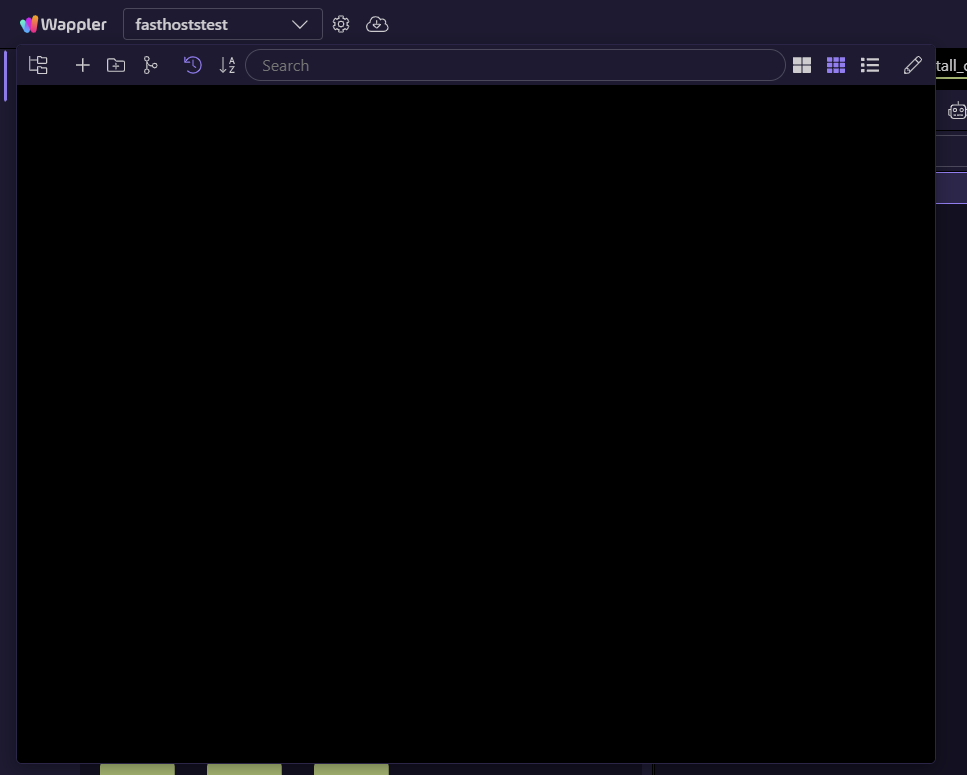
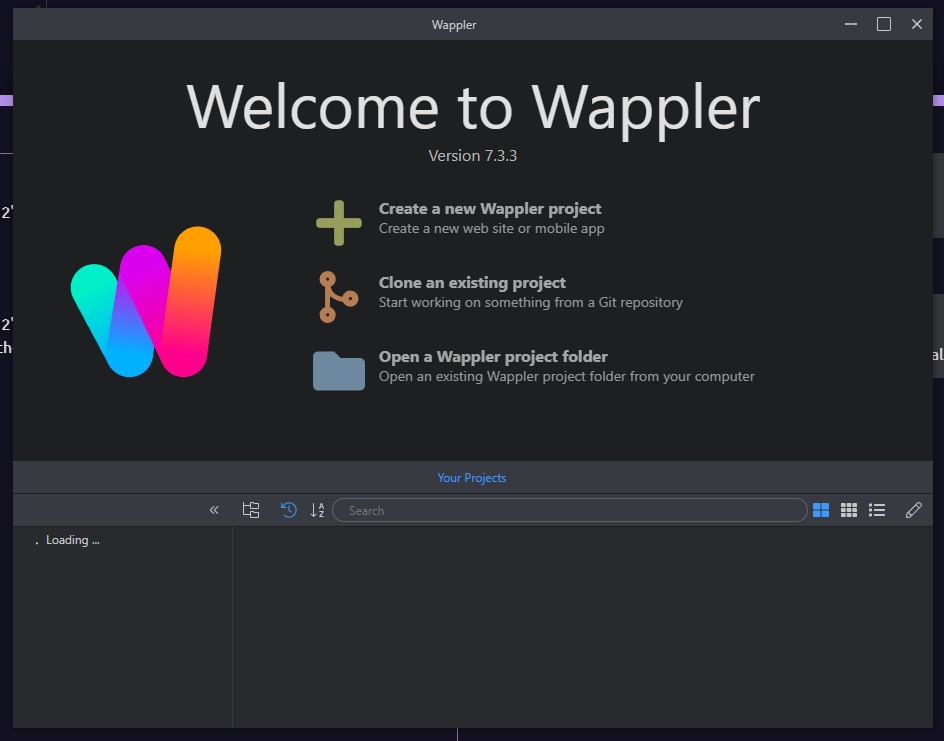
Projects should be listed
Actual behavior
They are not
How to reproduce
Clicking project to list others results in blank screen.
Debug file:
wappler.zip (2.2 KB)
log seems to end at:
[2025-09-25 19:23:08.319] START projectsDataProvider
[2025-09-25 19:23:08.322] START loadAllProjects
George
3
Weird I don't see any errors.
if you close the current project - is the main project manager also empty then?
Were your projects organized in categories?
Maybe try full restart
brad
4
Try clicking on the folders menu icon if you use folders. Maybe a blank folder is selected?
franse
6
Made a further log:
[7608:0925/160357.565:INFO:CONSOLE(38)] "unlock first ...", source: C:\Users\Fran\AppData\Local\Wappler\resources\app\node_modules\@sentry\core\build\cjs\utils-hoist\instrument\console.js (38)
[7608:0925/160357.577:INFO:CONSOLE(38)] "show popper: popper", source: C:\Users\Fran\AppData\Local\Wappler\resources\app\node_modules\@sentry\core\build\cjs\utils-hoist\instrument\console.js (38)
[7608:0925/160357.624:INFO:CONSOLE(38)] " START projectsDataProvider", source: C:\Users\Fran\AppData\Local\Wappler\resources\app\node_modules\@sentry\core\build\cjs\utils-hoist\instrument\console.js (38)
[7608:0925/160357.629:INFO:CONSOLE(38)] " START loadAllProjects", source: C:\Users\Fran\AppData\Local\Wappler\resources\app\node_modules\@sentry\core\build\cjs\utils-hoist\instrument\console.js (38)
[7608:0925/160357.677:INFO:CONSOLE(1)] "Uncaught (in promise) TypeError: this.projectsFolders.forEach is not a function", source: file:///C:/Users/Fran/AppData/Local/Wappler/resources/app/Shared/DMXzone/dmxAppCreator/UI/projectsManager.js (1)
George
7
if you open the projects.json from:
C:\Users\username\AppData\Roaming\wappler\Configuration
do you see a "folders": [...]
in it?
if not just add it empty at the end before the end }
like:
"folders": []
save and start wappler again, see if it helps.
Maybe send me your projects.json via PM
franse
8
There wasn't there, but adding this at the end fixed it:
},
  "folders": []
}
George
9
yes that was the problem.
Anyway I found the issue and will fix it so it works both ways with or without the folders.
Will be in the next update, probably tomorrow