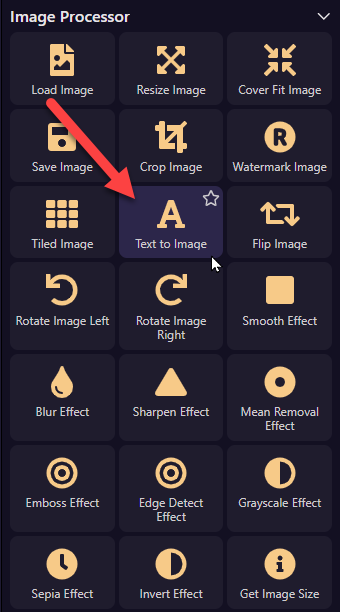
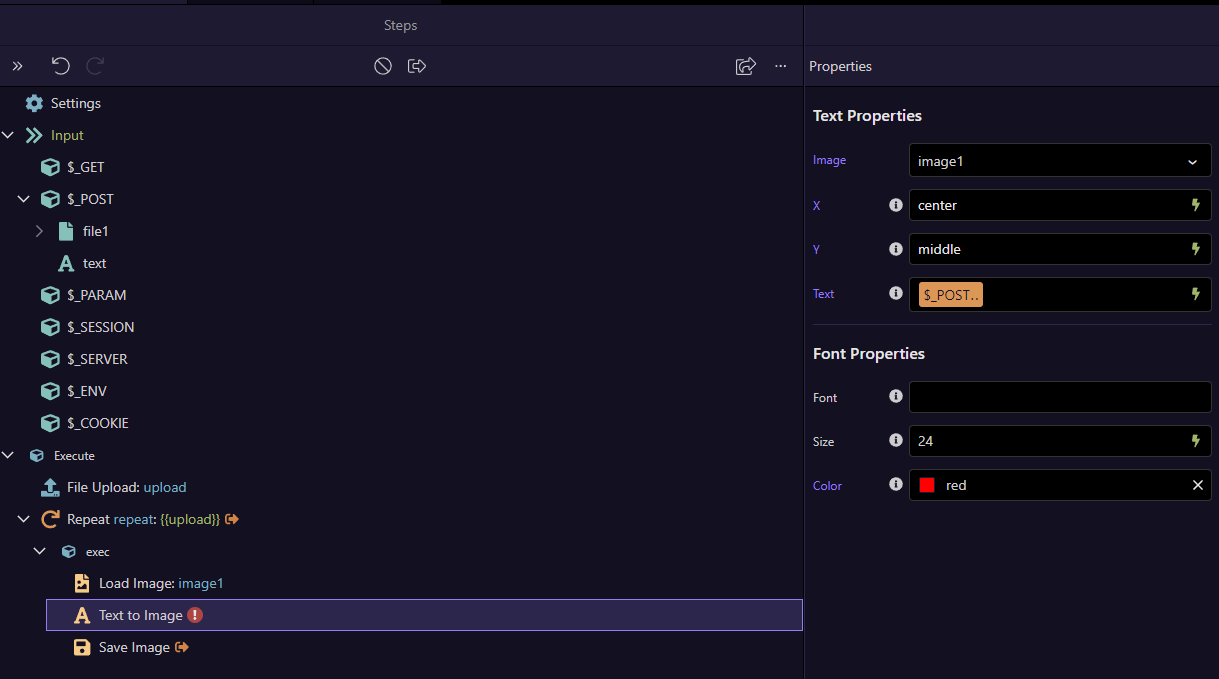
The Text to Image component do not work as intended. There is no option to select Font. If font name is manually added, the output is converted to boxes as shown in the below image.

Can this be fixed and made ready for use anytime soon?
Thanks
The Text to Image component do not work as intended. There is no option to select Font. If font name is manually added, the output is converted to boxes as shown in the below image.
Can this be fixed and made ready for use anytime soon?
Thanks
Not sure what is the issue you are having here.
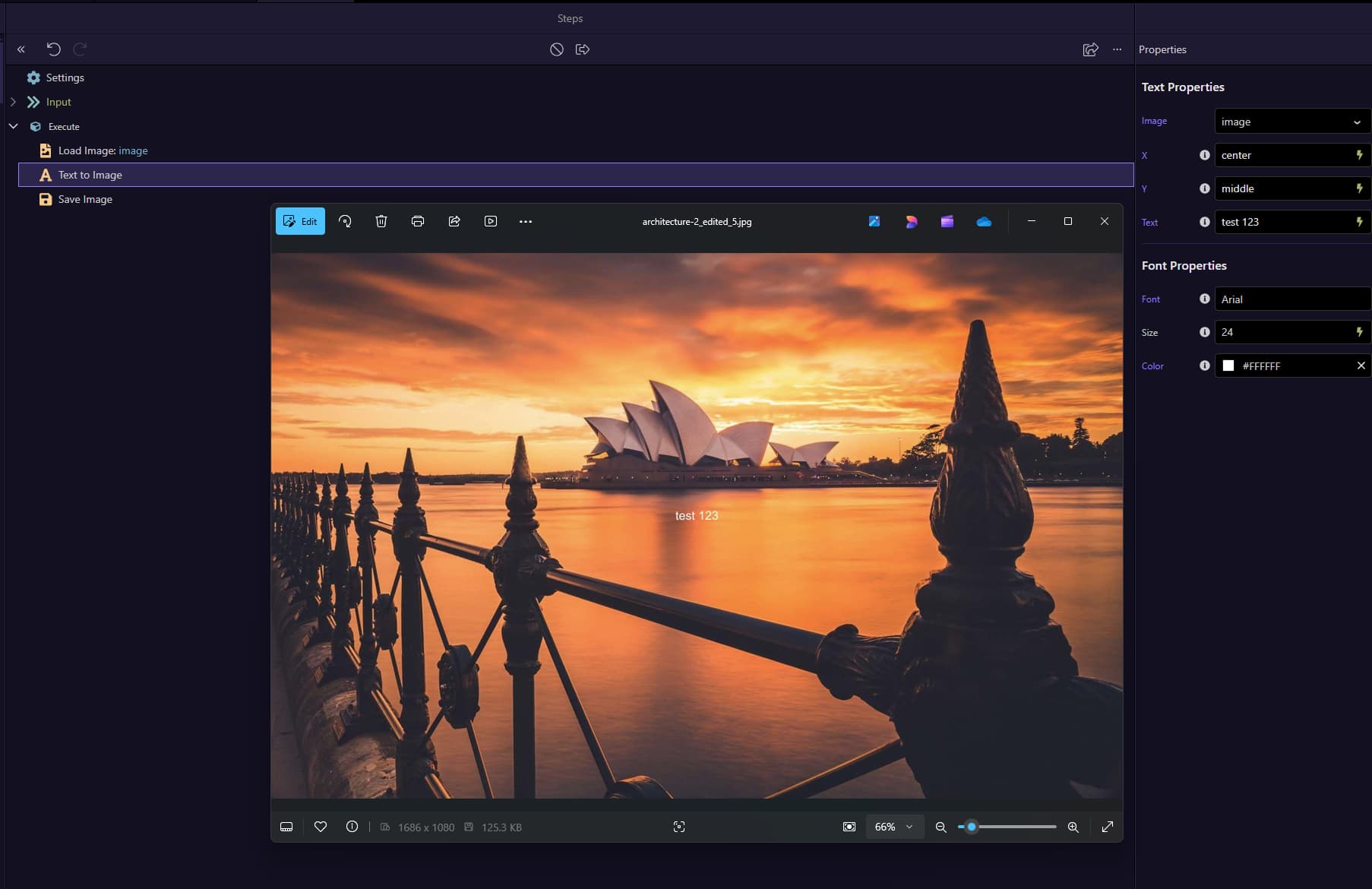
I just tested this and it works perfectly fine adding text over image in server connect. Please post a screenshot where we can see how is this set up.
I replied thinking the same
Using this code to achieve the result.
<div class="container">
  <div class="row justify-content-center mt-5 row-cols-2">
    <div class="col position-relative">
      <img src="/assets/images/background-colorful-design.jpg" class="img-fluid">
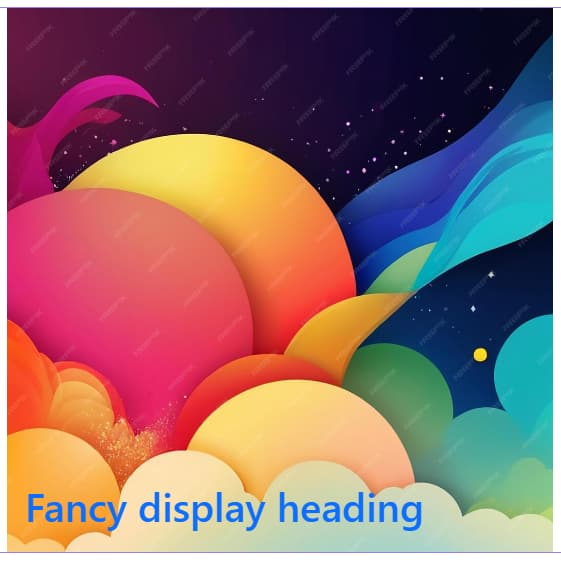
      <h1 class="position-absolute text-primary" style="bottom: 15px; left: 30px">Fancy display heading</h1>
    </div>
  </div>
</div>
Then I realised that @miu was referring to
Yes and I replied about this one, it works for me.
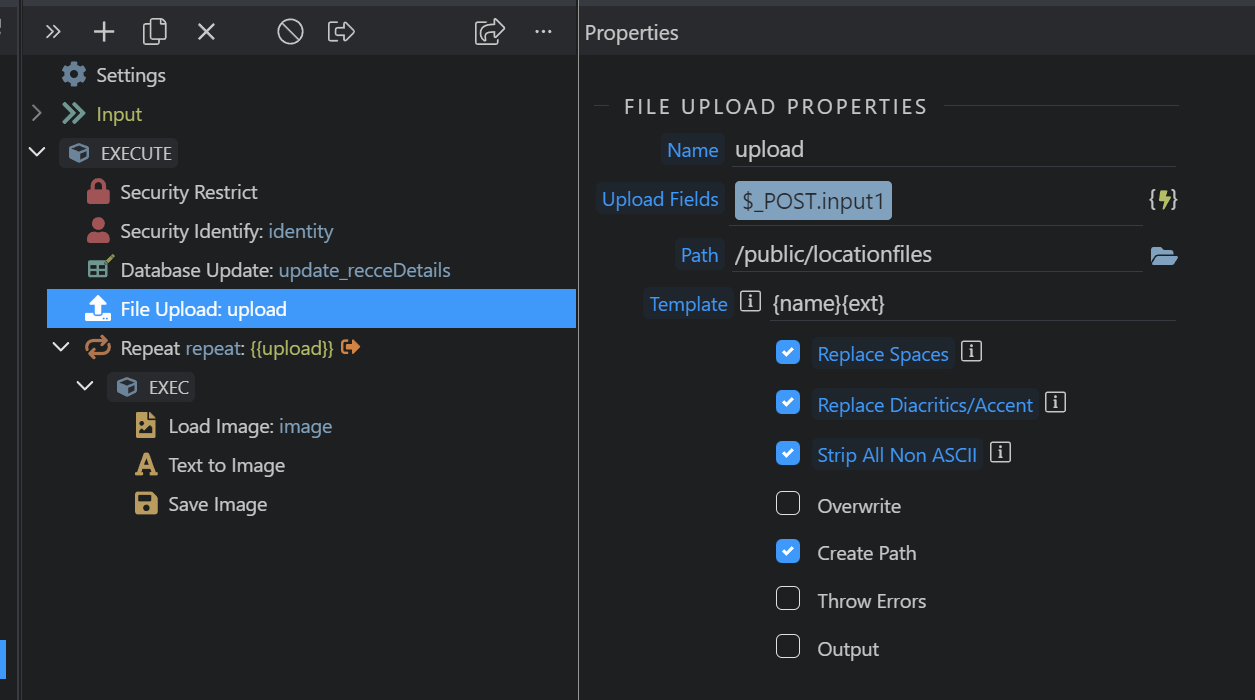
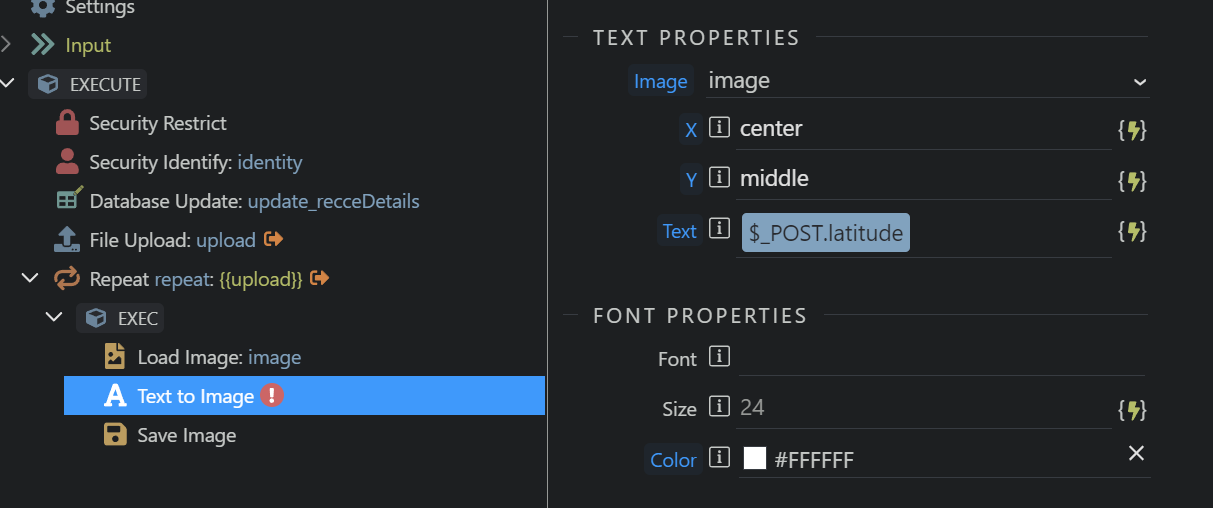
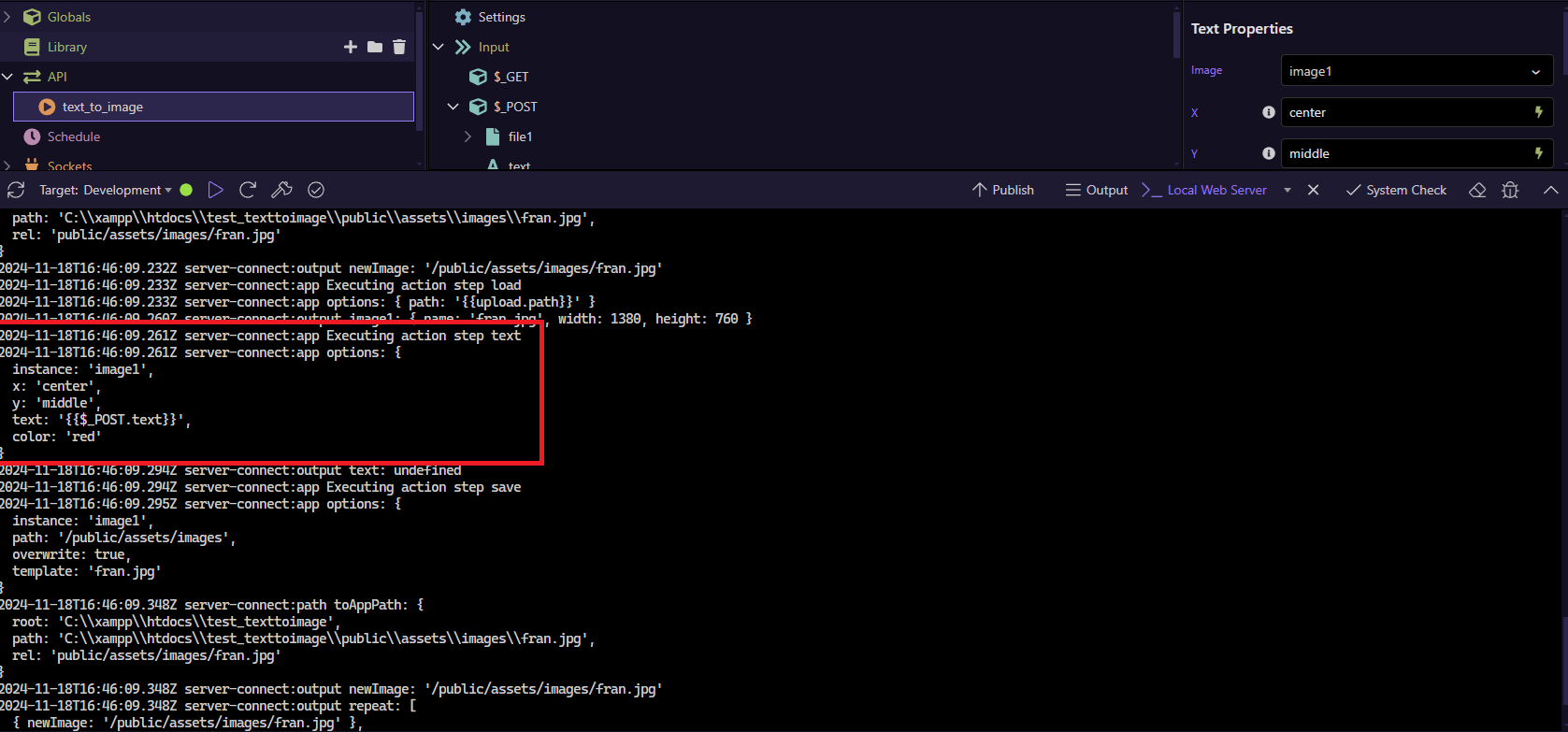
I am uploading files using Dropzone & have created a simple SA as described below:
This is my Server Connect API.
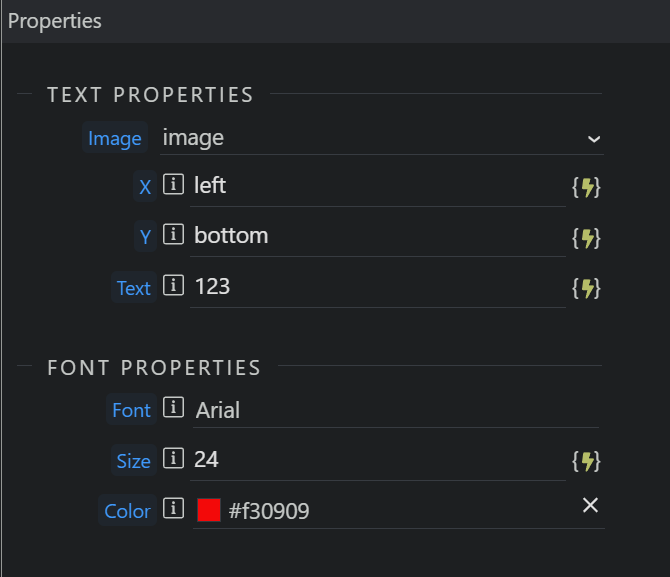
The Properties for Text to Image. I have manually entered the font name as it was mandatory field.
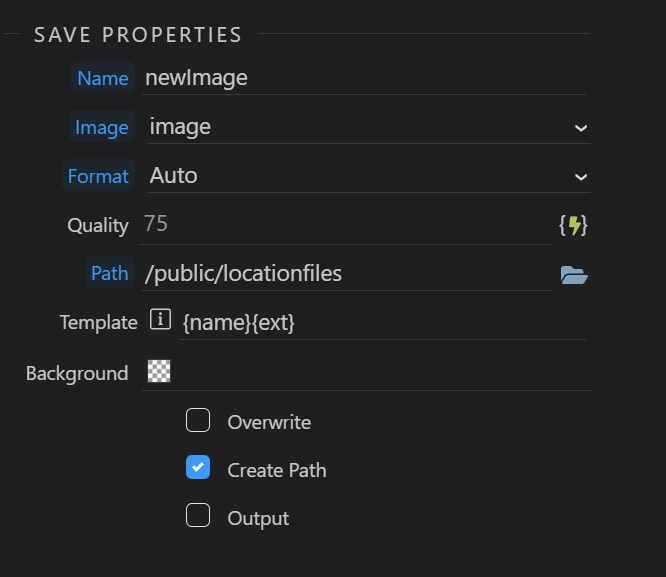
Save Image
When i run this SA, i get the image output as shared in the original post.
Try removing the font name and test again.
I tried again by removing the font name but still getting blocks on the image instead of Text:
There is a Warning Sign (!) to Text to Image action when font is removed.
I am passing the $_POST.latitude as Text field.
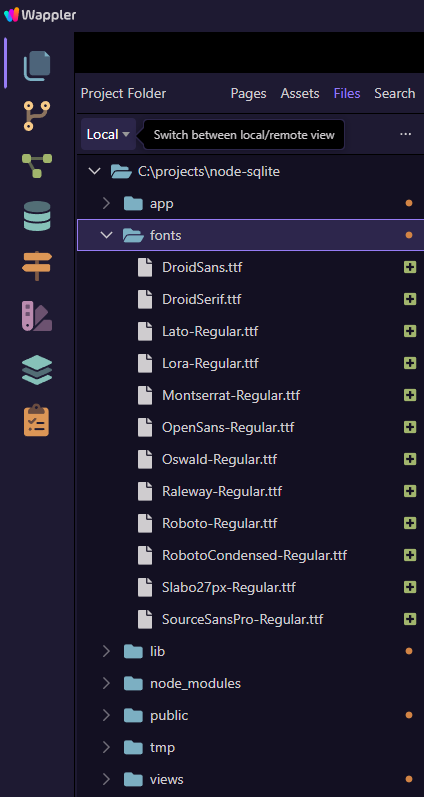
Yes, I can see the font folder uploaded.
I tried to replicate the same steps that you just showed, it is still not working.
Hey AJ,
The only difference I see from teodor's test, is that he used static text instead of the content of a POST variable...
Try using a static text (like teodor did) and if this way it works, you may add a formatter to your POST variable in order to be displayed correctly on your image (toString() or any other formatter may handle your POST variable content correctly)...
Just thinking outloud
Hey Thanks @famousmag
I already tried putting static text, however, it still not working.
Don't know what the issue is 
Does it only happen on the live server or also in development? What kind of server are you running?
It happens on Development. Didn't try on LIVE as the application is under development.
I am working on NodeJS + Docker + MY SQL.
Also tested and working without issues, even using the repeat step:
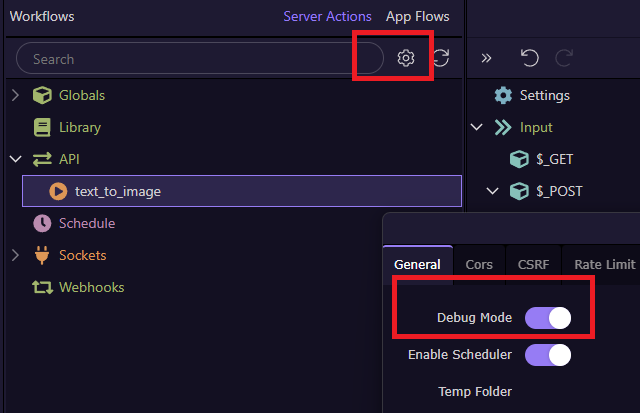
What about enabling debug, do you see something strange on console?
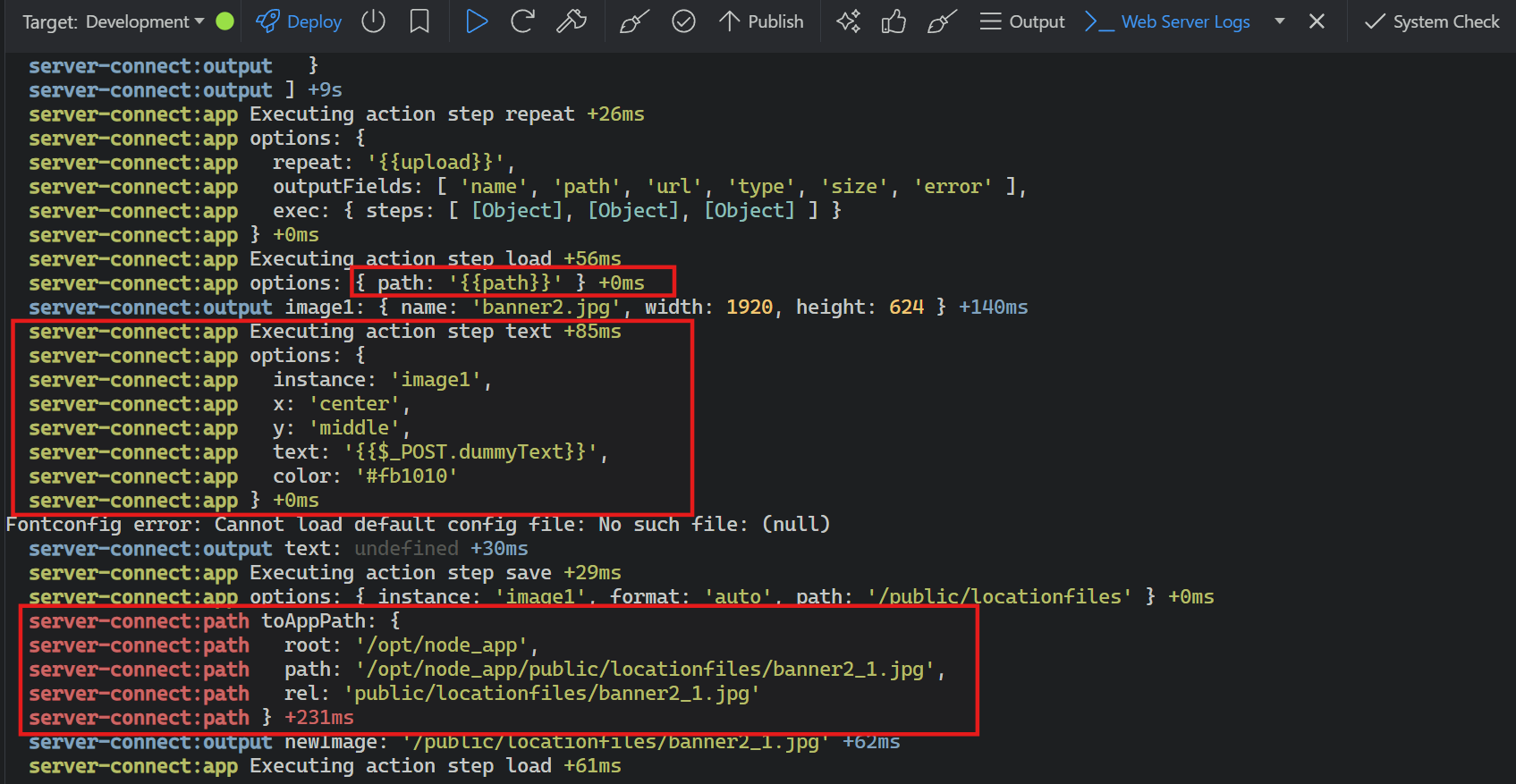
I am sharing the screenshot of my _Web Server Logs.
If I compare the image you shared, then I can observe change in the way the path is shown in your image & that I see, highlighted in the first RED box.
The Text to Image log is same as per both the images.
In the third box, I have highlighted the toAppPath which I think look different.
Since, i do not get too much technical stuff I find it difficult ot understand what these logs are exactly.
Node uses the sharp library for image manipulation, it uses your system fonts for text rendering.
Here the docs about where it looks for the fonts
Installation - sharp - High performance Node.js image processing
Sorry Patrick if I sound foolish, but do I need to install the packages mentioned in the shared document.
And if so, how to install them? Do i need to run the command in the Project >_Terminal window or somewhere else? And which commands needs to be run?
I am very new to all these technical stuff & will need some more support running this thing.
Requesting to kindly help.
On Windows and Mac it should normally work without needing to install anything, on Linux I'm not sure.
This works great, I wonder if the [options.text.fontfile] option could be added too, as it seems to be the only way to select a particular font as well as style according to this.
To use a specific font and style with Sharp (the image processing library), you can use the font and fontfile parameters within the text object of the composite method, specifying the font name and the path to the TrueType font file (TTF).
Eg: Roboto Condensed is the font with 18 different styles and I would like to use the Extra Bold style.
Just incase it helps anyone else, I actually installed a google font which only had one extra bold font weight and that worked fine.