Table pagination not work

Hi everyone,
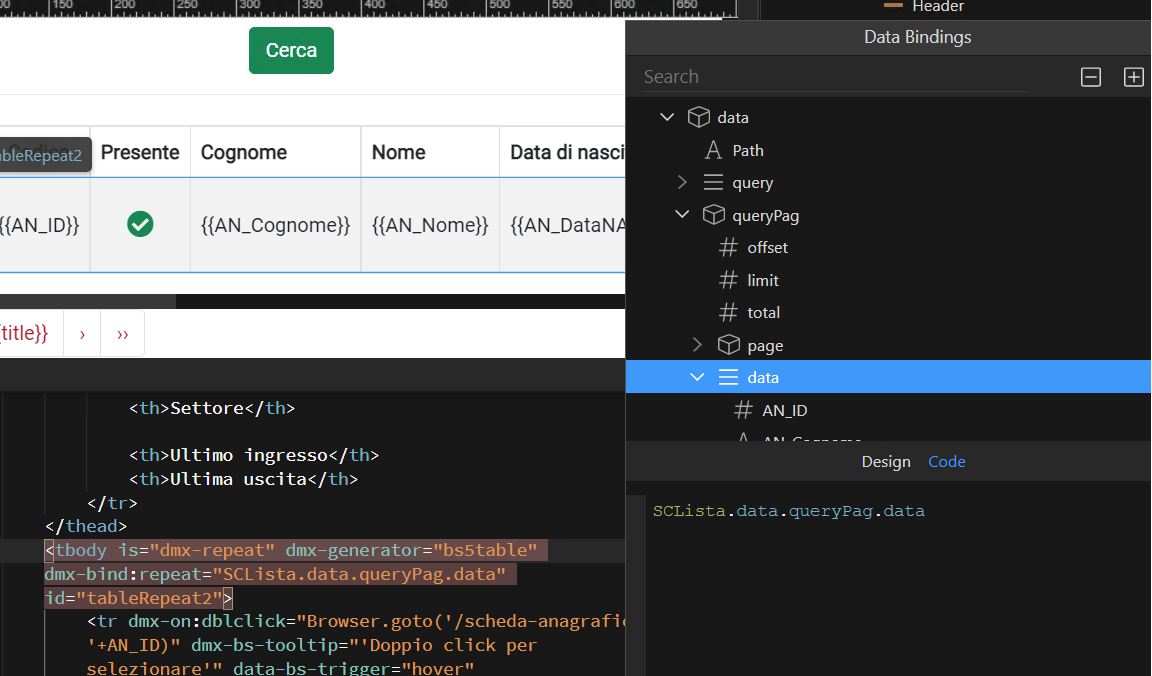
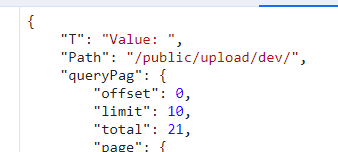
My table pagination doesn’t work. (Screen0)
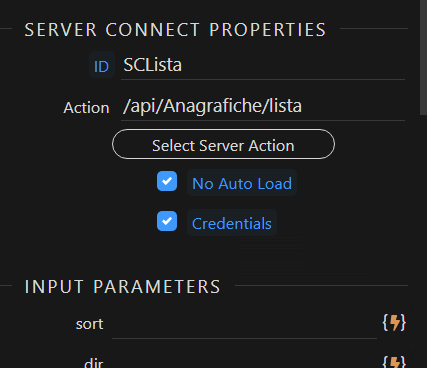
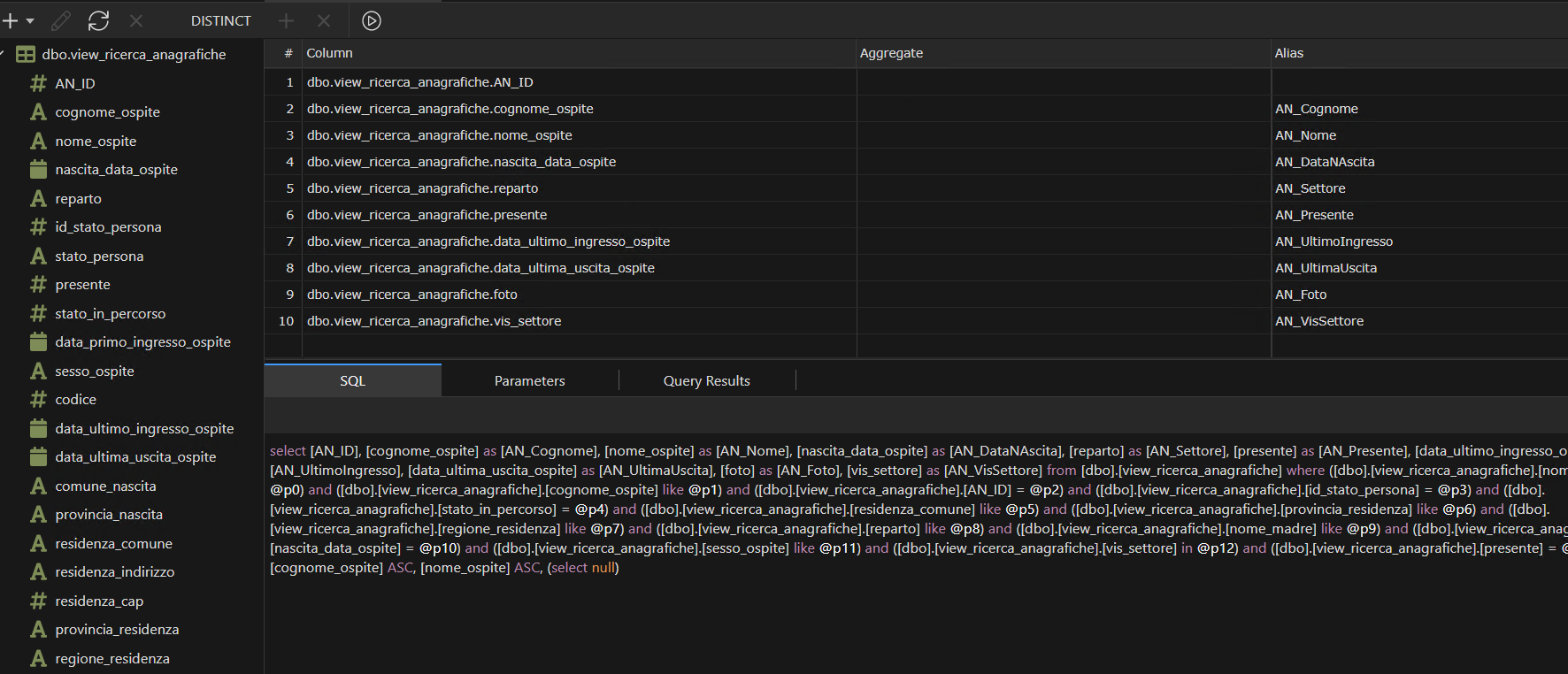
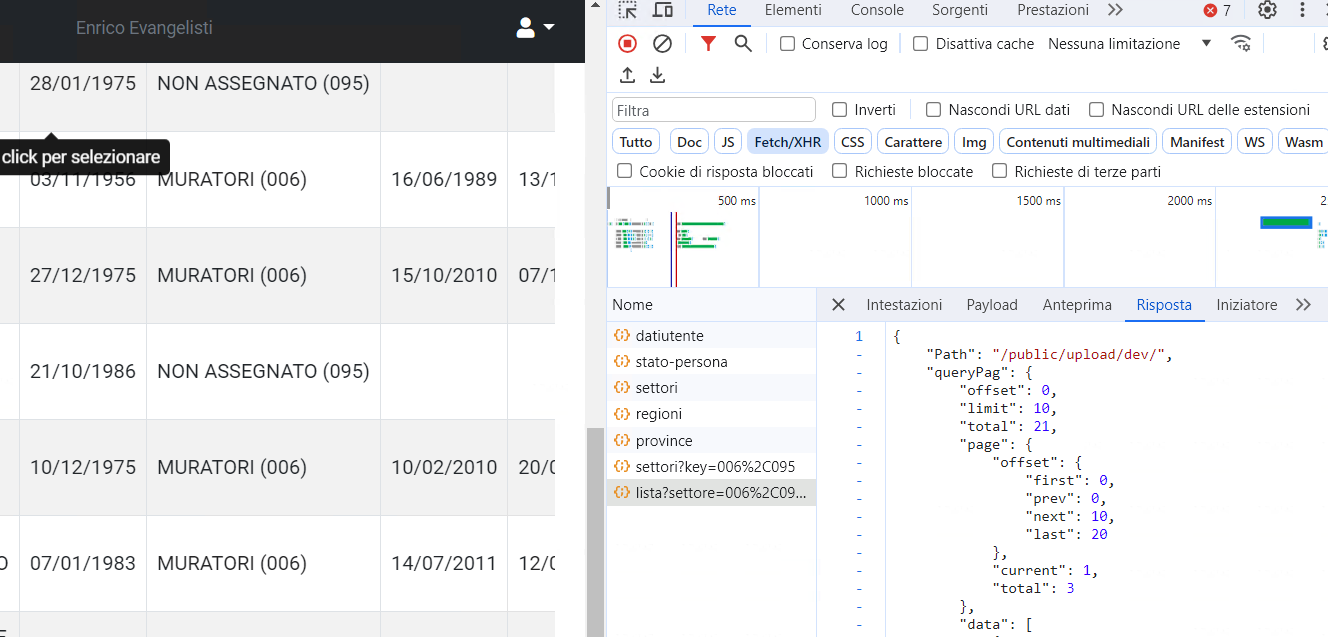
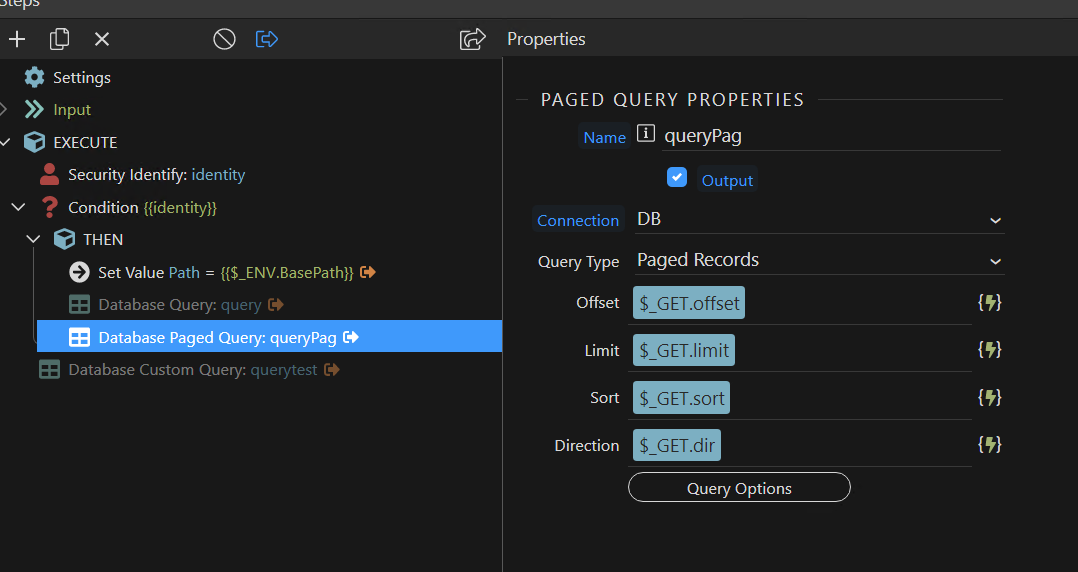
I set up the paginated query (Screen1)
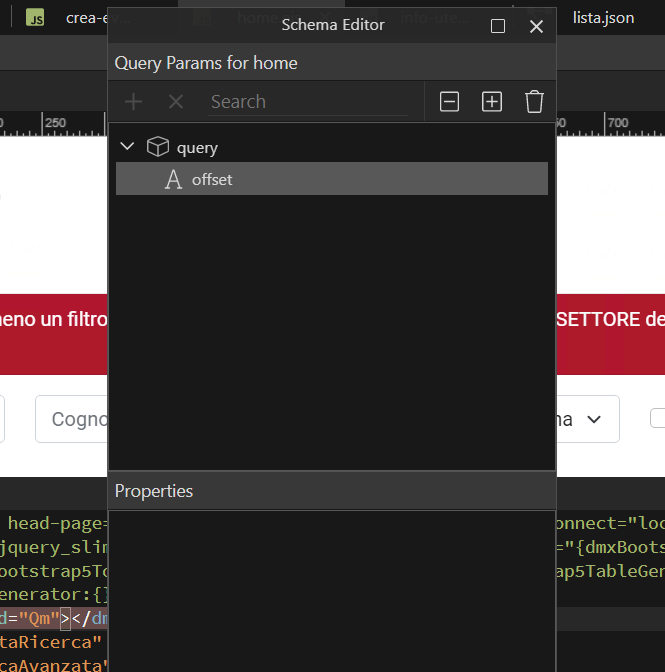
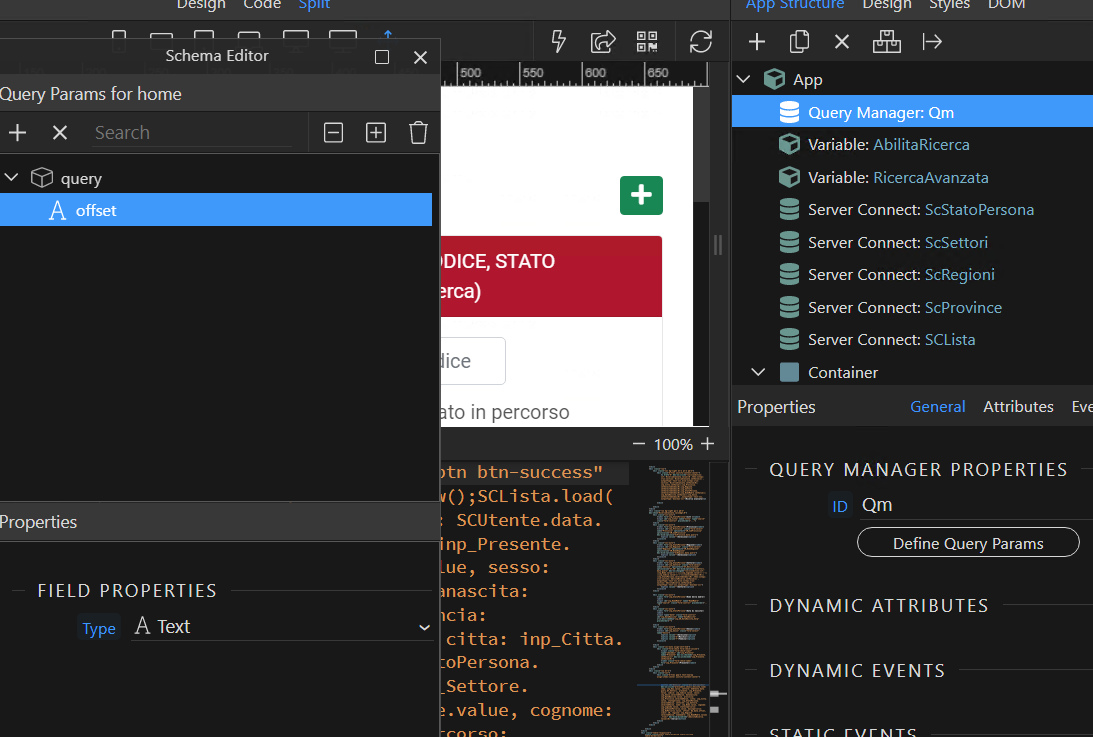
I set the offset value in the Query manager (Screen2)
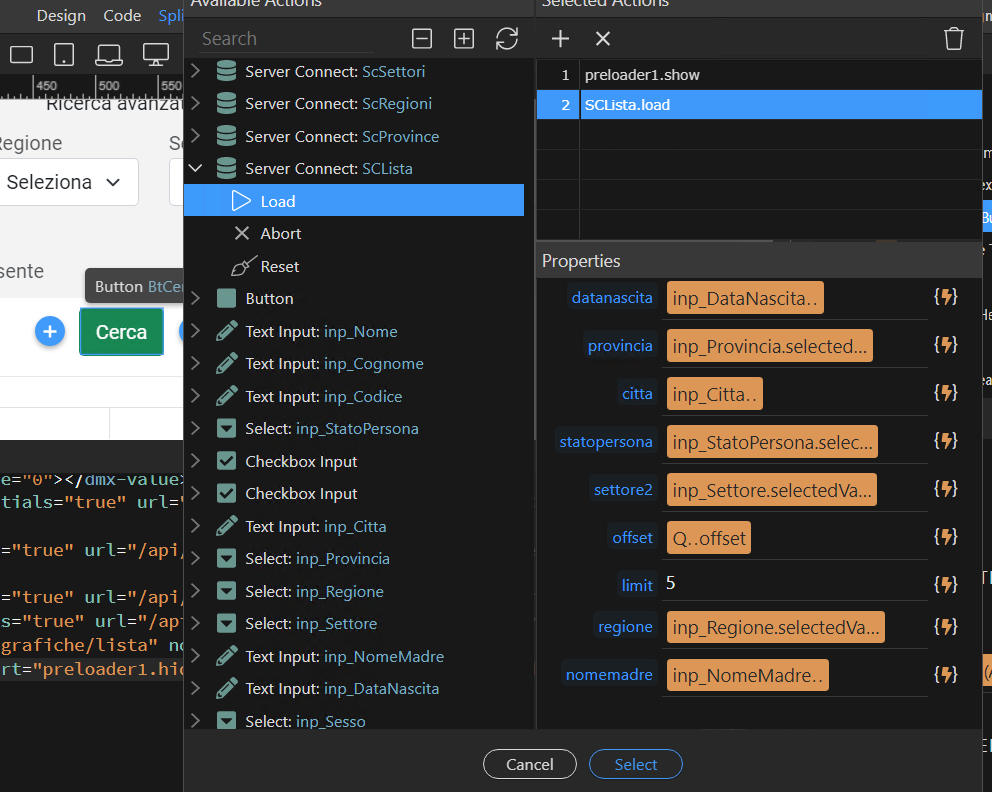
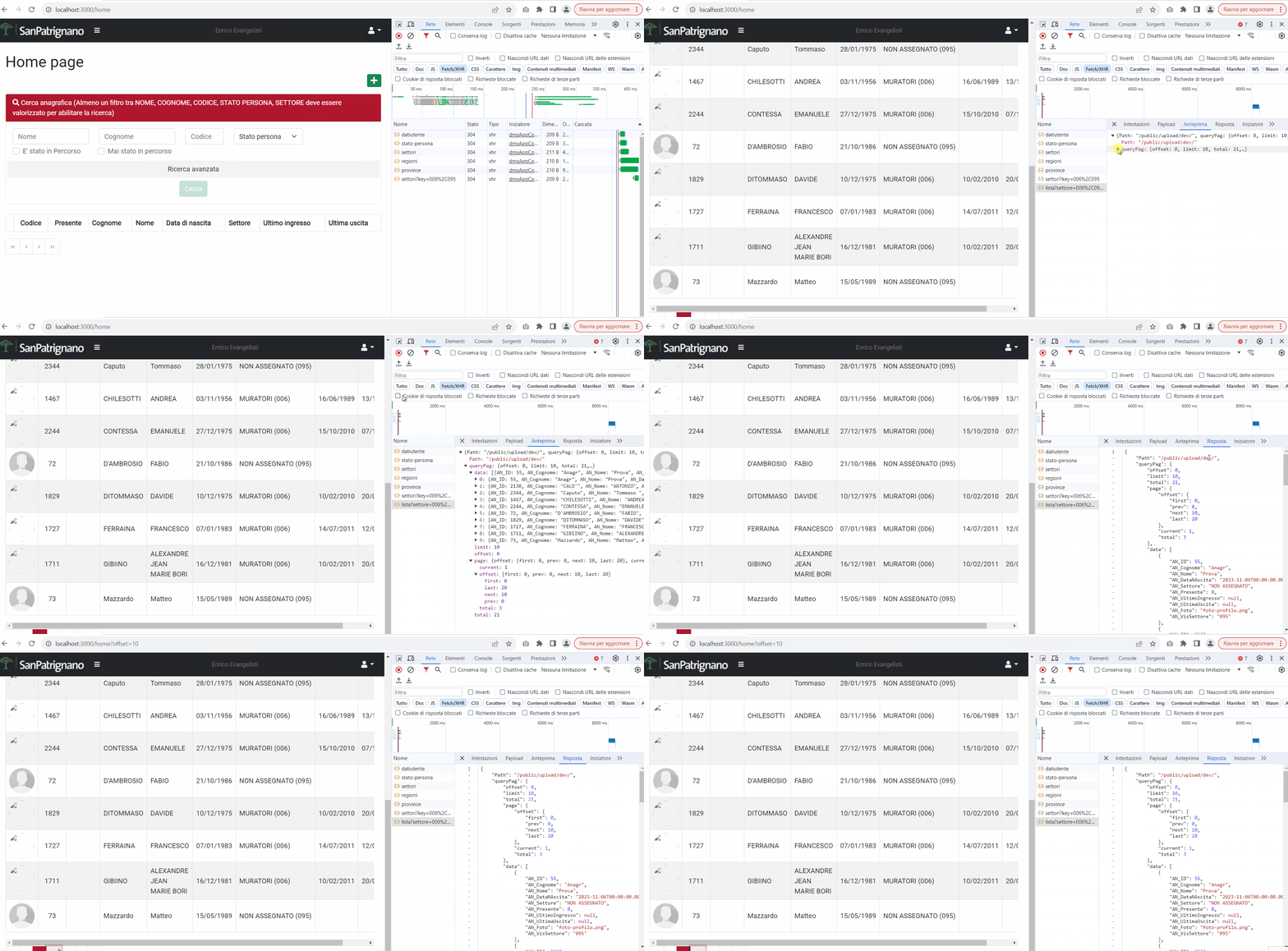
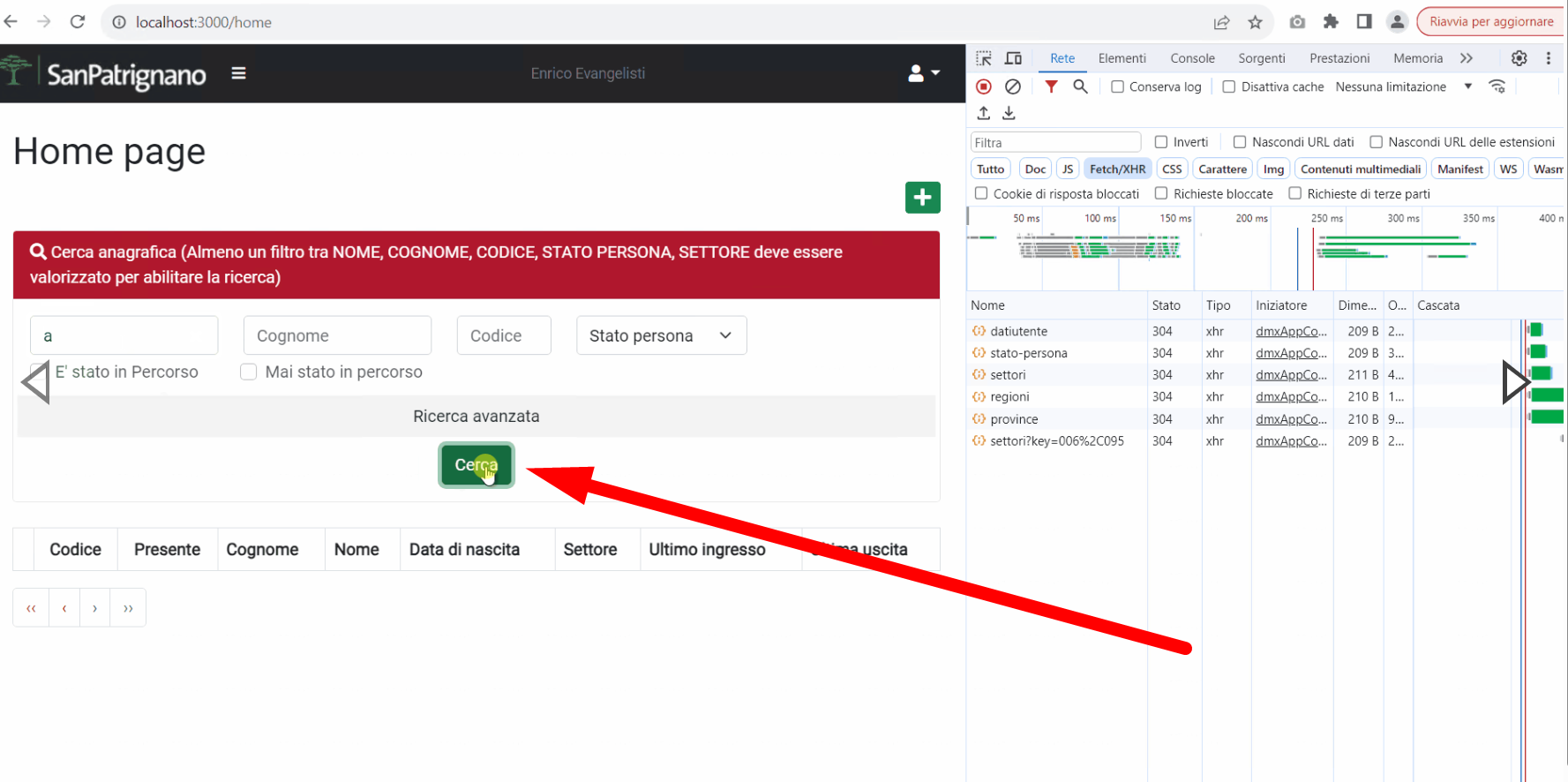
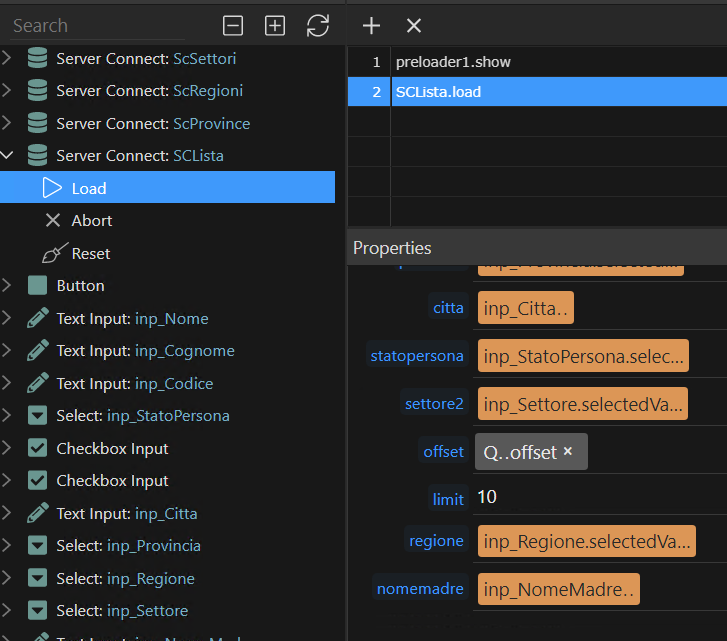
When I click on the search button I load the connect server with all the parameters, inserting the reference to the query manager (Screen3) as an offset
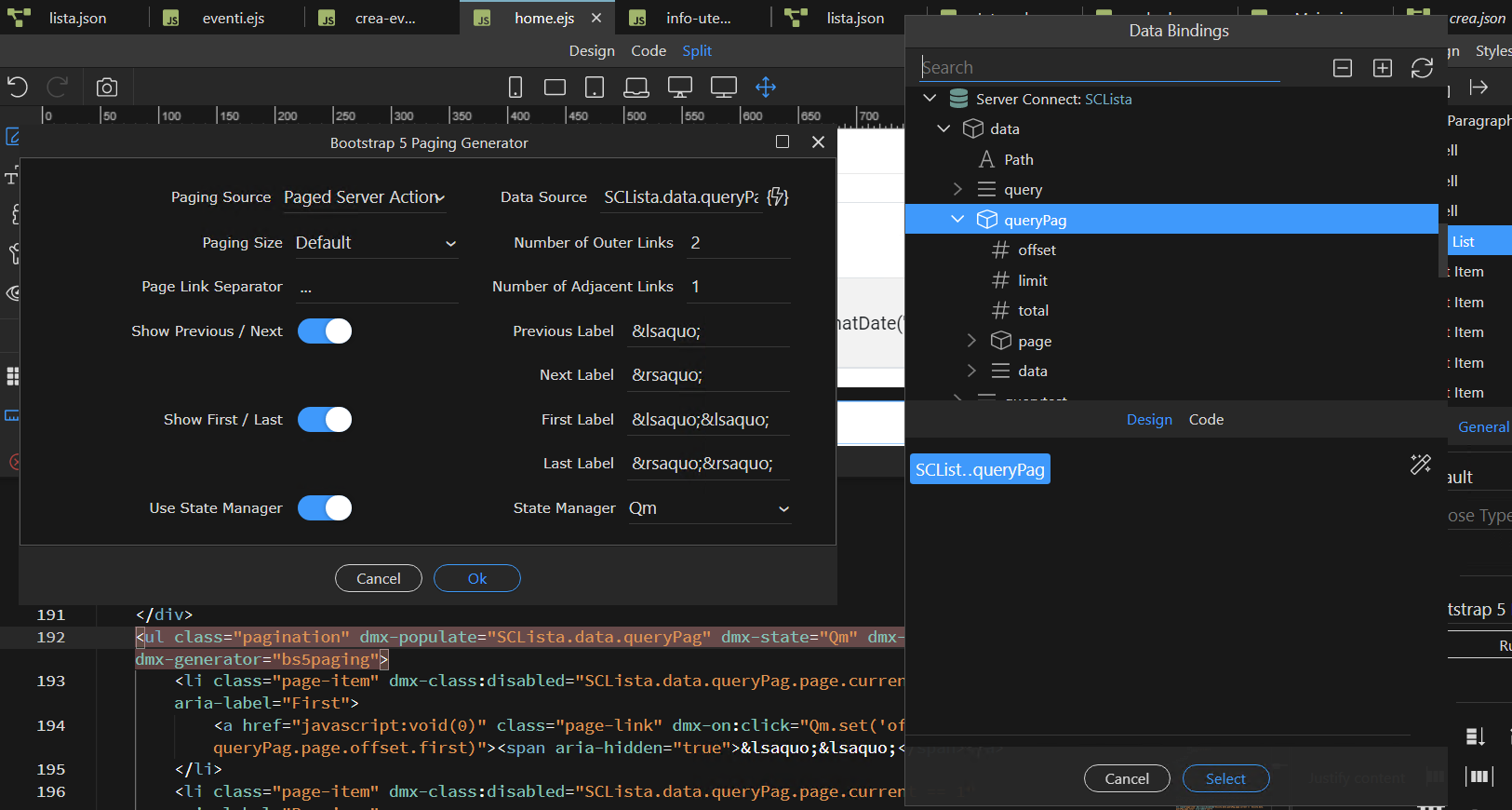
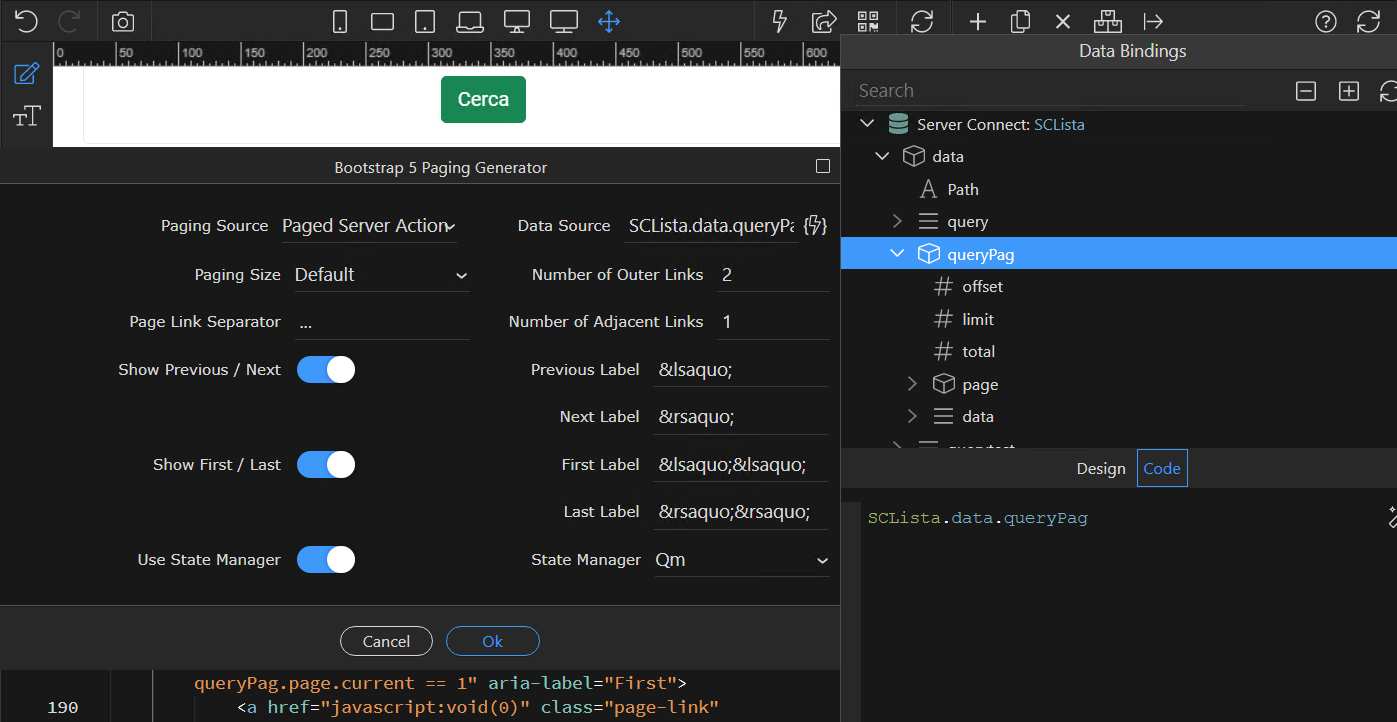
Finally I set the datasource and parameters in the pagination generator (Screen4)

Am I doing something wrong?

How is your database query in server connect set up? Can you please make a screenshot of it?

And what is this action here? Why would you call the server action like that? You don’t need a dynamic event to call it. Once the query param changes, it will reload.

In the connect server I don’t set any parameters since I don’t load it at startup.
In the second screen the SQL query.
The query paginates correctly, but the paginator navigation buttons do nothing

Screenshot 2023-12-06 092633

Can you provide a link to your page where i can check this?

Unfortunately, the application is within the customer’s private network and cannot be reached from outside.
Do you see something wrong with my screenshots?

It’s hard to understand what exactly happens looking at your screenshots only.

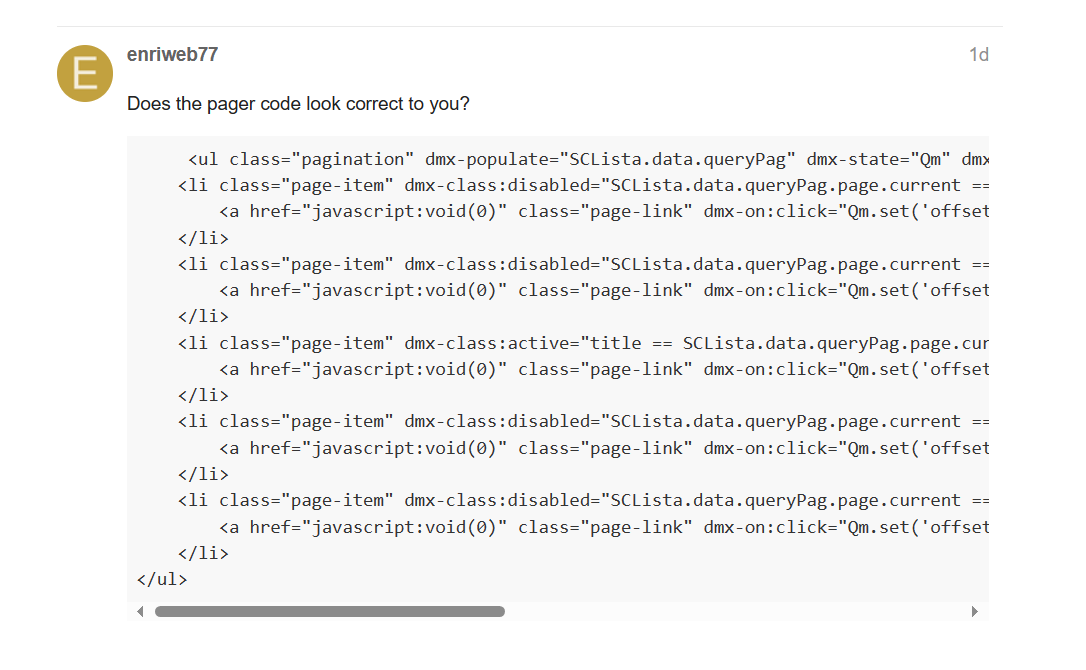
Does the pager code look correct to you?

     <ul class="pagination" dmx-populate="SCLista.data.queryPag" dmx-state="Qm" dmx-offset="offset" dmx-generator="bs5paging">
    <li class="page-item" dmx-class:disabled="SCLista.data.queryPag.page.current == 1" aria-label="First">
        <a href="javascript:void(0)" class="page-link" dmx-on:click="Qm.set('offset',SCLista.data.queryPag.page.offset.first)"><span aria-hidden="true">&lsaquo;&lsaquo;</span></a>
    </li>
    <li class="page-item" dmx-class:disabled="SCLista.data.queryPag.page.current == 1" aria-label="Previous">
        <a href="javascript:void(0)" class="page-link" dmx-on:click="Qm.set('offset',SCLista.data.queryPag.page.offset.prev)"><span aria-hidden="true">&lsaquo;</span></a>
    </li>
    <li class="page-item" dmx-class:active="title == SCLista.data.queryPag.page.current" dmx-class:disabled="!active" dmx-repeat="SCLista.data.queryPag.getServerConnectPagination(2,1,'...')">
        <a href="javascript:void(0)" class="page-link" dmx-on:click="Qm.set('offset',(page-1)*SCLista.data.queryPag.limit)">{{title}}</a>
    </li>
    <li class="page-item" dmx-class:disabled="SCLista.data.queryPag.page.current ==  SCLista.data.queryPag.page.total" aria-label="Next">
        <a href="javascript:void(0)" class="page-link" dmx-on:click="Qm.set('offset',SCLista.data.queryPag.page.offset.next)"><span aria-hidden="true">&rsaquo;</span></a>
    </li>
    <li class="page-item" dmx-class:disabled="SCLista.data.queryPag.page.current ==  SCLista.data.queryPag.page.total" aria-label="Last">
        <a href="javascript:void(0)" class="page-link" dmx-on:click="Qm.set('offset',SCLista.data.queryPag.page.offset.last)"><span aria-hidden="true">&rsaquo;&rsaquo;</span></a>
    </li>
</ul>

Hey @enriweb77,

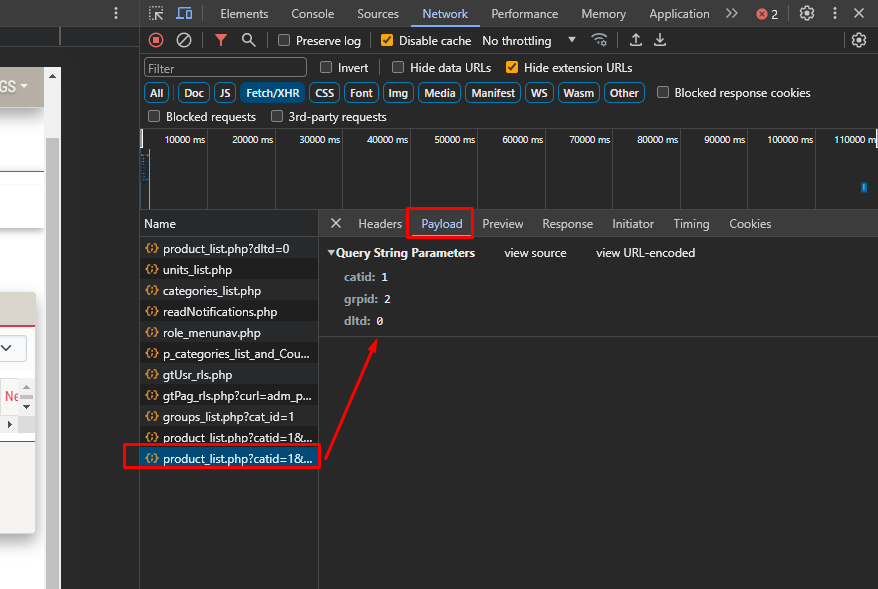
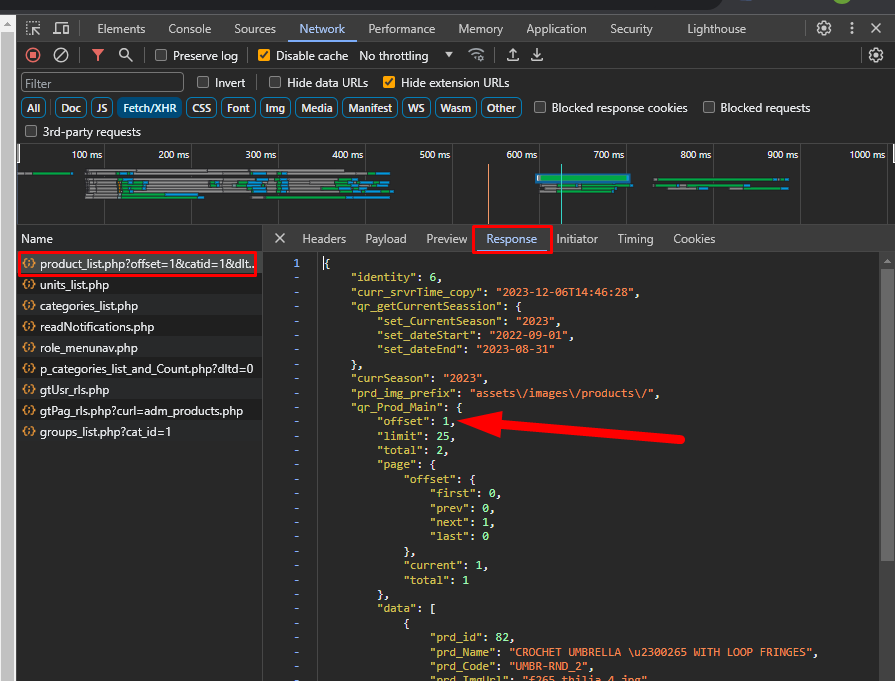
Please check your Network->Fetch/XHR tab…

Each time you click on a pagination button (“1” , or “2” etc…) :

  1. Check the payload of your serverAction (SClista), does it loads the new offset?

  2. Check the Response tab, does this offset updates according to the pagination clicked button?

And finally just in case you have wrong assignements, I mention the correct assignement:

Thank you for your answer.
The assignments seem correct to me, see the screens below.

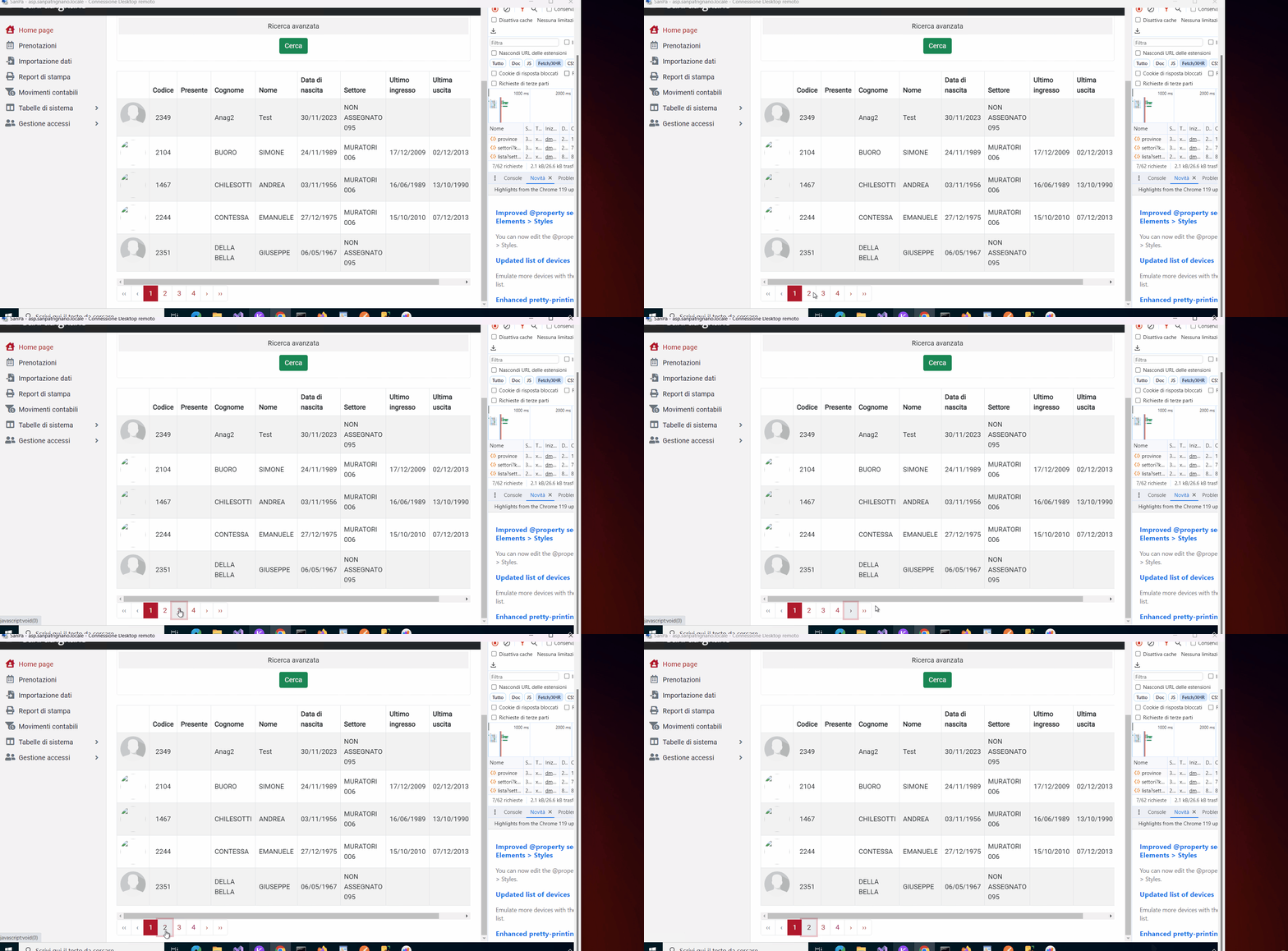
On first load the query output is correct but when I click on the page 2 button nothing happens (Video and Screen below).

I’ve used dynamic pagination before in other projects and I’ve never had any problems, it’s really strange

Check 2 things then:

  1. your browser url is changing on pagination clicks? (the offset parameter…)
    If not then check the click events on the pagination buttons
    I think your query manager id is Qm right?
    if you can’t figure out what is wrong, I suggest you to delete the pagination area from your page and add it again from scratch so you make sure that everything is correct

  2. have you set the input parameters in your serverAction?
    before your paged query add a setValue and set it to $_GET.offset and enable the output.
    Then check it in your network tab when the page run to see the offset value

I’ll list the answers for the suggested checks:
Yes, the URL changes when the button is clicked
QM is my QueyManager in which I set the offset variable (Screen1)
I tried to set a variable 'Value: '+$_GET.offset but on the first page load $_GET.offset has a null value. (Screen2)

2

that’s normal… Initial default load is set to offset=0.

keep tetsing it and check the payload tab…
But one thing is sure. Your server action doesn’t load each time you click on the pagination buttons!
Please try to focus on that.

From what I could see in your gif sequence, the serverAction loads only the first time that you click that button:

If you need anything drop it here

My friend I think I just told it…

Your serverAction is not auto load.

So. the answer is here:

When you click the pagination buttons yes you update the Qm.offset but you don’t load the serverconnect again with the fresh parameters… (I mean mainly the Qm.offset parameter)

Exactly the point is that when I click on the layout buttons it doesn’t load the Connect server.
Currently the ServerConnect named SCLista is set to NO AUTO LOAD.
When I click the search button I load and reload the cache (Screen1).
So, as I told you on each pagination button here:

in the dmx-click event of each button, AFTER the Qm.set(‘offseet’,…) you have to add the SCLista.load({offset: Qm.data.offset})

remove the limit: 10 from here and try it again