Suddenly Column Move Inside another Column Same Row

OS info

  • Operating System : Mac OSX 21.4.0
  • Wappler Version : 4.9.1

Problem description

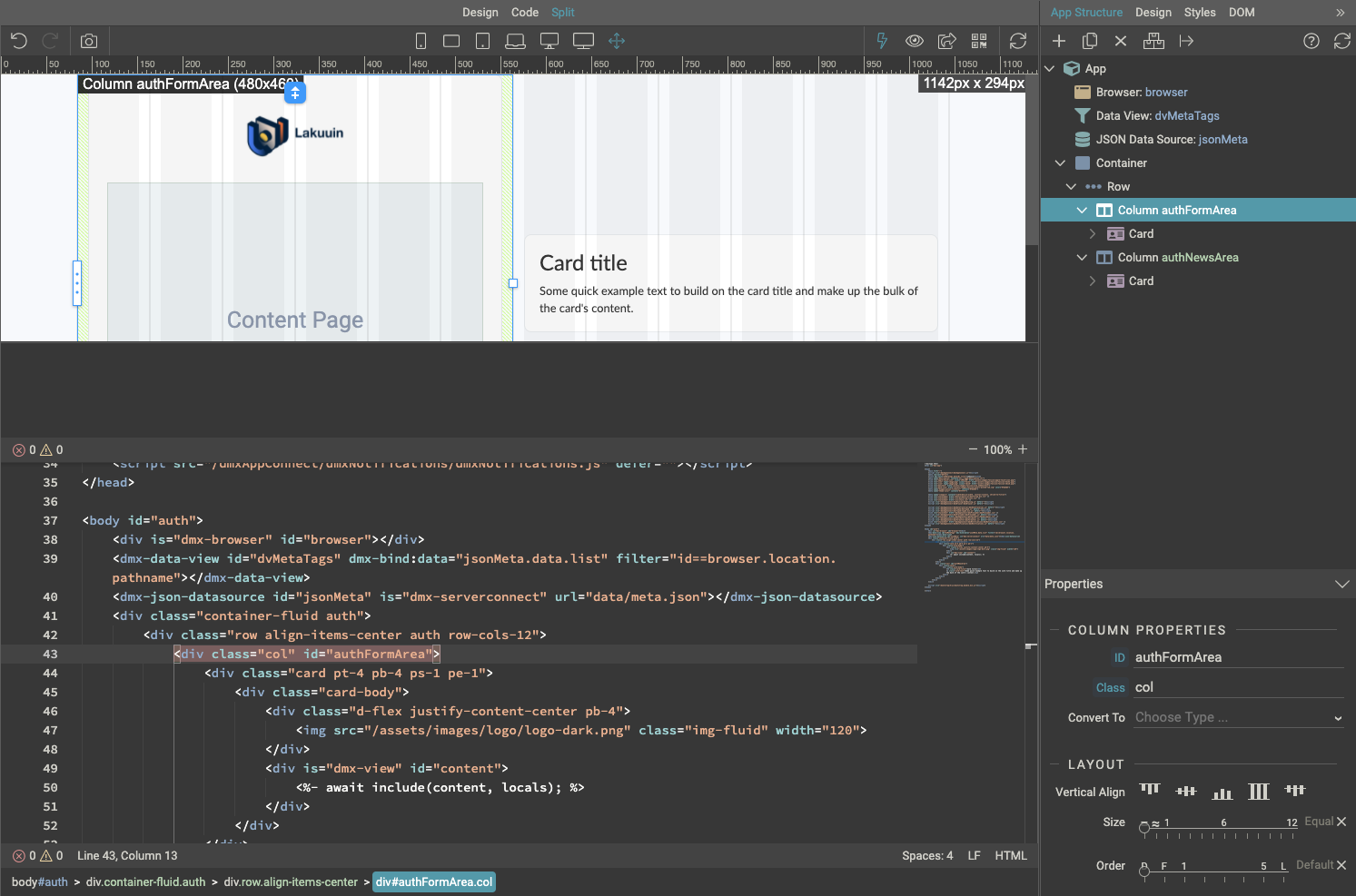
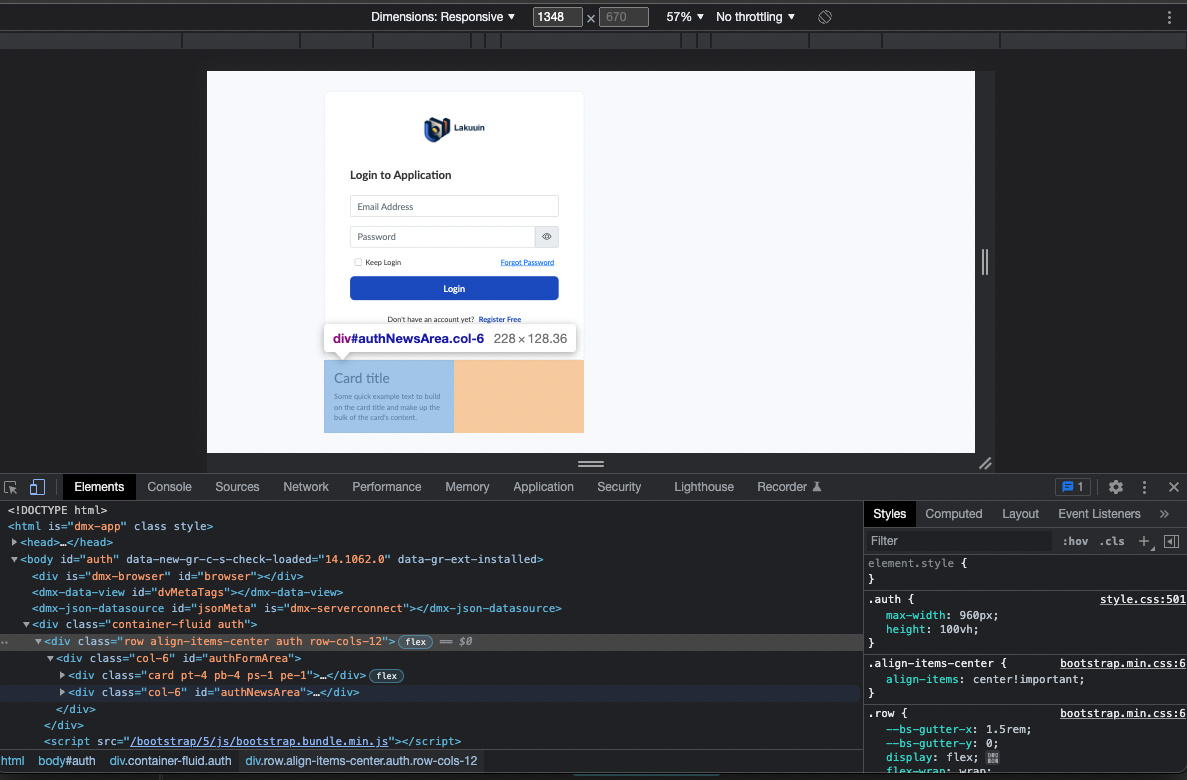
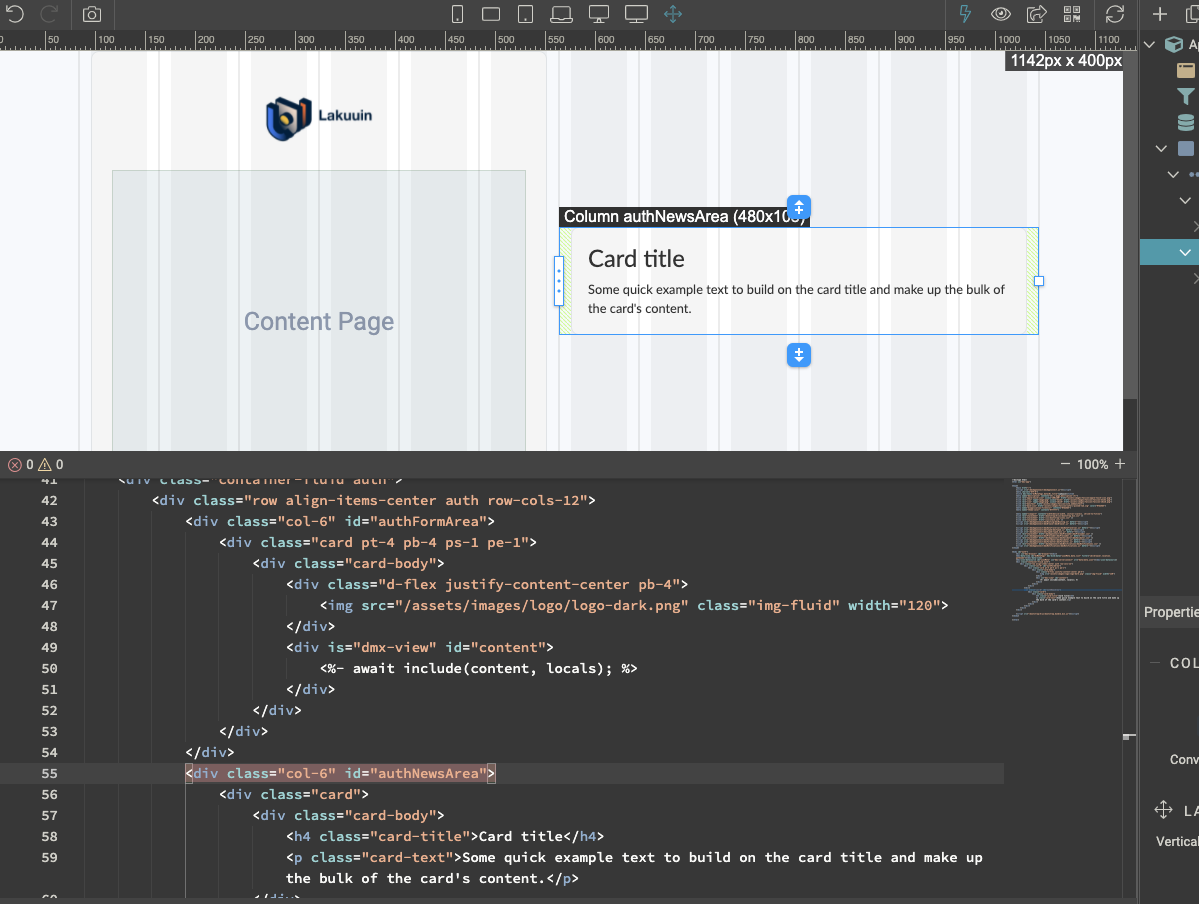
Column location move inside another column within the same row. The Row & Column location on Wappler (split mode) are showing different than showing in a browser. The column should be side-by-side but mysteriously switch as one column.

Steps to reproduce

  1. Create a Row and 2 columns inside
  2. Click open to browser
  3. Check HTML using inspect element.

Are you sure you don’t have syntax errors on your main/layout page such as not closed tags or similar?

where I could find this syntax errors?

just check your layout page code :slight_smile:

here the main/layout page

if there is a syntax error isn’t it that the one on the bottom with x marks will highlight it?

@baitabihaviour ,
If I understood the problem correctly.
You might be having this problem just because you’re using col as . Could you try again as col-6 instead?

Col-6 for both column?

yes

Still the same, no luck. The other column move inside the first column.
So weird.

Hi @Teodor & @s.alpaslan

Is it any possibility that the Wappler layout generates is different than from the split view?

Sorry I have zero knowledge of EJS templating to generate HTML views like how Wappler generates pages from a visual builder. I only know that Wappler will create files as we saw from split view. Tried to open the layout file using text editor, and it is exactly like what I saw from split view.
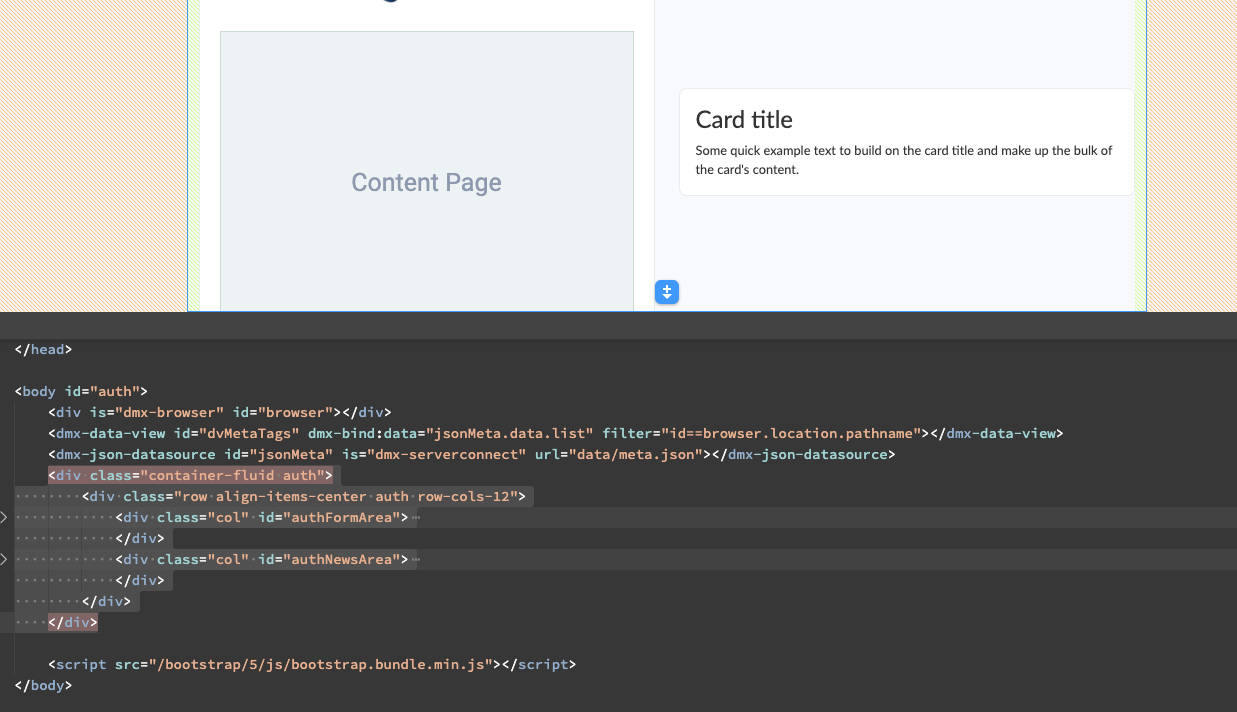
please zip and attach the layout and content pages here, or paste both pages code.

ok, let me try

Here is the code

error_layout.zip (3.2 KB)

On your auth-login content page you have syntax errors - non-closed tags. Missing form closing tag and missing div closing tag. Please fix these.

Got it, thank you!