Hi,
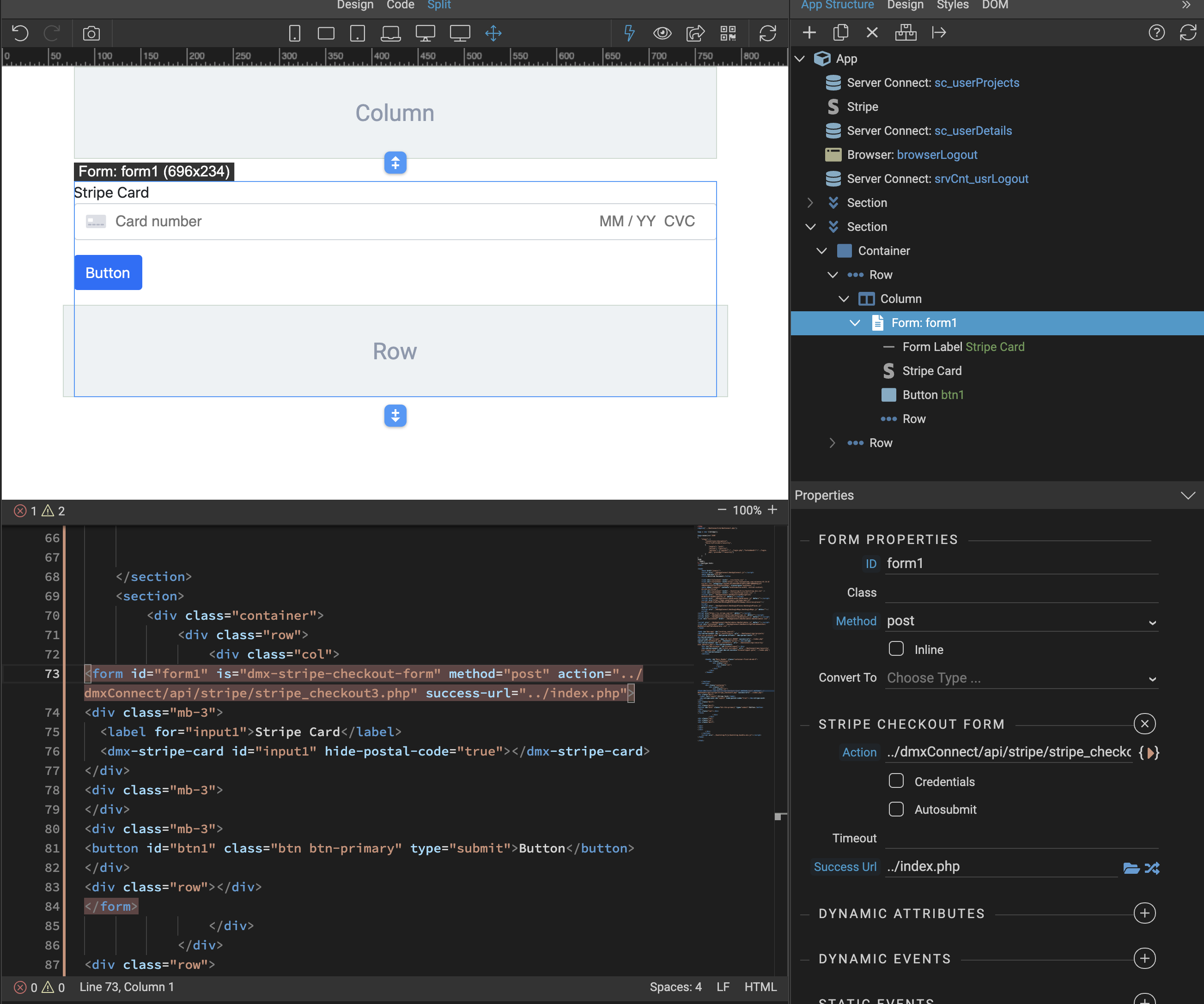
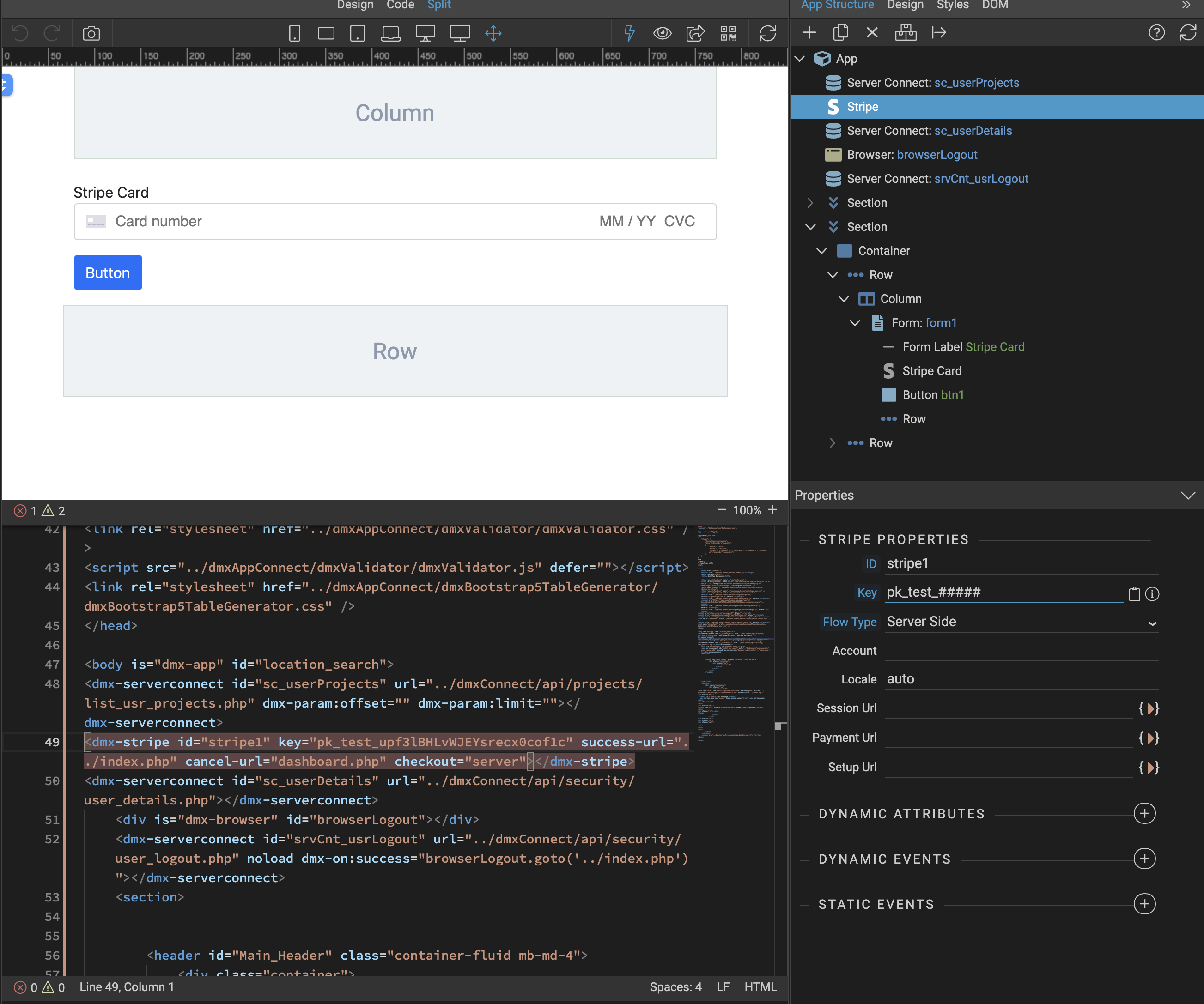
I managed to get Stripe working with server side setup and having Stripe Credit Card displayed on my page thanks to @Teodor (custom stripe checkout form, Stripe Custom Checkout Forms) .
However, since the use pays for dynamically generated products on my DB (projects in my case) (and I am not using Stripe to create products), is there a way to keep the Credit Card/expiry/cvv form on stripe and not on my page?
I just want to be able to click the buy now button and it will go to the Stripe hosted payment page for the user to enter the credit card details.
this is was I have so far. I have the credit card entry form on my page and its working with a server-side setup
If you’re using stripe, I’d suggest you will have more flexibility by also adding your products to stripe, You can then create dynamic prices as you wish and then use the Stripe checkout services with ease…
its not going to work for me. Products (projects in my case) need to be handle on our database, too many fields to be maintained externally and we use products/prjects tables for other functionality.
Ok. One option is to use Stripe checkout with a single generic product descriptor and create a price dynamically at checkout time.
Under ‘Products’ menu in Stripe UI, create a generic product or set of products (e.g. ‘Customer project pack’), Name it so it’s useful . Note its product ID (prod_LY6vWuPA6zFFTG).
Once you’ve calculated a price for the customer and are ready to charge the customer for whatever options they’ve chosen, create a dynamic price in Stripe linked to your product ID and then simply create a Stripe checkout with that price.
is there a way where I don’t have the payment page on my side, and just have a link to Stripe to handle all that. I am having great difficulty getting around this. I am not sure why it seems difficult to simply have a link for a certain dynamically generated price and have Stripe handle the payment page and then send an invoice to the customer.
Can you assist with the flow?
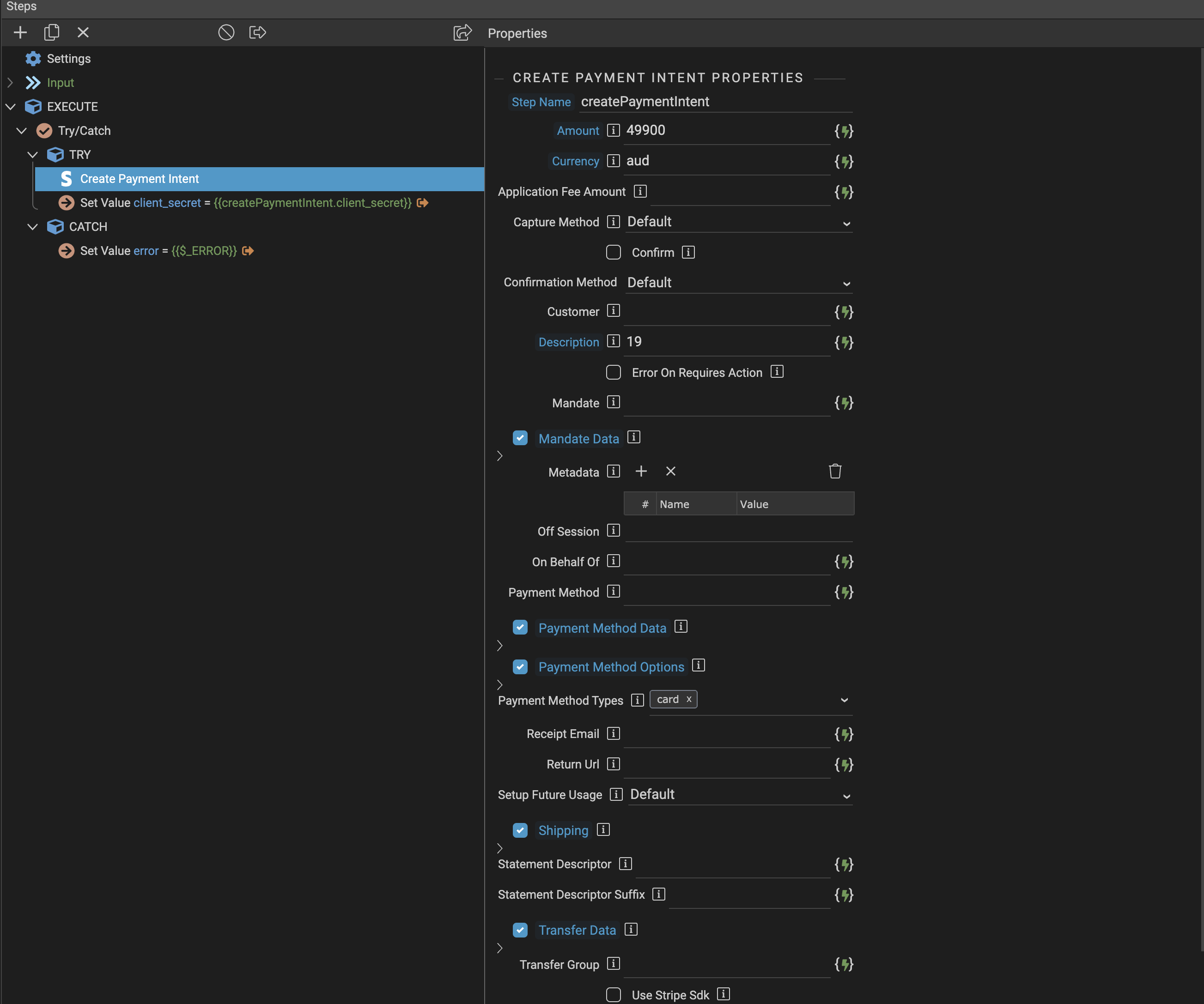
I don’t think my stripe checkout process is ideal having a create payment intent?
I am happy to help. Try this and if you need to jump on a Zoom or whatever to talk it through later, that’s fine.
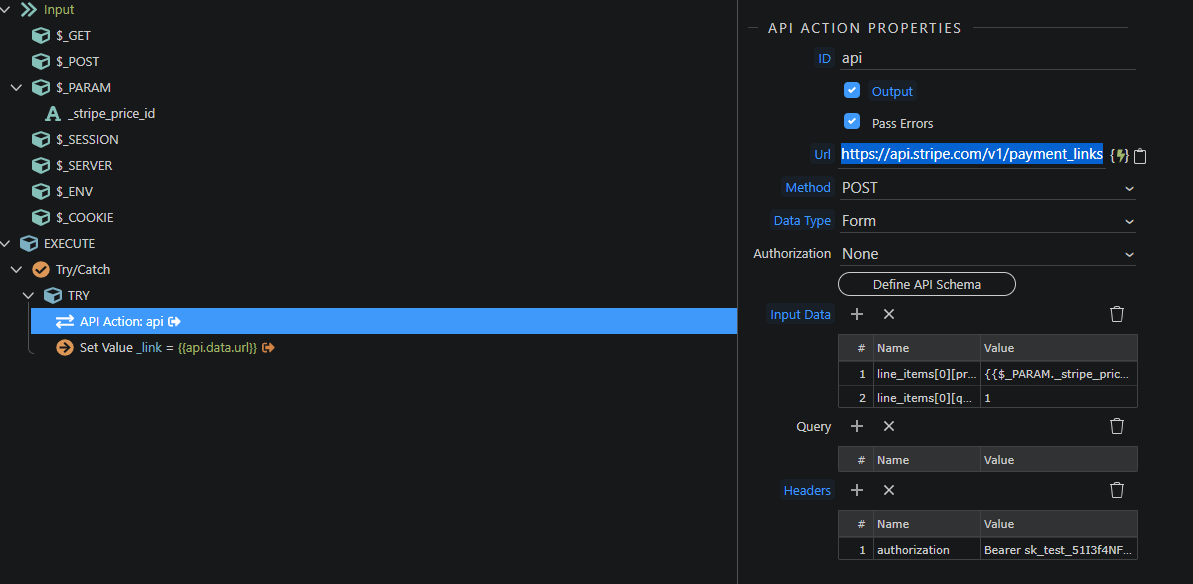
There’s probably 10 different ways you can approach this in Stripe but I think the payment link approach is most like what you need. This involves creating payment links with the API, using a generic product description and create a price specifically to each customer for their selection of services.
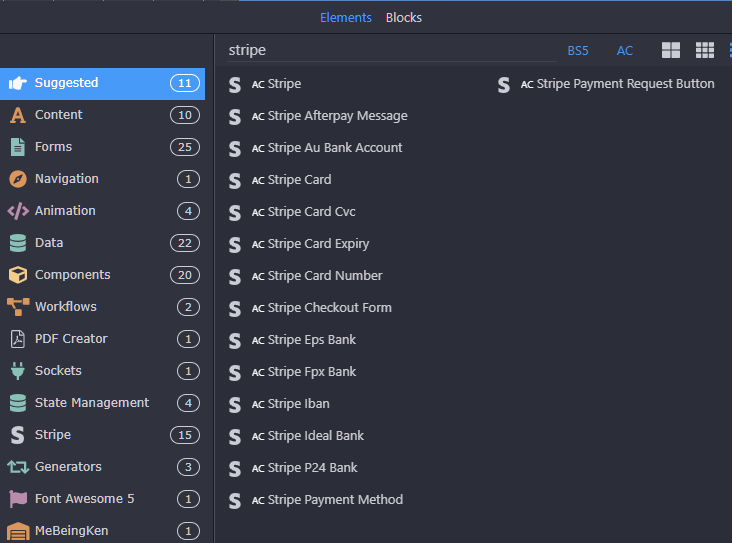
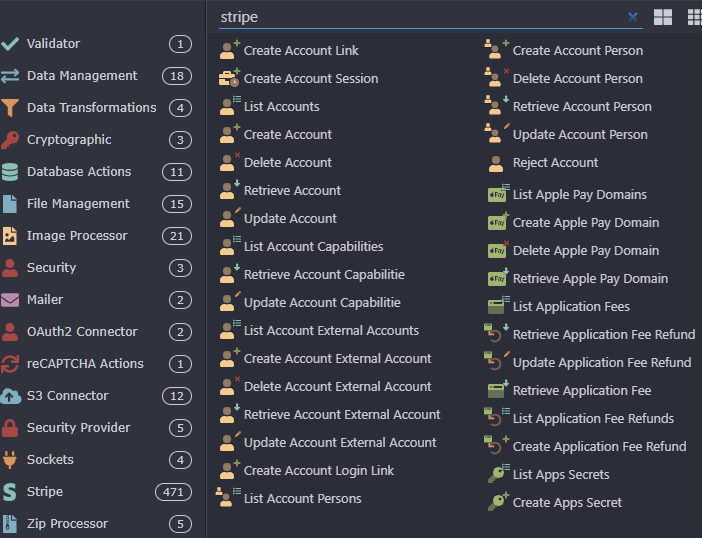
**I would seriously advise using the Stripe API directly with API actions (curl,POST/form) instead of Wappler’s wrappers - it’s actually much simpler and more flexible - and there’s only two calls required. **
STEP 1.
Create a generic product description and product_id in Stripe UI (“Your selection”)
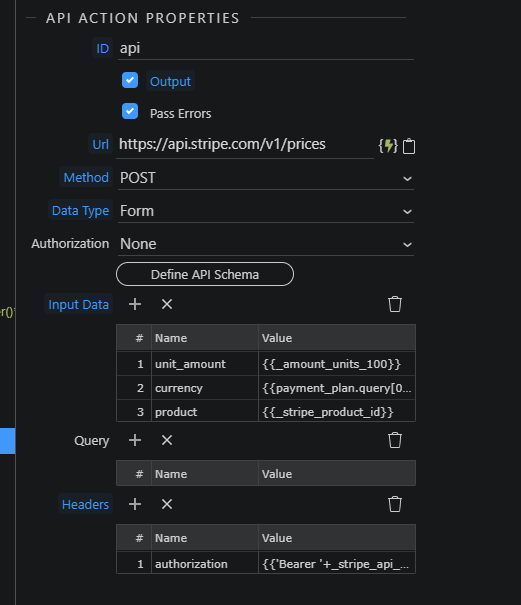
STEP 2 https://api.stripe.com/v1/prices
Creates a price_id for your product selection. You do this for every customer’s basket of products - one final price link URL per customer is required in each case:
Hi scalars! Thanks very much!
I am working on this now. In your first screenshot the input data _unit_amount and the values, where are you getting those from?
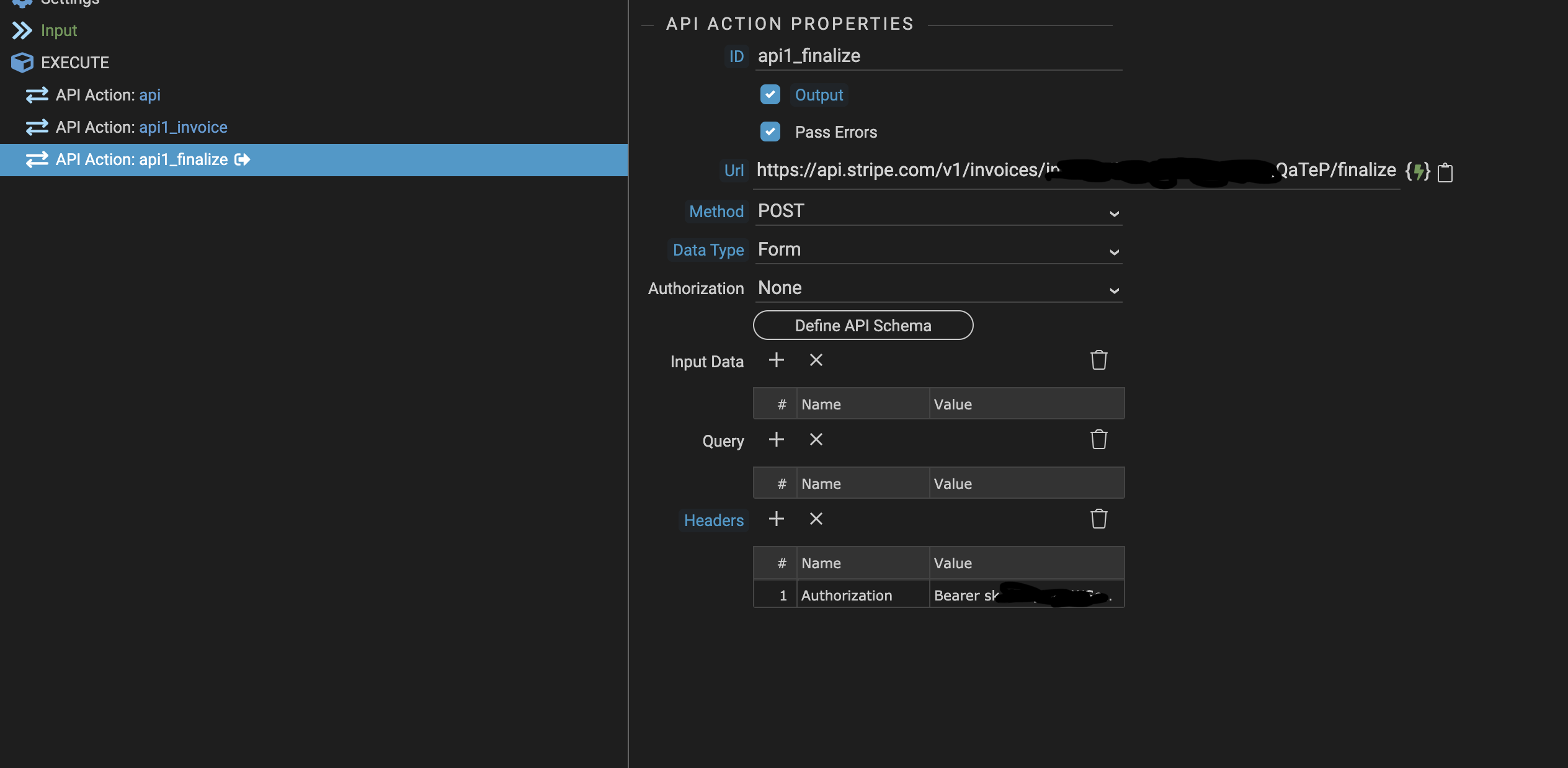
Also are both these screenshots of the same API Action? I note different in put parameters.
I have create an API server action.
Thanks scalars. I have progressed a little. I have managed to creat APIs using the API action and not the built in Stripe options as you suggested. I was able to create an item and an invoice. But I can finalise or sent an invoice. I get the following error
{"code":0,"file":"\/Users\/\/Sites\/dmxConnectLib\/modules\/api.php","line":65,"message":"http_build_query() expects parameter 1 to be array, null given","trace":"#0 [internal function]: exception_error_handler(2, 'http_build_quer...'
Thanks again for your help. I have actually followed your instructions and manage to get a payment link! So thank you very much!!!
It took several hours for me to get my head around everything and to redo a lot section of the website.
@George the API/Stripe integration is immensely powerful!!! Excellent work.
I’m glad you got it done. Stripe can be complex, particularly when deciding on an workflow for your needs - as thre are so many ways to achieve the same thing.
@scalaris I know this is an old thread but I just wanted to thank you for posting this, it has just saved me a whole heap of time. Creating the generic product (in my case it’s a service) then creating a link and passing a new price to it is something I didn’t even think was possible with Stripe.
The setup I created works like a dream thanks to this info