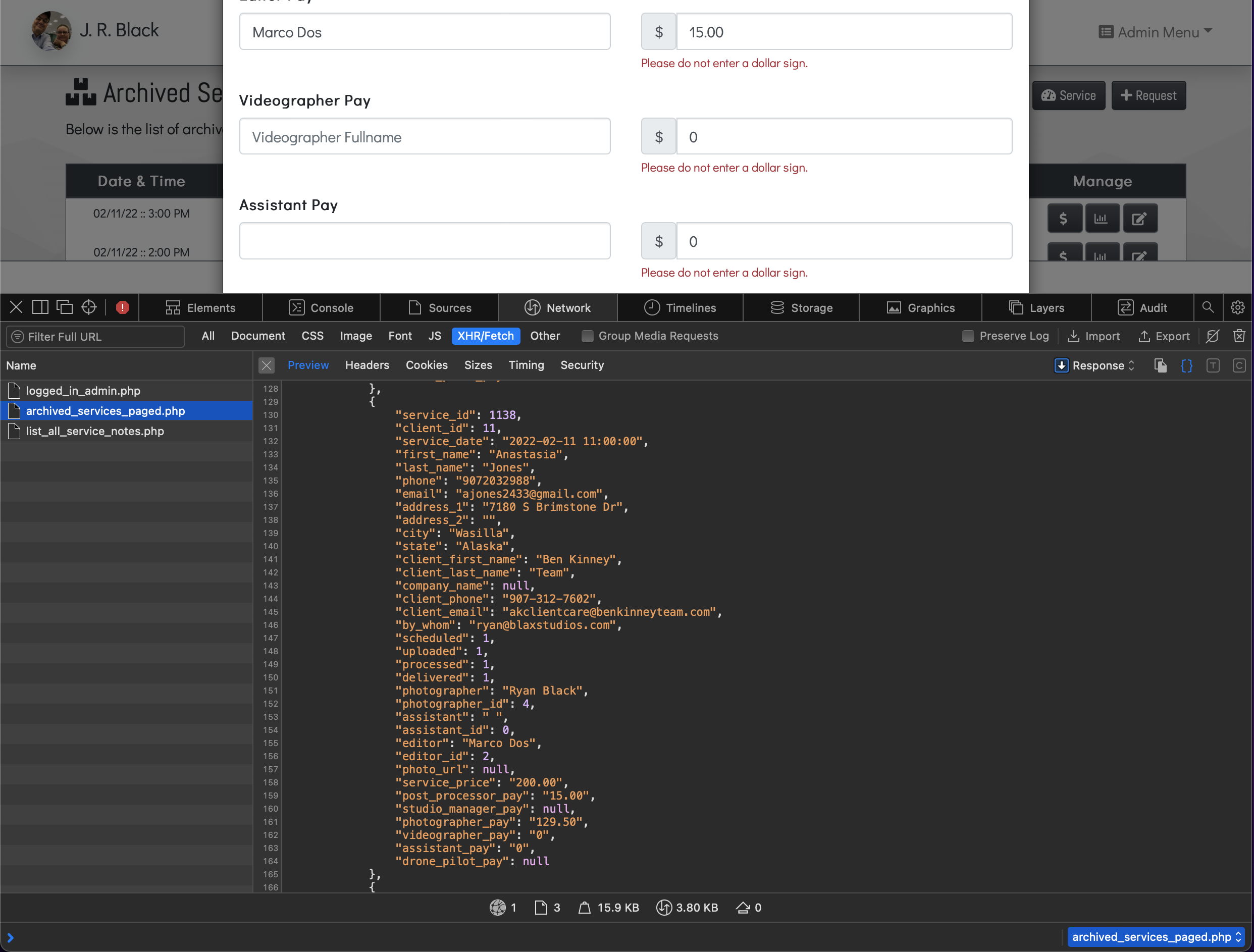
I have a modal that I use as an update form. There’s space that keeps popping inside a dmx-bind:value. The preceding inputs have identical structure, however, the last input, if blank should show only the placeholder info. In this case, the input displays a blank input and not the placeholder’s data. All this is caused by a space that is mysteriously placed in the input.
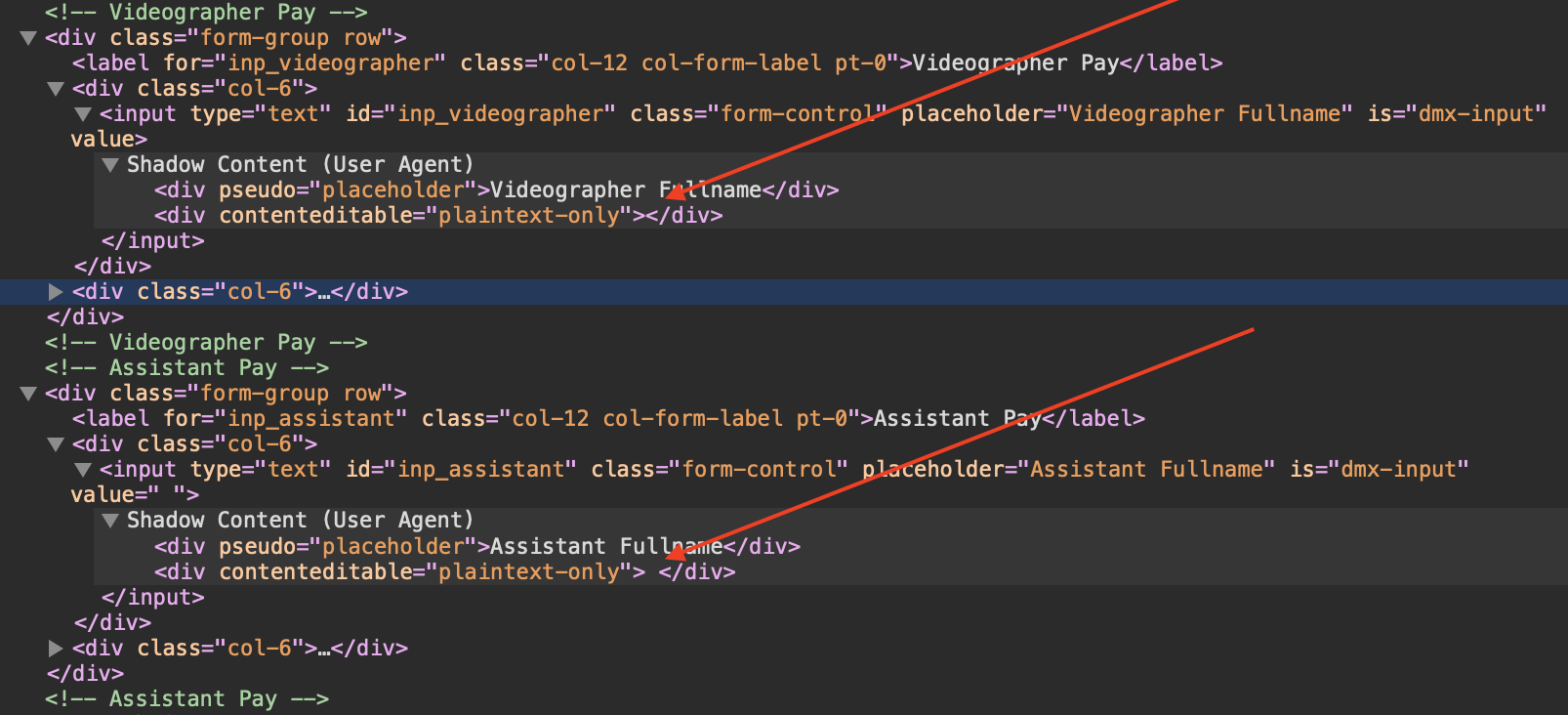
In the attached image you will see the input above is blank and works perfectly. However the last input is the culprit that somehow decided to put a space inside.
Thank Teo, no I’ve checked the database and there are no spaces or characters of any kind.
The input above shows, as it should value. However this one all I see that causes the placeholder to fail is value=" " (as seen in the attached image).
Teo, the database appears to have placed a single space in every blank column. I logged in at our host and looked at the phpMyAdmin. I’ve never noted this happening before.
Any suggestions? Other than use a trim() to ignore the initial space?
I see your mark. However, is it normal for a database to enter a space when the input is empty?
The only recourse will be the use of the trim(). It appears it’s the best fix for this issue.
Thanks Teo for your assistance.
Well there must be a reason for this. Empty input's value is an empty string "" not a space " " so there must be something in your config sending an empty space to the db.
Thanks Hyperbytes for your help! I had already changed the database to NULL. That’s what confused me. This host recently did some updates, but I would not have guessed that every empty table field would have a space. Frankly, it was my first.
Even with NULL as default, the space was relentless! So I just threw a trim() at it and “wa la” – no more space.