I am following the tutorial on yt for node.js on how to work with databases. I created a simple database with sqlite and added a table and data. the connection is fine. Then I am going into the api builder and try to query the data. Everything works fine, but when I look at the output, I get this message:
status: “500”,
message: “path.toSystemPath: Invalid path “database”.”,
stack: “Error: path.toSystemPath: Invalid path “database”.
at toSystemPath (/Users/lars/Desktop/Neuer Ordner/lib/core/path.js:30:19)
at App.setDbConnection (/Users/lars/Desktop/Neuer Ordner/lib/core/app.js:257:43)
at App.getDbConnection (/Users/lars/Desktop/Neuer Ordner/lib/core/app.js:313:25)
at App.select (/Users/lars/Desktop/Neuer Ordner/lib/modules/dbconnector.js:14:25)
at App._exec (/Users/lars/Desktop/Neuer Ordner/lib/core/app.js:485:57)
at App.exec (/Users/lars/Desktop/Neuer Ordner/lib/core/app.js:425:20)
at App.define (/Users/lars/Desktop/Neuer Ordner/lib/core/app.js:415:20)
at processTicksAndRejections (internal/process/task_queues.js:95:5)”
}emphasized text
I have no idea how to fix it. I started a new project and tried it again and got the same message.
Please help!!! Best regards Lars
First of all thanks for your fast answers and help! I am quite new to Wappler and I dont know know what you exactly mean. Maybe you can point me to some ressources about the topic or explain to me where I set the path.
I checked the documentation and I did exactly the same. The only real difference is, that I am using in the project settings own server instead of wappler server. I will check later if this will change anything. However Wappler tells me that the database connection ist ok, and I find my tables in the query builder, but when I check the output in the browser I get the message from post 1.
Thanks!
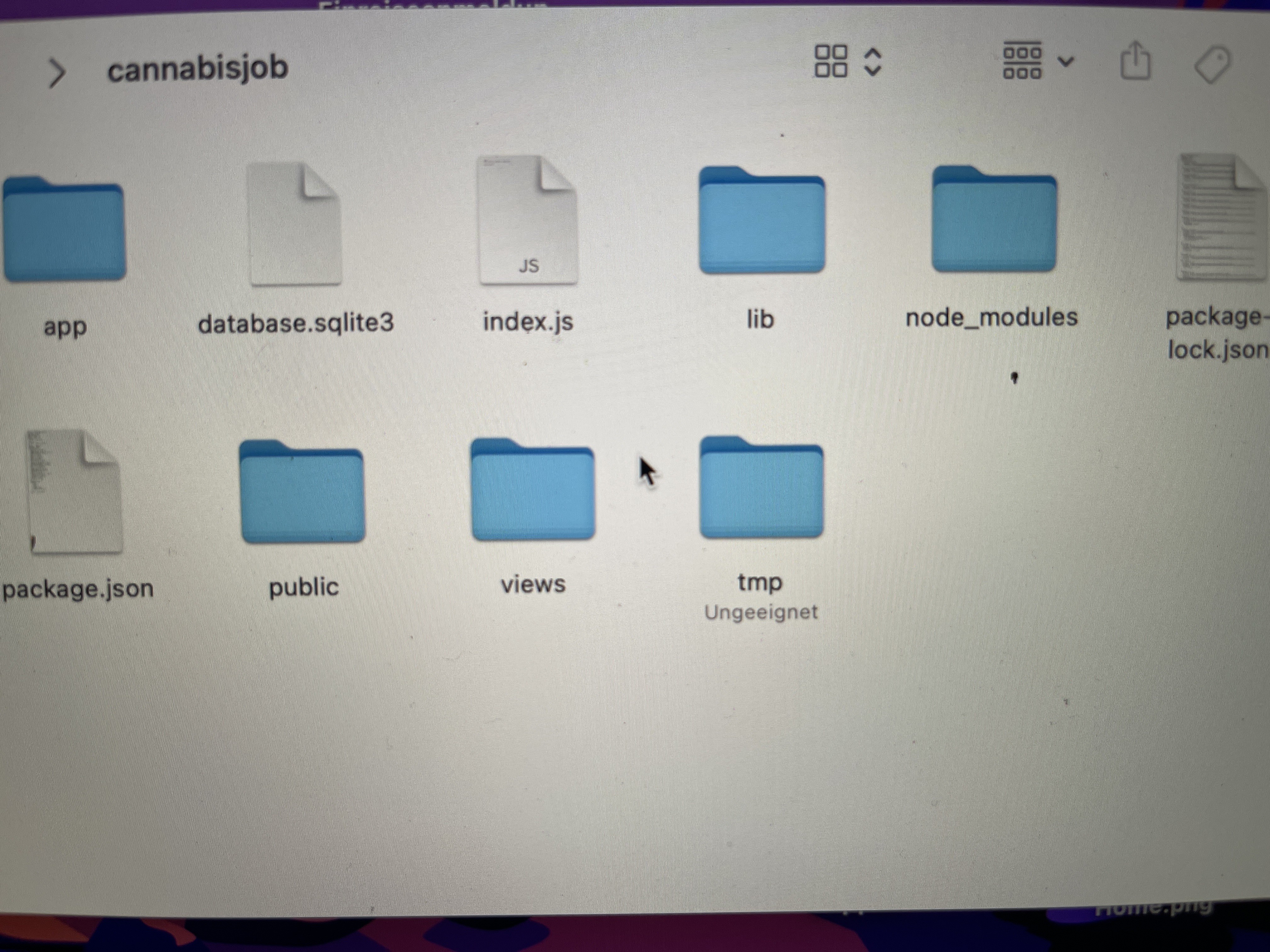
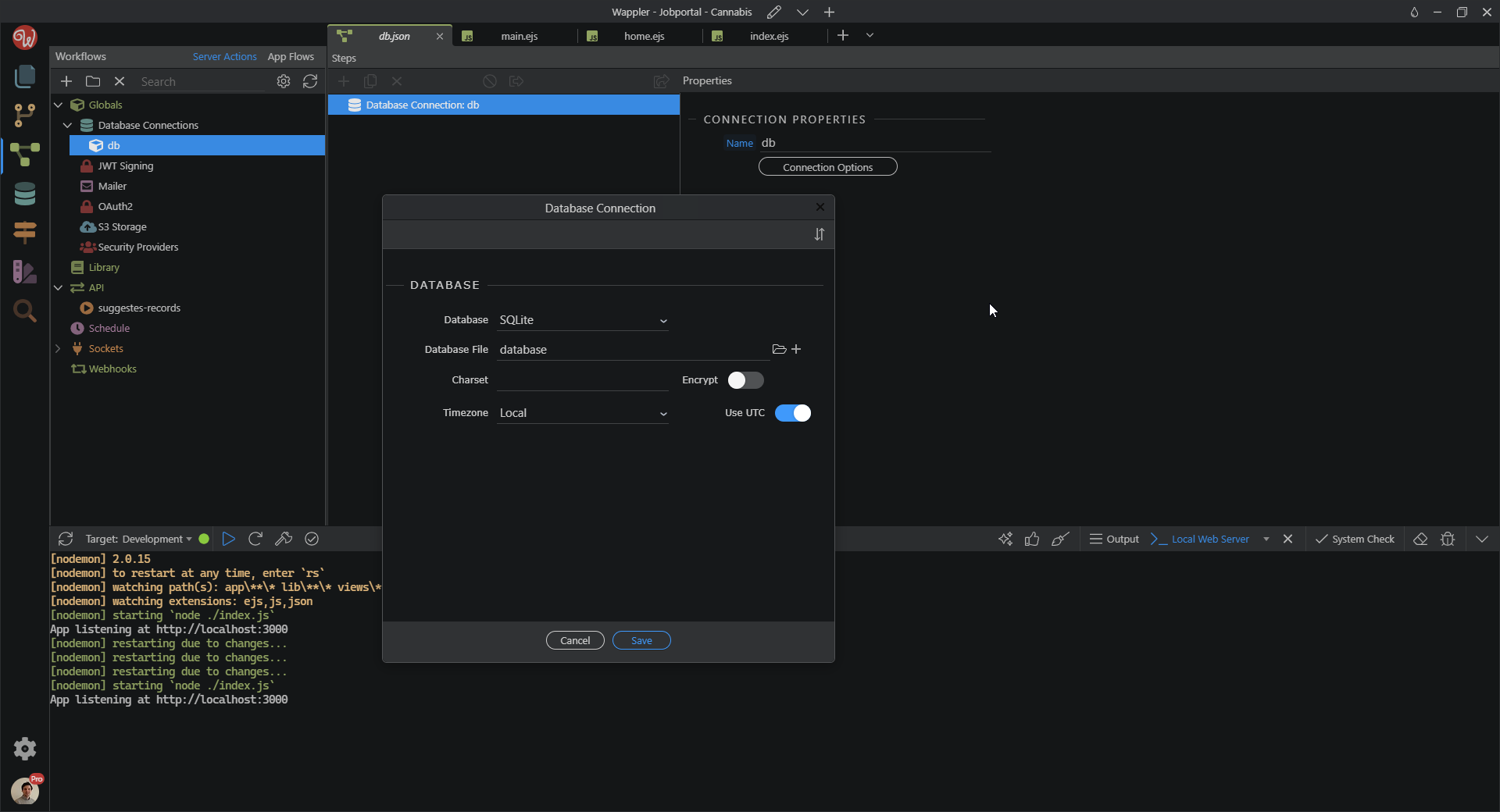
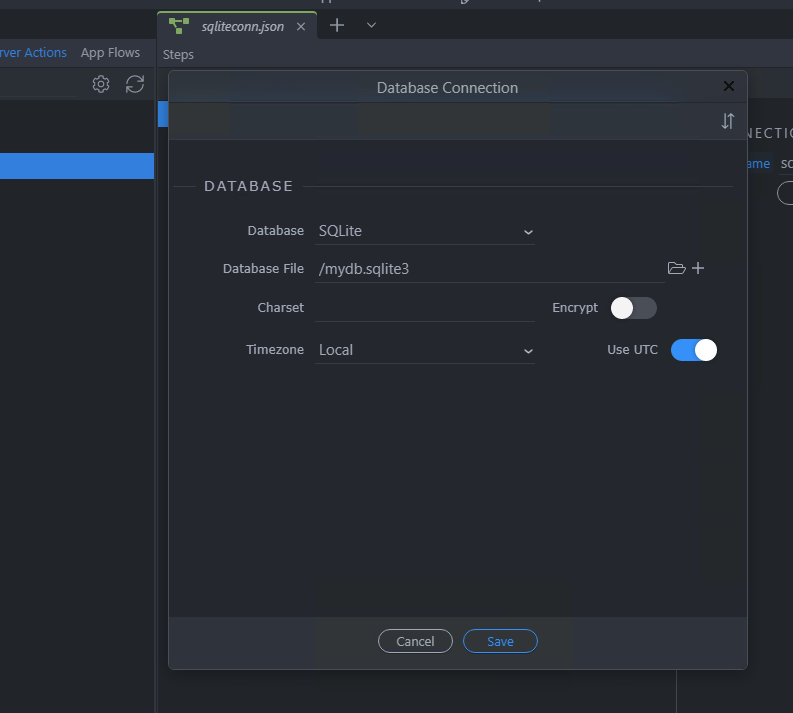
So as George asked, can you post a screenshot of what is entered in the database connection dialog, under Globals in your server action and in the Database Manager?
Okay, after reselecting the file, I got a new message: “npm install sqlite3”, after doing so everything seems to work fine. I am still wondering why the path was wrong, because I am sure I followed the tutorial. Nevertheless I am getting now the data!
Thanks for your time and help!!!
Best regards Lars