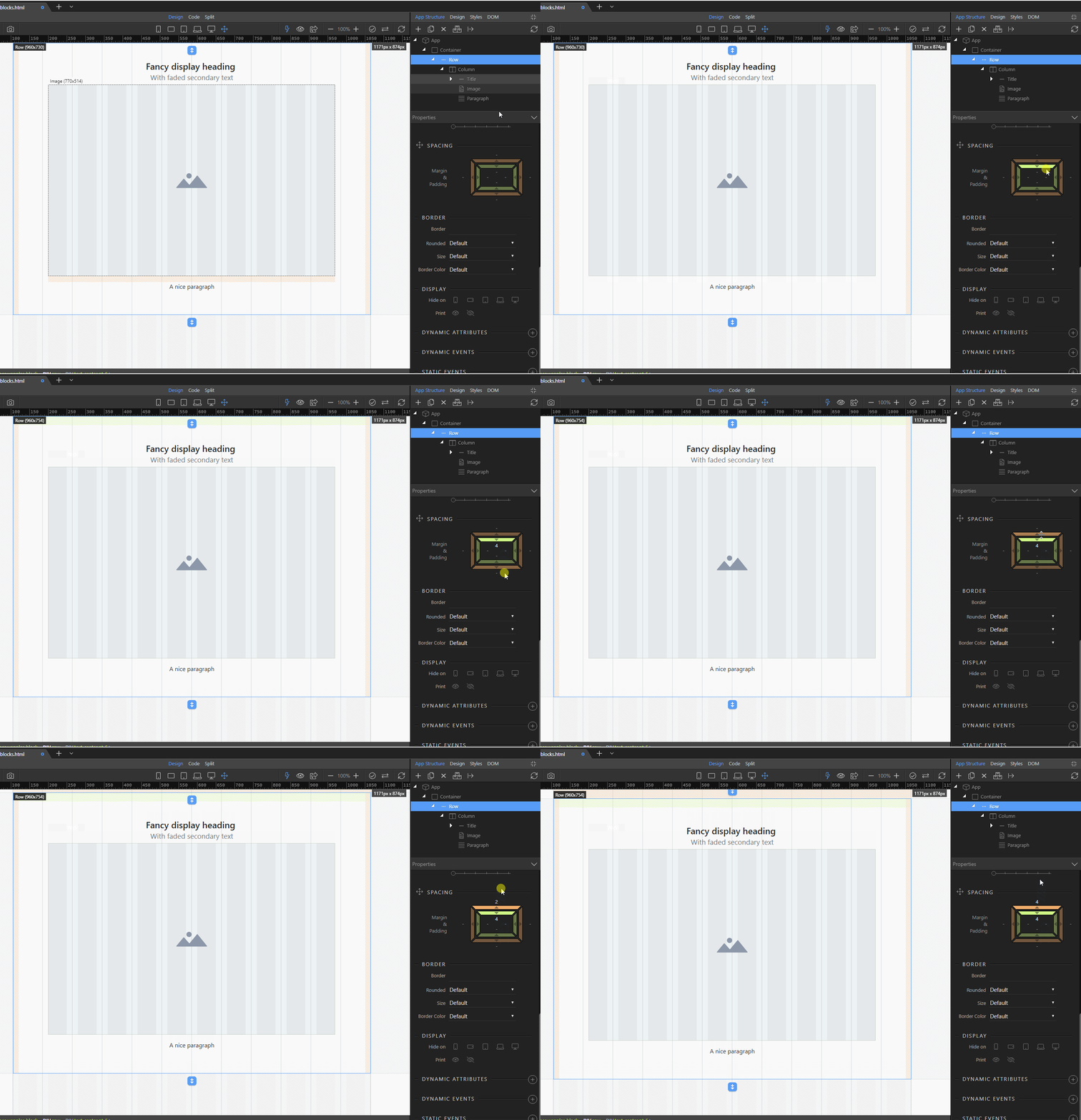
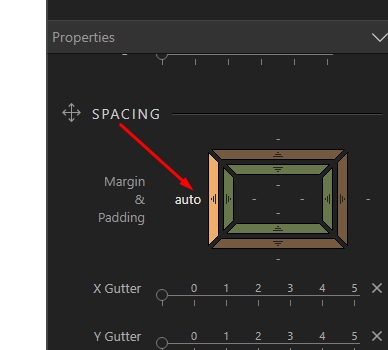
How can i give margin more than 5. I have tried increase the margin on Spacing property after 5 it set to auto. I could not click on the value to enter custom margin. Is this is normal or i’m i doing wrong. Kindly please explain me. Note: I’m trying to create a container after a fixed-top navbar, so i need margin top to place the container after the navbar container. Thanks
If you need to set specific values in pixels, then use the design panel. If you don’t see it, enable it in the general settings under experimental features.
The 1.9.9 edition has a GUI to adjust padding ( I am following the Creating a secure Wappler login page). In the film and all other literature, I see no mention of the GUI change. The GUI seems intuitive- but, alas, for those with a higher IQ than mine.
Can you give an 'Idiots Guide" how to use the GUI?
Still wading through. I do think that you could make the learning curve less steep. If there were a comprehensive series of youtube instructions. What you have is both eclectic with a cute whiff of glorious kumbaya enthusiasm. I think you need more.
Maybe we can talk about that offline ( mib@myray.com) I am willing to help.
Meanwhile – how do I cope with GUI padding control
@beden i am not sure i understand what are you referring to?
You can adjust the paddings and margins of any Bootstrap 4 elements in the App Structure panel, under properties. It couldn’t be more straightforward than this. Just click the handle and drag it …
Also, if you don’t want to use the default Bootstrap 4 values, you can use the Design panel, using similar controls:
Thanks. I click and drag. The side highlight but nothing happens. Or sometimes – usually not- a figure appears. Again, there seems to be no reason why it does or doesn’t
Can I send you the page?
 you guys are so fast in development. Wappler going lead the market for web development without coding… great going. I’m loving it.