Social Share App Connect Extension
Social share is a one click solution to sharing content on social media
Installation
Install through the standard Wappler project installer
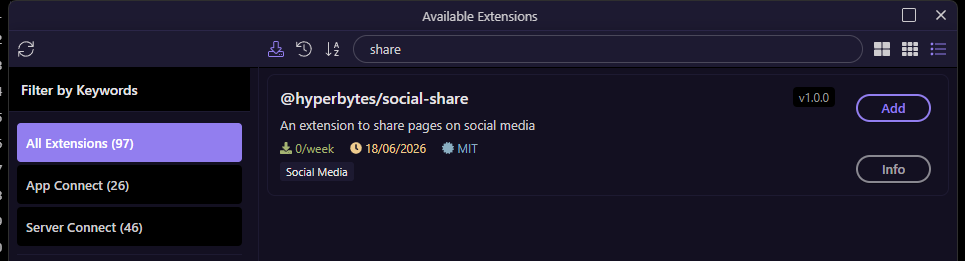
or via npm from
https://www.npmjs.com/package/@hyperbytes/social-share
Don't forget to restart Wappler fully after installing
Using the extension
Once installed the extension can be found in the socials group
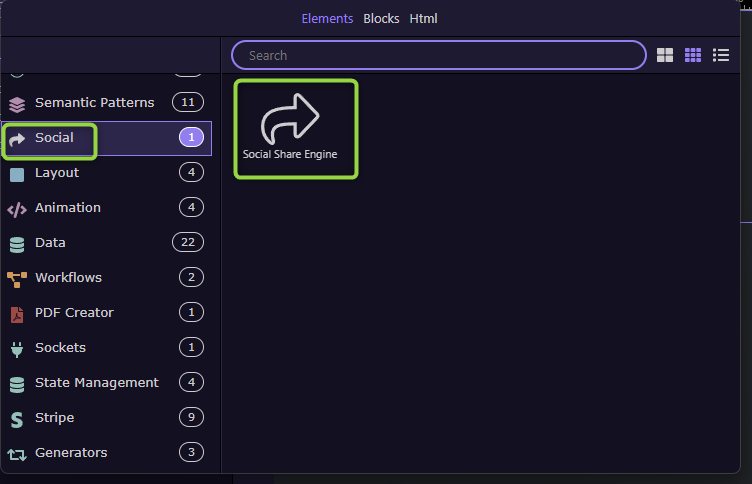
Add the extension to your page, this activates the events needed to share your content.
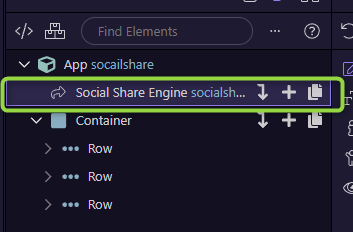
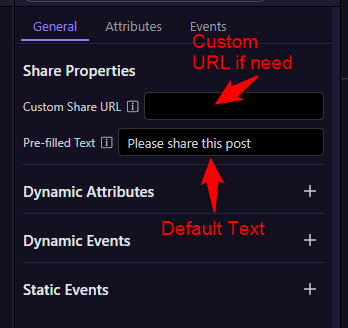
The extension defaults to sharing the current page however a custom URL can be entered.
Also default (Pre-filled) text can be added
Once added, sharing can be linked to events via the picker.
I start with a simple page
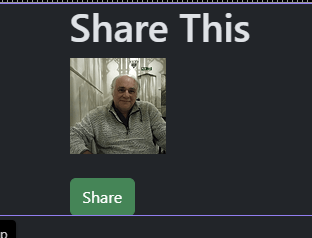
I want to share via a click on the share button.
I select the dynamic events of the button and select "Mouse" -> "Click"
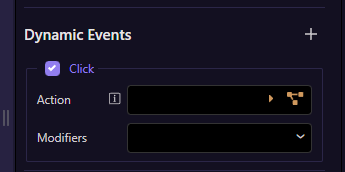
I select the action picker and select "Social Share Engine"
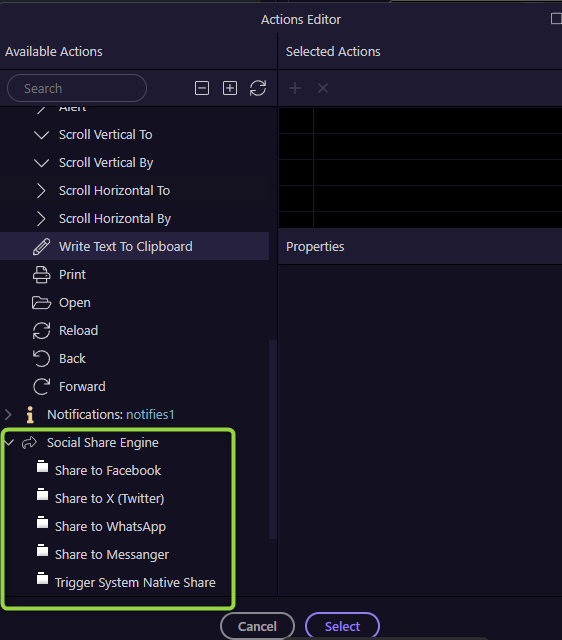
I can then select the platform to share to or select "System Native share"
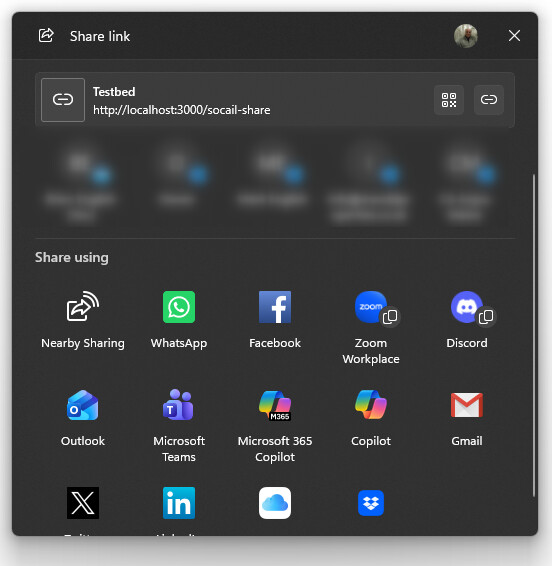
System native share will display your os's default share options.
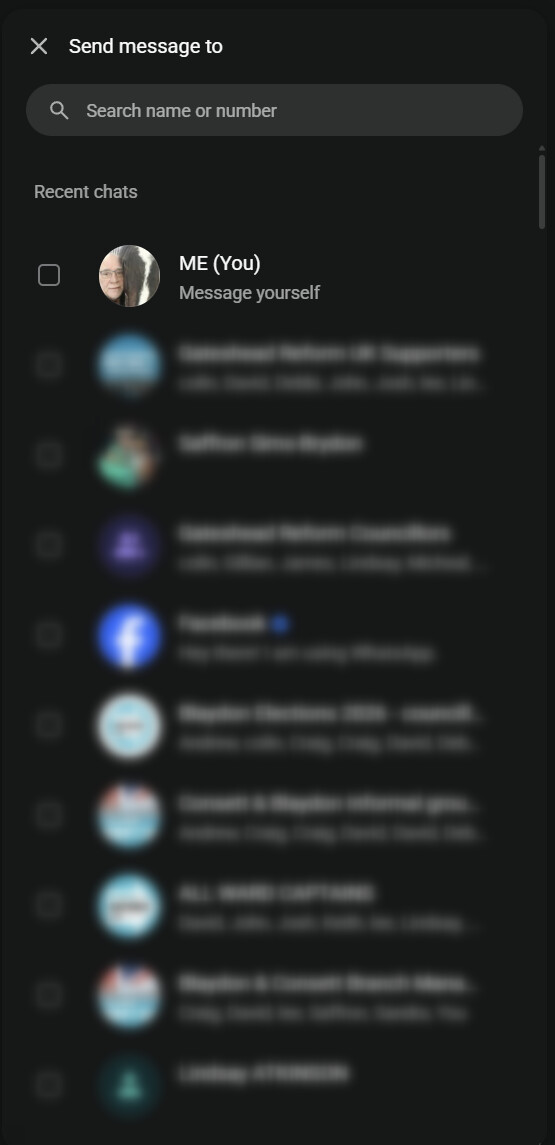
Here I have selected "System Native share" on a Windows based system, on button click i get
I return to the code and change the event to "WhatsApp"
This opens WhatsApp ready to share to your audience
Hope you find this useful, as always, any issues you know how to find me!