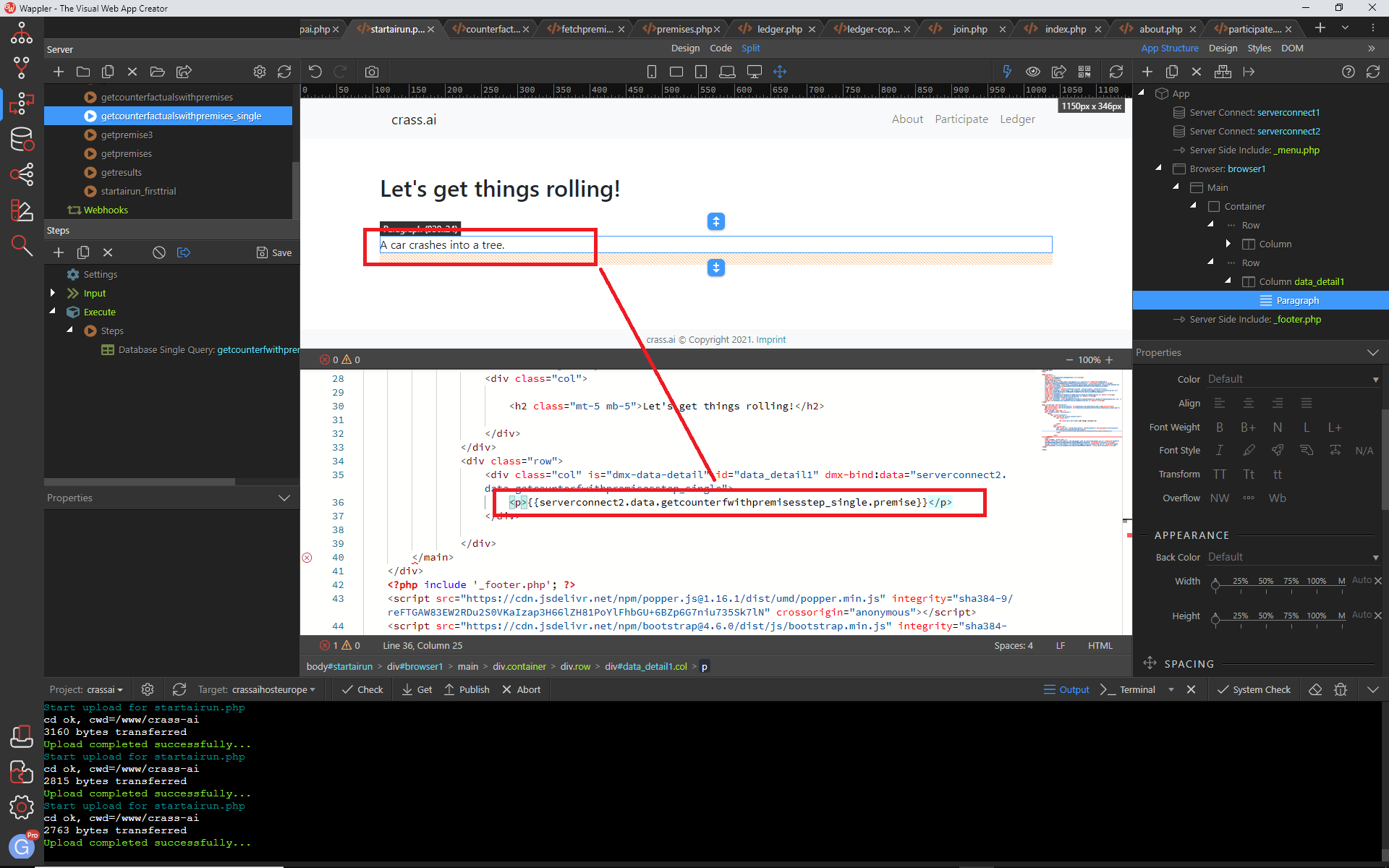
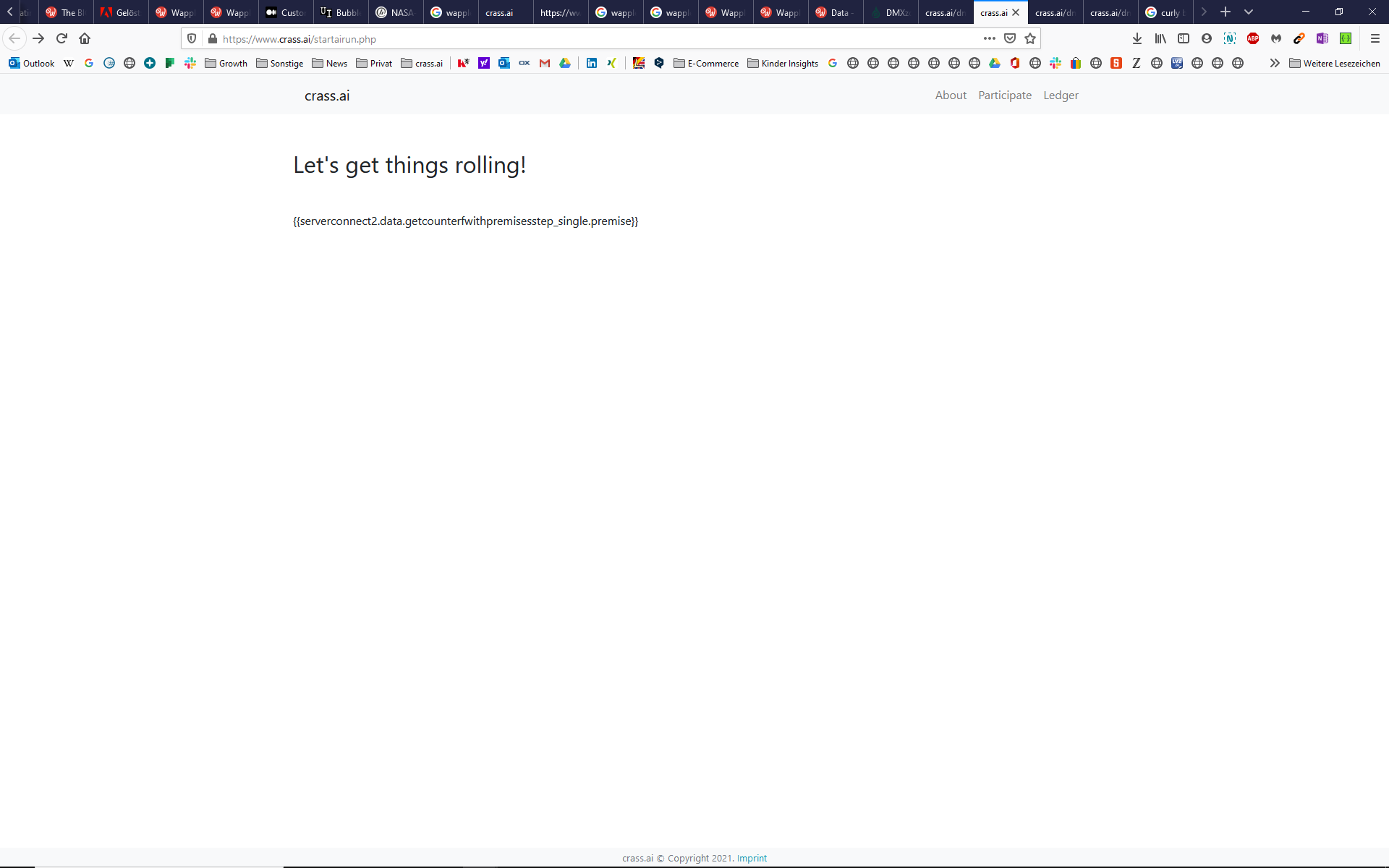
It seems I’m missing something. I want to show data from a simple single data query. I got the data query and serverconnect set up. I call the serverconnect inside data detail and in the Wappler editor everything is fine:
Thanks for the link for the documentation (I have read it). Tables always work just fine (with table generator) - in the browser as well as in the wappler editor.
But I want to include a single query result in a paragraph or headline.
And @Antony
Thanks for your question. I was wondering quite the same. Is the data detail necessary for it to work? Or is it possible to include the calling of a serverconnect without the data detail? In the Wappler editor it works for me:
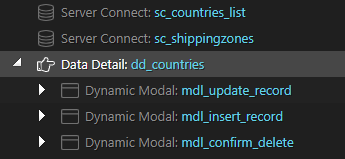
The Data Detail component is very useful for example if you have a table of results and you want to edit those records using modals, without having to run any extra queries. Eg here I would have buttons which open the modals by passing the id to the Data Detail component. The required data was included in the initial query (sc_countries_list). Obviously this approach won't be appropriate in all cases.
From the looks of this screenshot, it looks like you are using Single Query in your server action (API).
Data details does not fit this use case. The binding directly from server connect is the way to go.
The purpose of data detail, as Tom has pointed out, is to bind a structure where you need to traverse, say, a list of items.
For example, you have a table of items - created using a repeat with server connect set in the binding.
The table usually does not always show all the fields. So, when clicked on an edit button on the row, a modal could be opened or a section on the page can be shown with an edit form.
This form would require binding to show those details for the selected row from the server connect array.
This is where data detail comes in. You can set the ID of data detail to the column which is primary key.
Then, on click of edit button, select that row using ID in the data detail.
The edit form itself can have bindings from data details, so every time a row is clicked, the edit form already has data from that row populated.