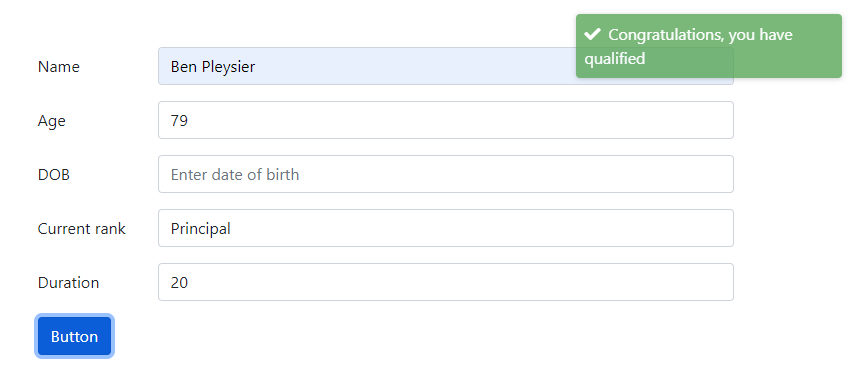
Greetings to this great community. I come seeking help and guidance.
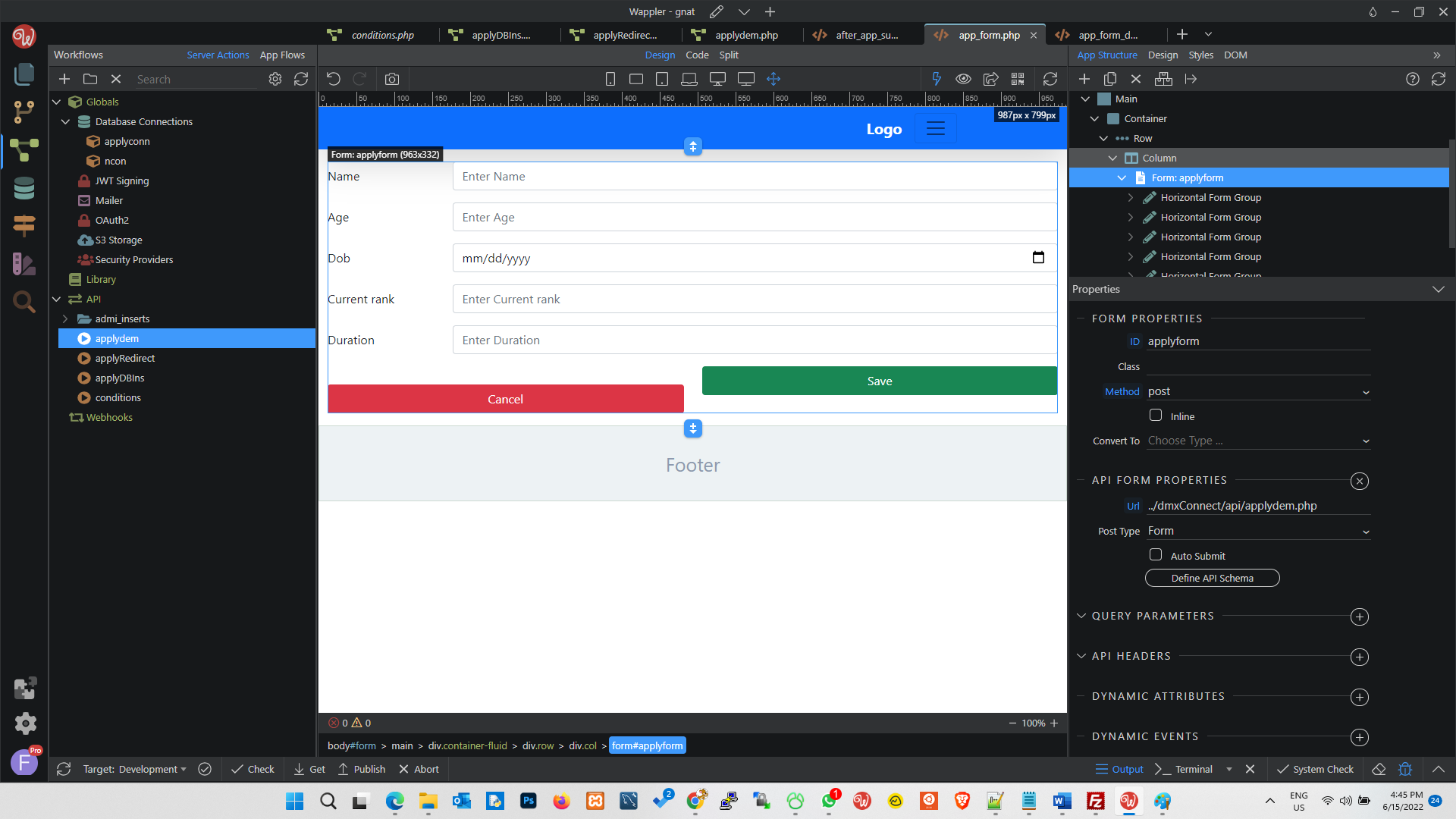
I have a form that accepts an applicant’s details such
Name, DateOfBirth, School Attended, CurrentRank, CurrentRank_StartDate etc.
When the form is submitted successfully, I want to display a Qualified or Unqualified message to the applicant based on the three conditions - age, currentRank and duration at currentRank.
The conditions for qualification are;
Applicant must be 35 years or more by a certain date (month inclusive)
Applicant’s CurrentRank must be Principal or Senior Principal or Deputy Principal
Applicant must have done 4years or more in currentRank by a certain date
Any applicant not meeting all 3 should get the disqualified message and those meeting all 3 get a qualified message.
Hoping someone can guide me through this or share links to some wappler videos or docs to help me achieve this specifically.
Hi.
Assuming you have a button which the user clicks to submit the serverconnect form.
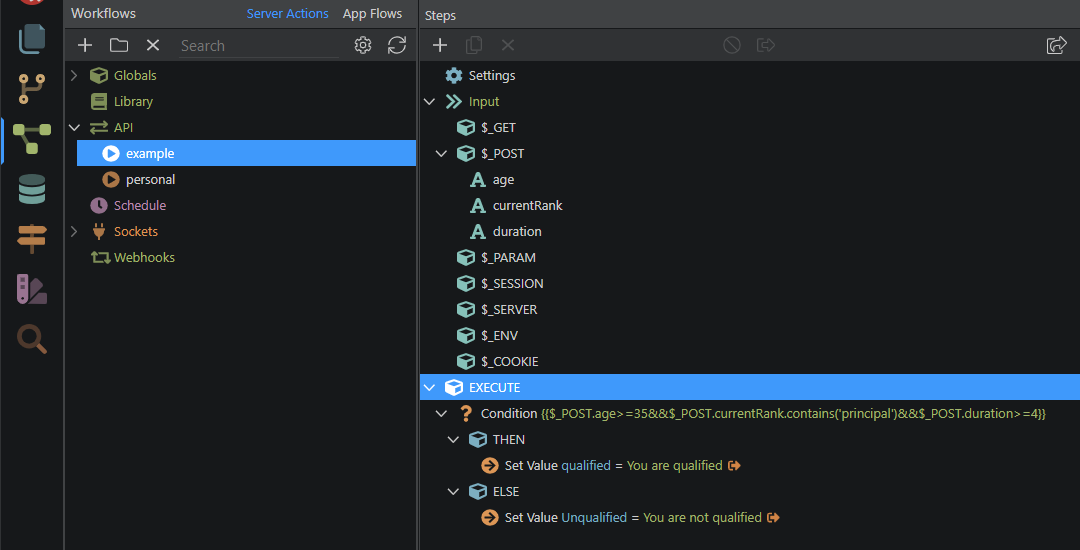
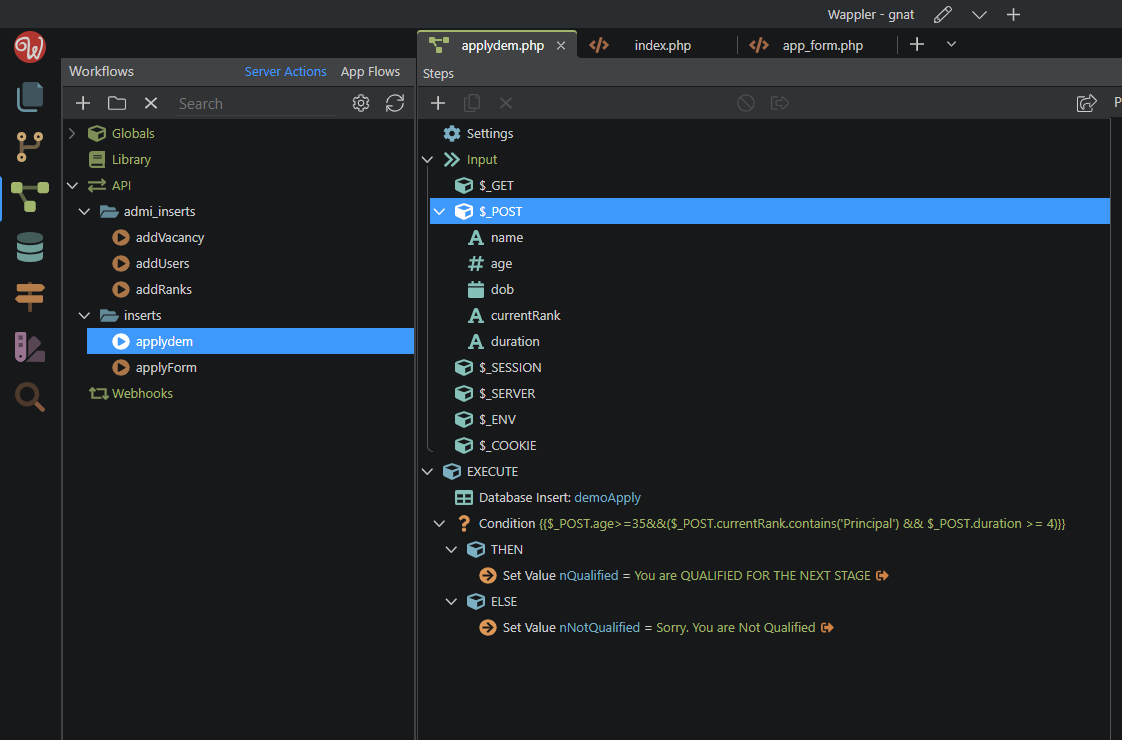
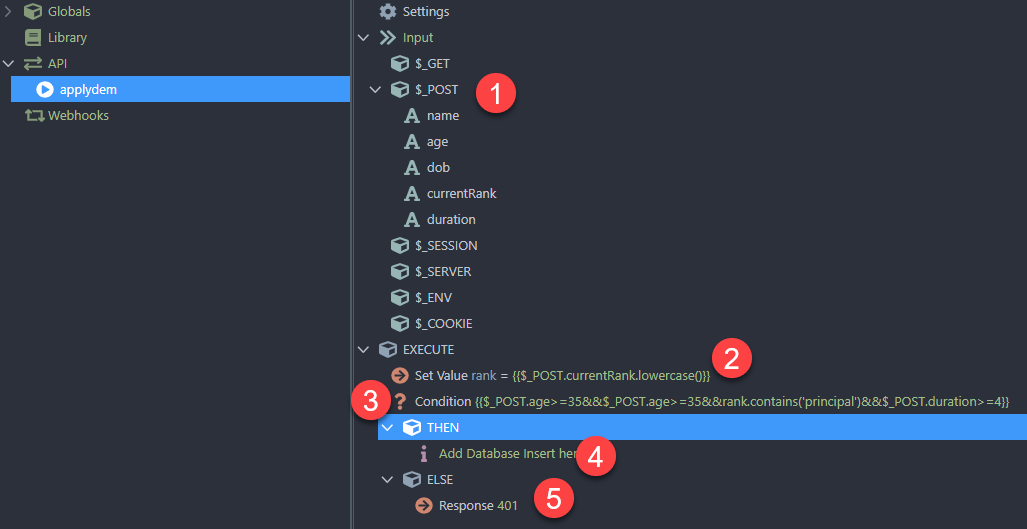
In the server action associated, you can easily check all the conditions one by one using the condition step.
You can also set multiple conditions in single condition step.
In the then/else, you can use a set value step with output on to return the result as qualified & unqualified.
You can also do all these things on the client side itself, without submitting a form. Add a general button inside or outside the form, and setup inline FLOW on dynamic click event of the button. In the flow, you can configure things similar to as explained above.
If you are looking for exact code on how to setup these conditions, I won’t be able to help. You can use various date and string formatters available in client and server side both to help you get what you want.
As @sid has said, you can do this with or without a form. Using a form, the posted values are submitted to a condition resulting in a truthy or falsey result as per:
Thanks so much, @sid and @ben . This got me on the right path.
I have been able to set the conditions and the values as described.
I have added a Dynamic Event to redirect the user on successful form submission.
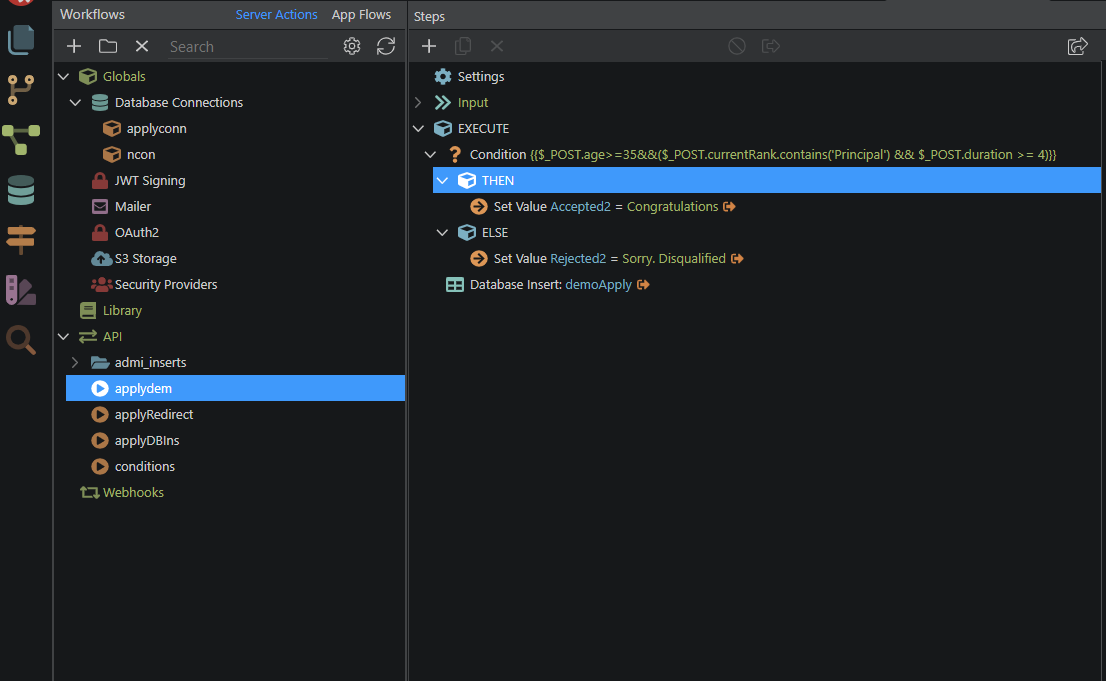
On the page I want to display the Qualified or Unqualified message, I have added Server Connect and connected it to the ServerAction which contains the conditions.
I added a paragraph within a column and bound the data of the ServerAction to it.
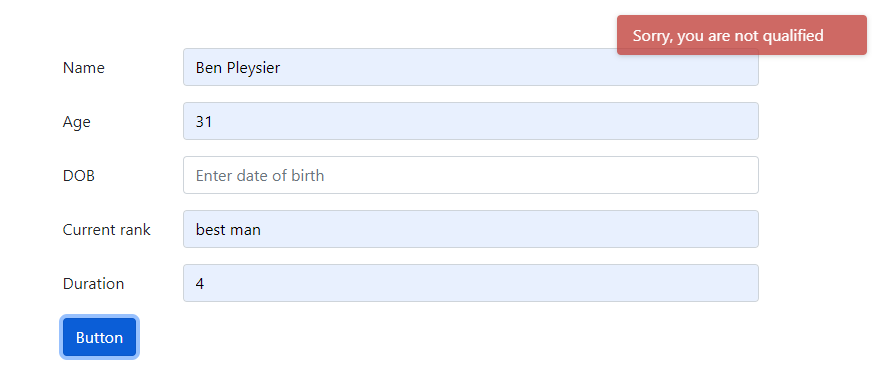
Here is where I get stuck again. When I load the page, I get the unqualified message even with the conditions met. I'm certainly not doing this right.
What am i doing wrong and what is the right way to get the right message to show. The form data must be inserted in the DB whether the person qualifies or not. Not sure what else to try
Unless I'm misunderstanding what you are saying here or misunderstanding the layout of your site, and you only want "Unqualified" or "Qualified" to show when the form has been submitted, this is being caused because you have a ServerConnect for this action on your page. This will result in it loading as soon as the page loads, and because these values are from a form which requires user input, it's always going to be false on page load as the user won't have selected/entered anything yet.
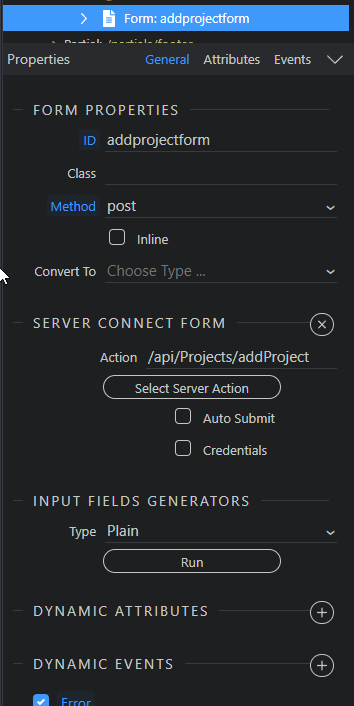
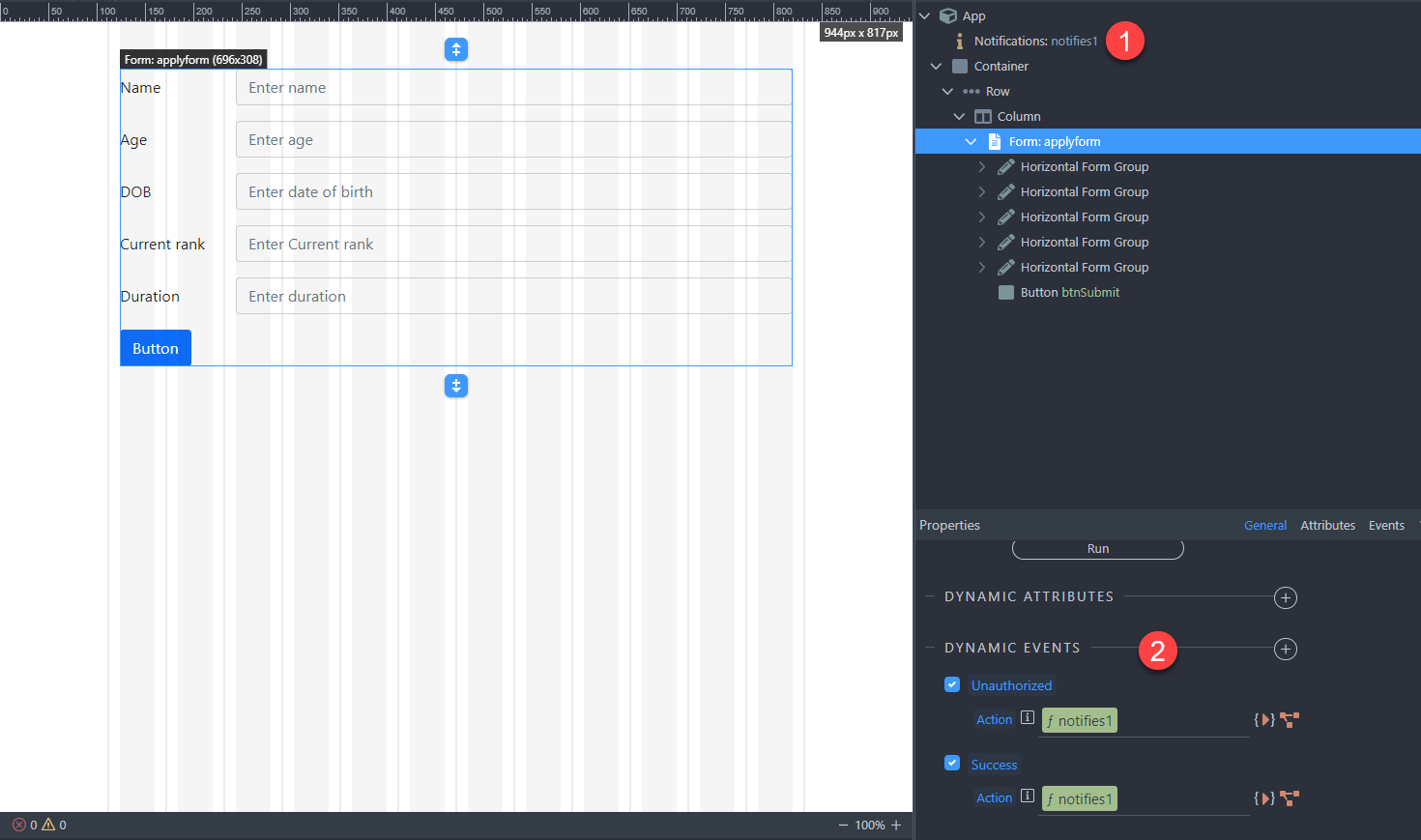
Instead, you should assign this server action to the form directly:
That way, only when the form is submitted the server action is triggered. There will be an app connect binding under the form for the values that are set when the server action is triggered by the form.
At this point, the data goes into the DB and page gets redirected as expected.
I suspect the problem is with the final page where I want the message displayed.
How do i bind the results of the conditions on that page for users completing the form?
Anyone to my rescue?