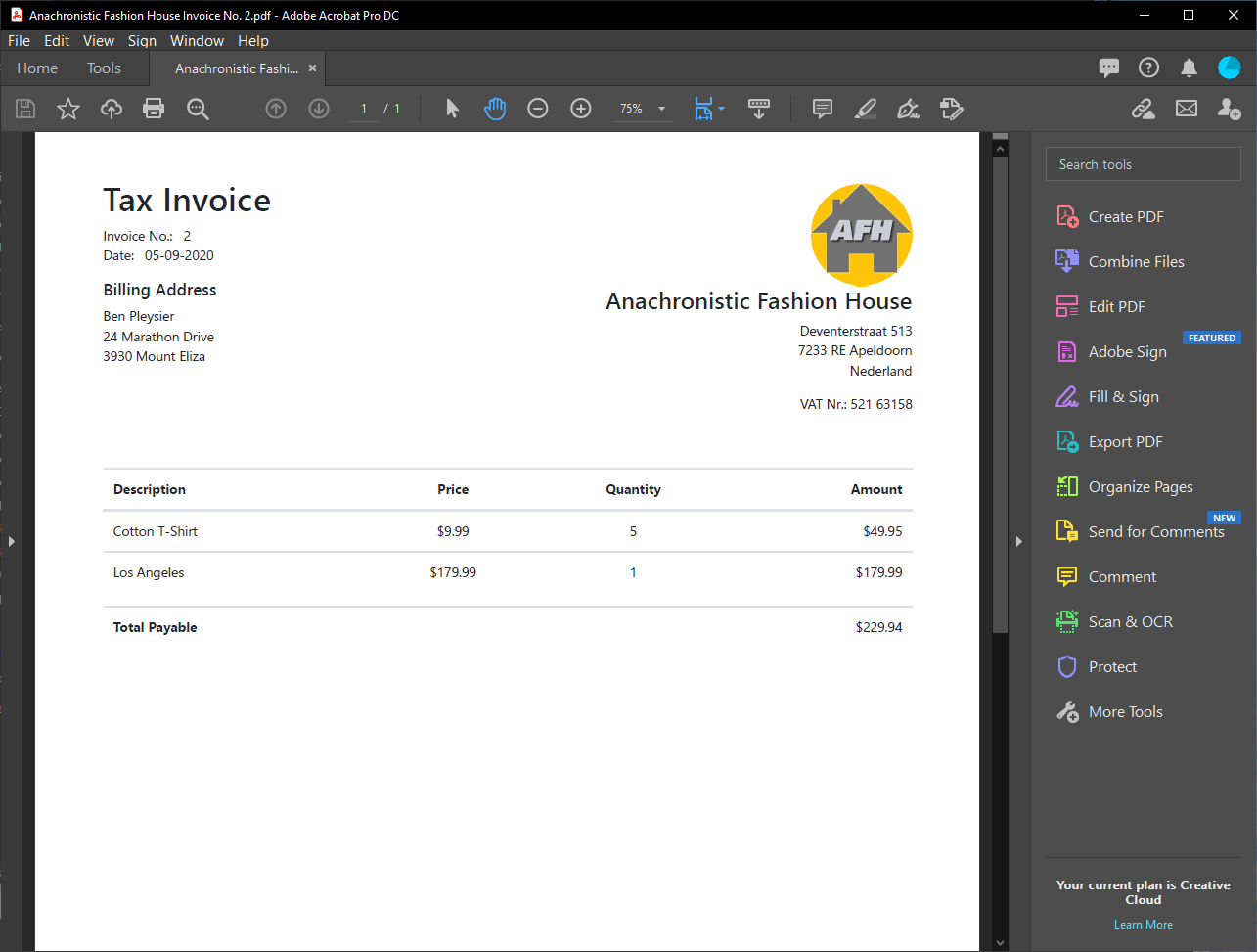
I need a way for the customer to get a receipt with the line items on it as. the receipt is their ticket.
Ideally I would like to have Stripe send them a email receipt with the details but:
a) can’t figure out how to send them a receipt through Stripe. Does it do that when using live data?
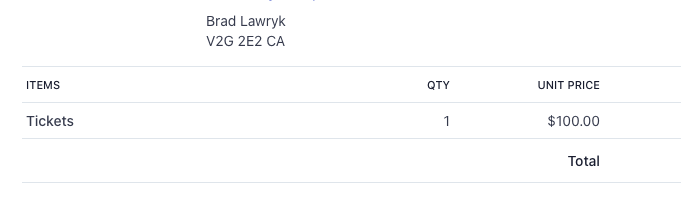
b) The Stripe transaction only says Tickets and qty of 1. How do I record the line items in the Stripe transaction?
However, I can live with this if there is a way to show the transaction details on the success page and the user can print that out. Not ideal but I think I can live with that. Basically I need a way for the customer to:
a)Print out order details
b)Ideally have an email confirmation with the details.
Even a way for the user to get an email (possibly in the webhook steps?) with a generated link to view the receipt. That would be perfectly acceptable.
I think if I could do this it would solve my issues.
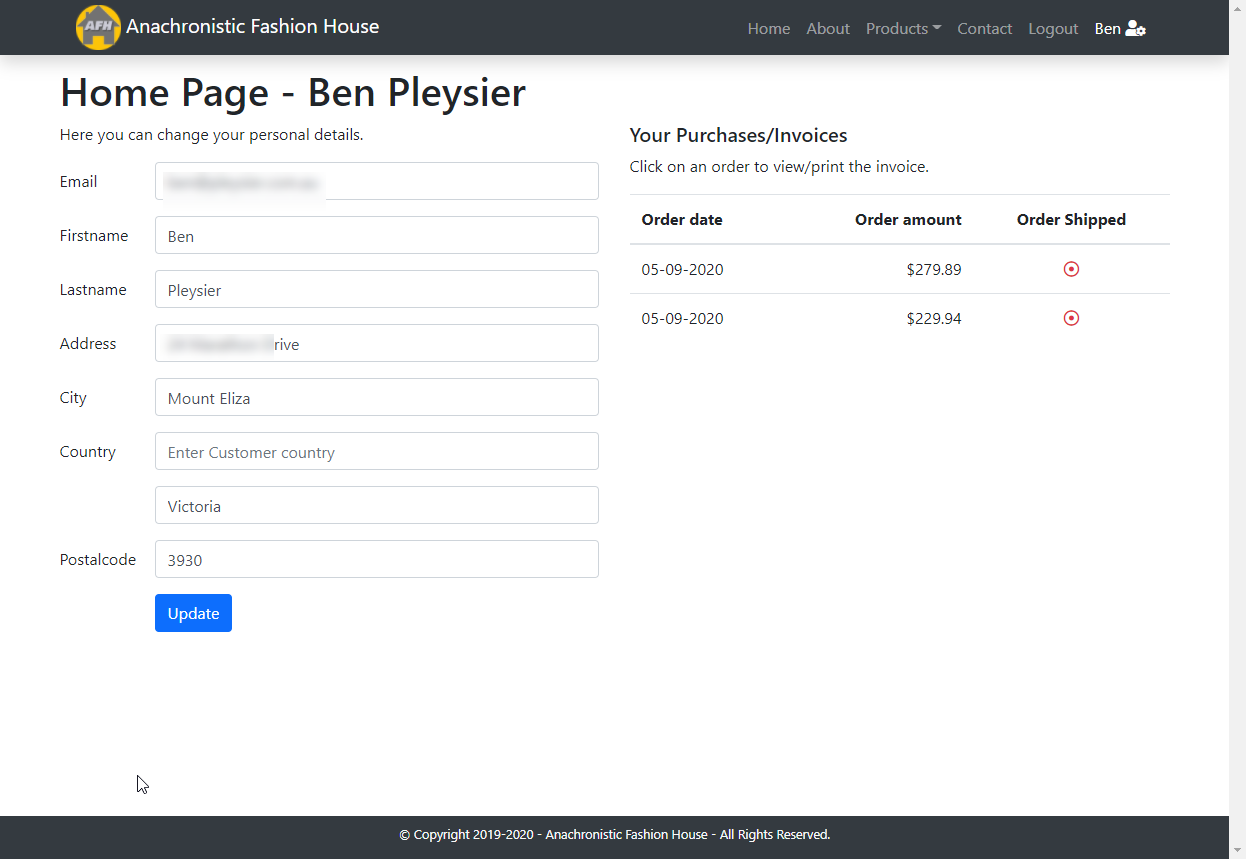
But on my success page I'd like to show the order details. I can of course do this if I leave the temporary storage values set and that works well. But that of course leaves a big security issue of people adding to their cart and going directly to the success page and printing out the receipt.
Is there a way to pull the payment_intent from the checkout into the success page of which I could do a query tot get the order details form the database?
I need to test this further but it's probably going to be a case of adding set value/variable steps for the individual lines (within the line item repeat/db insert step) and the lines should then be available from the data picker.
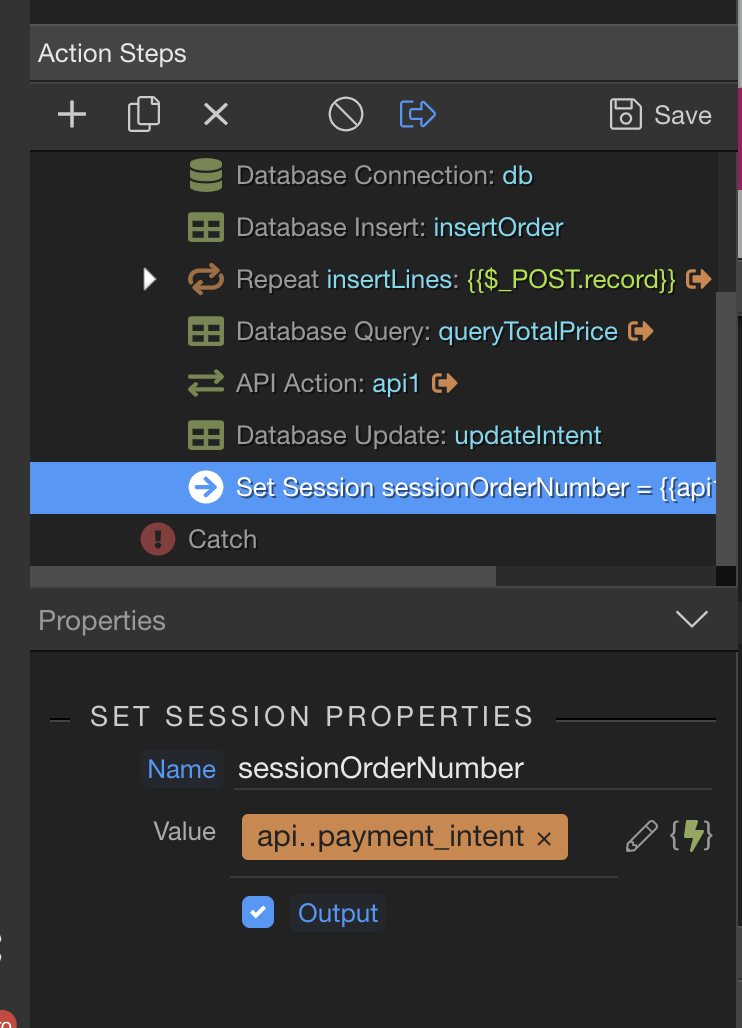
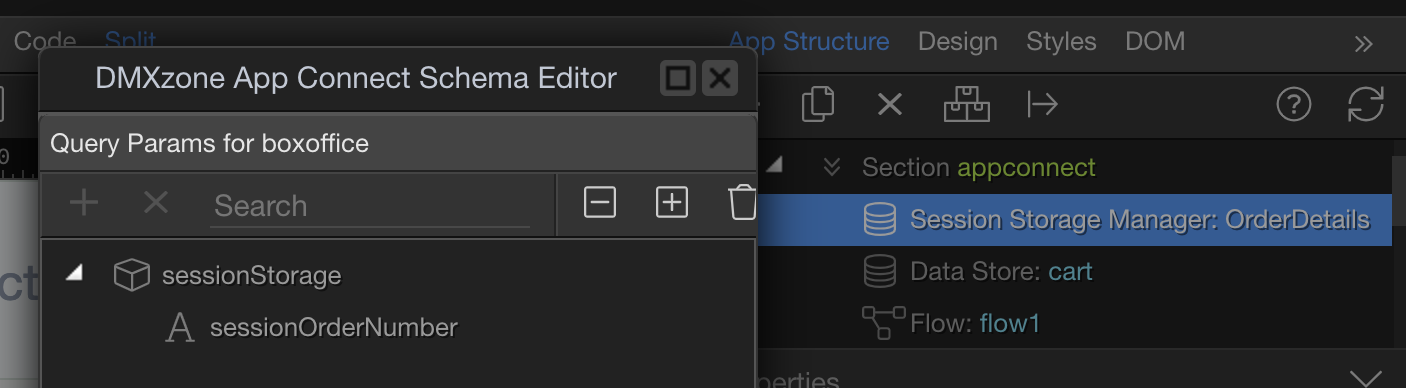
Logically I think this should work. I added a set session step to my action. If I understand correctly this should create a session variable with the value if whatever the payment intent is. I should them be able to use that session variable to filter and display the order details on my success page. But for some reason it doesn’t seem to be creating the session. Am I doing something wrong or not understanding how set session works?
Personally I’d create a new action file with a single db query filtered by the payment_intent and use that to display the order details, that way it can be used across sessions and on different pages.
Brad, server sessions and browser sessions are two completely different things.
Please do not confuse browser sessions, created using session manager component with the serverside sessions.
What do you want to do on your page exactly?
Server sessions are meant to be used on the server side so they are available under the global $_SESSION variables.
What I want to do is pretty simple, or at least it should be. All I want to do is create a browser session value based on the Stripe payment_intent value so i can use that as a filter to show the order details on my success page and ultimately create a link to order details in an email.
I just need to somehow pass that payment_intent value to my pages and all will be fine
Could even be a URL Parameter for all that matters.
Could you not just filter by the order ID instead? Then you can set this as your payment success URL in the stripe action and then use a url parameter on page to filter the data after checkout.
That might work, need to wrap my head around it. Wouldn’t that leave a security hole where users can simply type in a different number close to thiers in the address bar? Thats why I was hoping to use the payment intent as it is very random.
Hi @brad. I’ve quickly skimmed this thread so forgive me if I’m not helping.
You should set up an endpoint (webhook) in Stripe. Basically, create a new Server Connect script and get the URL to that script and paste it into your Stripe settings. Stripe will then send the result of the payment to that script where you can process it, update your data to record it as paid and also send out the email receipt.
So you don’t need to get involved with session variables or anything. Stripe will send the details of the payment which should match the record in your orders table when it was created before sending the customer to Stripe to make the actual payment.
I have an endpoint set up that updates my database and marks it as paid in my database. Line items do not show up in my Stripe Dashboard or customer receipt. Only shows as Tickets with a qty of 1 as that is set up in my Stripe API. Can't figure out a way to send each line item to stripe. Just the total.
If I could do that and it sends the user a email receipt with the line items I would not worry about displaying it on my success page. But can't get the user an email with order details.
So if you already have that working then you should be able to add a query to your endpoint script which returns all the lines in the order (order_details or something like that?) which can then be used inside the email to the customer.
After the endpoint updates the data record, do a query of the order details tables where order_id = the ID which you already know. Do another query to get the customer details (you just need their email address). Add a Send Email action and build the body of that email to contain everything you want to give them of the order. See this thread for more details on that here: