Wappler Version : 4.6.2
Operating System : Mac (M1)
Server Model: NodeJS
Database Type: Maria
Hosting Type: Docker
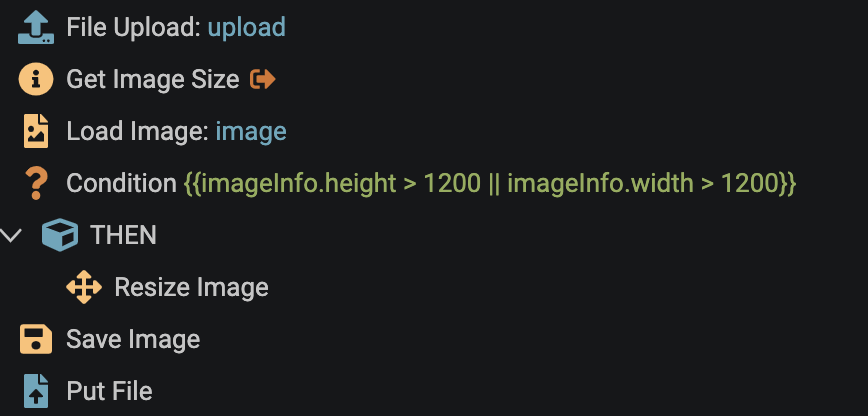
I have a server API that includes image resizing - all saved. It works when published to a remote target but when using the local Development environment, it produces a Sharp Module Not Found error. It seems like the local dev environment isn’t installing the sharp dependency automatically.
@george I think this might be to do with project switching and local Development environments and Argon now has joined the problem for me. I just switched between 2 NodeJS projects. One uses Argon (the one I was working on) and the other doesn’t (the one I switched to).
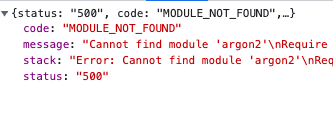
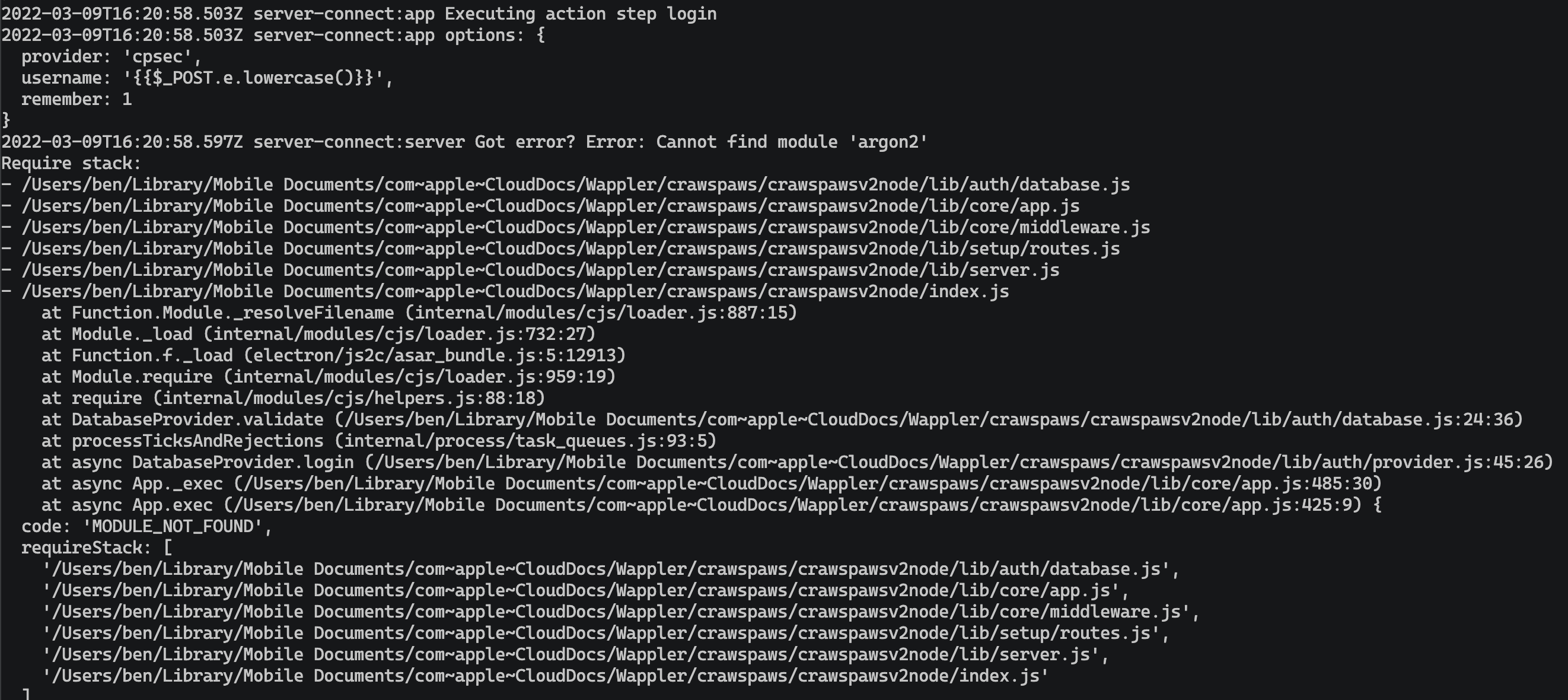
When I returned to the original project, I started getting errors telling me that Argon cannot be found:
I have been working on this project for several days and it has had no problems until this switch. It has a ‘Use PW hash’ checked Security Provider which I have tried unchecking, saving, rechecking and saving again. Is there something that clears out unused modules when switching and they’re not reinstalled again?
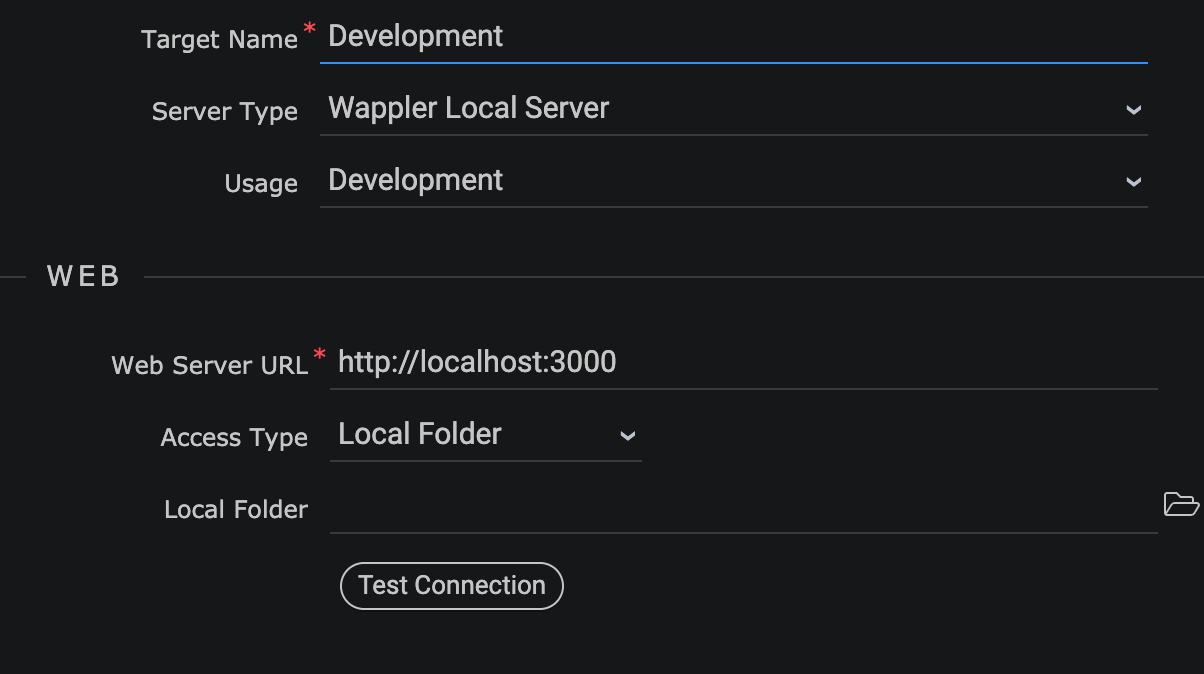
It currently means I have a load of projects I can’t work on in a local Development environment because restarting Wappler, even restarting the computer doesn’t solve it.
@george, @Teodor, @patrick
How can I resolve this? It is slowing me down immensely as I cannot use my local Development environment at the moment because I can’t log in. It means having to publish to a remote target to test any change that is made