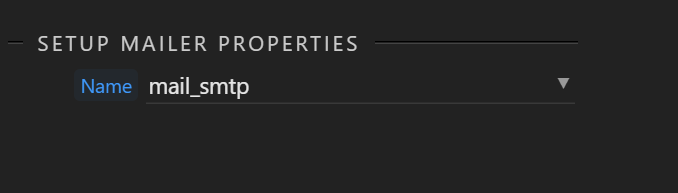
I’ve taken a brake for a few weeks and now coming back to a project where my old (pre-global settings introduction) mail setup doesn’t show options:
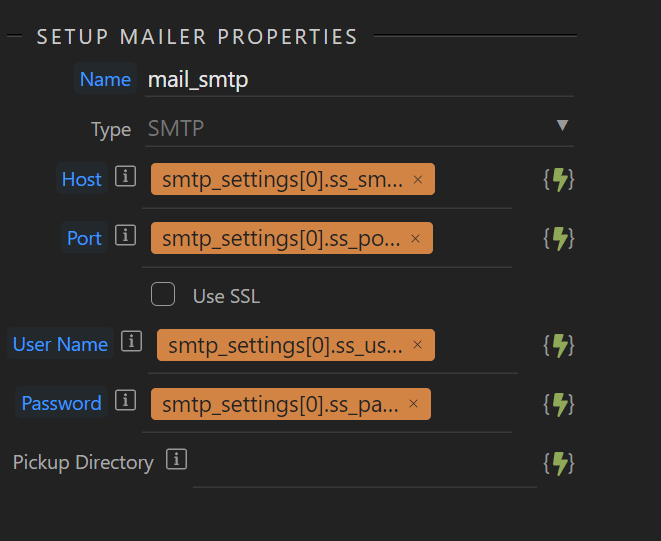
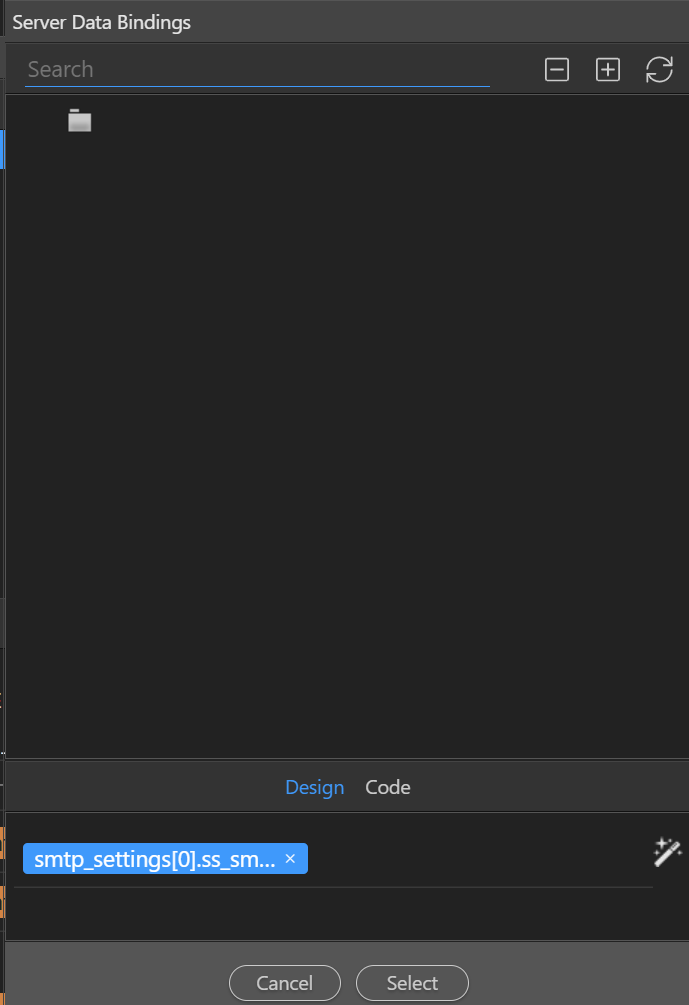
After doing some research, I see I need to go to the global settings and edit there, which I do, and I find my old dependencies to database calls that I need to alter, but when I do, I don’t find any ‘global’ datasources and the logic that I had where I queried the database first to find the smtp properties and then apply it to the mail step, is completely broken:
Seems to me that you’ve both found a significant bug, but also, I’m wondering if doing a query and then performing settings can even be done (efficiently) in this new Globals world. Here’s what I mean:
First the bug – I can confirm we cannot select any global bindings from within the setup mail action. I tried adding a query action to the Globals steps, but that doesn’t show up. Would you mind creating a bug report?
But then we have to ask ourselves, do we really want that query to run on every single API call – of course not ( which is why you did this within a server action before).
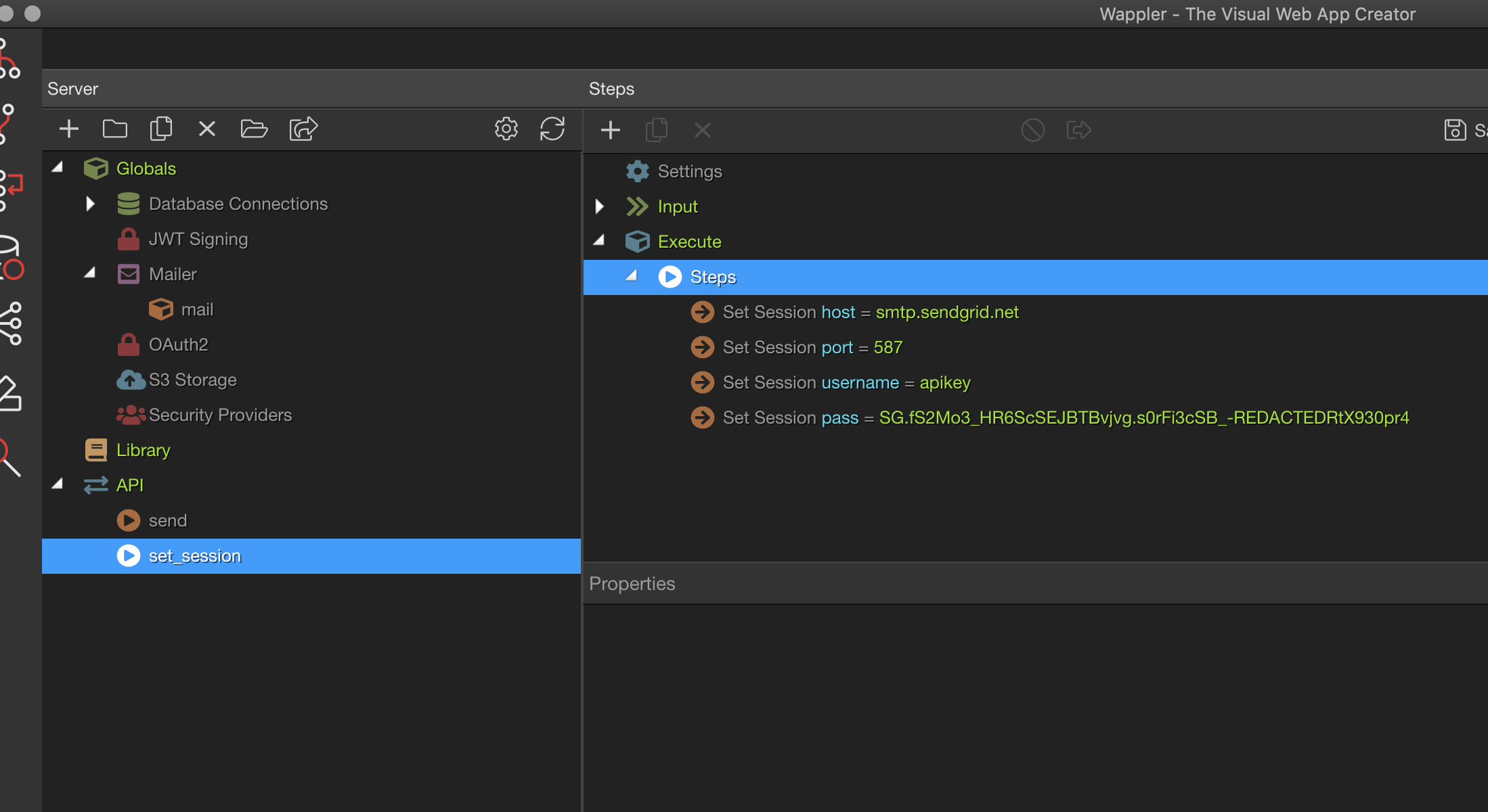
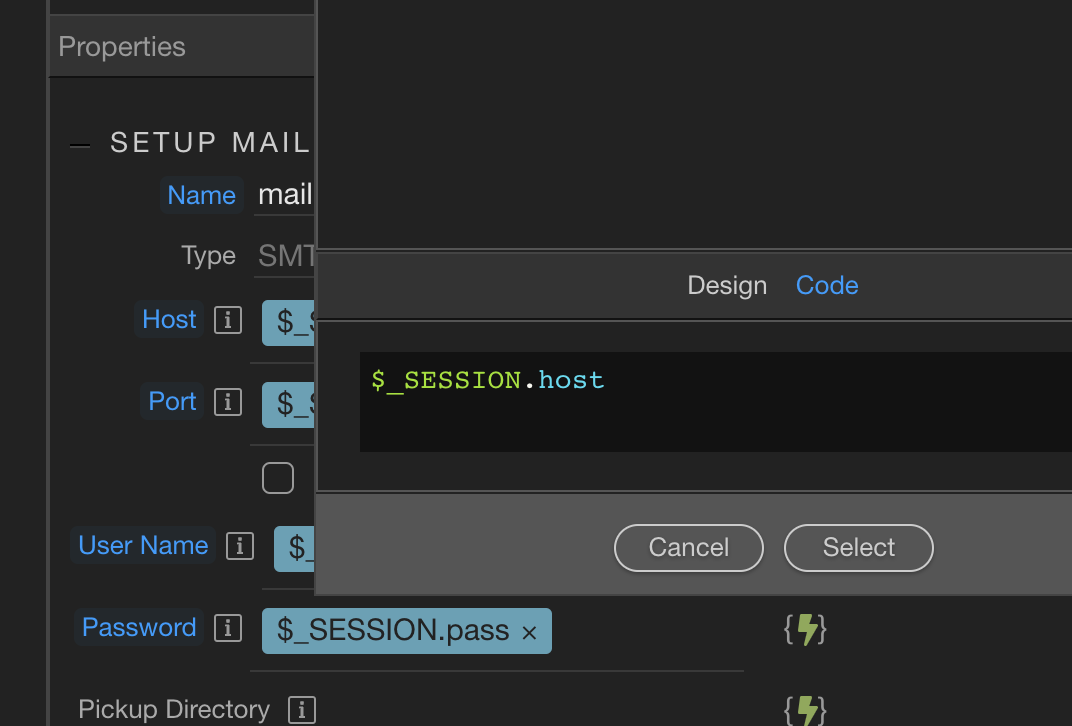
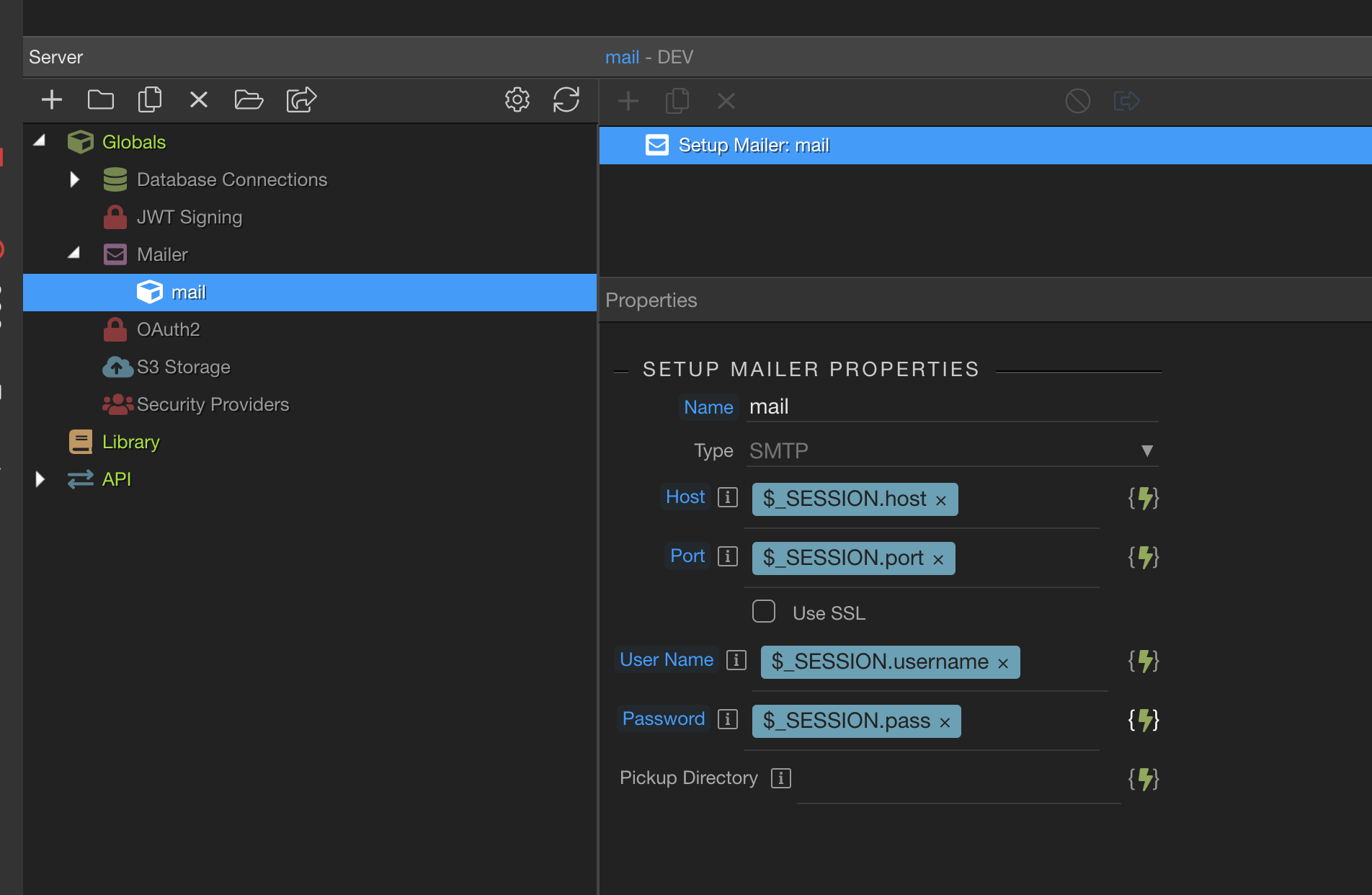
So I think to myself, let’s try a session variable, and this indeed does work…however you will have to manually enter in the session variables due to the bug.
So you would set the session variables once when the session is created – mine doesn’t show a db query, but it could just as easily be done that way:
This is a huge regression, especially if, like in the current project I’m working on, the host, sport, etc… are in the database, it’s a lot of extra work. Thanks for the pointers Ken @mebeingken - I’ll create a bug report tomorrow, I’m currently unavailable for the rest of the day.
Agreed, this scenario may have been missed. Hopefully, I'm just wrong and there is an easier way. I'm sure it can be resolved, but I know that doesn't help you today.
This does look like a missed functionality with Globals.
Adding on to @mebeingken’s solution, you can also make use of library to make your life a bit easier. I am assuming the session logic works here.
Create a library server action with the query that gets you smtp details.
Set $_param in input to be the variables you use in query’s conditons.
Next, add the add session steps after query for session variables which you need in Global mail setup.
In your existing server action, add the library as EXEC step where you have the query.
Pass required values in exec params.
Email setup should work dynamically now.
With the exec step, you SA looks pretty much the same. So I suppose its a good workaround or could even be a solution under the Globals setup.